Best tools for small businesses to integrate apps in 2026: 8 Compared

- Our top choice for most readers is Zapier, which balances coverage, ease of use, and clear pricing for best tools for small businesses to integrate apps.
- Make is a strong alternative when small businesses that want visual automation flows matters more than a single all round option.
- Prices and free plans vary widely across this list, so check the vendor website for the current plan that fits your budget.
- We compared official feature pages, pricing, app-store listings, privacy policies, and public reviews for every option below.
Quick comparison
| Product | Ideal for | Price from | Free version | |
|---|---|---|---|---|
 Zapier | small businesses automating app connections quickly | Free | Yes | Visit |
 Make | small businesses that want visual automation flows | Free | Yes | Visit |
 IFTTT | simple automations between consumer apps | Free | Yes | Visit |
 Pipedream | technical teams building custom integrations | Free | Yes | Visit |
 Workato | growing businesses needing stronger integrations | See website | No | Visit |
 Tray.io | businesses automating across many systems | See website | No | Visit |
 Microsoft Power Automate | Microsoft 365 businesses automating workflows | Free | Yes | Visit |
 n8n | technical teams who want self hosted automation | Free | Yes | Visit |
The best tools for small businesses to integrate apps
Small businesses rarely need enterprise integration platforms, so we compared ease of setup, app coverage, pricing, and how clearly each tool handles errors when an automation fails. We compared official feature pages, pricing, app-store listings, privacy policies, and public reviews to build this list, and we focused on options that work in October 2026.
Zapier
Ideal for: small businesses automating app connections quickly
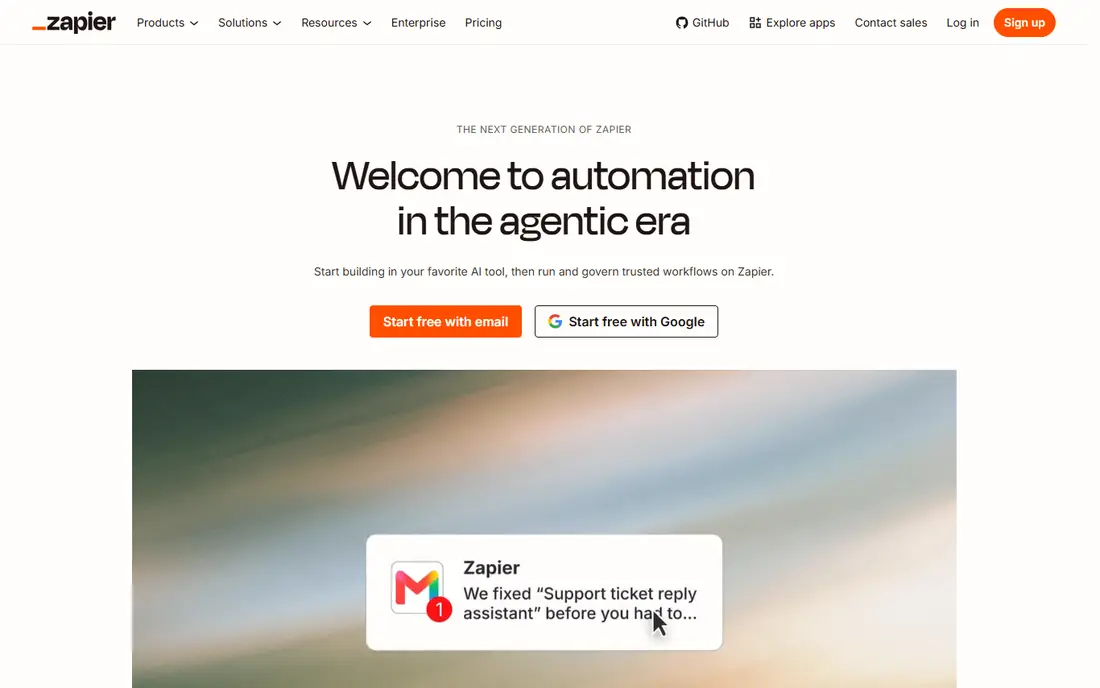
Zapier fits small businesses automating app connections quickly. Zapier is the easiest starting point for small business automation, with thousands of app connections and ready templates. The starting price is free, and a free plan is available. Task based pricing means busy automations can get costly, so monitor task usage monthly.
What stood out in our comparison was very wide app coverage. The honest catch is costs rise with task volume. Support and setup matter here too, so check help pages and onboarding before you commit to a paid plan.
If small businesses automating app connections quickly is your main need, Zapier deserves a close look, but check complex logic needs higher plans before you commit. We also weighed how clearly Zapier explains its pricing and privacy terms, since vague terms often hide extra costs. Our pick for most readers in this group is the option that balances price, coverage, and ease of use.
- Very wide app coverage
- Easy automation builder
- Templates
- Costs rise with task volume
- Complex logic needs higher plans
Make
Ideal for: small businesses that want visual automation flows

Make fits small businesses that want visual automation flows. Make gives small businesses a visual builder with flexible logic at a competitive price. The starting price is free, and a free plan is available. Its interface takes longer to learn than Zapier, but the flexibility pays off for multi step workflows.
What stood out in our comparison was visual workflow builder. The honest catch is learning curve is steeper than Zapier. Integration with tools you already use can matter as much as the headline feature, so confirm that link early.
If small businesses that want visual automation flows is your main need, Make deserves a close look, but check interface is technical before you commit. We also weighed how clearly Make explains its pricing and privacy terms, since vague terms often hide extra costs. We would shortlist this one beside the category leader and compare them on a real trial.
- Visual workflow builder
- Flexible logic
- Generous free tier
- Learning curve is steeper than Zapier
- Interface is technical
IFTTT
Ideal for: simple automations between consumer apps
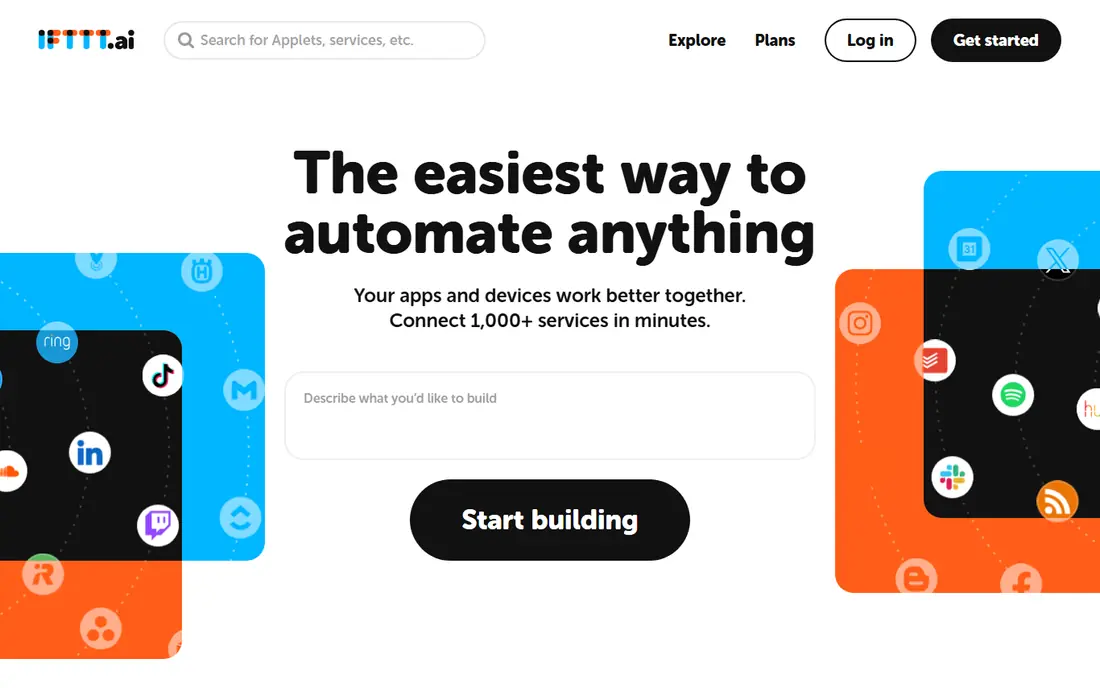
IFTTT fits simple automations between consumer apps. IFTTT suits simple automations, such as saving email attachments or posting alerts, with minimal setup. The starting price is free, and a free plan is available. Businesses with multi step logic will outgrow it quickly and should look at Zapier or Make.
What stood out in our comparison was simple applets. The honest catch is limited for complex business logic. Privacy terms deserve a read as well, especially where personal or payment data is involved.
If simple automations between consumer apps is your main need, IFTTT deserves a close look, but check free tier limits applets before you commit. We also weighed how clearly IFTTT explains its pricing and privacy terms, since vague terms often hide extra costs. This is a solid second choice when the leading option does not cover your area or budget.
- Simple applets
- Wide consumer app support
- Easy setup
- Limited for complex business logic
- Free tier limits applets
Pipedream
Ideal for: technical teams building custom integrations
Pipedream fits technical teams building custom integrations. Pipedream suits technical small teams who want to write code inside workflows and connect APIs directly. The starting price is free, and a free plan is available. Non technical owners will find it harder than Zapier or Make, so match the tool to your team's skills.
What stood out in our comparison was code friendly workflows. The honest catch is needs coding skill. Trial periods and free tiers are worth using first, since a short test often reveals more than a feature list.
If technical teams building custom integrations is your main need, Pipedream deserves a close look, but check less friendly for non technical users before you commit. We also weighed how clearly Pipedream explains its pricing and privacy terms, since vague terms often hide extra costs. It earns a place here on the strength of its core feature, even though it is not the best all rounder.
- Code friendly workflows
- Many integrations
- Developer tools
- Needs coding skill
- Less friendly for non technical users
Workato
Ideal for: growing businesses needing stronger integrations
Workato fits growing businesses needing stronger integrations. Workato offers stronger governance and integration depth for growing businesses. The starting price is shown on the vendor website, and there is no free plan. Its pricing and setup suit larger firms more than a tiny business with one or two automations.
What stood out in our comparison was strong enterprise style integrations. The honest catch is pricing suits larger firms. Long term cost matters as much as the starting price, so check what happens when you add users or usage.
If growing businesses needing stronger integrations is your main need, Workato deserves a close look, but check setup complexity before you commit. We also weighed how clearly Workato explains its pricing and privacy terms, since vague terms often hide extra costs. We kept it in the list because it serves a specific need better than more general rivals.
- Strong enterprise style integrations
- Recipes
- Governance tools
- Pricing suits larger firms
- Setup complexity
Tray.io
Ideal for: businesses automating across many systems
Tray.io fits businesses automating across many systems. Tray.io, now Tray.ai, provides visual automation across many business systems. The starting price is shown on the vendor website, and there is no free plan. Quote based pricing and complexity mean small firms should trial it carefully against simpler rivals.
What stood out in our comparison was visual automation. The honest catch is pricing is quote based. Customer reviews can highlight recurring problems, so look for patterns rather than single complaints.
If businesses automating across many systems is your main need, Tray.io deserves a close look, but check learning curve before you commit. We also weighed how clearly Tray.io explains its pricing and privacy terms, since vague terms often hide extra costs. It is worth a trial if its main strength matches the problem you are trying to solve.
- Visual automation
- Broad connectors
- Enterprise features
- Pricing is quote based
- Learning curve
Microsoft Power Automate
Ideal for: Microsoft 365 businesses automating workflows
Microsoft Power Automate fits Microsoft 365 businesses automating workflows. Power Automate is a natural pick for Microsoft 365 businesses, since flows can start from Outlook, Teams, and SharePoint. The starting price is free, and a free plan is available. Outside the Microsoft ecosystem its advantage fades, so Google focused firms may prefer Zapier or Make.
What stood out in our comparison was Microsoft 365 integration. The honest catch is best inside Microsoft ecosystem. Ease of use for everyone on your team counts, since a tool only one person understands will not stick.
If Microsoft 365 businesses automating workflows is your main need, Microsoft Power Automate deserves a close look, but check licensing can confuse before you commit. We also weighed how clearly Microsoft Power Automate explains its pricing and privacy terms, since vague terms often hide extra costs. We would test it for a week on a real task before moving a whole team or household to it.
- Microsoft 365 integration
- Templates
- Desktop automation
- Best inside Microsoft ecosystem
- Licensing can confuse
n8n
Ideal for: technical teams who want self hosted automation
n8n fits technical teams who want self hosted automation. n8n appeals to technical teams who want to self host automation and control their data. The starting price is free, and a free plan is available. Self hosting adds maintenance work, so factor in updates and backups before choosing it.
What stood out in our comparison was self hosting option. The honest catch is self hosting needs technical care. Check update frequency and support responsiveness, because neglected apps fall behind quickly.
If technical teams who want self hosted automation is your main need, n8n deserves a close look, but check smaller template library before you commit. We also weighed how clearly n8n explains its pricing and privacy terms, since vague terms often hide extra costs. It stands out for value rather than breadth, which suits buyers with a clear single need.
- Self hosting option
- Visual workflows
- Fair code model
- Self hosting needs technical care
- Smaller template library
How we picked these
We started from the topic itself and shortlisted products that genuinely fit it, rather than adding well known names that only partly match. For each candidate we checked its official feature pages and pricing, looked at its app-store listing where one exists, and read its privacy terms and public reviews for recurring problems. Products that were discontinued, region locked for the stated market, or impossible to verify were left out. We then ranked the list by fit for the stated need, breadth of coverage, clarity of pricing, and ease of use for ordinary readers. No product paid for a place on this list, and our pick for most people is the one that balances those factors best, not the one with the longest feature list.
How to choose an integration tool for a small business
Use the points below as a checklist before you sign up, since the right choice depends on your budget, your device, and how often you will actually use the service.
Start with one painful manual task, such as copying orders into accounting, and automate that before building a large system.
Check that your exact apps are supported, since a long app list does not guarantee your tools connect well.
Test what happens when an automation fails, because silent failures can lose orders or messages.
Frequently asked questions
What is the best option for best tools for small businesses to integrate apps?
For most readers, Zapier is a strong starting point because it covers small businesses automating app connections quickly well and its pricing is clear. That said, the best choice depends on your budget, your location, and how often you will use it. Shortlist two or three options from this list and test them before you commit.
Are there free options for best tools for small businesses to integrate apps?
Yes, several options in this list offer a free plan or a free tier, including Zapier where a free plan is listed. Free plans usually limit features, storage, or usage, so check those limits against your needs. If you use the service daily, a paid plan often works out better than juggling free limits.
How much do these options cost?
Costs vary widely, and several vendors list pricing only on their own websites, so we mark those as See website in the comparison table. Compare the total monthly cost, including extra users, add ons, and transaction fees, rather than the headline price alone. A free trial is a good way to test value before paying.
How do I choose between the top options?
Start with the problem you need to solve, then check coverage for your area, device support, and pricing. Read the privacy terms if the service handles personal data, and look for recent public reviews that mention support quality. A short trial on a real task usually makes the choice clear.
Can I switch later if I pick the wrong one?
In most cases yes, though switching takes more effort when you have stored data, scheduled items, or a team using the service. Export your data before you cancel, and check whether the new service can import it. Keep your old account active until the new setup is working smoothly.