Best Tools for UI Design in 2026: 8 Tools Compared

- Figma is our pick for most UI teams because it combines design, prototyping and collaboration in the browser.
- Sketch suits Mac only teams that prefer a native app, while Adobe XD suits Creative Cloud users, though its future is less certain.
- Framer suits designers who want to publish real websites, and Penpot offers a free open source alternative.
- Free plans cover individual designers and small projects, while team libraries, advanced prototyping and handoff need paid plans.
- Choose a tool your developers can use for handoff, since a beautiful design that developers cannot inspect slows delivery.
Quick comparison
| Product | Ideal for | Price from | Free version | |
|---|---|---|---|---|
 Figma | Most UI teams | Free | Yes | Visit |
 Sketch | Mac designers | See website | Free trial | Visit |
 Adobe XD | Creative Cloud users | Free | Yes | Visit |
 Framer | Design to website | Free | Yes | Visit |
 Penpot | Free open source | Free | Yes | Visit |
 Axure RP | Complex prototyping | See website | Free trial | Visit |
 InVision | Prototyping and handoff | See website | No | Visit |
 Webflow | Design to live site | Free | Yes | Visit |
The best tools for UI design
UI design tools cover wireframing, visual design, prototyping, collaboration and developer handoff, and the best tool depends on your team, platform and workflow. We compared official feature pages, pricing and public reviews to find tools that still serve UI designers well in October 2026.
Figma
Ideal for: Most UI teams

Figma is the standard UI design tool for most teams, because it runs in the browser, lets multiple designers work on the same file in real time, and combines design, prototyping and developer handoff in one place. Components, variables, auto layout and a huge plugin library make it powerful for design systems, while FigJam adds whiteboarding for early ideas. Developers can inspect designs, copy code and export assets without a separate handoff tool.
Very large files can slow down, and team libraries, advanced variables and organisation features need paid plans, but the free Starter plan is generous for individuals and small projects. If you are starting a UI team or learning UI design, Figma is the safest choice, since most employers and clients already use it.
- Browser based collaboration
- Strong prototyping
- Large plugin and component library
- Performance on very large files
- Paid plans for team libraries
- Internet required for full features
Sketch
Ideal for: Mac designers
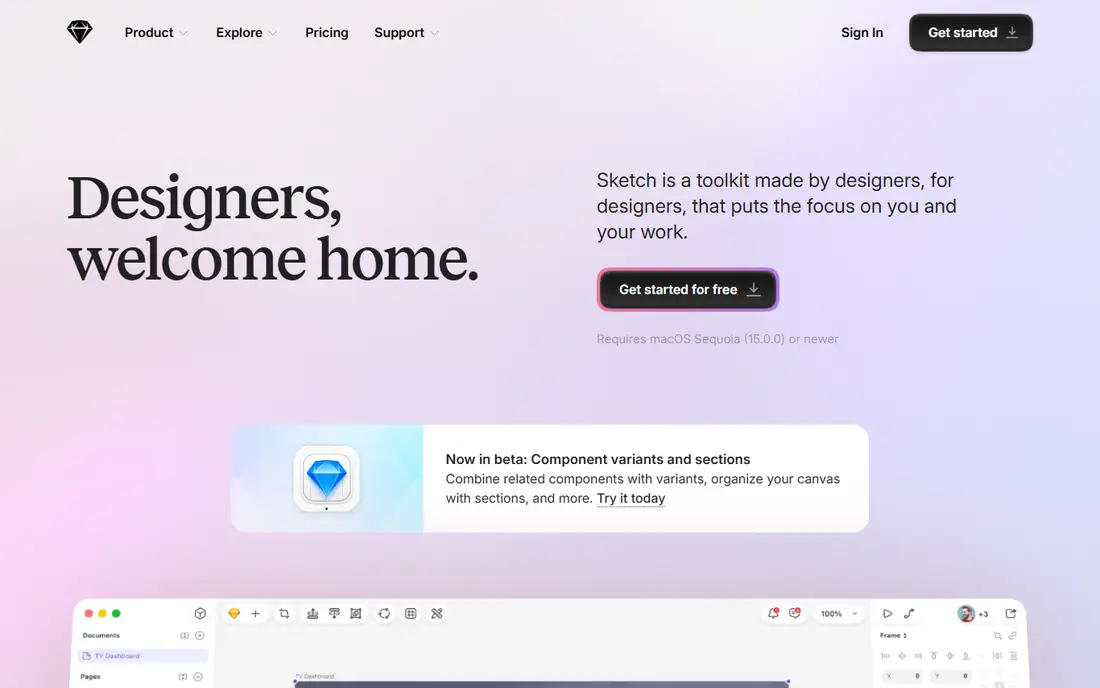
Sketch was the original modern UI design tool and remains popular with Mac only teams that prefer a native app over a browser tool. It is fast, focused and has a strong plugin ecosystem, with symbols, libraries and prototyping that cover most UI workflows. Sketch's workspace and cloud sharing have improved collaboration, though it still feels less real time than Figma.
Mac only is the main limit, since Windows and Linux designers cannot use it, and teams with mixed platforms should choose Figma instead. Sketch uses a subscription for updates, with a trial to test it, and it suits designers who value a native Mac experience over browser collaboration.
- Native Mac app
- Fast and focused
- Strong plugin ecosystem
- Mac only
- Collaboration less smooth than Figma
- Subscription for updates
Adobe XD
Ideal for: Creative Cloud users

Adobe XD offers UI design and prototyping with integration to Photoshop, Illustrator and Adobe Fonts, which suits Creative Cloud users who already pay for Adobe tools. Its prototyping, repeat grids and component states cover most UI workflows, and the free starter plan lets individuals try it without a subscription. For Adobe centred teams, XD can be a convenient choice.
Its future is less certain than Figma's, since Adobe's attempt to acquire Figma ended and XD development has slowed compared with Figma. The community, plugins and hiring pool are also smaller, so new teams should prefer Figma unless Adobe integration is essential to their workflow.
- Integrates with Adobe tools
- Good prototyping
- Free starter plan
- Future development uncertain after Adobe Figma deal ended
- Smaller community than Figma
Framer
Ideal for: Design to website
Framer lets designers create interactive designs and publish them as real, responsive websites without code, which suits marketing sites, landing pages and portfolios. Its interaction tools, animations and CMS features go beyond static mockups, so a design can become a live site in the same tool. That direct path from design to published site is Framer's main advantage.
Complex app design systems with many components are better handled in Figma, and custom domains and advanced features need paid plans. If your goal is a beautiful marketing website designed and published by a designer, Framer is excellent, but for app UI teams, Figma remains the better core tool.
- Designs publish as real websites
- Strong interactions
- Good for marketing sites
- Less suited to complex app design systems
- Paid plans for custom domains
- Learning curve
Penpot
Ideal for: Free open source
Penpot is a free, open source UI design tool that runs in the browser and can be self hosted, which appeals to teams that want Figma like collaboration without subscription costs or vendor lock in. It is SVG native, supports components, libraries and prototyping, and its open source model means the tool and your files are not tied to a single company's pricing.
The community and plugin library are smaller than Figma's, and prototyping is less advanced, so large teams with complex design systems may find Penpot limiting. For small teams, nonprofits, schools and open source projects, Penpot is a credible free alternative that keeps improving.
- Free and open source
- Browser based
- Self hosting option
- SVG native
- Smaller community and plugins than Figma
- Prototyping less advanced
- Newer tool
Axure RP
Ideal for: Complex prototyping
Axure RP is the most powerful prototyping tool on this list, with conditional logic, variables, data driven prototypes and detailed specifications that can simulate complex enterprise applications. UX teams use it to test workflows, forms and logic before development, which reduces costly changes later. That depth is unmatched by Figma or Sketch for complex interactions.
The learning curve is steep, the interface feels dated, and Axure is overkill for simple marketing pages or basic app screens. If you need to prototype complex logic, data and conditional flows for an enterprise product, Axure is worth learning, but for everyday UI design, Figma is faster.
- Powerful conditional logic and data
- Best for complex enterprise prototypes
- Detailed specifications
- Steeper learning curve
- Interface feels dated
- Overkill for simple UI design
InVision
Ideal for: Prototyping and handoff
InVision was once a leading prototyping tool, with Studio, Cloud and Freehand for whiteboarding and collaboration. Its prototyping and commenting tools still work for teams that use them, and Freehand is useful for early brainstorming and workshops. Some long term teams continue to use InVision for specific workflows.
Its role has shrunk as Figma absorbed design, prototyping and handoff into one tool, and InVision's free plan has ended, with product focus shifting over time. New teams should choose Figma, but existing InVision users with established workflows may keep it for prototyping alongside Figma for design.
- Prototyping and collaboration
- Freehand whiteboarding
- Design system tools
- Product focus shifted
- Free plan ended
- Smaller role than Figma today
Webflow
Ideal for: Design to live site
Webflow lets designers build responsive websites visually, with a CMS, animations, interactions and e-commerce, then publish them as live sites without writing code. That makes it powerful for marketing sites, portfolios and small business websites designed by a designer rather than a developer. Its free plan lets you design and publish on a Webflow subdomain.
The learning curve for advanced features is real, since Webflow's box model and interactions need understanding, and custom domains need paid plans. Webflow is not an app UI tool like Figma, so use Figma for app design and Webflow when the design itself must become a live website.
- Visual design publishes as real websites
- CMS and e-commerce
- No code needed for many sites
- Learning curve for advanced features
- Paid plans for custom domains
- Less suited to app UI
How we picked these
We compared official feature pages, pricing pages and public reviews, and we only included tools that still offer UI design or prototyping in October 2026. We favoured tools with clear free or trial options, strong collaboration and handoff, and a distinct strength, from general UI design to complex prototyping and design to website publishing.
How to choose a UI design tool
Start with your team and platform. Mixed platform teams should choose Figma, Mac only teams can consider Sketch, and Adobe centred teams can use XD, though Figma is still safer for hiring and collaboration. If your design must become a live website, evaluate Framer or Webflow alongside Figma, since they shorten the path from mockup to published site.
Check prototyping depth, component libraries, developer handoff and plugin support before committing, since those features decide daily speed. Test a real project, not just a demo file, including a design system, a prototype with interactions and a developer inspection, and confirm that the free or paid plan you choose covers team libraries and version history for your team size.
Frequently asked questions
What is the best UI design tool?
Figma is best for most UI teams because it combines design, prototyping, collaboration and handoff in the browser. Sketch suits Mac only teams, while Penpot is the best free open source alternative.
Is Figma free?
Yes, Figma has a free Starter plan for individuals and small projects, with paid plans for team libraries, advanced features and organisation controls. Most individual designers can start free.
Is Adobe XD still worth using?
Adobe XD still works for UI design and prototyping, especially for Creative Cloud users, but its future development is less certain than Figma's and its community is smaller. New teams should prefer Figma.
What is the difference between Figma and Webflow?
Figma designs app and website interfaces, while Webflow turns visual designs into live, responsive websites with a CMS. Use Figma for app UI and Webflow when a design must become a published website.
Can I use a free UI design tool professionally?
Yes, Figma free and Penpot free are both usable professionally for small projects, though team libraries and advanced features need paid plans. Many freelancers start free and upgrade as client work grows.