Best Tools for Virtual Tutoring in 2026: 8 Options Compared

- 1
 Zoomlive lessons where you want video, chat and a whiteboard in one placeVisit
- 2
 Google Meettutors whose students and parents already have Google accountsVisit
- 3
 Wherebytutors who want a permanent room link for each studentVisit
- 4
 Miroplanning lessons and brainstorming visually with older studentsVisit
- 5
 Calendlyletting parents book and pay without email back-and-forthVisit
- You can run a full virtual tutoring setup for $0: Zoom Basic, Google Meet, Desmos and Kami's free plan all have free tiers, though Zoom's free plan caps group meetings at 40 minutes.
- Whereby Pro costs $10.99 per host per month billed monthly and removes the meeting time limit, which makes it the cheapest paid video room on this list.
- Miro's free plan keeps only 3 boards editable at once, so tutors with many students will hit the limit quickly.
- GeoGebra says its apps are free for non-commercial use and that commercial use needs a separate licence, so paid tutors should read the terms before relying on it.
- Calendly's Standard plan ($10 per seat per month with yearly billing) is the entry point for collecting payments at booking.
Quick comparison
| Product | Ideal for | Price from | Free version | |
|---|---|---|---|---|
| Zoom | live lessons where you want video, chat and a whiteboard in one place | Free | Yes | Visit |
| Google Meet | tutors whose students and parents already have Google accounts | Free | Yes | Visit |
| Whereby | tutors who want a permanent room link for each student | Free | Yes | Visit |
| Miro | planning lessons and brainstorming visually with older students | Free | Yes | Visit |
| Calendly | letting parents book and pay without email back-and-forth | Free | Yes | Visit |
 Kami | marking up PDFs and worksheets together with a student | Free | Yes | Visit |
 Desmos | math tutors who need graphs and calculators students can open instantly | Free | Yes | Visit |
 GeoGebra | geometry, algebra and 3D visualization for middle and high school students | Free (non-commercial use) | Yes | Visit |
The best tools for virtual tutoring
Virtual tutoring needs four things: a reliable video call, a place to write and draw, a way to share worksheets, and an easy way to book sessions. No single product covers all of them well, so most tutors pair two or three.
We start with video, then move to boards and documents, then scheduling and subject tools. Prices are in US dollars and were taken from each vendor's own pages.
Zoom
Ideal for: live lessons where you want video, chat and a whiteboard in one place
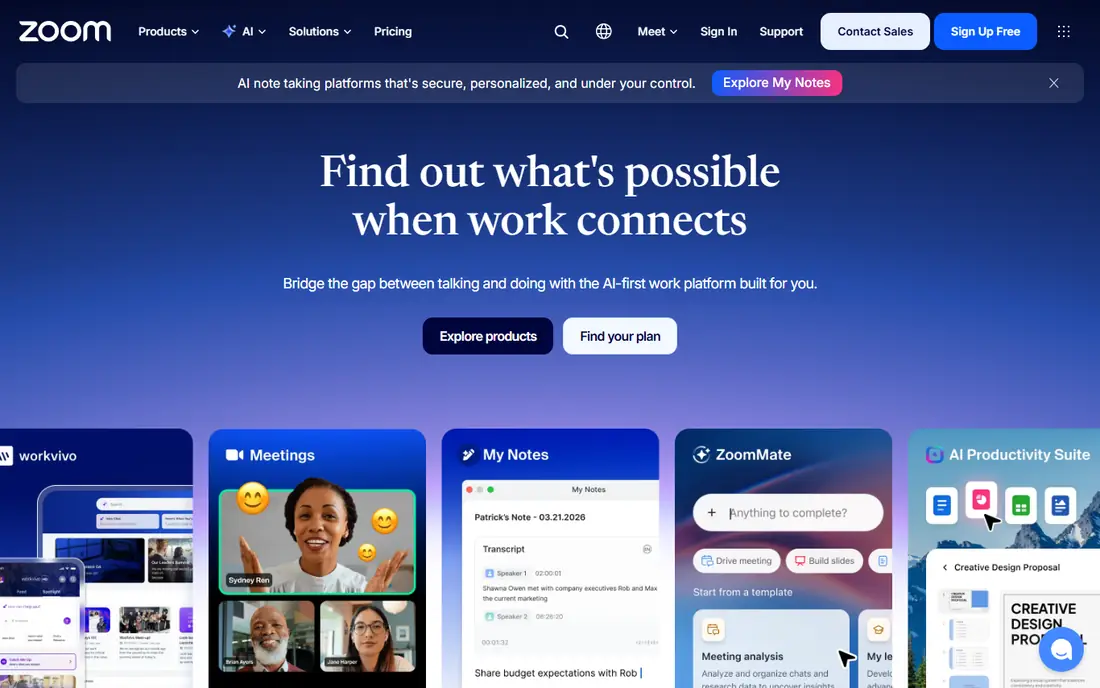
Zoom is the safe default. Its pricing page lists a free Basic plan with 100 participants and 40 minutes per meeting, plus three editable whiteboards, a personal booking page and limited AI note features. For a short check-in or a trial lesson, that is often enough, but 40 minutes can cut a full hour-long session short.
If you tutor back to back or run longer sessions, Pro raises the limit to 30 hours. The page lists it at $16.99 per user per month billed monthly, or $14.16 per user per month billed annually. Business costs $21.99 billed monthly or $18.33 billed annually, and its main difference for tutors is more participants and unlimited editable whiteboards.
The honest downside is cost for what you get. Many of Pro's added features are team and AI tools a solo tutor will not touch, so you are mostly paying to remove the time cap. If that is your only reason to upgrade, compare Whereby below.
- Free Basic plan includes 3 editable whiteboards
- Pro allows meetings up to 30 hours
- Widely known, so students rarely need help joining
- Basic limits group meetings to 40 minutes
- Pro is $16.99 per user per month billed monthly
Google Meet
Ideal for: tutors whose students and parents already have Google accounts

Meet is the easiest tool for families that live in Gmail and Google Calendar. Google's page says meetings on a personal account allow up to 100 participants, and group meetings are limited to 60 minutes. One-on-one calls and mobile calls have no time limit, which covers most tutoring sessions anyway.
Paid access comes through Google One Premium or Google Workspace. Google lists up to 1,000 participants, group calls up to 24 hours, recordings and transcripts, and 1080p video as paid features, along with breakout rooms for small-group work. The page did not show paid prices, so check the plan you would use before budgeting.
Meet does not give you a whiteboard on its own, at least not on the page we read. Most tutors pair it with a separate board, such as Miro or a shared document. That is a small cost for a tool most students already know how to open.
- Free with a personal Google account for up to 100 participants
- 1:1 calls have no time limit
- Live captions listed without a premium label
- Group meetings are capped at 60 minutes on the free tier
- Breakout rooms and recordings are premium
Whereby
Ideal for: tutors who want a permanent room link for each student
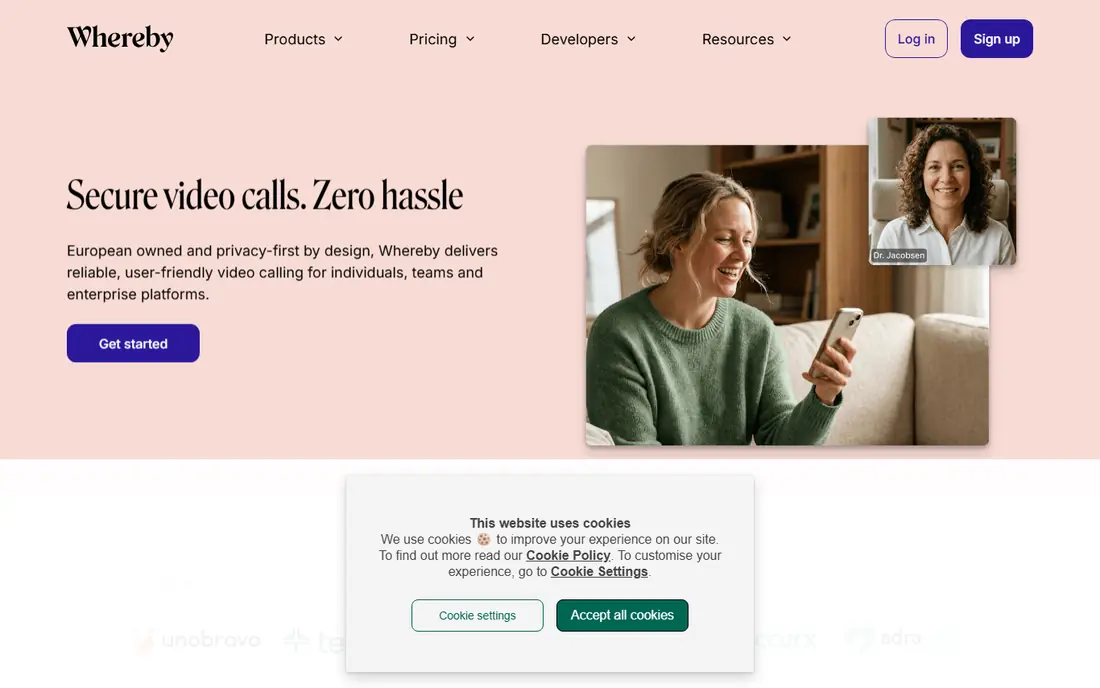
Whereby is built around rooms rather than scheduled meeting IDs. The pricing page for Meetings lists a free plan with one host, one room URL, up to four attendees per meeting and meetings up to 30 minutes. That works for a quick trial lesson but not for a full hour.
Pro is $10.99 per host per month billed monthly, with an annual discount of 17% listed. It includes three room URLs, 100 attendees, no meeting time limit and unlimited recording. A tutor could give each regular student their own link and keep the same address all term.
For a solo tutor, that price undercuts Zoom Pro by about six dollars a month. The trade-off is a smaller ecosystem, and we did not see a whiteboard on the pricing page, so plan to bring your own writing tool.
- Pro costs $10.99 per host per month billed monthly
- No meeting time limit on Pro
- Unlimited recording on Pro
- Free plan allows only 4 attendees and 30 minutes
- The pages we reached did not mention a built-in whiteboard
Miro
Ideal for: planning lessons and brainstorming visually with older students

Miro is an infinite online canvas. Its pricing page lists a free plan with up to three editable boards. You can create unlimited boards, but only the three most recent stay editable, so a tutor with eight students will need to archive or upgrade.
Starter costs $8 per member per month billed yearly, and Business costs $20 per member per month billed yearly with a 14-day free trial. Miro also says accredited educational institutions can get the Education Plan free for students and staff, which matters if you tutor through a school or district.
We would use Miro for essay planning, mind maps, test prep timelines and project-based sessions. For handwritten math, a pen-first tool like Kami or a Desmos graph is usually more comfortable.
- Free plan allows unlimited boards
- Starter is $8 per member per month billed yearly
- Education plan available for accredited institutions
- Only the 3 most recent boards stay editable on the free plan
- More of a planning canvas than a math writing pad
Calendly
Ideal for: letting parents book and pay without email back-and-forth
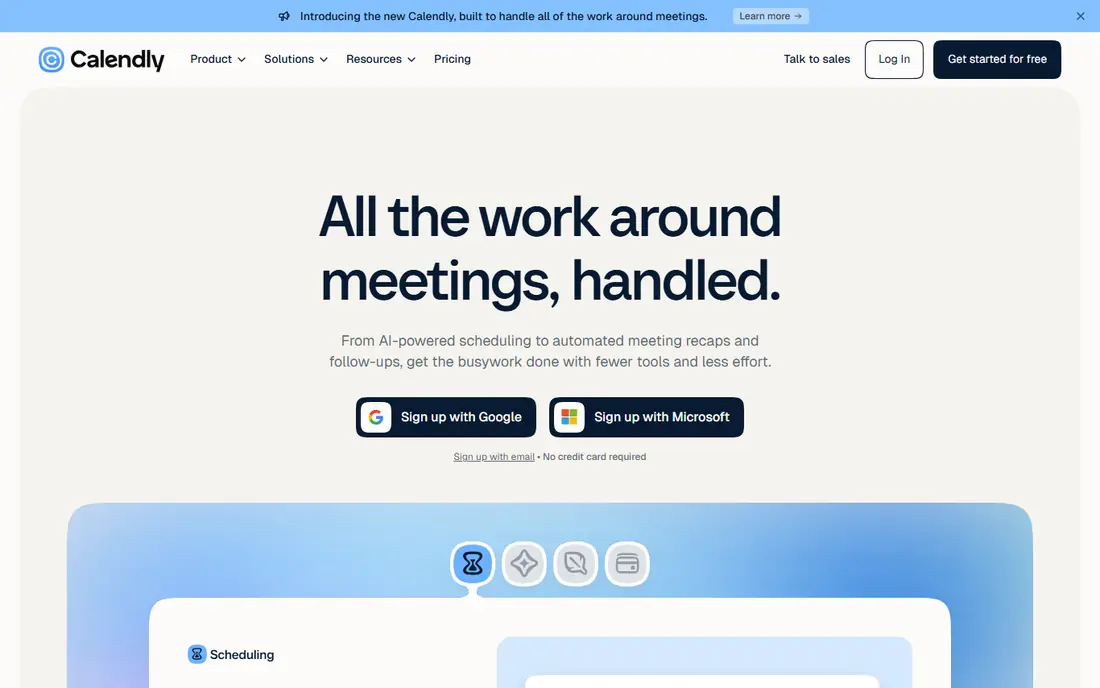
Calendly solves the scheduling problem, not the teaching one. The free plan includes one event type, one calendar connection, one-on-one scheduling and a booking page. That is enough to offer a single standard lesson slot.
Standard is $10 per seat per month shown with yearly billing, and adds unlimited event types, connections to up to six calendars and automated reminders. Calendly's page also lists Stripe and PayPal integration under Standard, so parents can pay when they book. Teams is $16 per seat per month, but a solo tutor does not need round-robin features.
Reminders reduce no-shows, which is the real payoff. The downside is that the page did not show the monthly-billing price in the text we read, so confirm it at checkout if you plan to pay month to month.
- Free plan includes a customizable booking page
- Standard adds unlimited event types and automated reminders
- Stripe and PayPal payments on Standard
- Free plan allows only one event type and one calendar connection
- Payments need a paid plan
Kami
Ideal for: marking up PDFs and worksheets together with a student

Kami is a document annotation tool. Its pricing page lists a free Basic plan with more than 10 essential tools, Google Drive and OneDrive integration, over 1,000 templates and unlimited collaborators. Annotation tools include drawing, highlighter, underline, shapes and strikethrough, and feedback options include text, voice and video comments.
The Teacher plan adds all 40+ tools and integrations with Google Classroom, Schoology, Canvas and Microsoft Teams. The page shows $149 with a toggle labeled "Save 40%" but does not say whether that is per month or per year, so look closely before you buy. New teacher accounts get a 30-day free trial. Workplace plans for non-teachers are listed separately.
This is a good fit for a tutor who works from school worksheets, test prep PDFs or reading passages. It pairs well with Zoom or Meet, since you can screen-share a document and mark it up together.
- Free Basic plan includes 10+ essential tools with unlimited collaborators
- Google Drive and OneDrive integration
- Teachers get a 30-day trial of the Teacher plan
- The Teacher plan price on its page ($149) does not state the billing period
- Many features sit behind paid plans
Desmos
Ideal for: math tutors who need graphs and calculators students can open instantly

Desmos describes itself as "beautiful free math," and its homepage backs that up with a set of browser-based tools: Graphing, Scientific, Four Function, Matrix, Geometry and 3D. A student can open the graphing calculator without much setup, which makes screen-sharing during a lesson easy.
The homepage also lists tests where Desmos tools are available, including the SAT suite, AP exams, ACT and PreACT online assessments, and NWEA MAP Growth. That is useful for test prep, because students can practice with the same tool they may see on exam day. Desmos Notebook, which combines tools into one notebook, is labeled beta.
The catch is scope. Desmos Classroom is now Amplify Classroom, so classroom activities live on a different site. For general tutoring across subjects, you will still need a video tool next to it.
- Free graphing, scientific, four-function, matrix, geometry and 3D tools
- Notebook combines tools in one place (beta)
- Used on tests such as the SAT suite and AP exams
- It is a math tool, not a video or scheduling product
- Desmos Classroom has moved to Amplify
GeoGebra
Ideal for: geometry, algebra and 3D visualization for middle and high school students

GeoGebra covers more math ground than Desmos, with Graphing, Geometry, a 3D Calculator, a Scientific Calculator, Notes and a combined Calculator Suite. Its page says the apps are available on all platforms and, after installing, the main math tools work offline, while sign-in and saving need internet.
The licence matters more here than for the others. GeoGebra's FAQ says its calculators, apps and resources are "free for non-commercial use," and that commercial use requires a separate licence. A tutor who charges fees should confirm in GeoGebra's terms where that line falls for them.
We would pick GeoGebra for geometry constructions and 3D work, where its dynamic tools shine. Its Classroom feature lets teachers track student progress in real time, but the page does not state a price for it.
- Graphing Calculator, Geometry, 3D Calculator, Scientific Calculator and Notes
- Available on all platforms with offline use after installing
- Classroom lets teachers track student progress
- Commercial use requires a separate licence
- Classroom pricing is not stated
How we picked these
We compared each vendor's official pricing pages, product pages and plan limits, and kept only tools that US tutors can use today. We did not run lessons with them, so we describe published features rather than personal results. Free plans, meeting caps and billing periods are stated as each vendor shows them, and where a page was unclear, such as Kami's Teacher plan, we say so. We looked for a mix of video, board, document, scheduling and subject tools so tutors can build a stack.
How to build your virtual tutoring setup
Most tutors do not need eight tools. Start with the one problem that costs you the most time.
Pick one video tool
Choose Zoom if you want a whiteboard and the most familiar interface. Choose Google Meet if your students use Google accounts. Choose Whereby if you want permanent room links and a lower paid price. All three have free plans with limits, so test a real lesson length before paying.
Add a writing surface
A video call without a place to write is hard to teach on. Zoom's whiteboards, Kami for documents and Desmos or GeoGebra for math all work well. If you tutor writing or study skills, Miro's canvas is a better fit.
Protect students
When you tutor minors, use a link only the family has, keep recordings within the platform's rules, and get a parent's agreement before recording a session. Check each tool's privacy policy if you plan to store student work.
Automate the boring parts
Scheduling and reminders save more time than any teaching feature. Calendly's paid plan adds payments at booking, which cuts down on invoicing.
Frequently asked questions
What is the best free tool for virtual tutoring?
For video, Zoom Basic and Google Meet are the strongest free options, though Zoom limits group meetings to 40 minutes and Meet to 60 minutes on the free tier. Pair either with Desmos or Kami, which are free for most tutoring uses.
Do I need a whiteboard to tutor online?
It helps for math, science and anything you would draw on paper. Zoom's free plan includes three editable whiteboards. Desmos and GeoGebra cover graphing, and Kami lets you mark up PDFs.
Can I use Zoom for one-on-one tutoring?
Yes. Zoom's pricing page lists a free Basic plan with 100 participants and 40 minutes per meeting. If your lessons run longer than that, Pro raises the limit to 30 hours.
What do I need to tutor online at home?
A computer or tablet, a stable internet connection, a headset and a quiet space. After that, a video tool and one writing surface are enough to begin.
How do I take payments for tutoring sessions?
Calendly's Standard plan lists Stripe and PayPal integration so parents can pay when they book. Verify the current fees with your payment provider.