For measuring employee phishing resilience, KnowBe4 Phishing Security Test is where this list starts. Listed starting prices: KnowBe4 Phishing Security Test from $5.30 per seat a month. If your case is different, Mimecast Email Security suits established email security suites and Abnormal Security suits behavioral AI across email and identity. The remaining 2 options are covered below with prices and limits.
This Ainotely guide covers 5 tools to detect AI-Powered Phishing scams. Each profile lists a starting price, free plan details, strengths and drawbacks, so you can drop poor fits quickly.
Key takeaways
Top of the list is KnowBe4 Phishing Security Test, which targets measuring employee phishing resilience.
KnowBe4 Phishing Security Test, Proofpoint Email Protection and the 3 others all need a premium plan or a trial, since no free plan is listed.
Starting prices begin at $5.30 per seat per month with KnowBe4 Phishing Security Test.
Before buying Abnormal Security, weigh this: wide scope may exceed narrow needs.
Think of KnowBe4 Phishing Security Test for measuring employee phishing resilience. Instead of filtering messages, it displays how employees respond to realistic lures, which is valuable as AI makes phishing messages more convincing.
Results also reflect the scenarios chosen, so design simulations carefully to get meaningful insight. As for the details, organizations expecting technical interception should pair it with an email security gateway or behavioral product. Price to start with KnowBe4 Phishing Security Test: $5.30 per seat per month. As for free access: Not stated.
Limits to weigh: Results rely on staff participation.
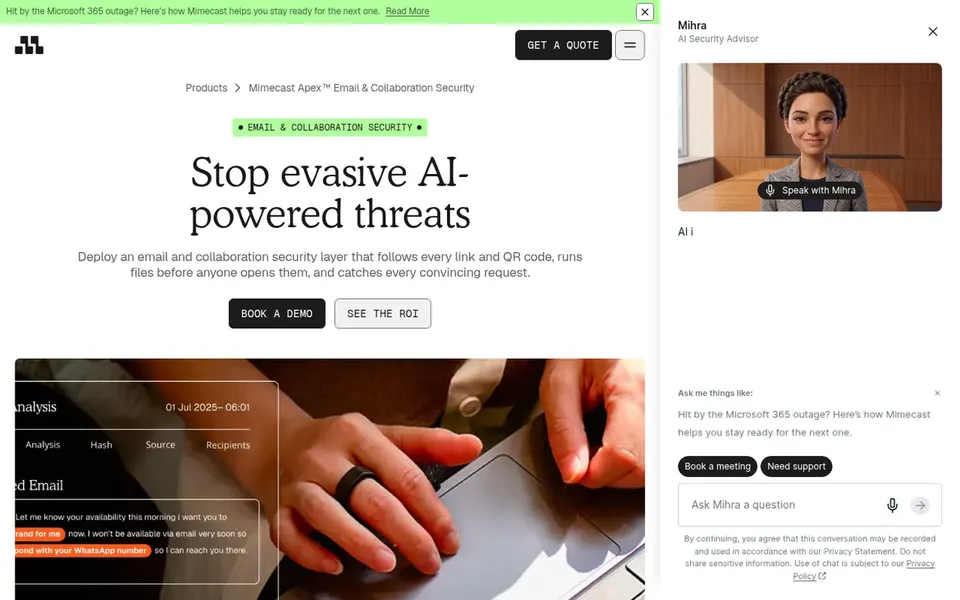
Mimecast Email Security was built for established email security suites. Since capabilities differ across the vendor's packages, the exact detection features rely on what you license, so confirm specifics before committing.
Honest limits: Feature details vary by package.
From a buyer's view, organizations wanting purely behavioral, identity-focused detection may prefer a system built around that model. Mimecast Email Security shows no starting price here, so confirm the cost on the vendor site. Free plan details: Not stated.
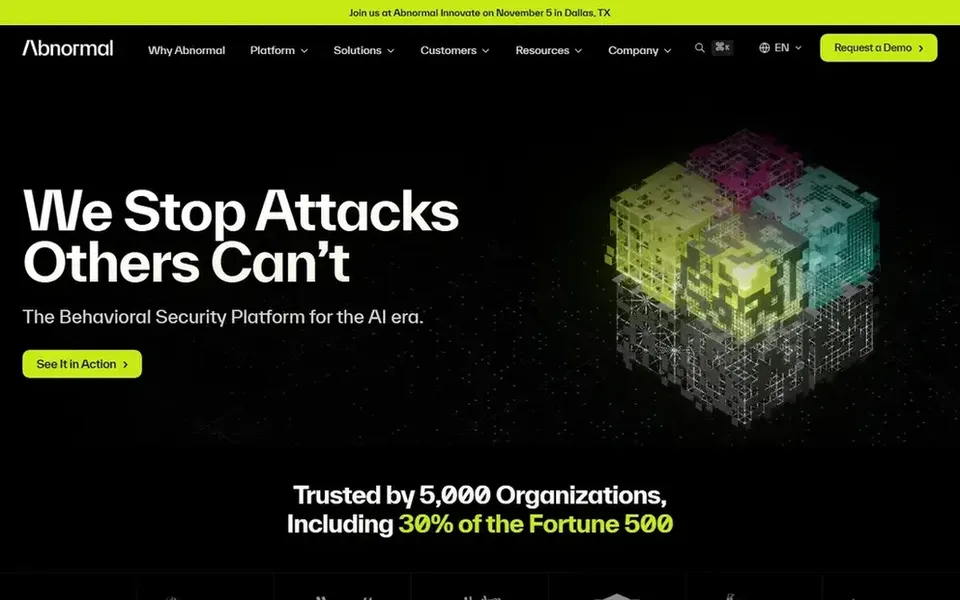
Where Abnormal Security fits: behavioral AI across email and identity. Abnormal Security describes itself as a behavioral AI security system that guards email, identity, and AI whereas also stopping insider threats. Instead of relying only on signatures, it models normal communication patterns and flags deviations that suggest compromise or impersonation.
Where it falls short: Broad scope may exceed narrow needs.
It is a reasonable fit for teams concerned that AI-crafted messages will look legitimate enough to pass rule-based filters. In practice, the behavioral approach relies on learning what normal looks like, so early coverage can be uneven whereas baselines form. Abnormal Security does not show a starting price in this comparison, so check the vendor site for current pricing. Free access: Not stated.
Best for: Straightforward phishing and malware defense
In short, Barracuda Email Protection is for straightforward phishing and malware defense. Barracuda Email Protection is an email security service built to prevent phishing, malware, and data breaches through advanced threat detection. It is targeted at firms that want a clear, focused layer of protection around their email without adopting a sprawling system.
Its emphasis is on message-level threats, so identity anomaly detection and insider risk are less central than in behavioral systems. Worth adding: teams wanting deep modeling of user behavior may need an additional tool. Barracuda Email Protection does not show a starting price in this comparison, so check the vendor site for current pricing. As for free access: Free trial.
Where it falls short: Less emphasis on identity behavior.
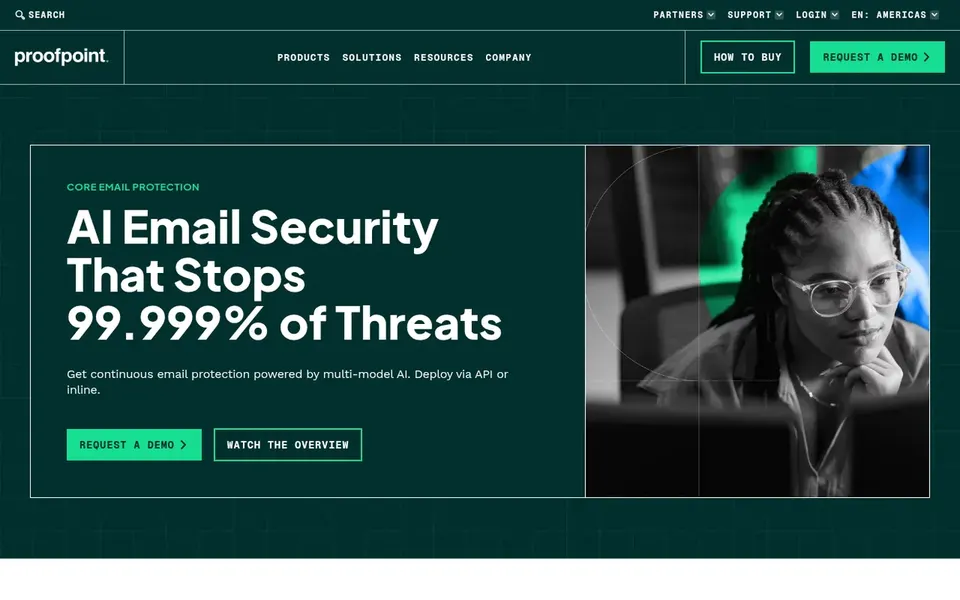
Proofpoint Email Protection serves Layering AI defense over existing email. Proofpoint Email Protection is an email security product that uses behavioral AI to stop phishing, business email compromise, and evasive attacks. It is positioned to catch threats that bypass the built-in defenses of Microsoft 365 and Google Workspace.
It can be deployed through an API or a secure email gateway, which makes it adaptable for organizations already running cloud email. Smaller teams without dedicated security resources may find the operational overhead heavier than expected. Since it is designed as an enterprise email layer, it assumes you already have a mail product and staff to tune policies. If your central need is measuring employee awareness instead of blocking messages, a phishing simulation tool is the better starting point. Proofpoint Email Protection shows no starting price here, so confirm the cost on the vendor site. On free options: Not stated.
Trade-offs to know: Aimed at organizations, not individuals.
Confirm the entry price on the vendor page. For Mimecast Email Security, Abnormal Security, Barracuda Email Protection and Proofpoint Email Protection that means a quote rather than a fixed price.
Use real work to test the free trial from Barracuda Email Protection, rather than a demo project.
Before choosing KnowBe4 Phishing Security Test, weigh its main limit: measures awareness, not message blocking.
Pick one real project and run it in Mimecast Email Security first; a small pilot shows fit faster than a checklist.
Map your must-have features to a specific KnowBe4 Phishing Security Test plan before you compare prices.
How we picked
Selection started from tools commonly considered for tools to detect AI-Powered Phishing scams, then narrowed to 5 that have clear pricing information or a clear quote process. Prices and plan limits come from vendor pages and can change, so confirm them on the vendor site before you buy. The ranking is editorial: typical fit first, then clear pricing, then free access. If your needs are unusual, read the profiles rather than relying on position.
Every price and plan detail on this page comes from the vendors’ own websites. We did not run hands-on tests unless the text says so, and we do not publish star ratings or review scores. See how we score and our disclosure.
Keep your shortlist in one place
Paste prices, trial dates and notes from this guide into Ainotely, our AI note app. It files them into a topic and pulls out tasks like “cancel trial by Friday”. Free 7-day trial, no card needed.
Is KnowBe4 Phishing Security Test the right pick for everyone comparing tools to detect AI-Powered Phishing scams?
No single tool suits every team. KnowBe4 Phishing Security Test comes first because it fits measuring employee phishing resilience, while Mimecast Email Security suits established email security suites and Abnormal Security suits behavioral AI across email and identity. Match the tool to your own size, budget and workflow before deciding.
Should I choose blocking tools or phishing simulations?
They solve different problems. Email security products like Proofpoint or Check Point block malicious messages, whereas KnowBe4 Phishing Security Test measures how staff respond.
Can I try these tools before paying?
Often, yes. Barracuda Email Protection offers a free trial. Use your own data and a real task during the test, and check what the free tier or trial limits before you rely on it. The 5 tool cards above repeat this per product for tools to detect AI-Powered Phishing Scams, with the listed price or "pricing on request".
Does any tool for tools to detect AI-Powered Phishing scams here have a free plan?
A permanent free plan is not offered by KnowBe4 Phishing Security Test, Proofpoint Email Protection or the other tools here. Barracuda Email Protection offer a trial. Plan a short evaluation period instead.
Do these tools publish their prices?
Not all of them. Mimecast Email Security, Abnormal Security, Barracuda Email Protection and Proofpoint Email Protection publish no starting price, so expect a quote request for those. The rest, KnowBe4 Phishing Security Test included, show a starting price, though seats and billing terms still change the final cost.
Can these tools replace built-in Microsoft 365 or Google Workspace protection?
Most are meant to add a layer on top of native email defenses instead of replace them outright. Proofpoint, for instance, explicitly targets attacks that bypass those built-in filters.