Best tools to find company decision makers in 2026: 8 Options Compared

- 1
 Apollosmall teams wanting prospecting plus outreachVisit
- 2
 ZoomInfoenterprises needing deep contact and intent dataVisit
- 3
 LinkedIn Sales Navigatorresearch and warm introductionsVisit
- 4
 RocketReachfinding emails and phones for named peopleVisit
- 5
 UpLeadverified emails with a data accuracy promiseVisit
- Apollo is the best value all-in-one for small teams, with a free tier and built-in outreach.
- ZoomInfo suits enterprises needing deep phone data, org charts and intent signals.
- LinkedIn Sales Navigator is best for research and warm paths, but gives no contact emails.
- Always verify emails before sending: bad data harms your sender reputation and wastes outreach.
Quick comparison
| Product | Ideal for | Price from | Free version | |
|---|---|---|---|---|
| Apollo | small teams wanting prospecting plus outreach | $49 per user per month | Yes | Visit |
| ZoomInfo | enterprises needing deep contact and intent data | See website | No | Visit |
| LinkedIn Sales Navigator | research and warm introductions | $119.99 per month | Free trial | Visit |
| RocketReach | finding emails and phones for named people | See website | Free trial | Visit |
| UpLead | verified emails with a data accuracy promise | $99 per month | Free trial | Visit |
 Clay | data enrichment and list building at scale | $167 per month | Yes | Visit |
 Lusha | quick contact lookup from LinkedIn | See website | Yes | Visit |
 Snov.io | budget prospecting with email verification | $39 per month | Free trial | Visit |
The best tools to find company decision makers
Here is our shortlist for best tools to find company decision makers, ordered from the most broadly useful picks to the more specialised ones. Every entry below is a real product you can sign up for or buy today, with pricing taken from the vendor site or app store listing where we could verify it.
Apollo
Ideal for: small teams wanting prospecting plus outreach
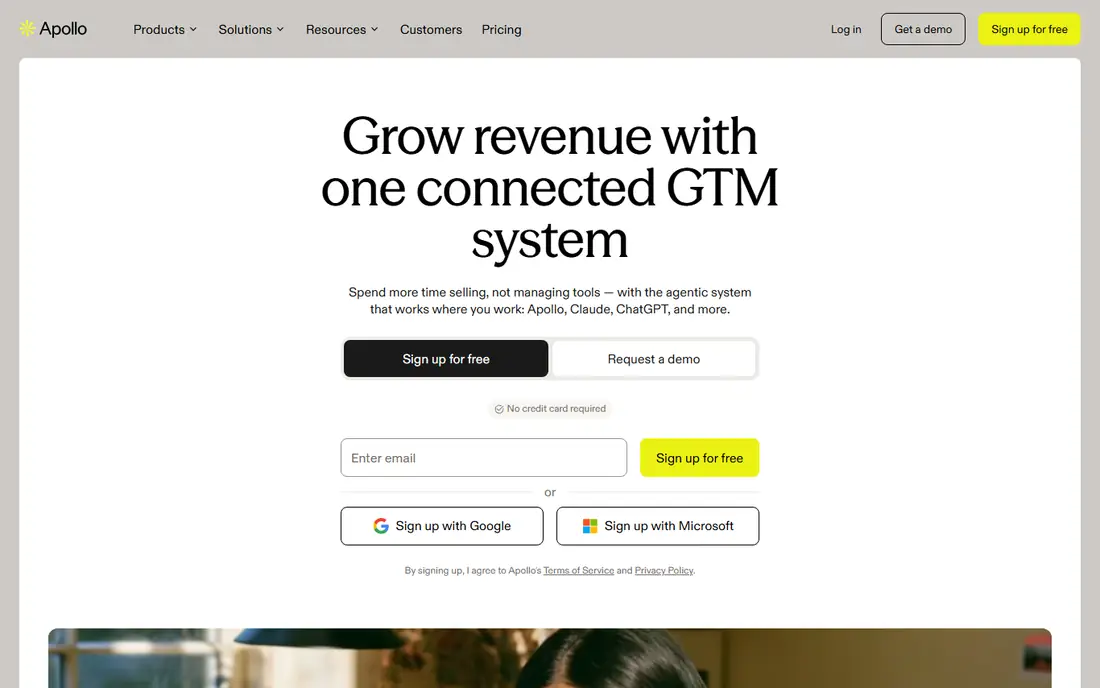
This one is aimed at small teams wanting prospecting plus outreach. Apollo combines a large B2B contact database with built-in email sequencing, so a small team can find a decision maker, verify the email and start a sequence without a second tool. Paid plans start at $49 per user a month billed annually, with a free tier to test.
Direct dial accuracy and org chart depth lag ZoomInfo, and credits expire monthly rather than rolling over. For lean teams on a budget, the all-in-one value is hard to beat.
- Large contact database
- Built-in email sequencing
- Free tier to test
- Direct dial accuracy lags ZoomInfo
- Credits expire monthly
ZoomInfo
Ideal for: enterprises needing deep contact and intent data
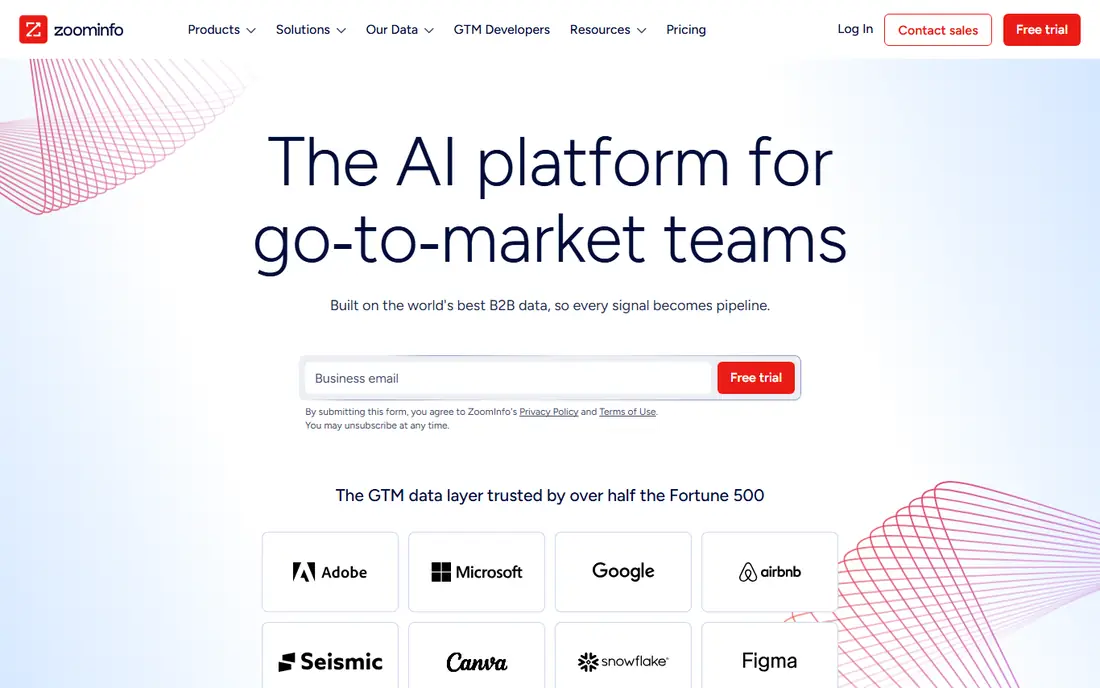
Think of ZoomInfo as the pick for enterprises needing deep contact and intent data. ZoomInfo is the enterprise standard for B2B data, with verified emails, direct dials, org charts and intent signals that show which companies are researching your category. Its data verification is stronger than budget rivals, especially for phone numbers.
Pricing is quote-based with enterprise contracts and seat minimums, often starting in five figures a year. For large teams selling into big accounts, that depth is the point; for small teams, it is overkill.
- Deep verified contact and phone data
- Org charts
- Intent signals and website visitor tracking
- Quote-based enterprise pricing
- Long contracts and seat minimums
LinkedIn Sales Navigator
Ideal for: research and warm introductions

For research and warm introductions, LinkedIn Sales Navigator deserves a close look. LinkedIn Sales Navigator gives advanced search across LinkedIn profiles, lead lists, job-change alerts and InMail for reaching decision makers with context. It is the best research layer, showing who changed roles, who posted, and who connects to whom.
It gives no emails or phone numbers, and CRM sync needs the quote-priced Advanced Plus tier. Pair it with a contact database like Apollo or RocketReach for outreach details.
- Advanced LinkedIn search and lead lists
- Org and job-change alerts
- InMail messaging
- No contact emails or phones
- CRM sync needs the Advanced Plus tier
RocketReach
Ideal for: finding emails and phones for named people
This is the option we would point finding emails and phones for named people toward first. RocketReach specialises in finding emails and phone numbers for named people, with a browser extension that pulls contact details from LinkedIn profiles and company pages. It suits teams that already know who to target and need the contact details.
Coverage varies by region, and lookups are credit-metered, so heavy prospecting adds up. For targeted lookup rather than broad list building, it is efficient.
- Email and phone lookup for individuals
- Bulk lookup
- Browser extension
- Database depth varies by region
- Credits are metered
UpLead
Ideal for: verified emails with a data accuracy promise
UpLead earns its place here for verified emails with a data accuracy promise. UpLead verifies emails in real time and backs its data with an accuracy promise, which helps teams that care about deliverability. Plans start at $99 a month for 170 credits, with technology and intent filters for targeting.
Phone data is thinner than ZoomInfo, and the entry price is higher than Apollo. For email-first outreach where bounce rates matter, the verification focus pays off.
- Real-time email verification
- 95 percent data accuracy claim
- Technology and intent filters
- Phone data is thinner than ZoomInfo
- Higher entry price than Apollo
Clay
Ideal for: data enrichment and list building at scale
If your shortlist is built around data enrichment and list building at scale, start with Clay. Clay is a data workbench that pulls from many providers at once, letting teams enrich a list, verify contacts and run AI research agents over each row. Launch at $167 a month billed annually suits teams building targeted lists at scale.
Setup takes longer than a simple database, and credit costs need watching across providers. For teams that treat list quality as a craft, its flexibility is unmatched.
- Many data providers in one workbench
- AI research agents
- Flexible list building
- Setup takes time
- Cost predictability needs care with credits
Lusha
Ideal for: quick contact lookup from LinkedIn
Among the options here, Lusha speaks most directly to quick contact lookup from LinkedIn. Lusha gives fast email and phone lookup through a LinkedIn extension, with a free tier that lets individuals test it before paying. It suits recruiters and sellers who find people on LinkedIn and need contact details in one click.
Lookups are credit-metered, and bulk prospecting and CRM sync need higher tiers. For individual lookup speed, it is one of the quickest tools here.
- Fast LinkedIn extension
- Email and phone lookup
- Free tier to test
- Credits are metered
- Bulk and CRM features need higher tiers
Snov.io
Ideal for: budget prospecting with email verification
For readers focused on budget prospecting with email verification, Snov.io is a strong match. Snov.io bundles an email finder, verifier and drip campaigns from $39 a month, which makes it a budget all-in-one for small outreach teams. Its verification tools help protect sender reputation.
The database is smaller than Apollo or ZoomInfo, and phone data is limited. For email-first prospecting on a tight budget, it covers the essentials.
- Email finder and verifier
- Drip campaigns
- Low starting price
- Database is smaller than Apollo or ZoomInfo
- Phone data is limited
How we picked these
We compared official feature pages, pricing pages, app store listings, privacy policies and public reviews for each product on this list, and we kept only products that exist and work today and that truly fit the topic. Where a price had changed between sources or we could not verify it on the vendor site, we wrote See website rather than print a number we could not stand behind. We also weighed who each product is really for, not just how long its feature list runs. A product with a smaller set of features can be the better buy when it matches your workflow, your budget and the size of your team, and we say so plainly in each write-up. We also checked what each product costs over a full year, not just the headline monthly price, since annual billing, seat minimums and add-on fees can change the real total by a wide margin. Free plans were judged against their limits too: a free tier that caps the exact feature you need most is not really free for your use case, and we say so in the write-up when that is the case. Where prices differed between the vendor site and review listings, we trusted the vendor site, and where we could not confirm a figure on the vendor site at all, we wrote See website rather than repeat a number from a third party. That caution is deliberate, because a wrong price is worse than no price when you are building a budget.
Find the person, then verify before you send
Start with the buying committee, not one title: most B2B purchases involve several roles, so map the economic buyer, the technical evaluator and the day-to-day user before writing anything. Sales Navigator is best for that mapping, while Apollo or ZoomInfo supply the contact details.
Then verify every email before sending, since bounce rates damage your domain reputation and waste sequences. Use the verifier built into your tool or a separate check, and personalise the first line from something real, such as a recent post or job change, rather than a generic pitch.
Finally, before you commit to one of the options above, run it on a real task from your own work rather than a polished demo project. Use the free tier or trial for a full week, invite the people who will actually use it every day, and test the one workflow you cannot live without, whether that is exporting your data, inviting a teammate, sharing a result with a client or getting help when something breaks. Note how long each step takes and where you get stuck, since those friction points are what you will live with for months. The product that handles your real task with the least friction is the right one, even if another option looks stronger on a feature comparison page.
Frequently asked questions
How do I find decision makers at a company?
Use a contact database like Apollo or ZoomInfo to filter by title, department and company size, then use LinkedIn Sales Navigator to map the buying committee and find warm paths. Verify emails before sending any outreach.
What is the best tool to find decision makers?
Apollo is best for small teams on a budget, ZoomInfo suits enterprises needing deep phone and intent data, and LinkedIn Sales Navigator is best for research. Many teams pair Sales Navigator with a contact database.
Is Apollo better than ZoomInfo?
Apollo is better on price and all-in-one outreach for small teams, while ZoomInfo is better on phone data accuracy, org charts and intent signals for enterprises. The right pick depends on team size and budget.
Are B2B contact databases legal?
B2B contact databases compile publicly available business contact information, but outreach must still follow spam, privacy and consent laws in your market, such as GDPR in Europe and CAN-SPAM in the US. Always offer an opt-out and respect it.