Absorb LMS leads the list, best for enterprises wanting performance-focused training. Listed starting prices: TalentLMS from $119 per month. For a different need, Adobe Learning Manager covers personalized learning across audiences and Docebo covers skills-driven workforce readiness training. The other 3 tools in the list cover narrower or pricier cases.
Ainotely put together this guide to training software for readers who want a clear shortlist without reading every vendor page. It compares 6 tools on starting price, free plans, who each one suits and where each one falls short.
Key takeaways
Number one here is Absorb LMS, a fit for enterprises wanting performance-focused training.
TalentLMS fits moving training online from the cloud.
TalentLMS is the lowest-priced starter here at $119 per month.
The main caution on Adobe Learning Manager: configuration choices can be broad.
Best for: Enterprises wanting performance-focused training
Absorb LMS was built for enterprises wanting performance-focused training. Absorb LMS presents itself as an enterprise learning management system with AI-powered training that proves itself in performance.
Downsides: Small teams may find it heavy.
More specifically, choose Absorb when performance-focused enterprise training is the goal. The enterprise orientation can mean more setup and administration than a small business needs. No starting price is listed for Absorb LMS here; confirm pricing on the vendor site. Free plan details: Not stated.
In short, Adobe Learning Manager is for personalized learning across audiences. Adobe Learning Manager is an AI-powered LMS for creating, managing and delivering personalized learning experiences at scale, including customer training, partner education and employee skilling.
In practice, firms already invested in Adobe tools may find the ecosystem convenient. For everyday use, the range of configuration can take time to learn and administer. No starting price is listed for Adobe Learning Manager here; confirm pricing on the vendor site. On free options: Not stated.
Points against: Configuration choices can be broad.
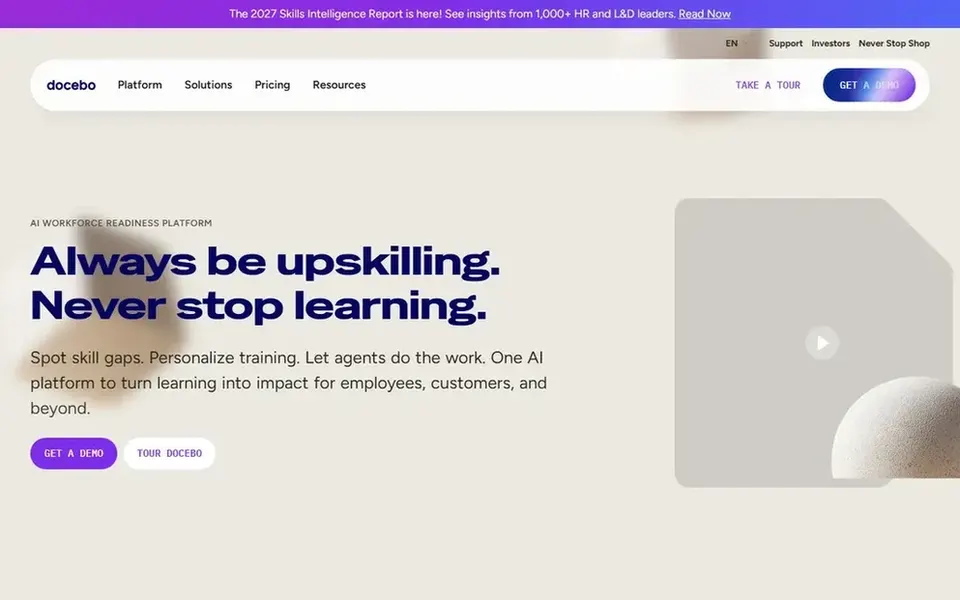
Best for: Skills-driven workforce readiness training
Pick Docebo if this describes you: skills-driven workforce readiness training. Organizations planning readiness programs across roles will find the combined approach relevant.
The main drawbacks: Wide scope may overwhelm small teams.
For everyday use, consider a lighter system when skills intelligence and AI agents are not part of your goals. No starting price is listed for Docebo here; confirm pricing on the vendor site. Trial and free access: Not stated.
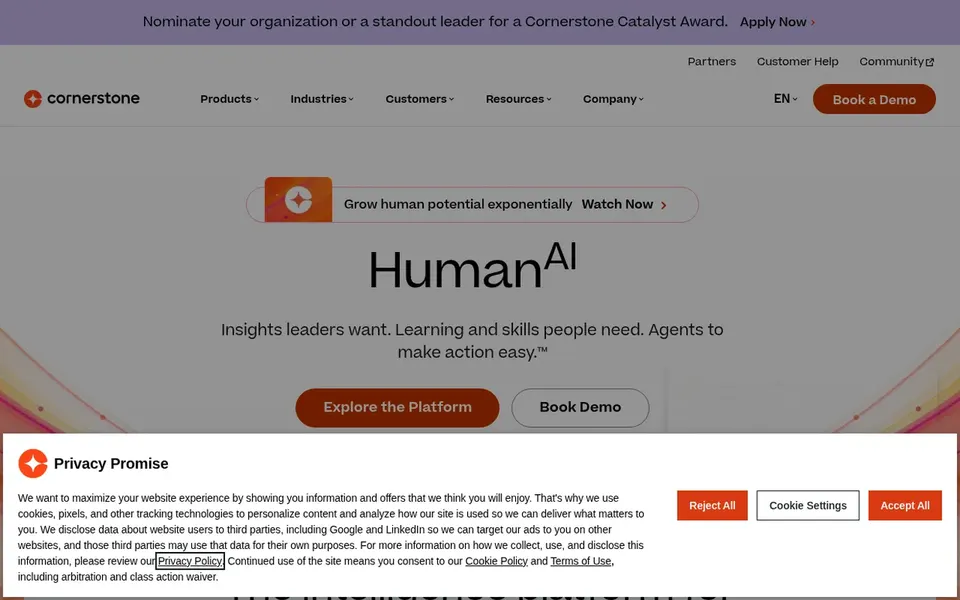
Best for: Enterprise workforce readiness and skills
Cornerstone Learning was built for enterprise workforce readiness and skills. Organizations seeking fast, straightforward course publishing may prefer a lighter choice.
Pick Cornerstone when connecting learning to workforce readiness is the priority. No starting price is listed for Cornerstone Learning here; confirm pricing on the vendor site. Trial and free access: Not stated.
Where it falls short: Enterprise orientation can feel complicated.
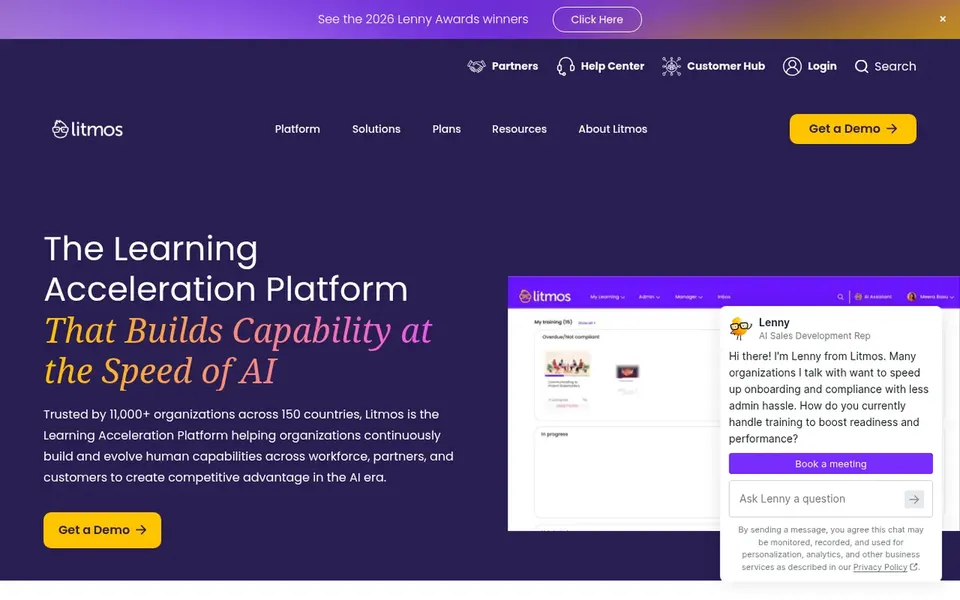
Best for: Training employees, customers and partners
Where Litmos fits: training employees, customers and partners. Firms extending training beyond staff to external groups should consider it.
The main drawbacks: Wide audience scope needs clear structure.
Serving mixed audiences well relies on clear segmentation and governance from your side. Check the vendor site for Litmos pricing; none is listed in this comparison. Free plan details: Not stated.
TalentLMS is aimed squarely at moving training online from the cloud. The system emphasizes course delivery, so deep skills intelligence and heavy customization may be restricted compared to broader suites.
Points against: Complicated enterprise programs may outgrow it.
In practice, large enterprises with complicated readiness programs should weigh more expansive choices. Worth adding: organizations starting their first structured online learning program will find the course-centric approach simple to grasp. On cost, TalentLMS starts like this: $119 per month. TalentLMS offers a free plan.
Get a written quote from Absorb LMS, Adobe Learning Manager, Docebo and others; the list shows no starting price for them.
Test the free plan from TalentLMS against your real workload before relying on it.
Before choosing Absorb LMS, weigh its main limit: enterprise positioning can mean complexity.
Check how data leaves Litmos: formats, limits and whether exports are available on every plan.
List the apps you already depend on and check that Docebo supports each one on the plan you would buy.
How we picked
We compared the tools on published pricing, free plan or trial availability, feature coverage for training software, and the limits each vendor documents. Plan names, prices and limits change often. Treat the figures here as a starting point and verify them with the vendor. The sequence is a judgement call: typical use case first, then pricing transparency, then free access. Use the profiles to check fit.
Every price and plan detail on this page comes from the vendors’ own websites. We did not run hands-on tests unless the text says so, and we do not publish star ratings or review scores. See how we score and our disclosure.
Keep your shortlist in one place
Paste prices, trial dates and notes from this guide into Ainotely, our AI note app. It files them into a topic and pulls out tasks like “cancel trial by Friday”. Free 7-day trial, no card needed.
What is the cheapest option for training software in this list?
On published monthly entry prices, TalentLMS is the lowest here at $119 per month. Entry price is only part of the cost, because seats, add-ons and billing terms can change the total. For the full picture, the cards above cover all 6 entries of this training software list, including price, free plan and limits.
How are the tools for training software ordered?
The order follows typical fit for training software, with Absorb LMS first and TalentLMS last, then price clarity and free access. It is editorial judgement, not a score, so another team could rank the tools differently.
Can I try these options before paying?
Often, yes. TalentLMS has a free plan. Use your own data and a real task during the test, and check what the free tier or trial limits before you rely on it. Pricing, free plan details and limits for all 6 tools in this training software roundup sit on the individual cards above.
What should I look for in training software?
Start with the audiences you train and the outcomes you measure, then check whether the system supports skills tracking, reporting and integrations. Confirm how much administration your team can absorb. Matching scope to need matters more than feature count.
Which options for training software have a free plan?
TalentLMS is the only tool in this list with a free plan. Free plans usually cap users, projects or features, so check the limits on the vendor page. The 6 tool cards above repeat this per product for training software, with the listed price or "pricing on request".