7 Best Transcription Software for Qualitative Research Options for 2026

- Descript takes the first slot, best suited to researchers who also edit audio or video.
- Starting prices begin at $19.99 per user/month with Otter.ai.
- Free plans exist at 3 of 7 tools (Descript, Otter.ai, Rev).
- Happy Scribe is the one to check for non-English interviews and optional human review.
Direct answer
Descript comes first here, mainly for researchers who also edit audio or video. If your case is different, Sonix suits multilingual research teams on a budget and Otter.ai suits live interview recording and AI summaries. All 7 tools are compared below on price, free plan and limits.
Quick comparison
| Product | Ideal for | Price from | Free version | |
|---|---|---|---|---|
 Descript | Researchers who also edit audio or video | See website | Yes | Visit |
 Sonix | Multilingual research teams on a budget | $10 per audio hour | Free trial | Visit |
 Otter.ai | Live interview recording and AI summaries | From $19.99 per user/month | Yes | Visit |
 Rev | Human-verified transcripts for sensitive research | From $0.25 per minute (AI), $1.99 per minute (human) | Yes | Visit |
 Dovetail | Turning interviews into a searchable insight repository | See website | Free trial | Visit |
 NVivo Transcription | Teams that analyze in NVivo | See website | Free trial | Visit |
 Happy Scribe | Non-English interviews and optional human review | See website | Free trial | Visit |
7 options for transcription software for qualitative research in detail
Choosing transcription software for qualitative research usually comes down to price, fit and limits. This Ainotely guide sets 7 tools side by side on those three points, with the facts kept short and checkable.
Descript
Ideal for: Researchers who also edit audio or video
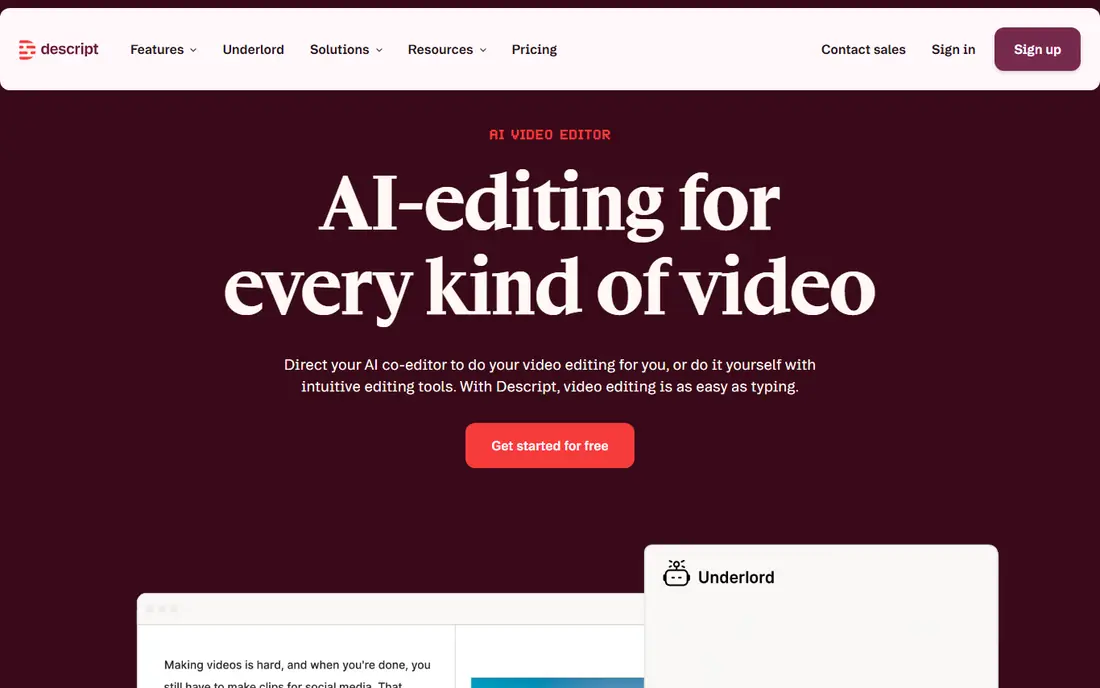
Descript makes the most sense for researchers who also edit audio or video. Where it shines is salvage work: the Studio Sound feature can clean up a noisy cafe interview enough to transcribe accurately. There is no human review level, and the free plan caps transcription time.
Limits to weigh: A full editor, so heavier than a pure transcription tool.
You edit the transcript like a document, and the underlying recording follows: delete a sentence, and that moment of audio is gone. In daily use, if your deliverables are text-only, a less expensive dedicated tool wins. For everyday use, as a straight transcription service, it is competent but not specialized. This comparison lists no price for Descript; ask the vendor. You can start on Descript without paying.
- Free plan with no credit card
- Studio Sound cleanup for poor field recordings
- Transcription minute limits vary by plan
Sonix
Ideal for: Multilingual research teams on a budget
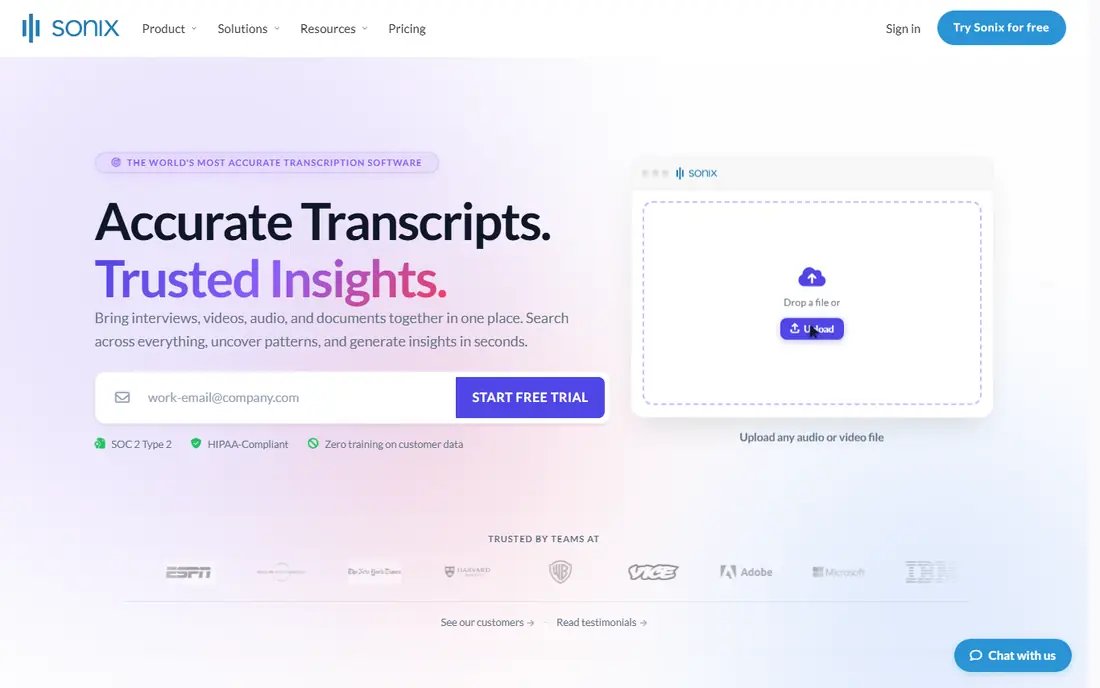
Sonix was built for multilingual research teams on a budget. The system also goes beyond raw text, with speaker diarization, topic detection, sentiment analysis. The capacity to ask questions across an entire folder of transcripts.
Those analysis features are a genuine plus for thematic work, though they duplicate what NVivo or Dovetail users already have. More specifically, for most exploratory studies, though, the price-to-speed ratio is hard to beat. The limitation is the ceiling on accuracy: Sonix is AI-only, so when a transcript needs to be exact, you will be doing the cleanup yourself. Sonix starts at: $10 per audio hour. Trial and free access: Free trial.
What to check first: no human review choice.
- Flat $10 per audio hour pricing
- 54+ languages with automatic translation
- AI-only
Otter.ai
Ideal for: Live interview recording and AI summaries
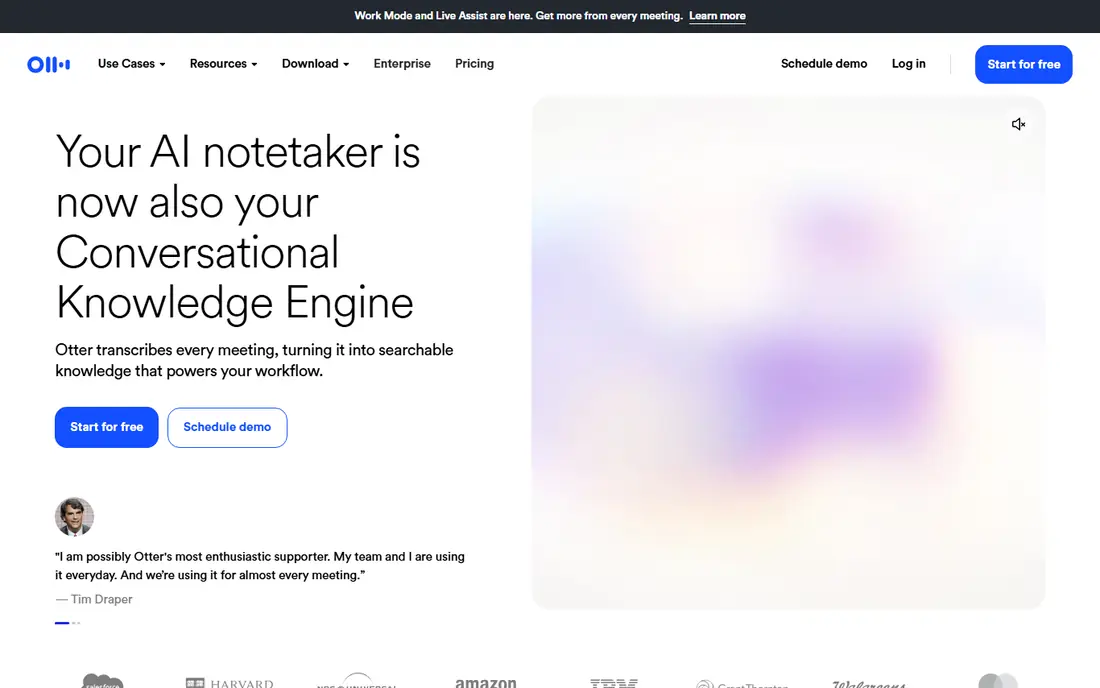
Think of Otter.ai for live interview recording and AI summaries. Otter.ai started as a meeting assistant, and that presents in the best way for field researchers.
Honest limits: Meeting-first design.
As for the details, the Basic plan is free forever, which makes Otter a simple first test for a lab. The starting price for Otter.ai: From $19.99 per user/month. Otter.ai has a free plan.
- Auto summaries and action items
- Free Basic plan for individuals
- Accuracy dips with heavy crosstalk
Rev
Ideal for: Human-verified transcripts for sensitive research
Rev is built with human-verified transcripts for sensitive research in mind. Pricing is transparent: AI transcription opens at $0.25 per minute, human at $1.99 per minute. There is a permanent free plan with monthly AI minutes.
Where it falls short: Human transcription costs far more than AI.
Worth adding: the hybrid model lets you run cheap AI transcription for routine interviews and escalate to human transcribers, at 99 percent guaranteed accuracy, when a transcript must hold up to a funder, an IRB audit, or publication. That two-tier approach is genuinely useful for mixed-method studies. From a buyer's view, Rev remains the default when accuracy is non-negotiable. On cost, Rev starts like this: From $0.25 per minute. Rev offers a free plan.
- SOC 2 Type II and HIPAA choices
- No AI training on your data
- System has pivoted toward legal and investigative work
Dovetail
Ideal for: Turning interviews into a searchable insight repository
In short, Dovetail is for turning interviews into a searchable insight repository. Every interview lands in a workspace where you can tag flags, cluster them into themes, and build insight boards that link every claim back to the exact quote. The pricing reflects that ambition: Dovetail sells a customer intelligence system, so per-hour transcription economics look steep next to Sonix or Temi.
What users get: Capable search across every session.
But for a team whose output is decisions, not documents, the integrated analysis can replace a patchwork of separate tools. For product teams and UX researchers running continuous discovery, that repository becomes more valuable than any single transcript. Dovetail shows no starting price here, so confirm the cost on the vendor site. Trial and free access: Free trial.
Downsides: Overkill if you only need text files.
- Transcription feeds straight into tagging, themes
- Insight boards
- Priced as a research product
NVivo Transcription
Ideal for: Teams that analyze in NVivo
In short, NVivo Transcription is for teams that analyze in NVivo. If your analysis already happens in NVivo, this is the shortest path from recording to coding. Transcripts import straight into your NVivo project, so you skip the export, reformat, re-upload dance that eats an afternoon on every study.
Downsides: Tied to the Lumivero ecosystem.
The service takes care of audio and video files up to four hours or 4 GB, which includes most focus groups and long interviews. Also, the honest catch is lock-in: NVivo Transcription makes the most sense inside the Lumivero world. The annual plan's 50-hour cap can feel tight on a multi-site study. This comparison lists no price for NVivo Transcription; ask the vendor. Trial and free access: Free trial.
- 43 languages
- Annual subscription handles up to 50 hours
- Per-hour pricing brings up for very large projects
Happy Scribe
Ideal for: Non-English interviews and optional human review
Pick Happy Scribe if this describes you: non-English interviews and optional human review. Pricing mixes pay-as-you-go per minute with subscriptions, and heavy users will pay more than the flat-rate tools. Still, for multilingual studies or teams that require both AI speed and human backup in one account, it is a capable all-rounder.
Where it is weaker: Newer notetaker features trail the meeting-first tools.
Strengths: 150+ languages.
Also, Happy Scribe's standout claim is language coverage: 150+ languages, with published accuracy comparisons showing meaningful gains over generic tools in German, Spanish, French, Dutch, and Italian. In practice, the optional human-made service delivers 99 percent accuracy when a transcript must be exact. From a buyer's view, the company is European, with EU data residency and SOC 2 Type II certification, which helps with strict ethics boards. On top of that, for cross-cultural research, that matters more than any feature list. Pricing for Happy Scribe is not stated here, so ask the vendor for current figures. Free access: Free trial.
- Optional human-made 99 percent service
- Solid on non-English accuracy
- Per-minute pricing brings up at scale
How we chose
We compared the tools on published pricing, free plan or trial availability, feature coverage for transcription software for qualitative research, and the limits each vendor documents. Where a vendor does not publish a price, the entry says quote. Where a price depends on seats or billing term, the entry says so. Position on the page reflects fit for a typical buyer first, with price clarity and free access breaking ties. Treat it as a guide, not a ruling.
What to confirm before you sign up
- Get a written quote from Descript, Dovetail, NVivo Transcription and Happy Scribe; the list shows no starting price for them.
- Check what the free option really includes: Descript, Otter.ai and Rev offer a free plan, and usage caps differ.
- Take the trial from Sonix, Dovetail, NVivo Transcription and Happy Scribe and push a live task through it before you pay.
- Read the limits listed for Descript first: a full editor, so heavier than a pure transcription tool.
- Look at which plan of Rev unlocks the features you need; entry tiers are often cut down.
- Look at the help docs and support options for Otter.ai before you commit.
Frequently asked questions
Do I still have to check AI transcripts manually?
Yes. At minimum, verify speaker attribution, check quotes you plan to publish against the audio, and scan for errors in names, numbers, and technical terms. The cleanup pass is much quicker than transcribing from scratch, but skipping it risks coding errors.
Which options for transcription software for qualitative research have a free plan?
On this list, Descript, Otter.ai and Rev include a free plan. Caps on seats, usage or features are common, so test the free plan against your real workload. Several others offer a trial instead.
Do these tools publish their prices?
Not all of them. Descript, Dovetail, NVivo Transcription and Happy Scribe publish no starting price, so expect a quote request for those. The rest, Sonix included, show a starting price, though seats and billing terms still change the final cost.
What is the cheapest option for transcription software for qualitative research in this list?
On published monthly entry prices, Otter.ai is the lowest here at $19.99 per user/month. Entry price is only part of the cost, because seats, add-ons and billing terms can change the total.
Can I try these tools before paying?
Often, yes. Descript, Otter.ai and Rev have a free plan and Sonix, Dovetail, NVivo Transcription and Happy Scribe offer a free trial. Use your own data and a real task during the test, and check what the free tier or trial limits before you rely on it.
What is the best transcription software for qualitative research?
Start with Descript if you need researchers who also edit audio or video. Sonix is the better match for multilingual research teams on a budget, and Otter.ai for live interview recording and AI summaries. The best choice depends on budget, team size and workflow.