Best Translation App for Travel in 2026: 7 Compared

- 1
 Google TranslateEveryday translation in 100 plus languagesVisit
- 2
 Microsoft TranslatorTranslation with group conversationVisit
- 3
 DeepLHigh-quality translation for major languagesVisit
- 4
 iTranslateTranslation with phrasebook and cameraVisit
- 5
 SayHiSimple voice translation for chatsVisit
- Google Translate is our first pick for everyday translation in 100 plus languages, based on its feature set and pricing page.
- 7 of the 7 options offer a free plan, so you can test before paying in several cases.
- Prices range from free entry points to paid plans, and several vendors list pricing only on their own sites, so we marked those as See website.
- The best choice depends on your main task, your budget, and the devices you already use, not on the longest feature list.
Quick comparison
| Product | Ideal for | Price from | Free version | |
|---|---|---|---|---|
| Google Translate | Everyday translation in 100 plus languages | Free | Yes | Visit |
| Microsoft Translator | Translation with group conversation | Free | Yes | Visit |
| DeepL | High-quality translation for major languages | Free | Yes | Visit |
| iTranslate | Translation with phrasebook and camera | See website | Yes | Visit |
| SayHi | Simple voice translation for chats | Free | Yes | Visit |
 TripLingo | Travel translation with culture tips | See website | Yes | Visit |
 Papago | Strong Asian language translation | Free | Yes | Visit |
The best translation apps for travel
We compared the options below on features, pricing, free plans, and fit for best translation app for travel. Each one is live and working in October 2026, and each serves a slightly different kind of user, so read the best-for note first and then the details.
Google Translate
Ideal for: Everyday translation in 100 plus languages
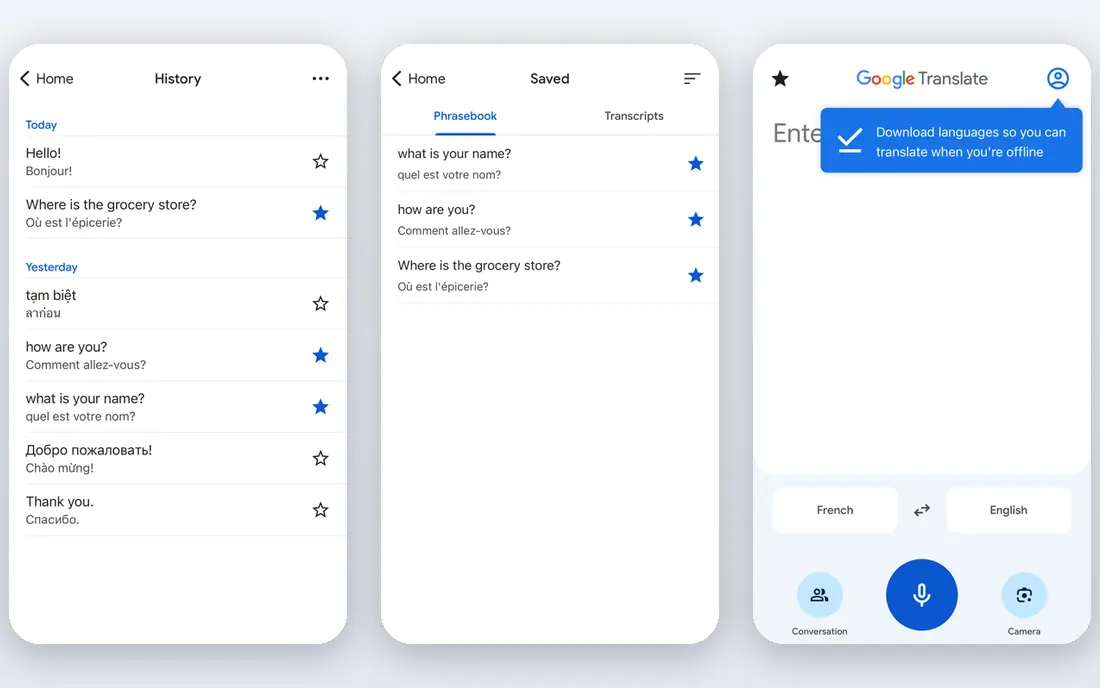
For everyday translation in 100 plus languages, Google Translate is a strong place to start. Google Translate covers a huge language range with text, camera, voice, and conversation modes, plus offline packs for trips. The starting price shown in our comparison comes from the vendor pricing page, and it is listed as free.
It fits almost any traveler as a first app, though accuracy varies for less common languages and formal text. What we liked most: Huge language range, camera and conversation modes and offline packs. The trade-offs to weigh are Accuracy varies by language and privacy terms need a read. Check the current plan limits before you commit, since pricing and features change over time.
- Huge language range
- Camera and conversation modes
- Offline packs
- Accuracy varies by language
- Privacy terms need a read
Microsoft Translator
Ideal for: Translation with group conversation
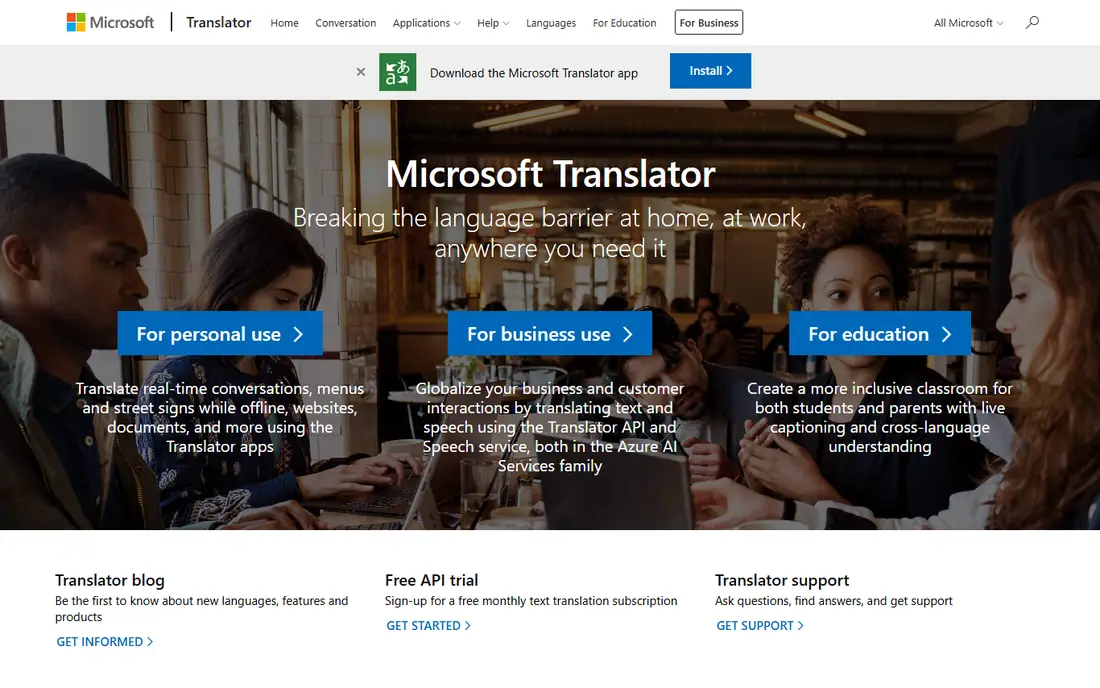
Microsoft Translator stands out when translation with group conversation is the priority. Microsoft Translator offers text, voice, and group conversation translation, where several people can join one translated chat. On pricing, the vendor lists a starting point of free, so check the current plan page before you decide.
It is a good fit for group travel and Office users, while the language range is smaller than the largest app. What we liked most: Group conversation mode, offline packs and Office links. The trade-offs to weigh are Language range is smaller than Google and app depth varies. Compare the current plan page with your own workload before you sign up.
- Group conversation mode
- Offline packs
- Office links
- Language range is smaller than Google
- App depth varies
DeepL
Ideal for: High-quality translation for major languages
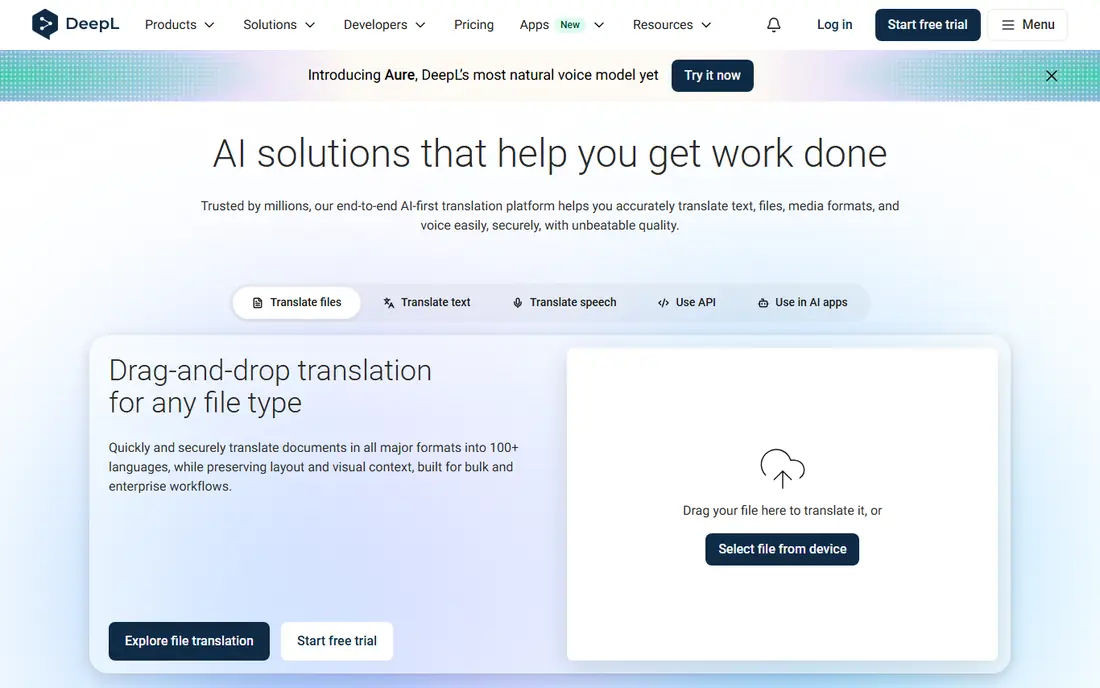
If high-quality translation for major languages matters most to you, DeepL deserves a close look. DeepL is known for strong translation quality in major European and world languages, with document translation on top. Pricing starts at free on the vendor site at the time of our check.
It fits travelers in its covered languages who want natural wording, while trips beyond its range need a broader app. What we liked most: Strong quality for major languages, document translation and clean apps. The trade-offs to weigh are Language range is narrower and free tier limits. Try the free option or trial first when one is offered, so you can judge fit before paying.
- Strong quality for major languages
- Document translation
- Clean apps
- Language range is narrower
- Free tier limits
iTranslate
Ideal for: Translation with phrasebook and camera
iTranslate is built with translation with phrasebook and camera in mind. iTranslate combines translation with a phrasebook, camera mode, and offline packs for travelers. The starting price shown in our comparison comes from the vendor pricing page, and it is listed as see website.
It suits travelers who like a phrasebook alongside translation, though full offline use needs a paid plan. What we liked most: Phrasebook and camera modes, offline packs and Apple Watch app. The trade-offs to weigh are Subscription for full offline and camera use and accuracy varies. Check the current plan limits before you commit, since pricing and features change over time.
- Phrasebook and camera modes
- Offline packs
- Apple Watch app
- Subscription for full offline and camera use
- Accuracy varies
SayHi
Ideal for: Simple voice translation for chats
Among the options here, SayHi is the pick to weigh first for simple voice translation for chats. SayHi focuses on simple voice translation, letting two people talk through the phone with fast language switching. On pricing, the vendor lists a starting point of free, so check the current plan page before you decide.
It is a good fit for face-to-face conversations, while document or camera translation needs another app. What we liked most: Simple voice chats, fast language switching and clean design. The trade-offs to weigh are Fewer languages than leaders and no document translation. Compare the current plan page with your own workload before you sign up.
- Simple voice chats
- Fast language switching
- Clean design
- Fewer languages than leaders
- No document translation
TripLingo
Ideal for: Travel translation with culture tips
For readers focused on travel translation with culture tips, TripLingo is hard to ignore. TripLingo pairs translation with slang, culture notes, and safety tools for travelers who want context beyond words. Pricing starts at see website on the vendor site at the time of our check.
It fits travelers who want local etiquette alongside translation, while broad language coverage still favors larger apps. What we liked most: Voice and text translation, slang and culture notes and safety tools. The trade-offs to weigh are Language range is narrower and premium features cost more. Try the free option or trial first when one is offered, so you can judge fit before paying.
- Voice and text translation
- Slang and culture notes
- Safety tools
- Language range is narrower
- Premium features cost more
Papago
Ideal for: Strong Asian language translation
Papago earns its place here for strong asian language translation. Papago excels at Korean, Japanese, and Chinese translation, with image, voice, and conversation modes. The starting price shown in our comparison comes from the vendor pricing page, and it is listed as free.
It is the pick for trips in East Asia, while travel elsewhere calls for a broader translation app. What we liked most: Strong Korean, Japanese, and Chinese support and image and voice modes. The trade-offs to weigh are Range outside Asia is thinner and app depth varies. Check the current plan limits before you commit, since pricing and features change over time.
- Strong Korean, Japanese, and Chinese support
- Image and voice modes
- Range outside Asia is thinner
- App depth varies
How we picked these
We compared official feature pages, pricing pages, app store listings, privacy policies, and public reviews for each product in this list. We kept only products that exist, work in October 2026, and fit the topic directly, and we left out options that looked like a poor match even when they were popular elsewhere.
Prices and free plans change often, so treat the figures here as a snapshot from our research. Where we could not verify a current price from the vendor, we wrote See website rather than guessing.
How to choose the right option
Start with the job you need done every week, not the longest feature list. A tool that covers that job well and fits your budget will serve you better than a larger platform you only half use. Next, check the free plan or trial limits against your real volume, and read the privacy terms for how your data is stored and shared. Finally, test the setup steps yourself before you move a whole team or project onto a new tool.
Start with your main task
When you compare best translation app for travel, list the task you will do most often and test each shortlisted option against that task alone. If it handles that task well, the rest of the features are a bonus. If it struggles there, a longer feature list will not fix the problem.
Check price, limits, and exit terms
Read the plan limits, the price of the next plan up, and how you export your work or cancel. These three details decide whether a tool stays affordable and useful as your needs grow, and they are easy to miss when you focus only on the headline price.
Frequently asked questions
What is the best best translation app for travel?
For most readers, Google Translate is a sensible first pick because it fits everyday translation in 100 plus languages and its pricing is clear on the vendor site. That said, the right choice depends on your budget and your main task, so check the second and third options here if your needs differ.
Is there a free best translation app for travel option?
Yes, in several cases. 7 of the options in this list offer a free plan, though free plans usually cap usage or features. Start free where you can, and move to a paid plan only when you hit a limit that matters to your work.
How should I choose between these options?
Match the best-for note to your own task, then compare the starting price and the free plan. Run a short trial with a real task from your work, and pick the option that finishes that task with the least trouble.
Do prices change often?
Yes, vendors adjust plans and prices during the year, so the figures here are a snapshot from October 2026 research. Always check the vendor pricing page before you buy, and look for the plan limits behind the headline price.
Can I switch to a different option later?
In most cases, yes, but switching costs time. Before you commit, check how you export your data and whether a contract or yearly plan locks you in. Keeping your own copies of important work makes any later move much easier.