Best Translation Software For Business in 2026: 8 Compared

- DeepL Pro suits fast business translation, while Lokalise, Crowdin, Phrase and Transifex suit ongoing team workflows.
- MemoQ and Trados suit professional translators and language teams.
- Translation memory saves time and improves consistency for repeated content.
- For customer critical content, combine machine speed with human review.
Quick comparison
| Product | Ideal for | Price from | Free version | |
|---|---|---|---|---|
 DeepL Pro | business machine translation | See website | Yes | Visit |
 Smartling | enterprise business translation | See website | No | Visit |
 Lokalise | translation for product teams | See website | Free trial | Visit |
 Transifex | translation management for business | See website | Free trial | Visit |
 Crowdin | translation management for teams | See website | Free trial | Visit |
 Phrase | translation platform for business | See website | Free trial | Visit |
 MemoQ | translation tool for professionals | See website | Free trial | Visit |
 Trados | professional translation software | See website | Free trial | Visit |
The best translation software for business
Translation software for business ranges from fast machine translation to full management platforms and professional translator tools. The right choice depends on volume, content type and whether translators work in house or externally. This guide compares options.
DeepL Pro
Ideal for: business machine translation
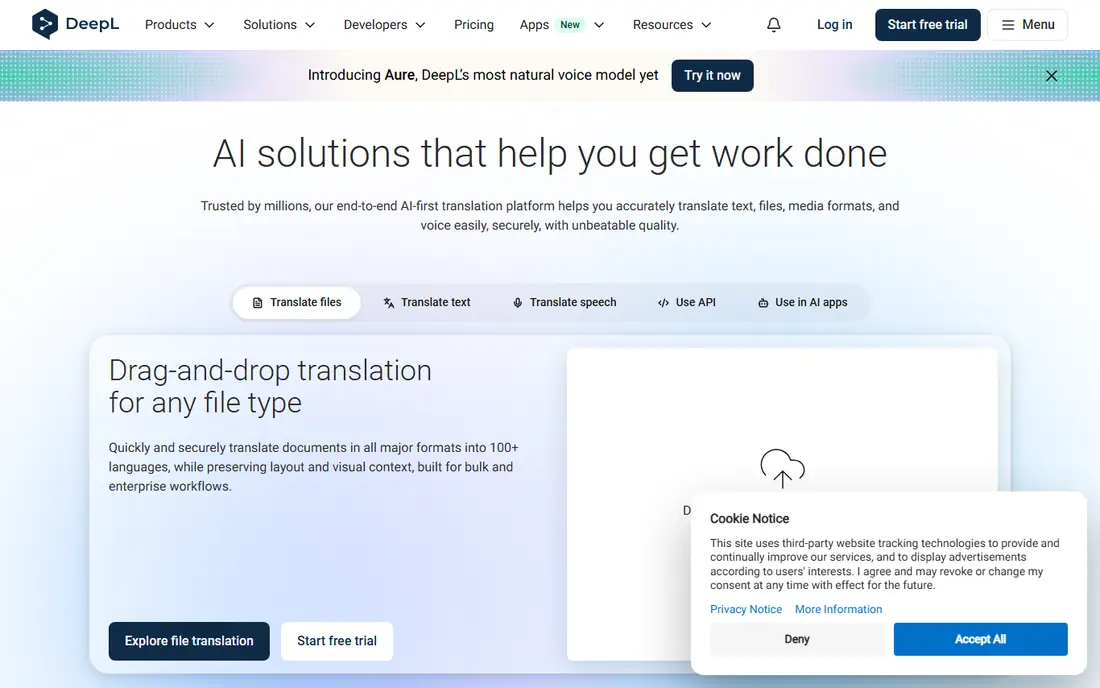
For many buyers, this is the natural starting point. DeepL Pro offers high quality machine translation for business documents and content. Teams can translate documents, use glossary controls and connect via API. On pricing, the starting price is listed above, and where a vendor does not publish a clear price we list it as See website. Check what is included at that level, because seats, usage limits and add-ons often change the real monthly cost. For legal or customer critical documents, human review remains important. That trade-off does not make this a poor choice, but it does decide who should pick it. If the weakness touches your main use case, look at another option on this list. If it touches only a secondary need, the strengths here may still make it our pick for you.
- High quality translation
- Document translation
- API
- Free plan limits
- Human review needed for key docs
Smartling
Ideal for: enterprise business translation
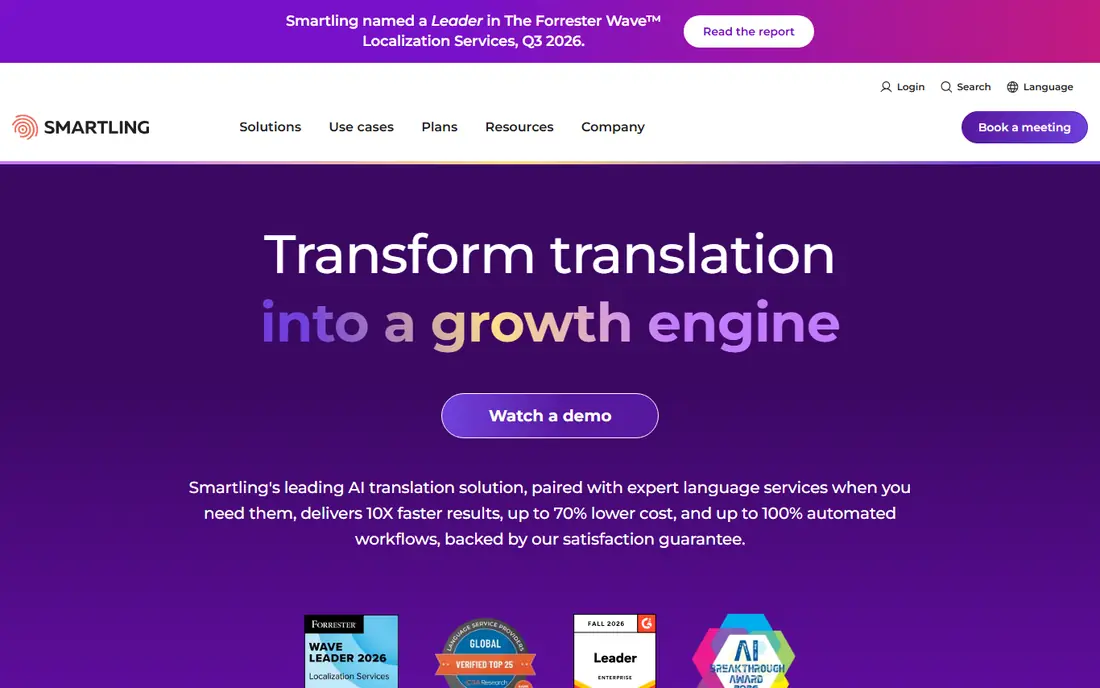
This is a strong choice when the basics matter most. Smartling combines machine and human translation with workflows for business content. It suits companies with ongoing translation across websites, apps and documents. On pricing, the starting price is listed above, and where a vendor does not publish a clear price we list it as See website. Check what is included at that level, because seats, usage limits and add-ons often change the real monthly cost. Enterprise pricing and setup make it a larger commitment than simple translation tools. That trade-off does not make this a poor choice, but it does decide who should pick it. If the weakness touches your main use case, look at another option on this list. If it touches only a secondary need, the strengths here may still make it our pick for you.
- Workflows
- Human translators
- Quality checks
- Enterprise pricing
- Setup takes time
Lokalise
Ideal for: translation for product teams
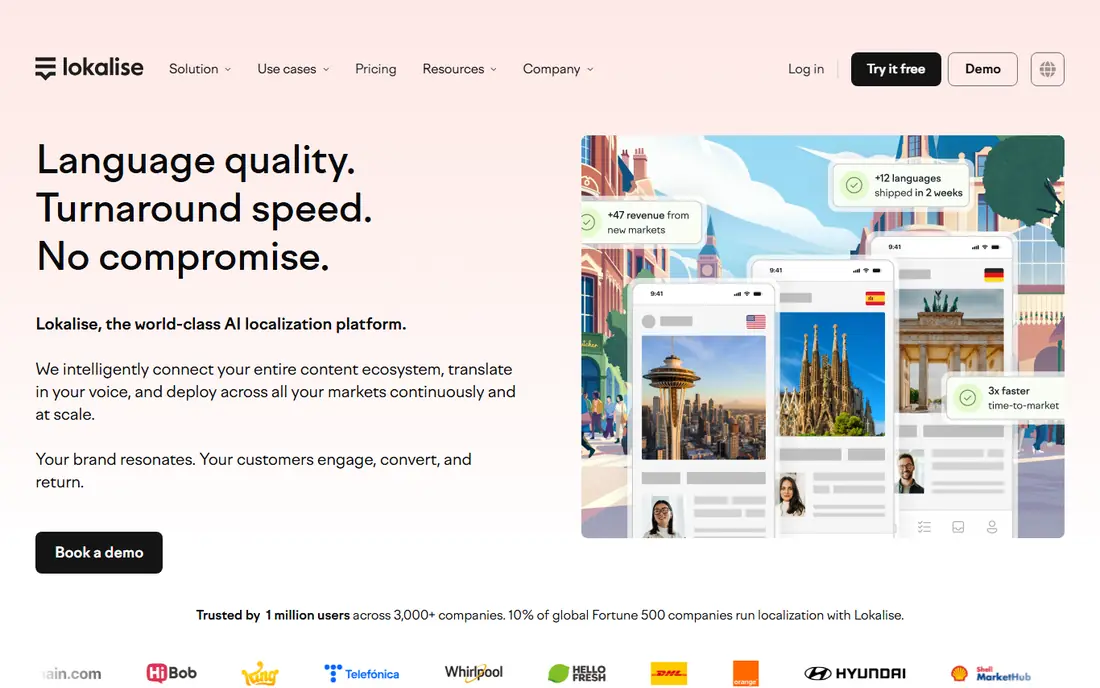
What sets this option apart is its focus on a clear use case. Lokalise helps product and content teams manage translations in one place. It suits businesses translating apps, websites and product content regularly. On pricing, the starting price is listed above, and where a vendor does not publish a clear price we list it as See website. Check what is included at that level, because seats, usage limits and add-ons often change the real monthly cost. Pricing depends on seats and usage, and teams need time to learn the workflow. That trade-off does not make this a poor choice, but it does decide who should pick it. If the weakness touches your main use case, look at another option on this list. If it touches only a secondary need, the strengths here may still make it our pick for you.
- Collaboration
- Automation
- Integrations
- Pricing by seats and usage
- Learning curve
Transifex
Ideal for: translation management for business
Teams that want a straightforward setup should look closely here. Transifex helps businesses manage translation across products and content. Developers and translators work together with automation and version control. On pricing, the starting price is listed above, and where a vendor does not publish a clear price we list it as See website. Check what is included at that level, because seats, usage limits and add-ons often change the real monthly cost. Setup needs planning, and pricing varies by seats and usage. That trade-off does not make this a poor choice, but it does decide who should pick it. If the weakness touches your main use case, look at another option on this list. If it touches only a secondary need, the strengths here may still make it our pick for you.
- Collaboration
- Developer tools
- Automation
- Setup needs planning
- Pricing varies
Crowdin
Ideal for: translation management for teams
This option earns its place through a different strength than the leaders. Crowdin offers translation management for websites, apps and documents. It suits teams that need translator collaboration plus machine translation. On pricing, the starting price is listed above, and where a vendor does not publish a clear price we list it as See website. Check what is included at that level, because seats, usage limits and add-ons often change the real monthly cost. The range of options can feel busy, and costs depend on words and seats. That trade-off does not make this a poor choice, but it does decide who should pick it. If the weakness touches your main use case, look at another option on this list. If it touches only a secondary need, the strengths here may still make it our pick for you.
- Collaboration
- Machine translation
- Integrations
- Many options
- Pricing by usage
Phrase
Ideal for: translation platform for business
For buyers with a specific need, this one deserves a closer look. Phrase, formerly Memsource and Phrase, offers translation management for business content. It suits teams translating product, marketing and support content at scale. On pricing, the starting price is listed above, and where a vendor does not publish a clear price we list it as See website. Check what is included at that level, because seats, usage limits and add-ons often change the real monthly cost. Pricing varies, and the platform takes time to learn for complex workflows. That trade-off does not make this a poor choice, but it does decide who should pick it. If the weakness touches your main use case, look at another option on this list. If it touches only a secondary need, the strengths here may still make it our pick for you.
- Translation management
- Automation
- Integrations
- Pricing varies
- Learning curve
MemoQ
Ideal for: translation tool for professionals
This is worth considering when budget or simplicity is a priority. MemoQ is a professional translation tool with translation memory and terminology management. It suits translators and language teams that need consistent terminology across projects. On pricing, the starting price is listed above, and where a vendor does not publish a clear price we list it as See website. Check what is included at that level, because seats, usage limits and add-ons often change the real monthly cost. It is desktop focused with a learning curve, so casual business users may prefer a cloud tool. That trade-off does not make this a poor choice, but it does decide who should pick it. If the weakness touches your main use case, look at another option on this list. If it touches only a secondary need, the strengths here may still make it our pick for you.
- Translation memory
- Terminology
- Collaboration
- Desktop focused
- Learning curve
Trados
Ideal for: professional translation software
Our shortlist would feel incomplete without this option. Trados, from RWS, is a long running professional translation tool. It suits language professionals and teams that need translation memory and quality controls. On pricing, the starting price is listed above, and where a vendor does not publish a clear price we list it as See website. Check what is included at that level, because seats, usage limits and add-ons often change the real monthly cost. Pricing is higher than simple tools, and the learning curve is steep for new users. That trade-off does not make this a poor choice, but it does decide who should pick it. If the weakness touches your main use case, look at another option on this list. If it touches only a secondary need, the strengths here may still make it our pick for you.
- Translation memory
- Terminology
- Quality checks
- Pricing is higher
- Learning curve
How we picked these
We compared official feature pages, pricing pages, app store listings, privacy policies and public reviews for each product on this list. We checked that each product exists, works in October 2026 and truly fits the topic, and we left out products that did not fit even when they were well known in a nearby category. We also weighed who each product suits, what it does well and where it falls short. Prices change, so where we could not verify a current price from the vendor we wrote See website. We did not claim hands-on testing that did not happen, and we focused on facts a buyer can check before paying.
How to choose translation software for business
First, start here
Check content type and volume. Occasional documents need a simple tool such as DeepL Pro. Ongoing product and website translation needs a management platform. Professional translation teams need memory and terminology tools. Matching volume to tool type avoids overbuying.
Next, check the details
Check consistency tools. Translation memory reuses past translations, while glossaries keep brand terms consistent. These tools matter most when content repeats or when many translators work on the same product. Test them on your real content.
Finally, decide with confidence
Check review workflow. Business translation needs review steps for accuracy and brand voice. Check who can review, how changes are tracked and how approved translations are published. A tool without review controls will create inconsistent customer content.
Frequently asked questions
What is the best translation software for business?
DeepL Pro suits fast, high quality business translation. Lokalise, Crowdin, Phrase and Transifex suit ongoing team workflows. MemoQ and Trados suit professional translators. Choose based on volume, content type and team structure.
What is translation memory?
Translation memory stores past translations and reuses them for similar text. It saves time, improves consistency and reduces cost for repeated content. It is most useful for product, support and technical content that changes slowly.
Is machine translation good enough for business?
Machine translation works well for drafts, internal content and low risk material. Customer facing, legal and brand content benefits from human review. Combine machine speed with human checks for the best balance.
What is the difference between Lokalise and DeepL?
DeepL is a machine translation tool for translating text and documents. Lokalise is a management platform for organising translation work across teams, products and languages. Many businesses use both together.
How much does business translation software cost?
Costs range from free tiers to enterprise quotes, depending on seats, words and features. Machine translation tools are often cheaper than management platforms. Estimate word volume and seat count before comparing plans.