Best User Interface Apps in 2026: 7 Tools Compared

- Figma is our pick for team UI design, with browser collaboration and strong developer handoff.
- Sketch suits Mac-based designers who want a focused, native design app.
- Framer suits designers who want to publish interactive sites from designs.
- Penpot, Lunacy, Adobe XD, and Axure offer open-source, free, or specialist alternatives for different needs.
Quick comparison
| Product | Ideal for | Price from | Free version | |
|---|---|---|---|---|
 Figma | Team UI design | Free | Yes | Visit |
 Sketch | Mac-based UI design | See website | Free trial | Visit |
 Adobe XD | UI design in Adobe workflows | See website | Free trial | Visit |
 Framer | Design to live website | Free | Yes | Visit |
 Penpot | Open-source UI design | Free | Yes | Visit |
 Lunacy | Free desktop UI design | Free | Yes | Visit |
 Axure | Complex prototyping | See website | Free trial | Visit |
The best user interface apps
User interface design tools turn ideas into clickable screens for apps and websites. The best tool for you depends on whether you design alone, with a team, or hand off to developers daily.
We compared official product pages, help pages, and pricing pages for each tool below. Our pick for most teams is Figma, because its browser-based collaboration, component system, and developer handoff are hard to match.
Free tiers exist for most tools here, so test your real workflow before paying. A tool that feels good in a demo may slow you down on a large, real project.
Figma
Ideal for: Team UI design
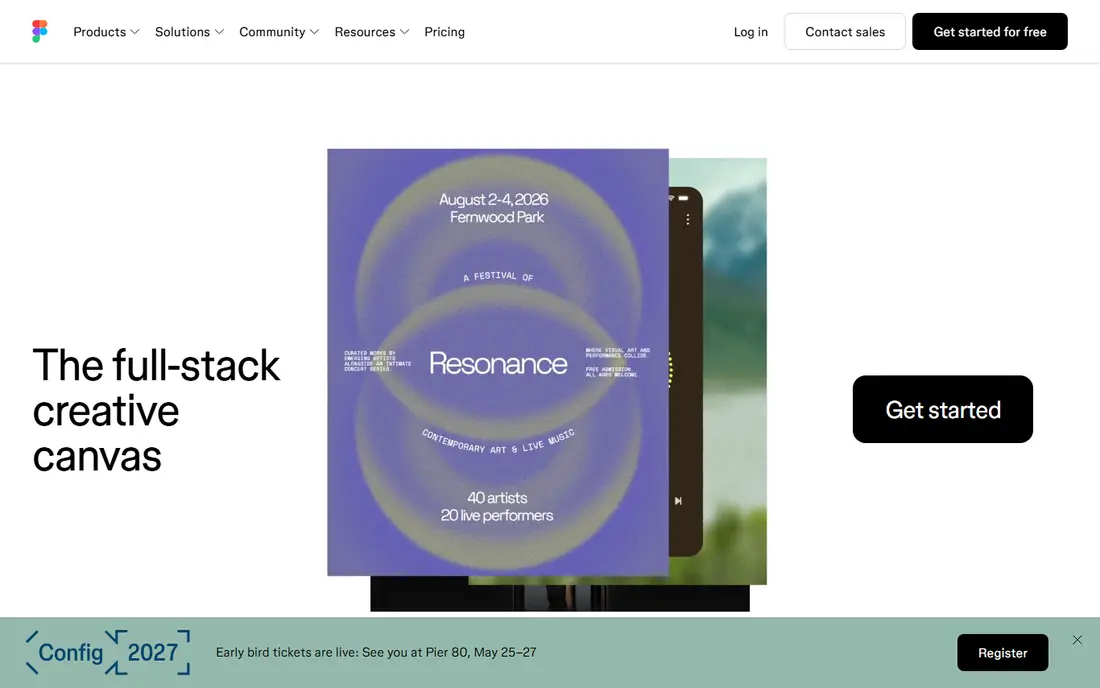
Figma lets teams design interfaces together in a browser, with shared components, variables, and prototyping. Developers can inspect designs, copy styles, and export assets without extra tools.
Its free tier covers small teams and personal projects, while larger teams need paid plans for fuller libraries and controls. Very large files can strain a browser, though desktop apps help.
Our view: the default UI design tool for most teams in 2026.
Bottom line: Figma is a strong fit for team UI design, and its main draw is browser-based collaboration. Weigh that against the limits above before you commit, and test it with your own real work during any trial or free period.
- Browser-based collaboration
- Components and variables
- Developer handoff tools
- Advanced features need paid plans
- Large files can slow browsers
Sketch
Ideal for: Mac-based UI design
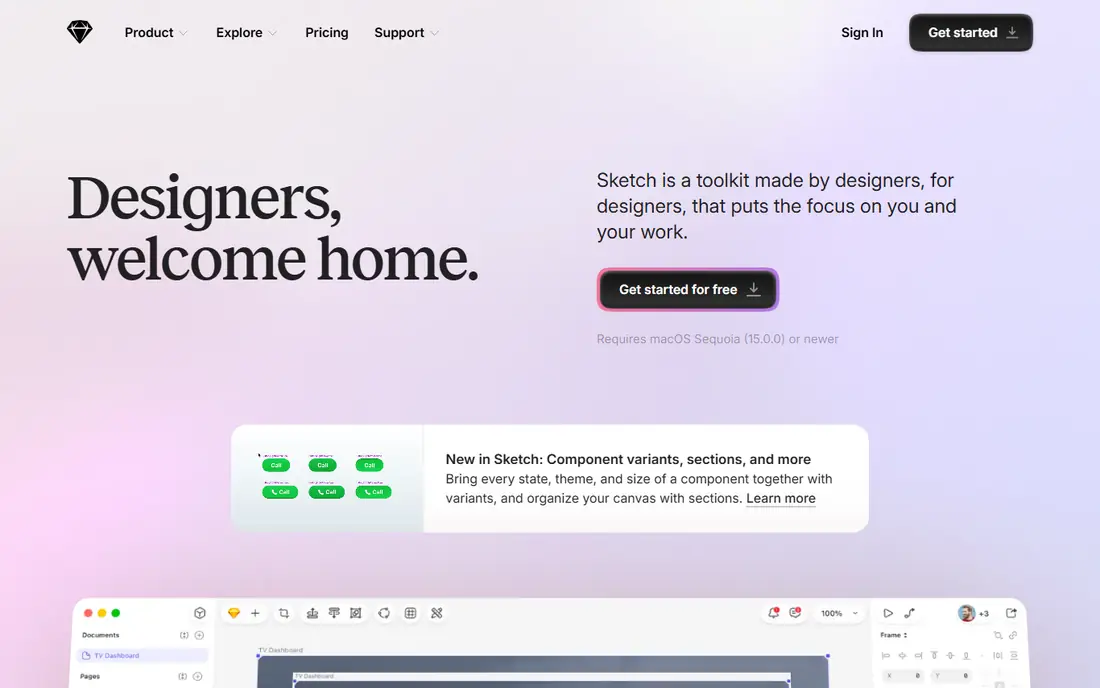
Sketch is a native Mac design app focused on interface design, with symbols, libraries, and prototyping. It suits designers who prefer a fast desktop app over a browser tool.
It runs only on Mac, and team collaboration uses its web app and paid plans. Windows teams will prefer Figma or Penpot instead.
Our view: a strong Mac-native choice for individual designers and small teams.
Bottom line: Sketch is a strong fit for mac-based UI design, and its main draw is native Mac app. Weigh that against the limits above before you commit, and test it with your own real work during any trial or free period.
- Native Mac app
- Symbols and libraries
- Focused design workspace
- Mac only
- Collaboration needs its web app and paid plans
Adobe XD
Ideal for: UI design in Adobe workflows
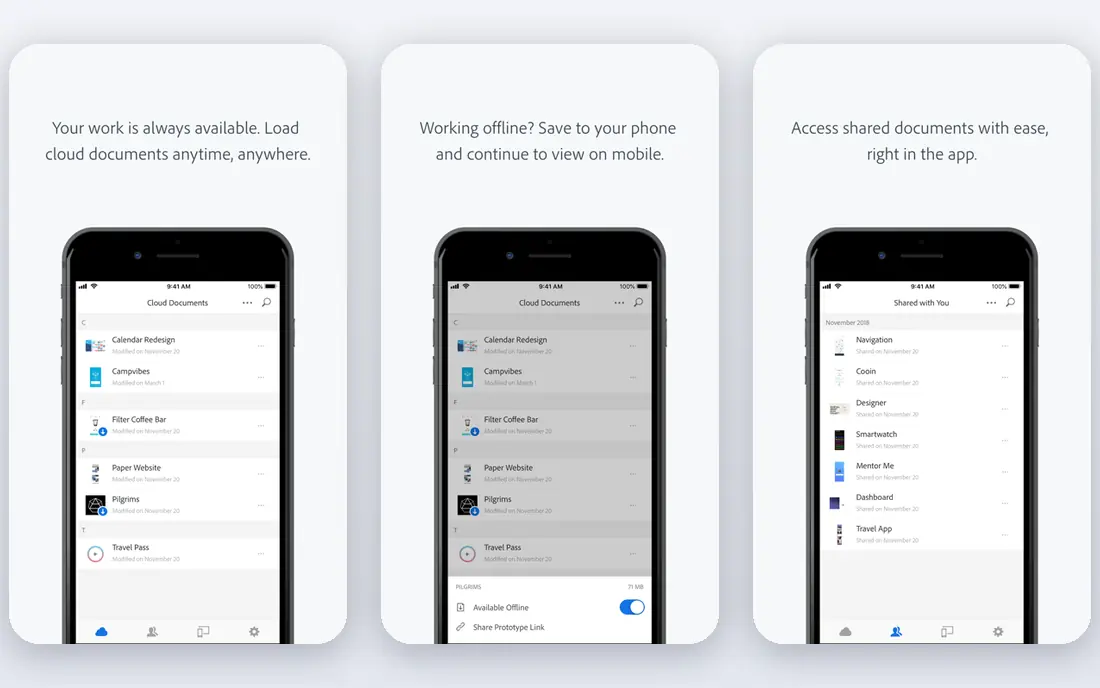
Adobe XD offers interface design, prototyping, and sharing, with links to Photoshop and Illustrator for teams already in Adobe workflows. Component states and repeat grids speed up common screens.
Adobe focus has shifted away from XD toward other tools, so its future is less certain than Figma. Teams already invested in Adobe may still find it useful, but new teams should weigh that risk.
Our view: a workable choice inside Adobe workflows, with a caution about its future.
Bottom line: Adobe XD is a strong fit for uI design in Adobe workflows, and its main draw is design and prototyping. Weigh that against the limits above before you commit, and test it with your own real work during any trial or free period.
- Design and prototyping
- Adobe app links
- Component states
- Development focus has shifted
- Future updates are less certain than rivals
Framer
Ideal for: Design to live website
Framer lets designers build interfaces and publish them as live websites without separate development. Its interactive prototyping and templates suit marketing sites and portfolios.
App-only designers may find its site focus less relevant, and custom domains need paid plans. For designers who want designs live fast, it is a compelling tool.
Our view: the best tool for turning UI designs into live websites.
Bottom line: Framer is a strong fit for design to live website, and its main draw is design and publish sites from one tool. Weigh that against the limits above before you commit, and test it with your own real work during any trial or free period.
- Design and publish sites from one tool
- Interactive prototyping
- Templates
- Site focus may not suit app-only designers
- Paid plans for custom domains
Penpot
Ideal for: Open-source UI design
Penpot is an open-source, browser-based UI design tool that teams can self-host. It uses open standards and SVG files, which keeps designs portable and avoids vendor lock-in.
Its plugin ecosystem is smaller than Figma, and some features are still maturing. For teams that value open source and self-hosting, those trade-offs are acceptable.
Our view: the best open-source alternative to Figma.
Bottom line: Penpot is a strong fit for open-source UI design, and its main draw is open-source and self-hostable. Weigh that against the limits above before you commit, and test it with your own real work during any trial or free period.
- Open-source and self-hostable
- Browser-based collaboration
- SVG-native files
- Smaller plugin ecosystem
- Newer than Figma, so some features are maturing
Lunacy
Ideal for: Free desktop UI design
Lunacy, from Icons8, is a free desktop UI design app for Windows, Mac, and Linux, with built-in graphics, icons, and photos. It suits designers who want a capable free tool without a browser.
Collaboration is thinner than Figma, and cloud features need an account. For solo designers and small teams on a budget, it is a surprisingly capable free app.
Our view: the best free desktop UI tool for solo designers.
Bottom line: Lunacy is a strong fit for free desktop UI design, and its main draw is free desktop app. Weigh that against the limits above before you commit, and test it with your own real work during any trial or free period.
- Free desktop app
- Windows, Mac, and Linux
- Built-in graphics and icons
- Collaboration is thinner than Figma
- Cloud features need an account
Axure
Ideal for: Complex prototyping
Axure specialises in complex, interactive prototypes with logic, variables, and documentation, which suits enterprise teams testing detailed workflows before development.
Its learning curve is steeper than Figma, and its interface feels dated. For high-fidelity, logic-driven prototypes, though, its depth is unmatched in this list.
Our view: the best choice for complex, logic-driven prototypes.
Bottom line: Axure is a strong fit for complex prototyping, and its main draw is deep interactive prototyping. Weigh that against the limits above before you commit, and test it with your own real work during any trial or free period.
- Deep interactive prototyping
- Logic and variables
- Enterprise documentation
- Steeper learning curve
- Interface feels dated
How we picked these
We compared official product pages, help pages, and pricing pages, and we looked at collaboration, prototyping, components, developer handoff, and pricing. We favoured tools with a clear fit for a stated team type.
We did not claim hands-on design testing. Where pricing was custom or trial-based, we wrote See website rather than guessing.
How to choose a user interface app
Start with your team and platform. Browser teams suit Figma or Penpot, Mac solo designers suit Sketch or Lunacy, and site builders suit Framer. Platform fit avoids daily friction.
Test collaboration with a real file. Invite a colleague and a developer, edit together, and hand off a screen. That test reveals more than any feature list.
Also agree naming and organisation rules before a project grows. Clear page, component, and layer names prevent confusion when many people edit the same file, and they make developer handoff far smoother for everyone on the team.
Check component and library support. Reusable components, styles, and variables save hours on larger projects, so test them with your actual design system, not a demo file.
Confirm developer handoff quality. Developers need specs, assets, and code snippets without extra plugins or manual work, so involve a developer in your trial.
Consider file portability. Open formats and export options protect your work if you switch tools later, which is a real advantage of Penpot and Lunacy.
Finally, test performance on a large file. A tool that feels fast on ten screens may slow on a hundred, so trial with a realistic project size before committing a team.
Also check how each tool handles design tokens and theming. A consistent token system saves rework when a brand colour or type scale changes across many screens.
Frequently asked questions
What is the best UI design tool overall?
Figma is our pick for most teams, thanks to collaboration and handoff. Sketch suits Mac designers, Penpot suits open-source teams, and Framer suits site publishing.
Is there a free UI design app?
Yes. Figma, Penpot, and Lunacy all offer free tiers or free use, with paid plans for larger teams and fuller features.
Do UI tools work on Windows and Mac?
Figma, Penpot, Framer, and Lunacy work across platforms, while Sketch is Mac only. Check each tool download page for your system.
Can UI tools hand off designs to developers?
Yes. Figma, Sketch, and Penpot all offer developer inspection, specs, and asset export, though depth varies. Test handoff with a real developer during your trial.
Should I use Figma or Penpot?
Figma suits most teams for ecosystem and collaboration, while Penpot suits teams that need open-source software, self-hosting, or open file formats.
Can I prototype interactions in UI tools?
Yes. Figma, Framer, and Axure all support interactive prototypes, from simple screen links to logic-driven flows. Test your key user journeys as a prototype before development.