Best User Testing Tools for New Apps in 2026: 8 Options Compared

- 1
 UserTestingTeams that want fast video feedback from real usersVisit
- 2
 MazeTeams that want quick unmoderated tests with clear reportsVisit
- 3
 LyssnaTeams that want simple tests and surveys in one placeVisit
- 4
 HotjarTeams that want behaviour insight alongside testsVisit
- 5
 LookbackTeams that run live moderated interviewsVisit
- Our pick for most people is UserTesting, thanks to its balance of features, ease of use and value for teams that want fast video feedback from real users.
- Maze is the strongest alternative when teams that want quick unmoderated tests with clear reports matters more than a general all-round fit.
- Free and trial options exist, including Lyssna, so you can test the core experience before paying.
- We compared tester recruitment, session recording, task and survey tools, analysis features, pricing and how quickly results arrive.
- Check pricing, free plan terms and the exact features you need on the official site before you subscribe, since plans change.
Quick comparison
| Product | Ideal for | Price from | Free version | |
|---|---|---|---|---|
| UserTesting | Teams that want fast video feedback from real users | See website | No | Visit |
| Maze | Teams that want quick unmoderated tests with clear reports | See website | Yes | Visit |
| Lyssna | Teams that want simple tests and surveys in one place | See website | Free trial | Visit |
| Hotjar | Teams that want behaviour insight alongside tests | See website | Yes | Visit |
| Lookback | Teams that run live moderated interviews | See website | Free trial | Visit |
 Userlytics | Teams that want video testing on a budget | See website | No | Visit |
 PlaybookUX | Teams that want moderated and unmoderated testing together | See website | No | Visit |
 Optimal Workshop | Teams testing navigation and information structure | See website | Free trial | Visit |
The best user testing tools for new apps
A new app can look finished to its builders and still confuse first-time users, which is why testing with real people matters before launch. The tools below record sessions, gather feedback and highlight friction, with options for quick checks and deeper studies.
UserTesting
Ideal for: Teams that want fast video feedback from real users
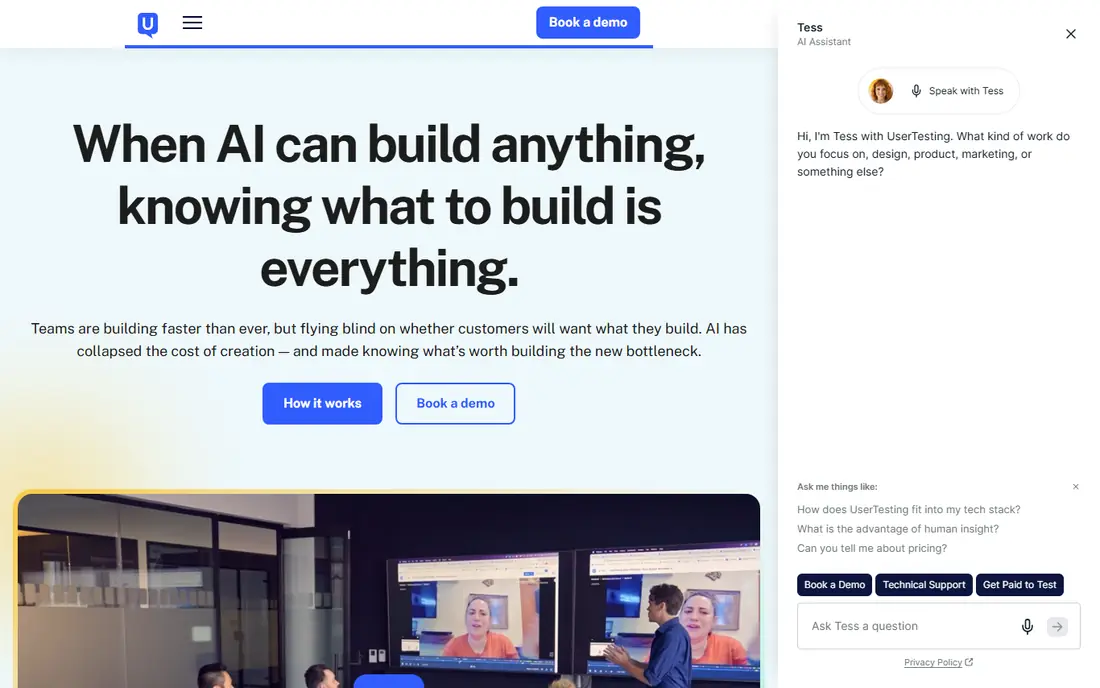
UserTesting gives product teams video sessions from a large tester panel, with tasks, questions and follow-ups built in. It suits teams that want to see and hear real users work through a new app, rather than relying on analytics alone. Results often arrive quickly, which helps when a launch date is close.
The main drawback is cost, since pricing is quote based and can be steep for a small team or a solo builder. It is best for teams that will run tests regularly and can use the panel, analysis tools and highlight reels often enough to justify the spend.
For readers who want teams that want fast video feedback from real users, UserTesting is a sensible shortlist pick, provided the limits above feel acceptable. Compare its pricing page and trial terms before you commit, and check that it covers the exact workflow you need on day one.
- Large tester panel
- Video sessions
- Fast turnaround
- Quote based pricing
- Can be costly for small teams
Maze
Ideal for: Teams that want quick unmoderated tests with clear reports

Maze is built for fast, unmoderated tests of prototypes and live apps, with reports that highlight misclicks, drop-offs and task success. It suits product teams that want quick answers without scheduling live sessions. Its shareable reports make it easy to show findings to designers and stakeholders.
The limit is depth, since moderated testing is lighter than on a specialist platform and tester panel access costs extra. For quick, repeatable usability checks, though, Maze is one of the most efficient tools on this list.
For readers who want teams that want quick unmoderated tests with clear reports, Maze is a sensible shortlist pick, provided the limits above feel acceptable. Compare its pricing page and trial terms before you commit, and check that it covers the exact workflow you need on day one.
- Fast unmoderated tests
- Clear reports
- Prototype and live site testing
- Tester panel costs extra
- Moderated testing is lighter than rivals
Lyssna
Ideal for: Teams that want simple tests and surveys in one place
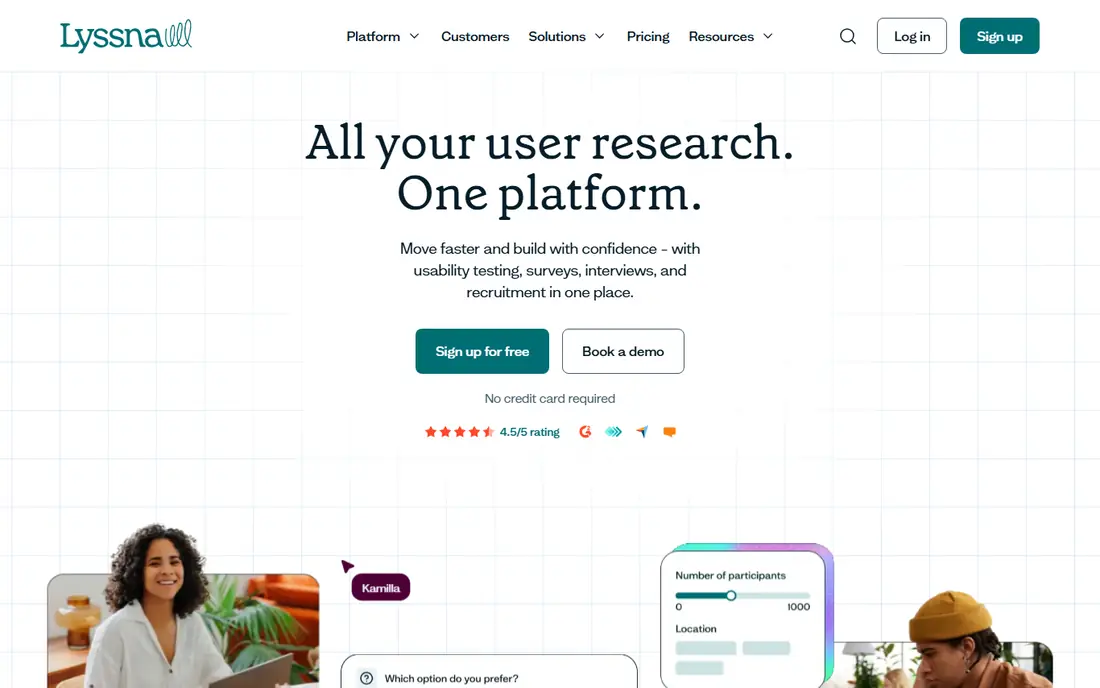
Lyssna, formerly UsabilityHub, covers first-click tests, preference tests, surveys and simple usability tasks in one easy tool. It suits teams that want quick, low-friction feedback without a heavy research platform. Setup is fast, and results are easy to read for non-researchers.
The trade-off is scale and depth, since its tester panel is smaller than UserTesting and its analysis tools are simpler. For early-stage apps and quick design decisions, that simplicity is often enough, but larger studies may need more power.
For readers who want teams that want simple tests and surveys in one place, Lyssna is a sensible shortlist pick, provided the limits above feel acceptable. Compare its pricing page and trial terms before you commit, and check that it covers the exact workflow you need on day one.
- Easy test creation
- Surveys and first-click tests
- Fast setup
- Panel size is smaller than UserTesting
- Analysis is simpler
Hotjar
Ideal for: Teams that want behaviour insight alongside tests
Hotjar is best known for heatmaps and session recordings, which show where real visitors click, scroll and stall on a live app or site. It also offers surveys for direct feedback, which makes it useful alongside a dedicated testing tool. For a new app already in public use, that behaviour data is very practical.
The limit is that Hotjar is not a tester panel, so recruiting specific users for structured tasks is lighter than on UserTesting or Maze. It works best as a complement to task-based testing, showing what users actually do after launch.
For readers who want teams that want behaviour insight alongside tests, Hotjar is a sensible shortlist pick, provided the limits above feel acceptable. Compare its pricing page and trial terms before you commit, and check that it covers the exact workflow you need on day one.
- Heatmaps and session recordings
- Surveys
- Easy to install
- Not a dedicated tester panel
- Usability tasks are lighter
Lookback
Ideal for: Teams that run live moderated interviews
Lookback is built for live, moderated research sessions, with recording, note-taking and participant interaction in one place. It suits teams that want to ask follow-up questions in real time and understand the reasons behind a user's actions. Interview-based testing often surfaces insights that unmoderated tasks miss.
The catch is recruitment, since you usually bring your own participants or arrange a panel separately, and pricing can rise with seats. It is a strong choice for interview-led research, but less convenient for a quick unmoderated panel test.
For readers who want teams that run live moderated interviews, Lookback is a sensible shortlist pick, provided the limits above feel acceptable. Compare its pricing page and trial terms before you commit, and check that it covers the exact workflow you need on day one.
- Live moderated sessions
- Recording and notes
- Good for interviews
- Needs your own participants or a panel
- Pricing can rise with seats
Userlytics
Ideal for: Teams that want video testing on a budget
Userlytics offers video-based usability testing with a global panel at pricing that is often kinder than the largest platforms. It suits small teams and startups that want real user videos without an enterprise quote. Its task and question tools cover the essentials for a standard usability round.
The drawbacks are a less polished interface than the leaders and simpler analysis tools. If you can work with a plainer product and do some analysis yourself, Userlytics gives good value for straightforward testing.
For readers who want teams that want video testing on a budget, Userlytics is a sensible shortlist pick, provided the limits above feel acceptable. Compare its pricing page and trial terms before you commit, and check that it covers the exact workflow you need on day one.
- Video and task testing
- Global panel
- Competitive pricing
- Interface is less polished than leaders
- Analysis tools are basic
PlaybookUX
Ideal for: Teams that want moderated and unmoderated testing together
PlaybookUX covers both moderated and unmoderated video testing, with panel recruitment and task tools in one platform. It suits teams that want flexibility, running a quick unmoderated round one week and a live interview the next. Its pricing is generally more accessible than enterprise-only rivals.
The limit is scale, since it is a smaller brand with fewer advanced analysis features than UserTesting. For most startup and midsize product teams, though, its range covers the core testing needs well.
For readers who want teams that want moderated and unmoderated testing together, PlaybookUX is a sensible shortlist pick, provided the limits above feel acceptable. Compare its pricing page and trial terms before you commit, and check that it covers the exact workflow you need on day one.
- Video testing
- Panel recruitment
- Competitive plans
- Smaller brand than UserTesting
- Fewer advanced analysis features
Optimal Workshop
Ideal for: Teams testing navigation and information structure
Optimal Workshop specialises in the structure of an app, with card sorting, tree testing and first-click tests that reveal whether users can find what they need. It suits teams redesigning navigation or information architecture before a launch. Its tools are research focused and produce clear, shareable results.
The catch is scope, since it is not a full video testing platform and works best alongside session tools. If your main question is whether users can find features, it is excellent, but if you need full task videos, pair it with another tool here.
For readers who want teams testing navigation and information structure, Optimal Workshop is a sensible shortlist pick, provided the limits above feel acceptable. Compare its pricing page and trial terms before you commit, and check that it covers the exact workflow you need on day one.
- Card sorting and tree testing
- First-click tests
- Research focused
- Not a full video testing platform
- Best as a specialist tool
How we picked these
We compared official feature pages, pricing pages, app store listings, privacy policies and public reviews for each option, and we focused on products that exist and work in October 2026 and truly fit the topic. We looked for a mix of well-known leaders and strong smaller options, rather than a list of near-identical tools. We compared tester recruitment, session recording, task and survey tools, analysis features, pricing and how quickly results arrive. We did not claim hands-on testing that did not happen, and where a price or free tier could not be verified from the vendor site, we wrote See website rather than guessing a number.
Choosing the right option for you
Start with the question you need answered, such as whether onboarding is clear or checkout is confusing, rather than testing everything at once. A focused task list gives clearer results and wastes less tester time.
Use five to eight testers for a quick usability round, since that range usually surfaces the main problems without a long study. Watch full sessions where you can, because a short highlight clip can hide the moment a user actually got stuck.
Fix the biggest friction first, then retest the same task, because one clear improvement often matters more than a long list of small tweaks. Keep notes on what changed between rounds so later results stay comparable.
Before you decide, make a short list of three must-have features and one deal-breaker, then test only the two or three options that meet that list. A focused trial will tell you more than a week of comparing feature tables, and it keeps the decision tied to your real work rather than to marketing claims.
Frequently asked questions
What are the best best user testing tool for new apps?
The best choice depends on your needs, but UserTesting suits most people, while Maze is stronger for teams that want quick unmoderated tests with clear reports. Start with your must-have features, then trial the top two options before paying.
Is there a free option for best user testing tool for new apps?
Yes, several options here offer a free plan or a free trial, including Lyssna. Free plans usually limit advanced features, so check which tools you actually need before judging a free tier.
How much do best user testing tool for new apps cost?
Costs vary widely, and many vendors use quote-based pricing, so the pricing page is the reliable source. Where we could not verify a current price, we wrote See website rather than guessing, and you should get a written quote for team plans.
Which option is best for beginners?
UserTesting is the easiest starting point for most beginners, thanks to its clear setup and guidance. If you want the simplest possible tool, look at the free or trial options first and choose the one whose interface feels clearest to you.
How should I choose between these options?
List your top three needs, check integrations and pricing for those needs, and run a short trial with real work. The option that handles your daily tasks smoothly, with support you can reach, is usually the right pick, even if a rival has a longer feature list.