Top 6 Vector Animation Software Options for 2026, Compared
- 1
 Synfig StudioFree 2D animation without frame-by-frame workVisit
- 2
 SVGatorAnimated web graphics without codingVisit
- 3
 RiveInteractive animation for apps and gamesVisit
- 4
 Toon Boom HarmonyProfessional 2D cartoon productionVisit
- 5
 LottieFilesLottie animations and ready-made assetsVisit
- Synfig Studio sits first on this list: free 2D animation without frame-by-frame work.
- Moho is the one to check for character animation on a budget.
- LottieFiles has the lowest monthly starting price in this list: $19.99/month.
- Only 4 of the 6 tools have a free plan (Synfig Studio, SVGator, Rive, LottieFiles), so check the caps.
- Check the limits for Rive before you commit: pricing is hard to pin down.
Direct answer
Synfig Studio comes first here, mainly for free 2D animation without frame-by-frame work. Look at SVGator for animated web graphics without coding, and at Rive for interactive animation for apps and games. The remaining 3 options are covered below with prices and limits.
Quick comparison
| Product | Ideal for | Price from | Free version | |
|---|---|---|---|---|
| Synfig Studio | Free 2D animation without frame-by-frame work | Free (open source) | Yes | Visit |
| SVGator | Animated web graphics without coding | $20/month (billed yearly, Starter) | Yes | Visit |
| Rive | Interactive animation for apps and games | See website | Yes | Visit |
| Toon Boom Harmony | Professional 2D cartoon production | $28.50/month (Essentials) | Free trial (21 days) | Visit |
| LottieFiles | Lottie animations and ready-made assets | $19.99/month (billed yearly, Individual) | Yes | Visit |
 Moho | Character animation on a budget | $399.99 (one-time, Pro); $59.99 (one-time, Debut) | Free trial (30 days) | Visit |
The full vector animation software list
Short on time? The summary and table above give the quick view of 6 tools for vector animation software, and the profiles that follow give the detail behind each entry.
Synfig Studio
Ideal for: Free 2D animation without frame-by-frame work
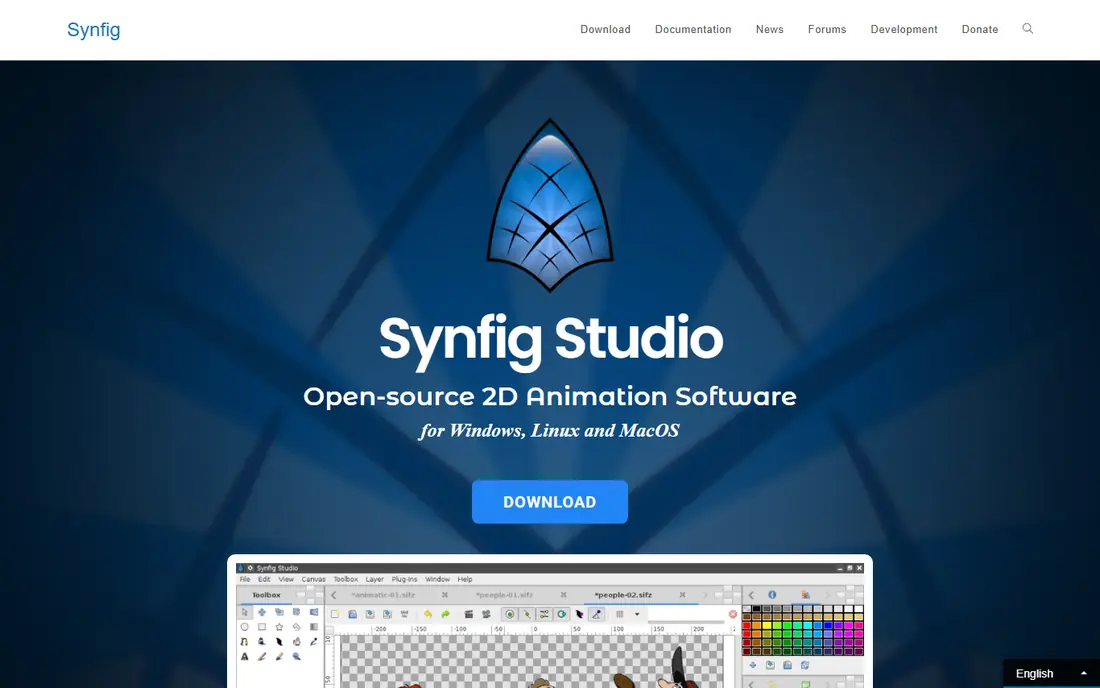
Where Synfig Studio fits: free 2D animation without frame-by-frame work. Its vector tweening calculates in-between frames automatically, so you set key poses and the software manages the rest.
Points against: Dated interface.
The bone system supports cutout character animation, and the entire package costs nothing under an open-source license. Entry price for Synfig Studio: Free. You can start on Synfig Studio without paying.
- Full-featured bone system
- Automatic tweening saves enormous time
- Smaller tutorial library than premium rivals
SVGator
Ideal for: Animated web graphics without coding
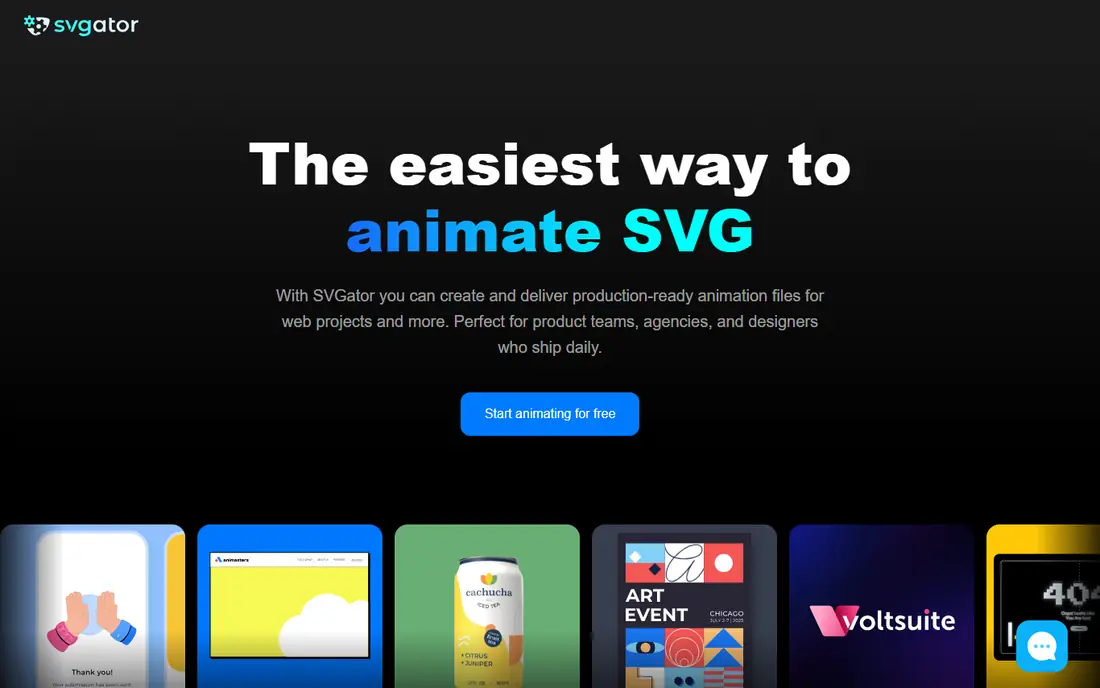
Think of SVGator for animated web graphics without coding. SVGator lives in the browser and thinks in websites. Beyond that, the free plan limits exports and watermarks results, so professional use opens at $20 per month billed annually.
Limits to weigh: Free plan watermarks exports.
In daily use, within that lane, its combination of ease and export quality is hard to match. From a buyer's view, for designers animating logos, icons, loaders and illustrations for the web, it removes the have to hand off to a developer or learn After Effects. SVGator cost at the entry level: $20/month. SVGator has a free plan. What works well: Lottie and video.
- Exports clean SVG
- Gentle ramp-up time
- Character animation tools are entry-level
Rive
Ideal for: Interactive animation for apps and games
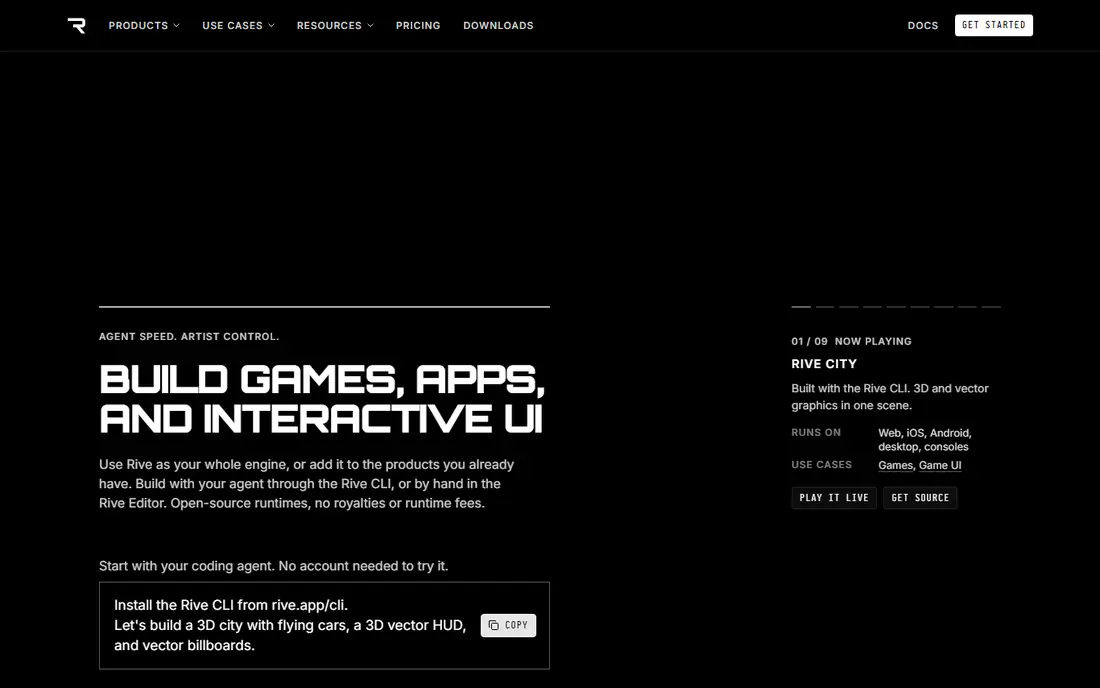
Pick Rive if this describes you: interactive animation for apps and games. The files stay small and render natively on mobile, web and consoles.
For everyday use, Rive is made for one thing: animation that reacts to the user. The state machine concept also takes adjustment if you come from timeline animation. Rive does not show a starting price in this comparison, so check the vendor site for current pricing. A free plan is available with Rive.
Where it falls short: Pricing is hard to pin down.
- Animations respond to user input in live
- Tiny file sizes for mobile
- Ramp-up time for the state machine concept
Toon Boom Harmony
Ideal for: Professional 2D cartoon production
In short, Toon Boom Harmony is for professional 2D cartoon production. The learning investment is also real: Harmony rewards training and punishes dabbling.
On top of that, for studios, schools teaching employable skills and freelancers targeting broadcast work, it remains the credential that matters. On cost, Toon Boom Harmony starts like this: $28.50/month. Free access: Free trial (21 days).
Trade-offs to know: Pricey at higher levels.
- Deep rigging and compositing
- Capable studio pipeline support
- Significant learning investment
LottieFiles
Ideal for: Lottie animations and ready-made assets
Where LottieFiles fits: Lottie animations and ready-made assets. Its homepage states that millions of designers and developers use the system, and the library of light Lottie animations is genuinely enormous. The Lottie Creator tool lets you build animations for web and mobile without deep technical skill.
It is also a library-first product: for original character animation from scratch, dedicated tools like Moho or Toon Boom serve better. More specifically, for product teams that require quality motion assets quick, the library alone can justify the cost. Starting cost for LottieFiles: $19.99/month. Free access exists with LottieFiles.
Downsides: Best assets sit behind paywalls.
- Broad system integrations
- Creator tool for building Lotties
- Less suited to original character animation
Moho
Ideal for: Character animation on a budget
For character animation on a budget, Moho is a natural candidate. The one-time pricing stands out in 2026: pay $399.99 for Pro once rather than renting software forever. On top of that, Moho is the character animator's shortcut.
Upsides: Excellent bone rigging for the price.
Its rigging system lets you build a posable character skeleton rapidly, with smart bones, inverse kinematics and physics that would cost far more elsewhere. From a buyer's view, Debut at $59.99 includes hobbyists, whereas Pro fits freelancers doing client work. Moho starts at: $399.99. Free options: Free trial (30 days).
Points against: Smaller community than Toon Boom.
- No subscription
- One-time license
- 3D capabilities are restricted
How the list was put together
For each of the 6 tools we noted price, free plan or trial, fit for vector animation software and the main limit, using vendor pages and documentation. Where a vendor does not publish a price, the entry says quote. Where a price depends on seats or billing term, the entry says so. The ranking is editorial: typical fit first, then clear pricing, then free access. If your needs are unusual, read the profiles rather than relying on position.
A buyer's checklist
- Get a written quote from Rive; the list shows no starting price for them.
- Read the fine print on the free plans from Synfig Studio, SVGator, Rive and LottieFiles; seat, project and feature caps differ.
- Run a trial of Toon Boom Harmony and Moho with real work before paying for a year; your own workflow is the best test.
- Read the limits listed for Synfig Studio first: dated interface.
- Ask Toon Boom Harmony how an export works before you move any records in; an easy exit lowers the risk.
- Look at which plan of SVGator unlocks the features you need; entry tiers are often cut down.
Frequently asked questions
What is vector animation?
It powers app interfaces, web graphics, explainer videos and 2D cartoons. The primary formats are SVG for the web, Lottie for apps, and video files for film.
Can I try these options before paying?
Often, yes. Synfig Studio, SVGator, Rive and LottieFiles have a free plan and Toon Boom Harmony and Moho offer a free trial. Use your own data and a real task during the test, and check what the free tier or trial limits before you rely on it.
How are the tools for vector animation software ordered?
The order follows typical fit for vector animation software, with Synfig Studio first and Moho last, then price clarity and free access. It is editorial judgement, not a score, so another team could rank the tools differently.
Is Synfig Studio the right pick for everyone comparing vector animation software?
No single tool suits every team. Synfig Studio comes first because it fits free 2D animation without frame-by-frame work, while SVGator suits animated web graphics without coding and Rive suits interactive animation for apps and games. Match the tool to your own size, budget and workflow before deciding.
Which options for vector animation software have a free plan?
Synfig Studio, SVGator, Rive and LottieFiles offer a free plan in this list. Free plans usually cap users, projects or features, so check the limits on the vendor page. Several others offer a trial instead.