Vector Database Software: 6 Options Side by Side (2026)

- 1
 pgvectorTeams that want vector search without adding new infrastructureVisit
- 2
 ElasticsearchOrganizations already on Elastic that require vector search addedVisit
- 3
 MilvusBillion-scale vector search in demanding production environmentsVisit
- 4
 ChromaDevelopers prototyping RAG and AI features rapidlyVisit
- 5
 QdrantPerformance-critical applications with complicated payload filteringVisit
- Top of the list is pgvector, which targets teams that want vector search without adding new infrastructure.
- For teams that want production vector search with zero infrastructure to run, Pinecone is worth a look.
- A fair warning about pgvector: not as quick as dedicated engines at scale.
- 6 of the 6 tools have a free plan, including pgvector, Elasticsearch, Milvus and Chroma.
Direct answer
If you need teams that want vector search without adding new infrastructure, pgvector is the first tool to look at here. Look at Elasticsearch for organizations already on Elastic that require vector search added, and at Milvus for Billion-scale vector search in demanding production environments. All 6 tools are compared below on price, free plan and limits.
Quick comparison
| Product | Ideal for | Price from | Free version | |
|---|---|---|---|---|
| pgvector | Teams that want vector search without adding new infrastructure | Free, open source | Yes | Visit |
| Elasticsearch | Organizations already on Elastic that require vector search added | Free tier; premium plans available | Yes | Visit |
| Milvus | Billion-scale vector search in demanding production environments | Free; Zilliz Cloud plans available | Yes | Visit |
| Chroma | Developers prototyping RAG and AI features rapidly | Free, open source | Yes | Visit |
| Qdrant | Performance-critical applications with complicated payload filtering | Free tier; premium plans available | Yes | Visit |
 Pinecone | Teams that want production vector search with zero infrastructure to run | Free tier; premium plans available | Yes | Visit |
The best vector database software
Short on time? The summary and table above give the quick view of 6 tools for vector database software, and the profiles that follow give the detail behind each entry.
pgvector
Ideal for: Teams that want vector search without adding new infrastructure
pgvector serves teams that want vector search without adding new infrastructure. Backup, monitoring, and access control all come free with the Postgres operational knowledge your team already has. In practice, dedicated engines outperform it at extreme scale, and the feature set is narrower.
Drawbacks to consider: Fewer vector-specific features.
But for the enormous middle of applications where vectors are one data type among plenty of, pgvector's simplicity is decisive. For everyday use, no new database to operate, secure, or back up. What you pay to start with pgvector: Free, open source. pgvector includes a free tier.
- Transactional consistency
- Runs inside PostgreSQL you already operate
- Index choices restricted
Elasticsearch
Ideal for: Organizations already on Elastic that require vector search added
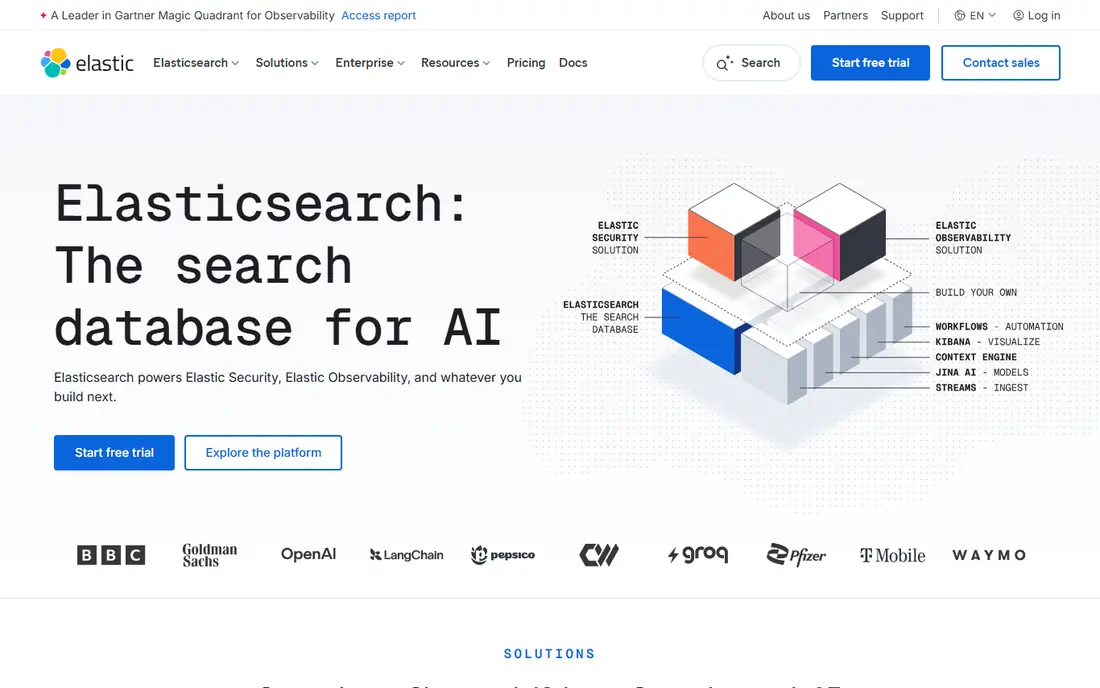
Elasticsearch was built for organizations already on Elastic that require vector search added. Elasticsearch added dense vector search and hybrid retrieval to the stack millions already run.
What users get: Hybrid dense plus sparse retrieval.
For everyday use, for organizations with Elastic infrastructure, RAG and semantic search arrive as a feature, not a new system, with the query DSL, security model, and observability tooling teams already know. Entry price for Elasticsearch: Free tier. A free plan is available with Elasticsearch.
Where it falls short: Resource-heavy for pure vector workloads.
- Massive ecosystem
- Managed Elastic Cloud
- Licensing complexity
Milvus
Ideal for: Billion-scale vector search in demanding production environments
Choose Milvus for Billion-scale vector search in demanding production environments. Milvus is the heavy lifter: designed from the start for billion-scale deployments with a distributed, cloud-native architecture. Worth adding: small projects should start with Chroma or pgvector instead.
The main drawbacks: Operational complexity at scale.
Its adoption by large technology businesses for production recommendation and search systems validates the architecture at genuine scale. Worth adding: the broad selection of index types lets engineers tune precisely for their recall, latency, and memory trade-offs, and the LF AI foundation governance keeps it genuinely open. Milvus pricing: Free. You can start on Milvus without paying.
- Proven at billion-vector scale
- Rich index type selection
- Tuning index types takes expertise
Chroma
Ideal for: Developers prototyping RAG and AI features rapidly
Chroma makes the most sense for developers prototyping RAG and AI features rapidly. Plenty of production systems started as Chroma prototypes, which speaks to how well the API maps to real developer workflows. Worth adding: install the Python package, produce a collection, add documents, and query, all in a few lines.
It runs embedded for prototypes and as a server for small production use, which makes the path from notebook to deployment unusually smooth. But as the fastest route from idea to working RAG demo, Chroma has earned its place in countless AI prototypes. Starting cost for Chroma: Free, open source. A free plan is available with Chroma.
The main drawbacks: Smaller company behind it.
- Runs in-process for prototypes
- Python-first API
- Fewer enterprise features
Qdrant
Ideal for: Performance-critical applications with complicated payload filtering
Qdrant is designed for performance-critical applications with complicated payload filtering. Qdrant wins benchmarks with a Rust core made for speed and memory efficiency. Where it really shines is filtering: complicated conditions on payload data combine with vector search without the performance cliffs some engines hit.
Highlights: Rich payload filtering.
E-commerce search, recommendation feeds, and retrieval pipelines with strict latency budgets are the workloads where its advantages display most plainly. More specifically, Quantization choices let large indexes fit in less RAM, cutting infrastructure costs. Qdrant pricing: Free tier. You can start on Qdrant without paying. Honest limits: Smaller ecosystem than Weaviate.
- Written in Rust
- Quantization for memory efficiency
- Advanced features need tuning
Pinecone
Ideal for: Teams that want production vector search with zero infrastructure to run
Pinecone serves teams that want production vector search with zero infrastructure to run. Pinecone pioneered vector database as a service, and the serverless model remains its pitch: produce an index, upsert vectors, query by similarity, and never think about shards, replicas, or scaling.
What to check first: Less configurable than open-source engines.
But for teams that want RAG and semantic search in production this week without hiring a search engineer, Pinecone is the path of least resistance. Pinecone cost at the entry level: Free tier. Free access exists with Pinecone.
- True serverless with automatic scaling
- Straightforward API
- Costs scale with usage
A closer look at vector database software
Traditional databases answer exact questions: find the row where the price equals 49. On top of that, the use cases are now mainstream: retrieval-augmented generation for chatbots, semantic search, recommendation engines, and anomaly detection.
What went into this list
For each of the 6 tools we noted price, free plan or trial, fit for vector database software and the main limit, using vendor pages and documentation. Where a vendor does not publish a price, the entry says quote. Where a price depends on seats or billing term, the entry says so. Order on the page follows fit for the typical buyer first, then price transparency and free access. Your own requirements should decide the final pick.
Before you commit
- Confirm the entry price on the vendor page for pgvector and the others: seat counts and billing terms change the total.
- Check what the free option really includes: pgvector, Elasticsearch, Milvus and others offer a free plan, and usage caps differ.
- Before choosing pgvector, weigh its main limit: not as quick as dedicated engines at scale.
- Check whether Pinecone bills monthly or annually, and what cancelling early costs.
- See whether Elasticsearch offers onboarding or training, and whether it is included in the price.
Frequently asked questions
Which options for vector database software have a free plan?
6 of the 6 tools have a free plan, including pgvector, Elasticsearch, Milvus and Chroma. Free plans usually cap users, projects or features, so check the limits on the vendor page.
Do these tools publish their prices?
Yes. Every tool from pgvector to Pinecone shows a starting price, though seats, add-ons and billing terms still change the final cost.
How are the tools for vector database software ordered?
The order follows typical fit for vector database software, with pgvector first and Pinecone last, then price clarity and free access. It is editorial judgement, not a score, so another team could rank the tools differently.
Can I try these options before paying?
Often, yes. pgvector, Elasticsearch, Milvus and others have a free plan. Use your own data and a real task during the test, and check what the free tier or trial limits before you rely on it.