7 Vector Drawing Software Options Compared on Price and Fit

- The list opens with Boxy SVG, aimed at light SVG editing for developers.
- What to know about Boxy SVG first: narrower toolset than full illustration apps.
- 4 of 7 tools offer a free plan: Boxy SVG, Inkscape, Affinity, Linearity Curve.
- For vector illustration on Apple devices, Linearity Curve is worth a look.
Direct answer
Boxy SVG comes first here, mainly for light SVG editing for developers. Look at Inkscape for free open-source vector editing, and at Adobe Illustrator for professional print and branding work. Prices, free plans and limits for all 7 tools follow.
Quick comparison
| Product | Ideal for | Price from | Free version | |
|---|---|---|---|---|
 Boxy SVG | Light SVG editing for developers | See website | Yes | Visit |
 Inkscape | Free open-source vector editing | Free | Yes | Visit |
 Adobe Illustrator | Professional print and branding work | See website | Free trial (7 days) | Visit |
 Affinity | Best overall value in 2026 | Free | Yes | Visit |
 Sketch | Mac-based interface design | See website | Free trial | Visit |
 CorelDRAW Graphics Suite | Sign making and print production | $269 a year | Free trial (15 days) | Visit |
 Linearity Curve | Vector illustration on Apple devices | See website | Yes | Visit |
Vector Drawing Software compared in detail
If you are comparing vector drawing software, this page covers 7 tools in one place: what each is best for, what it costs to start, whether it has a free plan, and the main limit to know about.
Boxy SVG
Ideal for: Light SVG editing for developers
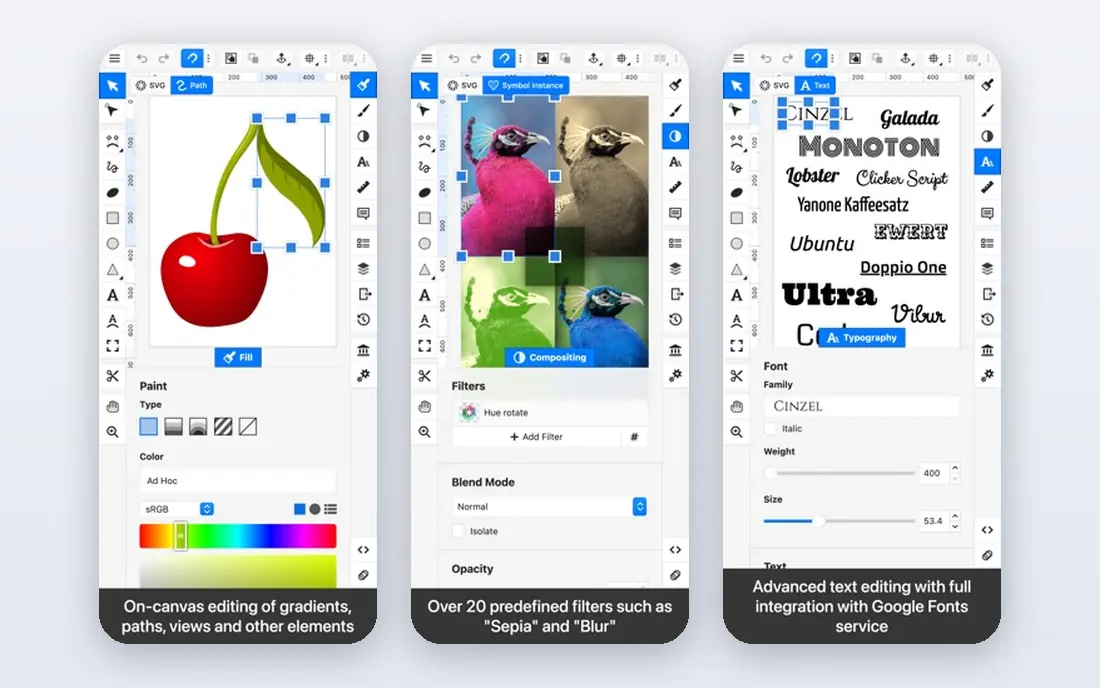
Choose Boxy SVG for light SVG editing for developers. Boxy SVG is built around a single idea: editing SVG files should be straightforward and produce clean code.
Where it falls short: Narrower toolset than full illustration apps.
The premium level costs roughly ten dollars per year, which is negligible, and the free version deals with entry-level edits. Pricing for Boxy SVG is not stated here, so ask the vendor for current figures. You can start on Boxy SVG without paying.
- Clean SVG code output
- Very budget-friendly premium level
- Touch and mobile editing is awkward
Inkscape
Ideal for: Free open-source vector editing
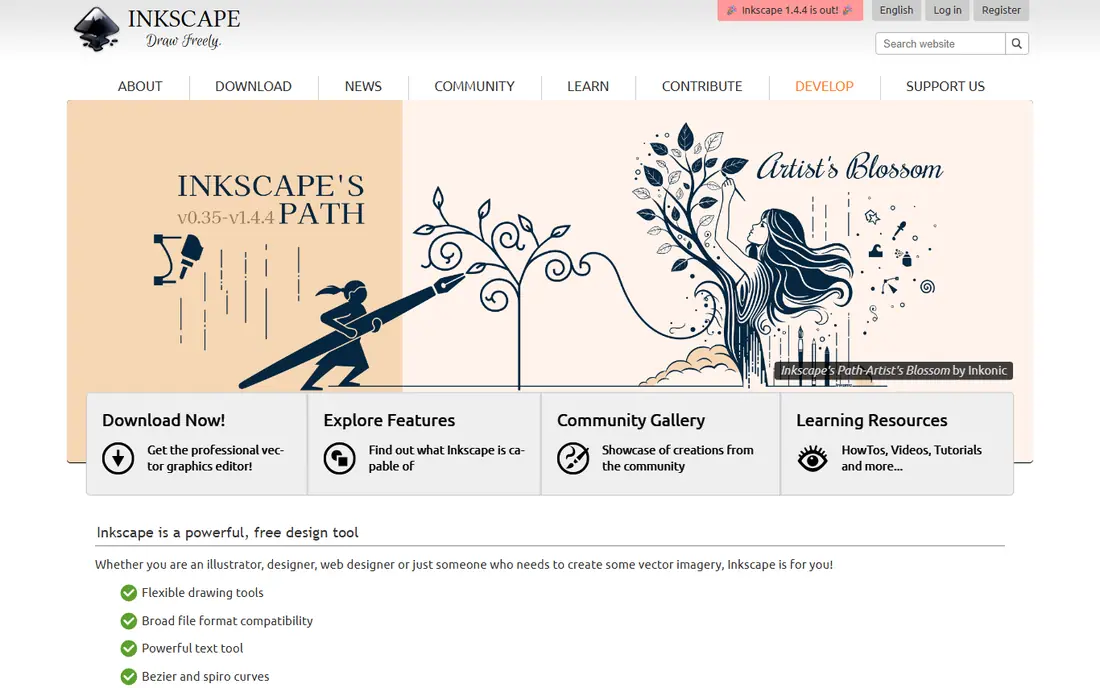
Inkscape is built with free open-source vector editing in mind. Inkscape is the answer when the budget is zero and the work still needs to look professional. In practice, the limitations are real but well documented.
Honest limits: Can slow down on very complicated documents.
Small firms routinely produce client-ready work in Inkscape without spending a dollar, which is remarkable for software this capable. Beyond that, as a free and open-source editor, it spans the fundamentals well: bezier drawing, node editing, boolean path operations, layers, gradients and text on paths. Its native SVG format makes it a natural fit for web graphics, icons and diagrams. The extension ecosystem layers on capabilities the core app lacks. Entry price for Inkscape: Free. Inkscape includes a free tier.
Reasons to shortlist it: Fully free with no account or upsell.
- Native SVG workflow well suited to web graphics
- MacOS and Linux
- No native CMYK support, which limits professional print work
Adobe Illustrator
Ideal for: Professional print and branding work
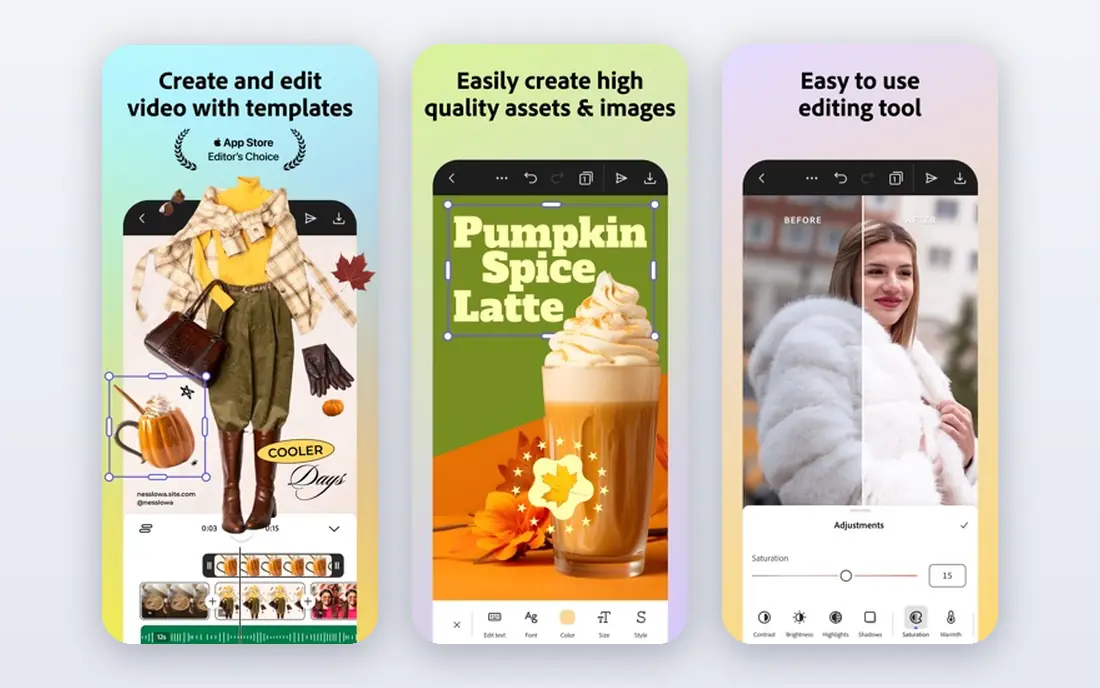
Choose Adobe Illustrator for professional print and branding work. Illustrator has defined professional vector work for decades, and that position has not really shifted. More specifically, when a print shop asks for your artwork, they expect an AI or print-ready PDF exported from Illustrator.
Honest limits: Subscription only, no perpetual license.
Its color management, Pantone libraries and prepress controls remain the benchmark that everything else is measured against. From a buyer's view, the honest catch is the price model. For a studio billing client work daily, the cost disappears into overhead. Illustrator is subscription only, and Adobe's annual-billed-monthly plans carry early-cancellation fees that surprise first-time buyers. In practice, buy it when vector work is core to your revenue, not when it is an occasional chore. This comparison lists no price for Adobe Illustrator; ask the vendor. Free options: Free trial (7 days).
- Solid typography and print prepress controls
- Deepest vector toolset on the market
- Annual commitment with early-cancellation fees
Affinity
Ideal for: Best overall value in 2026
For best overall value in 2026, Affinity is a natural candidate. Canva's relaunch of Affinity in late 2025 changed the math for everyone shopping for design software.
As for the details, the old Affinity Designer, Photo and Publisher are gone as separate premium apps, replaced by a single free application with Vector, Pixel and Layout studios you switch between with one click. Affinity pricing: Free. A free plan is available with Affinity.
Points against: IPad version still rolling out. What users get: PDF and SVG files.
- Quick performance on large files
- Photo and layout tools in one free app
- AI features need a premium Canva plan
Sketch
Ideal for: Mac-based interface design
In short, Sketch is for Mac-based interface design. Mixed Windows and Mac teams cannot standardize on it, and its vector illustration tools are serviceable instead of inspiring. From a buyer's view, the macOS-only limitation is the big filter.
If your entire team is on Macs and your output is interfaces, Sketch is a focused, capable choice. Sketch practically invented the modern UI design tool category, and on the Mac it remains quick and pleasant to use. Its symbols, shared styles and libraries make it solid for design systems. The plugin ecosystem spans handoff to developers through integrations with tools like Zeplin. Sketch shows no starting price here, so confirm the cost on the vendor site. On free options: Free trial.
The main drawbacks: Collaboration happens through the web app.
- Very good symbol and component system
- Quick native Mac app
- MacOS only, which excludes mixed-platform teams
CorelDRAW Graphics Suite
Ideal for: Sign making and print production
CorelDRAW Graphics Suite is built with sign making and print production in mind. CorelDRAW has been the quiet workhorse of the sign and print industry since 1989, and version 2026 added AI-assisted image remixing and text presets to a toolset that already covered vector illustration, photo editing, page layout and font management. On top of that, pricing is straightforward and vendor-published: $269 a year on subscription, or $549 as a one-time purchase if you would rather own your software.
The main drawbacks: MacOS version lags the Windows one in places.
The 15-day trial is enough to test it against a real job. In practice, just know the ecosystem is smaller, so finding freelancers fluent in CorelDRAW is harder than finding Illustrator users. Starting cost for CorelDRAW Graphics Suite: $269 per year. Free access: Free trial (15 days).
What works well: engraving and large-format work.
- One-time purchase choice still available
- Superb for signage
- Smaller community than Adobe, so fewer tutorials
Linearity Curve
Ideal for: Vector illustration on Apple devices
Linearity Curve is aimed squarely at vector illustration on Apple devices. The interface is noticeably friendlier than Illustrator's, which makes it a solid fit for marketers, educators and illustrators who want professional results without per month of ramp-up time. For everyday use, a free plan covers the basics, with premium levels opening up the full feature set.
Watch-outs: Advanced features need a premium level.
Beyond that, the Apple-only restriction is the primary thing to check: there is no Windows or Android version. In practice, AI-assisted tools like Auto Trace turn rough sketches and images into editable vectors in seconds. Check the vendor site for Linearity Curve pricing; none is listed in this comparison. A free plan is available with Linearity Curve.
- IPad and iPhone
- Clean
- Apple systems only
Our selection method
We compared the tools on published pricing, free plan or trial availability, feature coverage for vector drawing software, and the limits each vendor documents. Treat prices as a snapshot: vendors change plans often, so check the vendor site for the figure that applies today. Position on the page reflects fit for a typical buyer first, with price clarity and free access breaking ties. Treat it as a guide, not a ruling.
A buyer's checklist
- Ask Boxy SVG, Adobe Illustrator, Sketch and Linearity Curve for a written quote, since no starting price is shown.
- Read the fine print on the free plans from Boxy SVG, Inkscape, Affinity and Linearity Curve; seat, project and feature caps differ.
- Use real work to test the free trial from Adobe Illustrator, Sketch and CorelDRAW Graphics Suite, rather than a demo project.
- Read the limits listed for Boxy SVG first: narrower toolset than full illustration apps.
- Confirm minimum seats and billing terms with Adobe Illustrator before you commit to an annual plan.
- Find out whether the entry plan of Inkscape covers your must-haves or only a trimmed-down version.
Frequently asked questions
Is vector drawing software different from photo editing software?
Vector editors build images from mathematical paths, so artwork scales to any size without losing sharpness. Logos, icons and illustrations belong in vector tools; photographs belong in raster editors like Photoshop or Affinity's Pixel studio.
Can I try these options before paying?
Often, yes. Boxy SVG, Inkscape, Affinity and Linearity Curve have a free plan and Adobe Illustrator, Sketch and CorelDRAW Graphics Suite offer a free trial. Use your own data and a real task during the test, and check what the free tier or trial limits before you rely on it.
Is Boxy SVG the right pick for everyone comparing vector drawing software?
No single tool suits every team. Boxy SVG comes first because it fits lightweight SVG editing for developers, while Inkscape suits free open-source vector editing and Adobe Illustrator suits professional print and branding work. Match the tool to your own size, budget and workflow before deciding.
Do these tools publish their prices?
Not all of them. Boxy SVG, Adobe Illustrator, Sketch and Linearity Curve publish no starting price, so expect a quote request for those. The rest, Inkscape included, show a starting price, though seats and billing terms still change the final cost.
Which options for vector drawing software have a free plan?
On this list, Boxy SVG, Inkscape, Affinity and Linearity Curve include a free plan. Caps on seats, usage or features are common, so test the free plan against your real workload. Several others offer a trial instead.