Best Video Chat Apps in 2026: 8 Options Compared

- 1
 ZoomGroup meetings and webinarsVisit
- 2
 Google MeetBrowser calls for Google usersVisit
- 3
 Microsoft TeamsWork chat plus videoVisit
- 4
 FaceTimeApple-only personal callsVisit
- 5
 WhatsAppPersonal video calls worldwideVisit
- Zoom suits group meetings and webinars with reliable controls.
- Google Meet suits Google users who want no-install browser calls.
- FaceTime suits Apple-only families and friends.
- Pick the app your contacts already use, since the best video app is the one people answer.
Quick comparison
| Product | Ideal for | Price from | Free version | |
|---|---|---|---|---|
| Zoom | Group meetings and webinars | Free | Yes | Visit |
| Google Meet | Browser calls for Google users | Free | Yes | Visit |
| Microsoft Teams | Work chat plus video | Free | Yes | Visit |
| FaceTime | Apple-only personal calls | Free | Yes | Visit |
| WhatsApp | Personal video calls worldwide | Free | Yes | Visit |
 Discord | Community and gaming video | Free | Yes | Visit |
 Signal | Private video calls | Free | Yes | Visit |
 Webex | Business video with strong security | Free | Yes | Visit |
The best best video chat app
Video chat apps should connect quickly, stay stable on weak connections, and work for the people you actually call. We compared call quality, group limits, free tiers, screen sharing, captions and cross-platform support, and we favored apps that work across iPhone, Android and desktop without forcing everyone onto one system.
In this guide, we list eight best video chat app options and explain who each one suits best, what it costs to start, and where it falls short. We kept the list focused on products that are widely available in the United States and that a reader can actually sign up for today, rather than filling the list with niche tools that are hard to buy or that have stopped updating their product. Prices and free tiers are shown as we found them in October 2026, and we note where a price needs a check on the vendor site because it varies by plan, team size or region.
Zoom
Ideal for: Group meetings and webinars
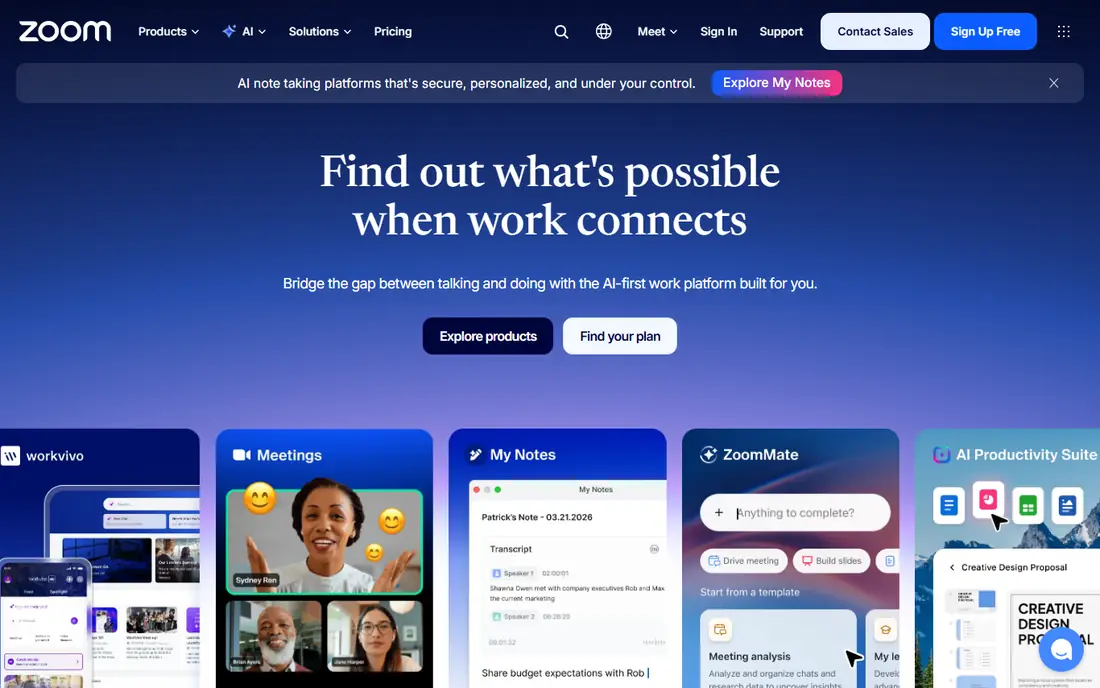
Zoom offers reliable video meetings with breakout rooms, screen sharing, captions, recording and webinar options, plus browser and app access. It suits work meetings, classes and large group calls where host controls matter.
Free group calls are limited to 40 minutes, so longer meetings need a paid plan. For group video that just works across platforms, Zoom remains the default for many teams and families.
- Reliable group calls
- Breakout rooms
- Screen sharing and captions
- Free group calls limited to 40 minutes
- Larger plans are paid
Google Meet
Ideal for: Browser calls for Google users
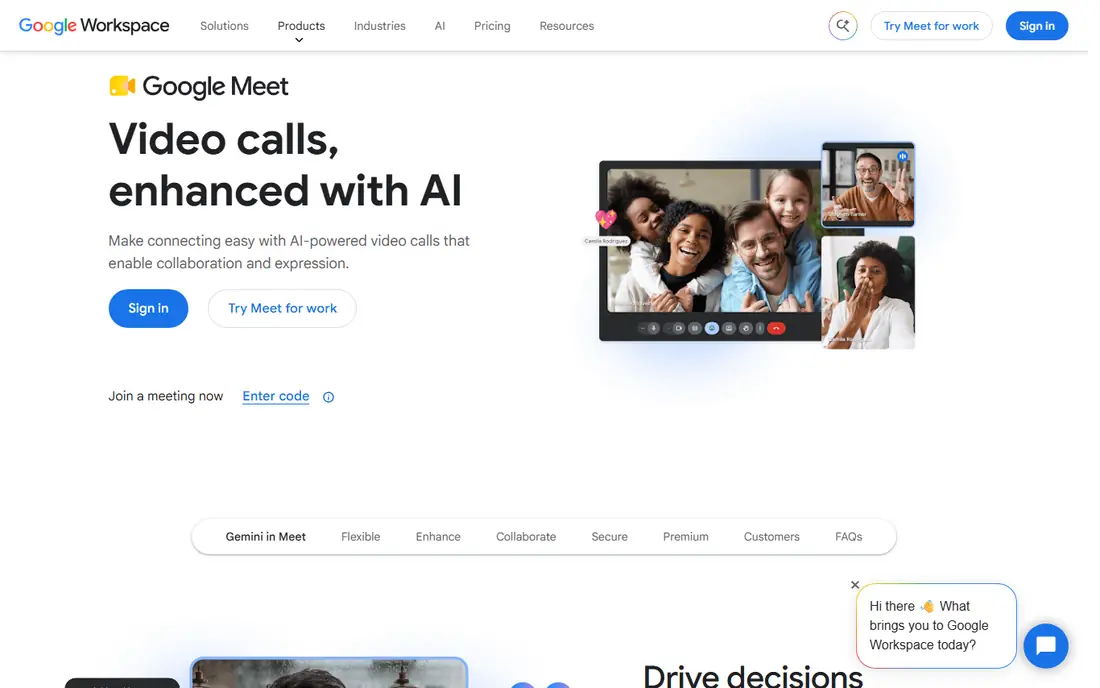
Google Meet runs video calls in a browser with no install, plus captions, screen sharing and Google Calendar integration. It suits Google users, classrooms and teams that want a simple link anyone can open.
Free calls have time limits for larger groups, and advanced host controls need Google Workspace plans. For quick, no-fuss video calls, Meet is one of the easiest apps to share.
- No-install browser calls
- Captions
- Google Calendar integration
- Free calls have time limits
- Advanced features need Workspace
Microsoft Teams
Ideal for: Work chat plus video
Microsoft Teams combines video meetings with chat, files and collaboration, integrated with Outlook, OneDrive and Microsoft 365. It suits workplaces already using Microsoft tools for daily communication.
The interface can feel busy for simple personal calls, and full value comes inside Microsoft 365. For work teams on Microsoft, Teams keeps meetings, chat and files in one place.
- Video plus chat and files
- Microsoft integration
- Large meetings
- Interface can feel busy
- Best inside Microsoft 365
FaceTime
Ideal for: Apple-only personal calls
FaceTime offers high-quality video and audio calls across iPhone, iPad, Mac and Apple Watch, with SharePlay for watching and listening together. It suits Apple-only families and friends who want the simplest possible call.
FaceTime requires Apple devices for full participation, though web links allow limited browser joining in newer versions. For mixed Android and iPhone groups, Zoom, Meet or WhatsApp work better.
- High-quality Apple calls
- SharePlay
- Simple interface
- Apple devices only
- Group features need Apple devices
Ideal for: Personal video calls worldwide
WhatsApp offers free one-to-one and group video calls with end-to-end encryption, plus messaging and voice calls in the same app. It suits personal calls, especially internationally, where contacts already use WhatsApp daily.
Group video limits are smaller than Zoom or Meet, and accounts tie to a phone number. For personal video calls with people who already message on WhatsApp, it is the most convenient choice.
- Free video calls
- Group calls
- End-to-end encryption
- Group call limits
- Needs a phone number
Discord
Ideal for: Community and gaming video
Discord offers voice channels, video calls, screen sharing and community servers that suit gaming groups, study communities and hobby clubs. It works across desktop, mobile and browser with a free tier that covers most social use.
The interface is built for communities rather than formal meetings, so work teams may prefer Zoom or Teams. For friends, gaming and community video, Discord is flexible and free.
- Voice and video channels
- Screen sharing
- Community servers
- Interface suits gamers and communities more than formal meetings
Signal
Ideal for: Private video calls
Signal offers end-to-end encrypted one-to-one and group video calls with no ads or tracking, in a simple app focused on privacy. It suits users who prioritize private communication over meeting extras.
Signal has a smaller user base than WhatsApp or Zoom, and meeting features like breakout rooms are absent. For private personal calls, Signal offers the strongest privacy story in this list.
- End-to-end encrypted calls
- No ads
- Simple design
- Smaller user base
- Fewer meeting features than Zoom
Webex
Ideal for: Business video with strong security
Webex, from Cisco, offers reliable video meetings with noise removal, captions, screen sharing and enterprise security controls. It suits businesses and institutions that need dependable meetings with strong compliance options.
The free plan has limits, and the interface feels business-focused compared with FaceTime or WhatsApp. For corporate video with security requirements, Webex remains a trusted choice.
- Reliable meetings
- Noise removal
- Cisco security
- Free plan limits
- Interface is business-focused
How we picked these
We compared official feature pages, pricing pages, app store listings, privacy policies and public reviews for each option, and we checked that each product is still available and working in October 2026. We favored products that fit the topic directly, publish clear pricing or a clear free tier, and explain how they handle data and support. We left out products that looked discontinued, that did not match the topic, or whose official homepage we could not verify. Prices change often, so check the vendor page linked in each block before you pay.
We also paid attention to the details that decide daily satisfaction, not just headline features. That meant checking how a free plan actually limits use, whether a paid plan is priced per user, per device or per account, and what happens when you add team members or exceed a limit. Where a vendor only publishes quote-based pricing, we say so rather than guessing a number, and where a first-year discount differs from a renewal price, we flag that difference in the product write-up so the second year does not come as a surprise.
How to get better video calls without new hardware
Check light, camera angle and background before important calls. Face a window or lamp, raise the camera to eye level, and choose a quiet room. Good lighting and audio matter more than a new webcam for most callers.
Test audio first on group calls. Use headphones to prevent echo, mute when not speaking in large groups, and check captions if you need them. A stable connection with clear audio beats a high-resolution video that keeps freezing.
Share links early and have a backup. Send the meeting link with a phone dial-in or a second app option, especially for important calls. A backup plan saves the meeting when one app or network fails.
Before you commit, run a short trial with the work you actually do, not with demo data. Set up one real project, booking, routine or workflow, invite the people who will use the tool every day, and check support response time when you hit a question. A product that feels good in a sales demo can still fail on a busy day, so a trial that mirrors real use is the most reliable test. If two options feel close after that trial, choose the one with clearer pricing, simpler cancellation and better support, since those factors matter long after the novelty of a new tool fades. Keep a note of the trial end date, the renewal price and the cancellation steps, so a decision made in a hurry does not turn into a subscription you forgot to review. That small record, kept in the same place as your other subscription dates, makes the yearly renewal check a five-minute job rather than a surprise bill.
Frequently asked questions
What is the best video chat app?
Zoom is best for group meetings, Google Meet is best for simple browser calls, and FaceTime is best for Apple-only personal calls. WhatsApp suits personal calls worldwide.
What is the best free video chat app?
Zoom, Google Meet, Microsoft Teams, WhatsApp, Discord, Signal and Webex all offer free video calling with limits on group size or duration. Pick by who you call, not by feature count alone.
What is the best video call app for groups?
Zoom and Google Meet suit large group calls, while Microsoft Teams and Webex suit work groups. WhatsApp and FaceTime suit smaller personal groups.
Can I video chat without downloading an app?
Yes, Google Meet and Zoom offer browser joining, and FaceTime links allow limited browser participation. Browser calls work best for guests who cannot install apps.
Which video chat app is most private?
Signal offers the strongest privacy story with end-to-end encryption, no ads and minimal data collection. WhatsApp also encrypts personal calls end to end, though it collects more metadata than Signal.