If you need editing, color and audio in one app, DaVinci Resolve is the first tool to look at here. Listed starting prices: Descript from $16 per person a month. Alternatives: Descript for text-based editing of talking videos, and Adobe Premiere Pro for editing plus controlled export settings. Prices, free plans and limits for all 5 tools follow.
Ainotely put together this guide to video compression software for social media managers for readers who want a clear shortlist without reading every vendor page. It compares 5 tools on starting price, free plans, who each one suits and where each one falls short.
Key takeaways
Top of the list is DaVinci Resolve, which targets editing, color and audio in one app.
Free plans exist at 3 of 5 tools (Descript, Vimeo, CapCut).
For the cheapest start, look at Descript: $16 per person per month.
One limit worth knowing about Descript: not made for heavy visual effects.
DaVinci Resolve targets editing, color and audio in one app. DaVinci Resolve from Blackmagic Design merges professional editing, color correction, visual effects and audio postproduction in a single application, with free and premium versions for Mac, Windows and Linux.
Downsides: Feature depth means a ramp-up time.
Pick Resolve when quality finishing and export control both matter. If you only have to shrink finished files, a transcoder is quicker to adopt. No starting price is listed for DaVinci Resolve here; confirm pricing on the vendor site. Free access: Not stated. Where DaVinci Resolve stands out: VFX and audio together.
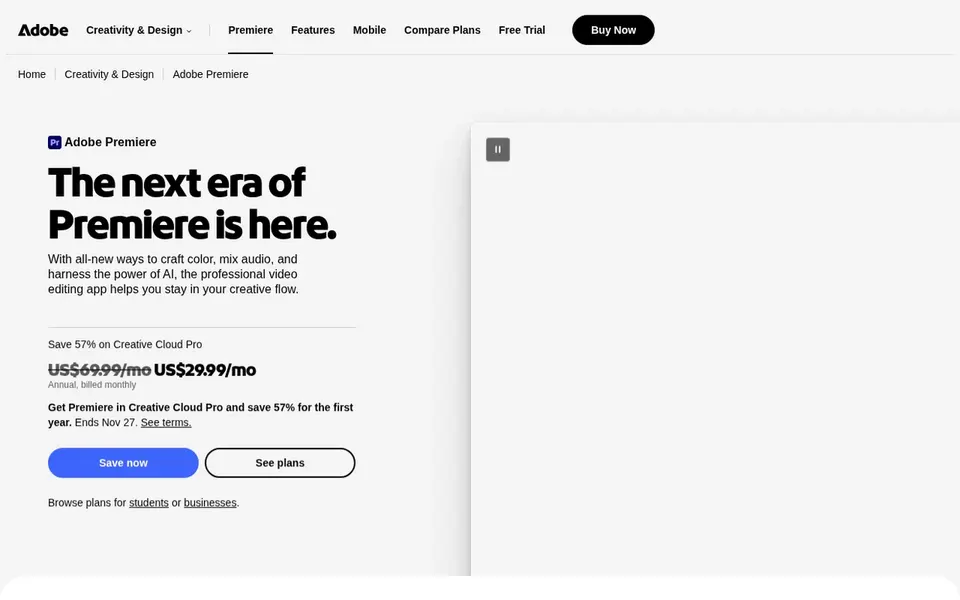
Choose Adobe Premiere Pro for editing plus controlled export settings. If your work is largely resizing and shrinking existing files instead of editing, a dedicated transcoder is more straightforward. Also, the tradeoff is complexity and cost commitment, since it is a subscription product targeted at professionals.
Adobe Premiere Pro is professional video editing and postproduction software for trimming, effects, audio mixing and export. In daily use, for social media managers, its value is the combination of editing and delivery: you can cut a clip and then tune export settings so the file meets a product's upload expectations. This comparison lists no price for Adobe Premiere Pro; ask the vendor. On free options: Not stated.
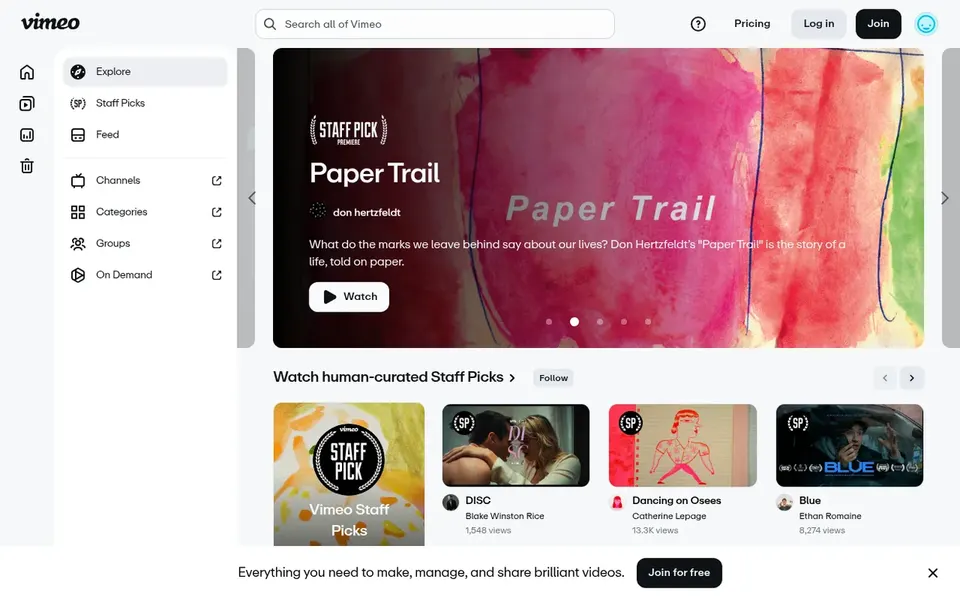
Vimeo serves hosting and sharing compressed video. Vimeo is a video hosting and streaming product where viewers explore films, shorts, documentaries and staff picks in HD. Beyond that, if your goal is to shrink a file before uploading to a social system, a transcoder or editor is the right tool.
Where it is weaker: Relies on upload and streaming workflow.
Beyond that, for social media managers, its role is distribution instead of encoding: you can host a finished clip and share a link with clients or teammates for review before publishing elsewhere. In daily use, Vimeo should not be treated as compression software, since it does not provide you a local encoder or export settings. Vimeo does not show a starting price in this comparison, so check the vendor site for current pricing. A free plan is available with Vimeo.
For fast social edits with templates, CapCut is a natural candidate. CapCut is oriented toward quick, template-driven social content instead of fine-grained encoding control.
Highlights: Desktop.
Drawbacks to consider: Less granular encoding control. So it may not satisfy workflows that require precise bitrate or codec tuning. No starting price is listed for CapCut here; confirm pricing on the vendor site. CapCut has a free plan.
Confirm the entry price on the vendor page. For DaVinci Resolve, Adobe Premiere Pro, Vimeo and CapCut that means a quote rather than a fixed price.
Check what the free option really includes: Descript, Vimeo and CapCut offer a free plan, and usage caps differ.
Before choosing DaVinci Resolve, weigh its main limit: feature depth means a learning curve.
Find out whether the entry plan of Vimeo covers your must-haves or only a trimmed-down version.
Get the contract term, renewal terms and any onboarding fees from CapCut in writing.
How we picked
We compared the tools on published pricing, free plan or trial availability, feature coverage for video compression software for social media managers, and the limits each vendor documents. Seat minimums, billing terms and add-ons can move the real cost, so the starting prices here are a guide and not a quote. Position on the page reflects fit for a typical buyer first, with price clarity and free access breaking ties. Treat it as a guide, not a ruling.
Every price and plan detail on this page comes from the vendors’ own websites. We did not run hands-on tests unless the text says so, and we do not publish star ratings or review scores. See how we score and our disclosure.
Keep your shortlist in one place
Paste prices, trial dates and notes from this guide into Ainotely, our AI note app. It files them into a topic and pulls out tasks like “cancel trial by Friday”. Free 7-day trial, no card needed.
Is DaVinci Resolve the right pick for everyone comparing video compression software for social media managers?
No single tool suits every team. DaVinci Resolve comes first because it fits editing, color and audio in one app, while Descript suits text-based editing of talking videos and Adobe Premiere Pro suits editing plus controlled export settings. Match the tool to your own size, budget and workflow before deciding.
What is the cheapest option for video compression software for social media managers in this list?
On published monthly entry prices, Descript is the lowest here at $16 per person per month. Entry price is only part of the cost, because seats, add-ons and billing terms can change the total. Each of the 5 options in this video Compression software for social media managers guide has its own card above with the price, free plan and limits.
Can I try these tools before paying?
Often, yes. Descript, Vimeo and CapCut have a free plan. Use your own data and a real task during the test, and check what the free tier or trial limits before you rely on it.
Which tool is best for shrinking large files rapidly?
Start with DaVinci Resolve if you need editing, color and audio in one app. Descript is the better match for text-based editing of talking videos, and Adobe Premiere Pro for editing plus controlled export settings. The best choice depends on budget, team size and workflow.
Do these tools publish their prices?
Not all of them. DaVinci Resolve, Adobe Premiere Pro, Vimeo and CapCut publish no starting price, so expect a quote request for those. The rest, Descript included, show a starting price, though seats and billing terms still change the final cost.