Best Video Conference Platform in 2026: 8 Options Compared

- 1
 ZoomTeams that want reliable meetings and webinarsVisit
- 2
 Google MeetTeams already using Google WorkspaceVisit
- 3
 Microsoft TeamsCompanies already using Microsoft 365Visit
- 4
 WebexLarger firms that need enterprise meetings and eventsVisit
- 5
 GoTo MeetingTeams that want simple, reliable business meetingsVisit
- Zoom and Google Meet are the most reliable starting points for most teams.
- Microsoft Teams suits companies already using Microsoft 365.
- Webex and GoTo Meeting suit larger firms that need webinars and enterprise controls.
- Whereby and Jitsi Meet suit small teams that want simple, browser-based meetings.
Quick comparison
| Product | Ideal for | Price from | Free version | |
|---|---|---|---|---|
| Zoom | Teams that want reliable meetings and webinars | See website | Yes | Visit |
| Google Meet | Teams already using Google Workspace | See website | Yes | Visit |
| Microsoft Teams | Companies already using Microsoft 365 | See website | Yes | Visit |
| Webex | Larger firms that need enterprise meetings and events | See website | Yes | Visit |
| GoTo Meeting | Teams that want simple, reliable business meetings | See website | Free trial | Visit |
 Whereby | Small teams that want browser meetings without installs | See website | Free trial | Visit |
 Jitsi Meet | Teams that want free, open-source video meetings | Free | Yes | Visit |
 Dialpad Meetings | Teams that want meetings plus business phone tools | See website | Free trial | Visit |
The best video conference platforms
Video conference platforms now cover meetings, webinars, chat, and phone features, and the best ones are judged by call quality, ease of joining, and how well they fit the tools a team already uses. A platform that guests struggle to join will waste the time it was meant to save.
We compared broad meeting suites with simpler, browser-based options. Large teams that need webinars and phone features should favor a full suite, while small teams that meet occasionally may do better with a simple tool.
Zoom
Ideal for: Teams that want reliable meetings and webinars
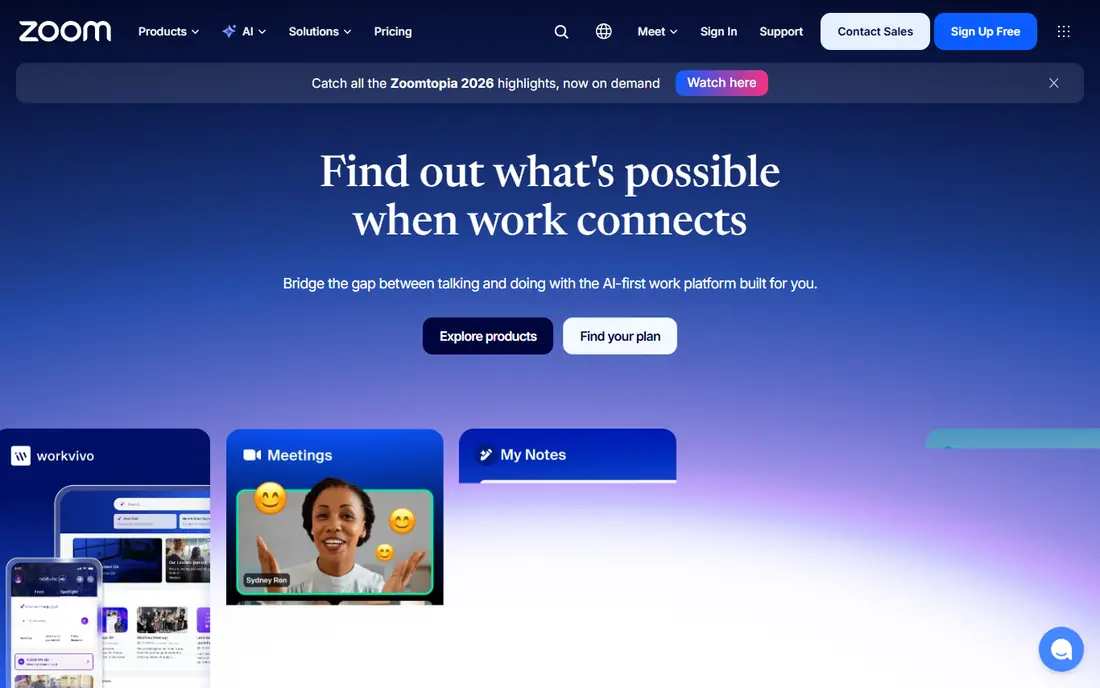
Zoom is a strong fit for teams that want reliable meetings and webinars. Its strengths include reliable meeting quality, strong webinar tools, and wide integrations. That combination is why it earned a place on this list, and why it may suit you if those points match your priorities. When we lined up the official feature pages, this one stood out for the balance it strikes between depth and ease of use. Pricing is listed as see website, and the free plan is yes, so check the vendor page for the current details that apply to your team size and region. The trade-off is worth naming plainly. Watch for free tier limits group meeting length, and for paid plans per user. If neither of those is a deal breaker for you, Zoom is a sensible shortlist candidate, and a short trial with a real task will tell you more than any feature list can.
- Reliable meeting quality
- Strong webinar tools
- Wide integrations
- Free tier limits group meeting length
- Paid plans per user
Google Meet
Ideal for: Teams already using Google Workspace

Google Meet is a strong fit for teams already using Google Workspace. Its strengths include simple browser joining, good Google integration, and clear controls. That combination is why it earned a place on this list, and why it may suit you if those points match your priorities. On paper, the feature set looks broad, and the pricing page is the place to confirm what sits behind each tier before you commit. Pricing is listed as see website, and the free plan is yes, so check the vendor page for the current details that apply to your team size and region. The trade-off is worth naming plainly. Watch for advanced features need Workspace plans, and for webinar tools are lighter. If neither of those is a deal breaker for you, Google Meet is a sensible shortlist candidate, and a short trial with a real task will tell you more than any feature list can.
- Simple browser joining
- Good Google integration
- Clear controls
- Advanced features need Workspace plans
- Webinar tools are lighter
Microsoft Teams
Ideal for: Companies already using Microsoft 365
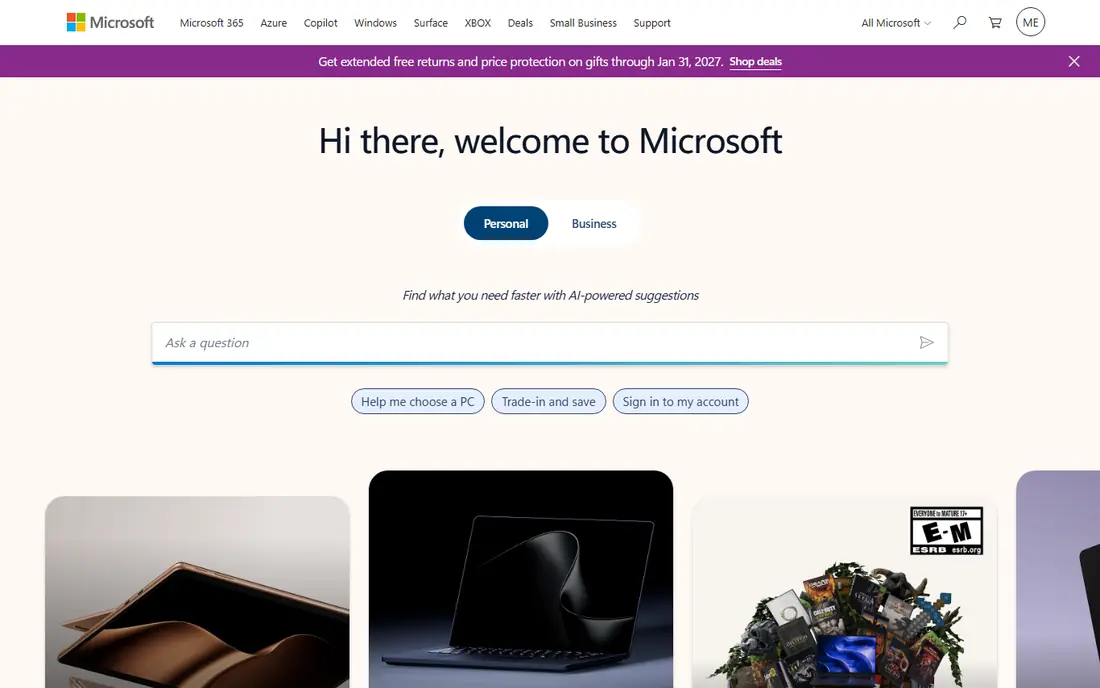
Microsoft Teams is a strong fit for companies already using Microsoft 365. Its strengths include deep Microsoft 365 integration, chat plus meetings, and strong enterprise controls. That combination is why it earned a place on this list, and why it may suit you if those points match your priorities. We paid close attention to how clearly the vendor explains limits, because a tool that hides its limits tends to disappoint later. Pricing is listed as see website, and the free plan is yes, so check the vendor page for the current details that apply to your team size and region. The trade-off is worth naming plainly. Watch for best inside Microsoft workflow, and for guest joining can confuse newcomers. If neither of those is a deal breaker for you, Microsoft Teams is a sensible shortlist candidate, and a short trial with a real task will tell you more than any feature list can.
- Deep Microsoft 365 integration
- Chat plus meetings
- Strong enterprise controls
- Best inside Microsoft workflow
- Guest joining can confuse newcomers
Webex
Ideal for: Larger firms that need enterprise meetings and events
Webex is a strong fit for larger firms that need enterprise meetings and events. Its strengths include strong enterprise security, good webinar tools, and clear meeting controls. That combination is why it earned a place on this list, and why it may suit you if those points match your priorities. Compared with the other options here, this one takes a narrower approach, and that focus is either a strength or a limit depending on your needs. Pricing is listed as see website, and the free plan is yes, so check the vendor page for the current details that apply to your team size and region. The trade-off is worth naming plainly. Watch for paid plans for advanced use, and for interface feels enterprise-heavy. If neither of those is a deal breaker for you, Webex is a sensible shortlist candidate, and a short trial with a real task will tell you more than any feature list can.
- Strong enterprise security
- Good webinar tools
- Clear meeting controls
- Paid plans for advanced use
- Interface feels enterprise-heavy
GoTo Meeting
Ideal for: Teams that want simple, reliable business meetings
GoTo Meeting is a strong fit for teams that want simple, reliable business meetings. Its strengths include simple meeting setup, good reliability, and clear controls. That combination is why it earned a place on this list, and why it may suit you if those points match your priorities. The public reviews we read tended to praise the core workflow while noting the same trade-offs we list below. Pricing is listed as see website, and the free plan is free trial, so check the vendor page for the current details that apply to your team size and region. The trade-off is worth naming plainly. Watch for free trial only, no free tier, and for feature set is narrower. If neither of those is a deal breaker for you, GoTo Meeting is a sensible shortlist candidate, and a short trial with a real task will tell you more than any feature list can.
- Simple meeting setup
- Good reliability
- Clear controls
- Free trial only, no free tier
- Feature set is narrower
Whereby
Ideal for: Small teams that want browser meetings without installs
Whereby is a strong fit for small teams that want browser meetings without installs. Its strengths include browser-based rooms, simple setup, and good small-team fit. That combination is why it earned a place on this list, and why it may suit you if those points match your priorities. For a team that wants to start small, the free tier or trial is worth testing with a real task before any wider rollout. Pricing is listed as see website, and the free plan is free trial, so check the vendor page for the current details that apply to your team size and region. The trade-off is worth naming plainly. Watch for free tier is limited, and for large meeting features are lighter. If neither of those is a deal breaker for you, Whereby is a sensible shortlist candidate, and a short trial with a real task will tell you more than any feature list can.
- Browser-based rooms
- Simple setup
- Good small-team fit
- Free tier is limited
- Large meeting features are lighter
Jitsi Meet
Ideal for: Teams that want free, open-source video meetings
Jitsi Meet is a strong fit for teams that want free, open-source video meetings. Its strengths include free and open source, browser-based, and no account needed for guests. That combination is why it earned a place on this list, and why it may suit you if those points match your priorities. We looked at integrations and support options as well, since a tool rarely works alone in a real workflow. Pricing is listed as free, and the free plan is yes, so check the vendor page for the current details that apply to your team size and region. The trade-off is worth naming plainly. Watch for self-hosting needs setup, and for large meetings need strong servers. If neither of those is a deal breaker for you, Jitsi Meet is a sensible shortlist candidate, and a short trial with a real task will tell you more than any feature list can.
- Free and open source
- Browser-based
- No account needed for guests
- Self-hosting needs setup
- Large meetings need strong servers
Dialpad Meetings
Ideal for: Teams that want meetings plus business phone tools
Dialpad Meetings is a strong fit for teams that want meetings plus business phone tools. Its strengths include meetings plus phone features, good AI notes, and clear controls. That combination is why it earned a place on this list, and why it may suit you if those points match your priorities. The documentation and help pages gave us a good sense of how much setup this one needs in the first week. Pricing is listed as see website, and the free plan is free trial, so check the vendor page for the current details that apply to your team size and region. The trade-off is worth naming plainly. Watch for paid plans for full use, and for smaller meeting footprint. If neither of those is a deal breaker for you, Dialpad Meetings is a sensible shortlist candidate, and a short trial with a real task will tell you more than any feature list can.
- Meetings plus phone features
- Good AI notes
- Clear controls
- Paid plans for full use
- Smaller meeting footprint
How we picked these
We compared official feature pages, pricing pages, app store listings, privacy policies, and public reviews for each option. We kept only products that exist and work in October 2026 and that truly fit the topic, and we left out options whose pricing or core features we could not verify. Where a price was unclear, we wrote See website rather than guessing a number. We also weighed who each product is really for, how clear its limits are, and how it handles privacy and support. Our pick for most people is the option that balances those points best, not the one with the longest feature list. Your shortlist should still reflect your budget, your team size, and the one task you need done every week.
What matters most when you decide
Test with guests, not only with your own team. Invite someone outside your company to join from a phone and a laptop, and watch how many steps it takes. If a guest needs an install, an account, or a long setup, that friction will show up in every client meeting. Check audio and video quality on a weak connection. A platform that only works well on fast office Wi-Fi will fail for remote staff and travelers. Test with video off, with screen sharing, and with several people speaking, since those are the moments that reveal weak spots. Review recording, captions, and security settings before you standardize. Confirm who can record, how captions work, and what waiting room and password options exist. Those settings matter for client trust and for accessibility, and they are easier to set once than to fix meeting by meeting.
Frequently asked questions
What is the best video conference platform?
Zoom and Google Meet are strong starting points for most teams, while Microsoft Teams suits Microsoft 365 companies. Webex suits larger firms with webinar needs.
What is the best app for video conferencing?
For most people, Zoom or Google Meet will cover meetings well, with simple joining and solid quality. Teams that live in Microsoft 365 will prefer Teams.
Are there free video conferencing services?
Yes. Zoom, Google Meet, Webex, and Jitsi Meet offer free tiers, though free tiers limit meeting length, participants, or features.
Which platform is best for webinars?
Zoom and Webex have the strongest webinar tools in this group, with registration, polls, and reporting. Check the paid tier, since webinar features are often not in free plans.