VSee comes first here, mainly for HIPAA-compliant telemedicine visits. Listed starting prices: VSee from $29 per month per provider. For a different need, Doxy.me covers straightforward virtual patient consultations and Cisco Webex covers enterprise-grade meetings and devices. The other 3 tools in the list cover narrower or pricier cases.
Ainotely compared 6 video conferencing software for dental practices. The goal is a practical shortlist: published prices, free plan facts, best-fit use cases and honest limits for every entry.
Key takeaways
This list starts with VSee, which is built for HIPAA-compliant telemedicine visits.
VSee has the lowest monthly starting price in this list: $29 per month per provider.
One limit worth knowing about Doxy.me: less suited to complex internal collaboration.
GoTo Meeting suits straightforward business web conferencing.
VSee works best for HIPAA-compliant telemedicine visits. Its clinical focus means fewer general-purpose meeting and collaboration features than wide suites offer.
From a buyer's view, pick VSee when compliant telemedicine support is the deciding factor. Starting cost for VSee: $29 per month per provider. VSee offers a free plan.
Points against: Narrower general meeting feature set.
Best for: Straightforward virtual patient consultations
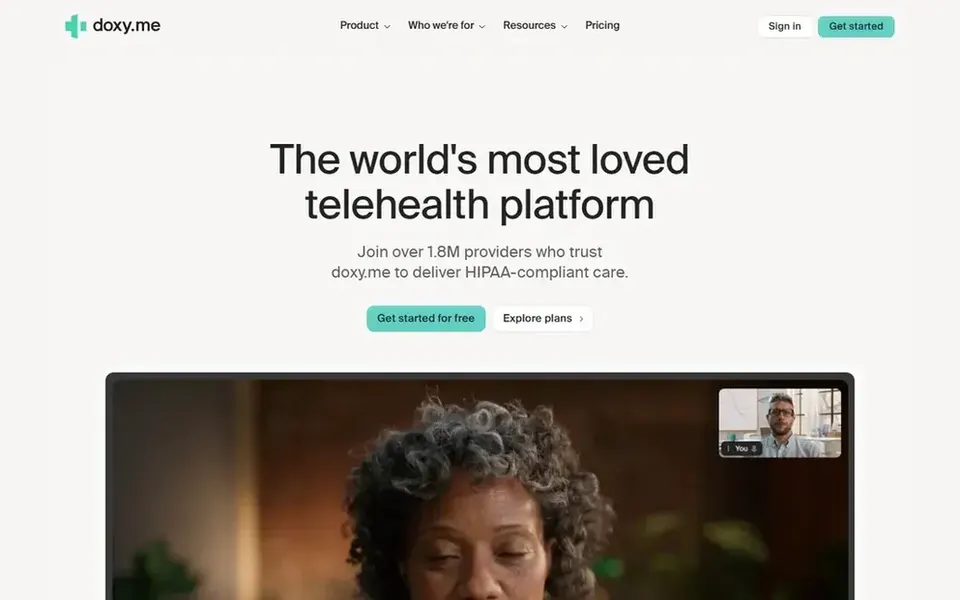
For straightforward virtual patient consultations, Doxy.me is a natural candidate. For dental practices offering virtual consultations, follow-ups or pre-screening conversations, it keeps the focus on the clinical encounter instead of general collaboration. More specifically, since it centers on telehealth, it supplies fewer of the wide meeting, chat and event features found in general suites.
Watch-outs: Fewer general meeting features than suites.
Also, practices that require deep internal team collaboration or large webinars may want a fuller system alongside it. Doxy.me is a telehealth product designed for providers to meet patients remotely, with a straightforward browser-based experience and quick sign-up. Check the vendor site for Doxy.me pricing; none is listed in this comparison. Trial and free access: Not stated.
Cisco Webex is designed for enterprise-grade meetings and devices. The depth of the system can overwhelm a small office, and administration may benefit from IT help.
Downsides: Feature depth can overwhelm small teams.
More specifically, practices that just need fast patient video visits may find lighter tools quicker to adopt. An expanding dental group with several locations or room-based video hardware can standardize on Webex for meetings and connected devices. Pricing for Cisco Webex is not stated here, so ask the vendor for current figures. Cisco Webex has a free plan.
Best for: All-around meetings and patient consults
Zoom Workplace makes the most sense for all-around meetings and patient consults. For a dental office, that means one place for morning huddles, patient consultations and staff messaging.
Watch-outs: Numerous features may exceed small-practice needs.
It suits practices that want a widely recognized tool patients already know how to join, and that may later need webinars or bigger virtual events. Pricing for Zoom Workplace is not stated here, so ask the vendor for current figures. Free options: Not stated.
Pick Microsoft Teams if this describes you: practices already using Microsoft tools. A dental practice using Microsoft productivity tools can keep scheduling documents, staff chat and meetings together.
Honest limits: Interface can feel busy for occasional users.
Occasional users and patients may find the interface busier than a straightforward meeting link. The experience is most cohesive when the practice already lives in the Microsoft ecosystem. Pricing for Microsoft Teams is not stated here, so ask the vendor for current figures. As for free access: Not stated.
Best for: Straightforward business web conferencing
GoTo Meeting is designed for straightforward business web conferencing. It suits offices that want a dependable meeting tool without a large collaboration suite attached.
Watch-outs: Less clinical specialization than telehealth tools.
It also carries fewer collaboration extras than broader suites. GoTo Meeting does not show a starting price in this comparison, so check the vendor site for current pricing. On free options: Not stated.
Get a written quote from Doxy.me, Cisco Webex, Zoom Workplace and others; the list shows no starting price for them.
Read the fine print on the free plans from VSee and Cisco Webex; seat, project and feature caps differ.
Read the limits listed for VSee first: narrower general meeting feature set.
Ask Microsoft Teams whether prices are locked for the first term and what happens at renewal.
Work out what Zoom Workplace costs with your real seat count, add-ons and usage, not just the entry price.
How we picked
Pricing pages, product documentation and feature lists were the main sources, and every entry carries at least one honest drawback. Where a price is missing, the vendor does not list one publicly or ties it to a quote. Always confirm before budgeting. Position on the page reflects fit for a typical buyer first, with price clarity and free access breaking ties. Treat it as a guide, not a ruling. That approach shaped the order of the 6 video Conferencing software for Dental practices tools listed here.
Every price and plan detail on this page comes from the vendors’ own websites. We did not run hands-on tests unless the text says so, and we do not publish star ratings or review scores. See how we score and our disclosure.
Keep your shortlist in one place
Paste prices, trial dates and notes from this guide into Ainotely, our AI note app. It files them into a topic and pulls out tasks like “cancel trial by Friday”. Free 7-day trial, no card needed.
Which options for video conferencing software for dental practices have a free plan?
On this list, VSee and Cisco Webex include a free plan. Caps on seats, usage or features are common, so test the free plan against your real workload.
Is VSee the right pick for everyone comparing video conferencing software for dental practices?
No single tool suits every team. VSee comes first because it fits HIPAA-compliant telemedicine visits, while Doxy.me suits simple virtual patient consultations and Cisco Webex suits enterprise-grade meetings and devices. Match the tool to your own size, budget and workflow before deciding.
Which video tool is a good match for patient consultations in a dental office?
VSee comes first here and is built for HIPAA-compliant telemedicine visits. Buyers with other needs may prefer Doxy.me (for straightforward virtual patient consultations) or Cisco Webex (for enterprise-grade meetings and devices). Compare costs and limits first.
Do these tools publish their prices?
Not all of them. Doxy.me, Cisco Webex, Zoom Workplace and others publish no starting price, so expect a quote request for those. The rest, VSee included, show a starting price, though seats and billing terms still change the final cost.
Can I try these tools before paying?
Often, yes. VSee and Cisco Webex have a free plan. Use your own data and a real task during the test, and check what the free tier or trial limits before you rely on it.