Best Video Generator Tools in 2026: 9 Options Compared

- Synthesia leads on AI presenter videos for training and internal communication.
- Pictory suits turning blog posts and scripts into short social videos quickly.
- Runway suits creators who need AI-generated footage and advanced editing.
- HeyGen and Colossyan offer strong avatar alternatives at competitive prices.
Quick comparison
| Product | Ideal for | Price from | Free version | |
|---|---|---|---|---|
 Synthesia | AI presenter training videos | See website | Free trial | Visit |
 Pictory | Text and blogs to social video | See website | Free trial | Visit |
 Runway | AI-generated footage and editing | See website | Yes | Visit |
 InVideo | Templates for marketing video | See website | Yes | Visit |
 HeyGen | Avatar videos at good value | See website | Free trial | Visit |
 Lumen5 | Blog to video for marketers | See website | Yes | Visit |
 VEED | Online video editing plus AI | See website | Yes | Visit |
 Colossyan | Training videos with avatars | See website | Free trial | Visit |
 Elai | Budget avatar videos | See website | Free trial | Visit |
The best video generator tools
We compared video generators on avatar quality, editing, templates and price. Our pick for most businesses is Synthesia for training videos or Pictory for turning text into social video, since text-to-video and avatar video are different jobs.
Synthesia
Ideal for: AI presenter training videos

Our first look at Synthesia starts with who it serves best. It is the presenter-video leader for businesses. Synthesia turns a script into a presenter video in many languages without filming.
The catch is feel: avatars suit training, not personal brand storytelling. It fits companies making training, onboarding and update videos. Check the current pricing page before you commit, since plans in this category change often, and use the free plan or trial to confirm the fit with your own work.
Before you pay for Synthesia, run one real task through it, such as a full document, a full trip plan or a full project, and judge it on that result rather than on the marketing page.
- Realistic AI presenters in many languages
- Templates for training
- Easy script-to-video
- Avatar videos can feel impersonal
- Pricing is per video minute on some plans
Pictory
Ideal for: Text and blogs to social video

For many readers, Pictory will be the most practical choice on this list. It is the repurposing tool for bloggers and marketers. Pictory turns articles and scripts into captioned social videos with stock footage.
The catch is originality: stock footage videos need editing to stand out. It fits creators repurposing written content into video. Check the current pricing page before you commit, since plans in this category change often, and use the free plan or trial to confirm the fit with your own work.
A useful test for Pictory is to try the exact workflow you will repeat weekly, then check how long it takes and whether the output needs heavy fixing before it is usable.
- Turns text and scripts into short videos
- Stock footage and captions
- Social templates
- Stock-heavy videos can look generic
- Full features need paid plans
Runway
Ideal for: AI-generated footage and editing
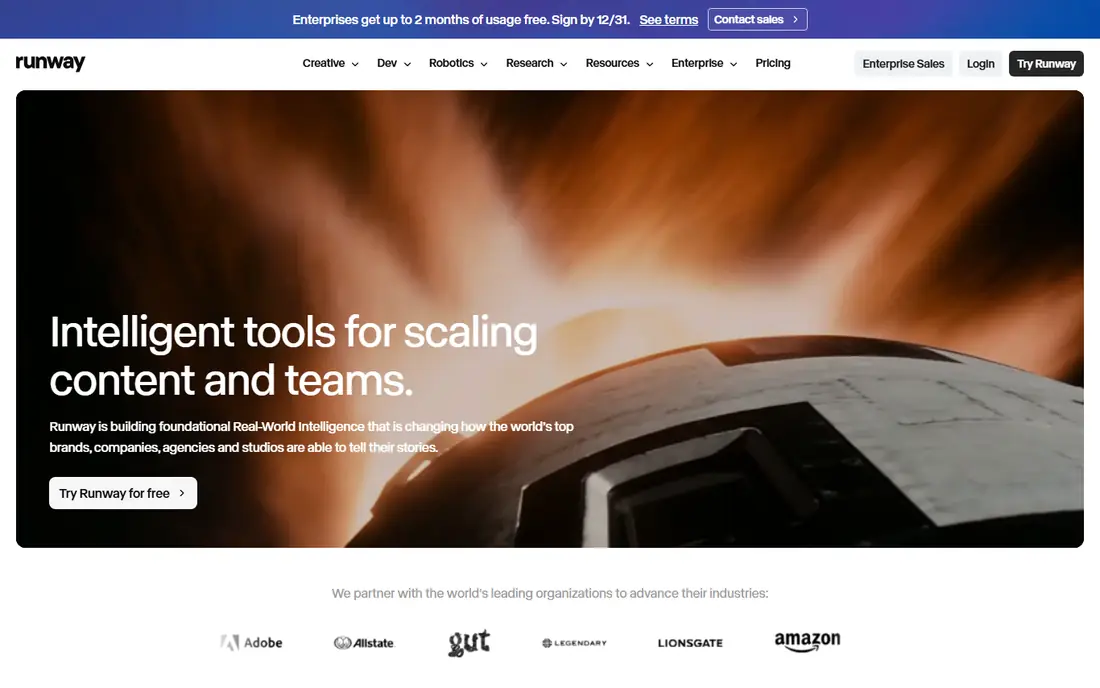
Next up is Runway, which takes a different approach to the same job. It is the creative tool for generated footage. Runway generates video from text and images and offers professional editing tools.
The catch is credits and skill: good results need prompting and editing. It fits creators and filmmakers experimenting with AI footage. Check the current pricing page before you commit, since plans in this category change often, and use the free plan or trial to confirm the fit with your own work.
When you trial Runway, note what is missing as well as what works, since the missing piece often decides whether a tool survives past the first month.
- Advanced generative video models
- Editing tools
- Strong for creative projects
- Learning curve and credit costs
- Generated footage needs direction
InVideo
Ideal for: Templates for marketing video
InVideo earns its place here for a specific kind of user. It is the template-first marketing video maker. InVideo offers thousands of templates for ads, social posts and explainers.
The catch is watermarking on free exports and template familiarity. It fits small businesses making regular marketing videos. Check the current pricing page before you commit, since plans in this category change often, and use the free plan or trial to confirm the fit with your own work.
We would also check support and documentation for InVideo during the trial, since a tool you cannot get help with becomes expensive in staff time even when the subscription looks cheap.
- Large template library
- Text-to-video
- Free tier for testing
- Free exports carry watermarks
- Template videos can look familiar
HeyGen
Ideal for: Avatar videos at good value
If the options so far have not fit, HeyGen is worth a closer look. It is the strong avatar alternative to Synthesia. HeyGen creates presenter videos with avatars and voice options at competitive prices.
The catch is minute caps and avatar variation. It fits businesses and creators making presenter videos regularly. Check the current pricing page before you commit, since plans in this category change often, and use the free plan or trial to confirm the fit with your own work.
Before you pay for HeyGen, run one real task through it, such as a full document, a full trip plan or a full project, and judge it on that result rather than on the marketing page.
- Realistic avatars and voice cloning
- Many languages
- Competitive pricing
- Avatar realism varies by model
- Minutes are capped by plan
Lumen5
Ideal for: Blog to video for marketers
Lumen5 is the option we point to when a reader has a clear priority in mind. It is the marketer-friendly blog-to-video tool. Lumen5 converts articles into social videos with branding and templates.
The catch is automation: results need human editing to avoid generic output. It fits marketing teams repurposing blog content. Check the current pricing page before you commit, since plans in this category change often, and use the free plan or trial to confirm the fit with your own work.
A useful test for Lumen5 is to try the exact workflow you will repeat weekly, then check how long it takes and whether the output needs heavy fixing before it is usable.
- Turns articles into videos automatically
- Templates and branding
- Free tier
- Automation can feel generic
- Stock footage dominates
VEED
Ideal for: Online video editing plus AI
Another strong contender is VEED, and it stands out for one clear reason. It is the browser editor with AI features built in. VEED edits video online with subtitles, translations and avatar tools.
The catch is that the best AI features sit on paid plans. It fits creators who edit and publish from a browser. Check the current pricing page before you commit, since plans in this category change often, and use the free plan or trial to confirm the fit with your own work.
When you trial VEED, note what is missing as well as what works, since the missing piece often decides whether a tool survives past the first month.
- Browser video editor with subtitles, avatars and AI tools
- Easy collaboration
- Full AI features need paid plans
- Rendering can be slow on large files
Colossyan
Ideal for: Training videos with avatars
We round out the list with Colossyan, which fills a gap the others leave open. It is the workplace-training avatar specialist. Colossyan builds scenario-based training videos with avatars and translations.
The catch is avatar variety, which trails Synthesia. It fits L and D teams making multilingual training. Check the current pricing page before you commit, since plans in this category change often, and use the free plan or trial to confirm the fit with your own work.
We would also check support and documentation for Colossyan during the trial, since a tool you cannot get help with becomes expensive in staff time even when the subscription looks cheap.
- Avatar training videos with scenarios
- Multilingual support
- Workplace templates
- Smaller avatar library than Synthesia
- Pricing is plan-based
Elai
Ideal for: Budget avatar videos
Elai rounds out our shortlist with a focused set of strengths. It is the budget avatar option. Elai creates presenter videos at a lower price than Synthesia or HeyGen.
The catch is quality: avatars and templates lag the leaders. It fits budget teams needing simple presenter videos. Check the current pricing page before you commit, since plans in this category change often, and use the free plan or trial to confirm the fit with your own work.
Before you pay for Elai, run one real task through it, such as a full document, a full trip plan or a full project, and judge it on that result rather than on the marketing page.
- Affordable avatar videos
- Many languages
- Simple script-to-video
- Avatar quality below leaders
- Smaller template range
How we picked these
We compared official feature pages, pricing pages, app store listings, privacy policies and public reviews for each product, and kept only products that exist, work today and truly fit the topic. We favoured clear pricing, a usable free plan or trial, and honest limits over long feature lists. Where a price could not be verified on the vendor site, we wrote See website rather than guessing.
We did not claim hands-on testing we did not do. Instead, we weighed what each vendor documents, what reviewers report in practice, and where each product falls short, so the trade-offs below are stated plainly.
How to choose a video generator that does not look generic
Decide whether you need a presenter, stock-style clips or generated footage, since each tool excels at one. Test with your own script and brand colours, and check export quality, captions and commercial rights before paying.
Frequently asked questions
What is the best video generator tool?
Synthesia suits presenter-led training videos, Pictory suits text-to-social-video, and Runway suits AI footage creation. HeyGen suits avatar videos at a competitive price.
Can AI video generators replace filming?
For training, explainers and social clips, often yes. For brand films, testimonials and emotional storytelling, real footage still looks and feels better.
Is there a free video generator?
Pictory, InVideo, VEED and Lumen5 offer free tiers or trials with watermarks or limits. Regular publishing usually needs a paid plan.
Do AI avatars look realistic?
Avatar quality has improved greatly, but close inspection still reveals AI tells. They work best for training and updates, less well for personal brand videos.
What video length works best for AI generators?
Short videos under five minutes work best, especially for social and training clips. Longer videos need careful scripting and editing to stay engaging.