7 Video Meeting Platforms, Compared by Cost and Features

- 1
 GoTo MeetingStraightforward dependable meetingsVisit
- 2
 Jitsi MeetFree open-source meetingsVisit
- 3
 Google MeetGoogle Workspace teamsVisit
- 4
 Microsoft TeamsMicrosoft 365 organizationsVisit
- 5
 RingCentral VideoUC-integrated videoVisit
- Number one here is GoTo Meeting, a fit for straightforward steady meetings.
- Pricing for GoTo Meeting, Google Meet, Microsoft Teams and others is quote-based, which adds a sales step before you can compare cost.
- Whereby is the one to check for browser-based simplicity.
- 4 of 7 tools offer a free plan: Jitsi Meet, Google Meet, Microsoft Teams, Zoom.
Direct answer
GoTo Meeting comes first here, mainly for simple dependable meetings. Alternatives: Jitsi Meet for free open-source meetings, and Google Meet for Google Workspace teams. All 7 tools are compared below on price, free plan and limits.
Quick comparison
| Product | Ideal for | Price from | Free version | |
|---|---|---|---|---|
| GoTo Meeting | Straightforward dependable meetings | See website | Free trial | Visit |
| Jitsi Meet | Free open-source meetings | Free | Yes | Visit |
| Google Meet | Google Workspace teams | See website | Yes | Visit |
| Microsoft Teams | Microsoft 365 organizations | See website | Yes | Visit |
| RingCentral Video | UC-integrated video | See website | Free trial | Visit |
 Zoom | Dependable video meetings | See website | Yes | Visit |
 Whereby | Browser-based simplicity | See website | Free trial | Visit |
The 7 tools in detail
Ainotely put together this guide to video meeting platform for readers who want a clear shortlist without reading every vendor page. It compares 7 tools on starting price, free plans, who each one suits and where each one falls short.
GoTo Meeting
Ideal for: Straightforward dependable meetings
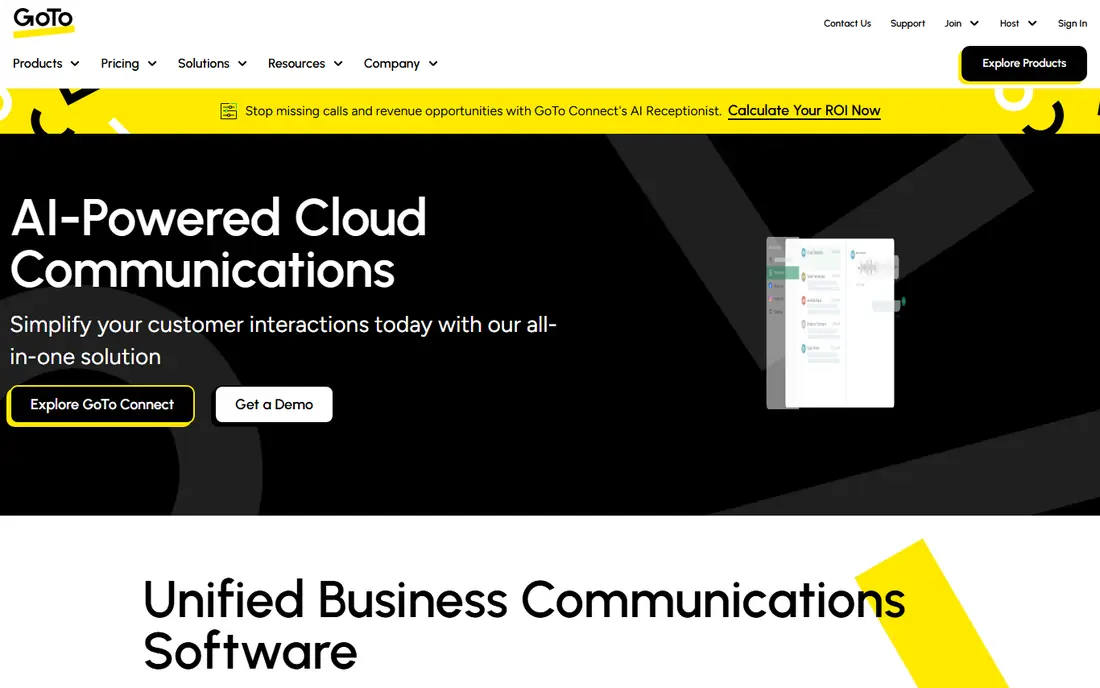
In short, GoTo Meeting is for simple dependable meetings. Longtime business users appreciate its consistency. GoTo Meeting does video conferencing without drama: steady connections, clear audio, and an interface nobody needs to learn.
The broader GoTo portfolio layers on phone and webinar choices. It will not win feature comparisons with Zoom or Teams. But numerous firms need meetings that work every time more than they need virtual backgrounds and AI summaries. More specifically, GoTo's reliability-first approach serves that require steadily. This comparison lists no price for GoTo Meeting; ask the vendor. Trial and free access: Free trial.
The main drawbacks: Smaller ecosystem.
- Decent audio quality
- Straightforward and dependable
- Fewer innovative features
Jitsi Meet
Ideal for: Free open-source meetings
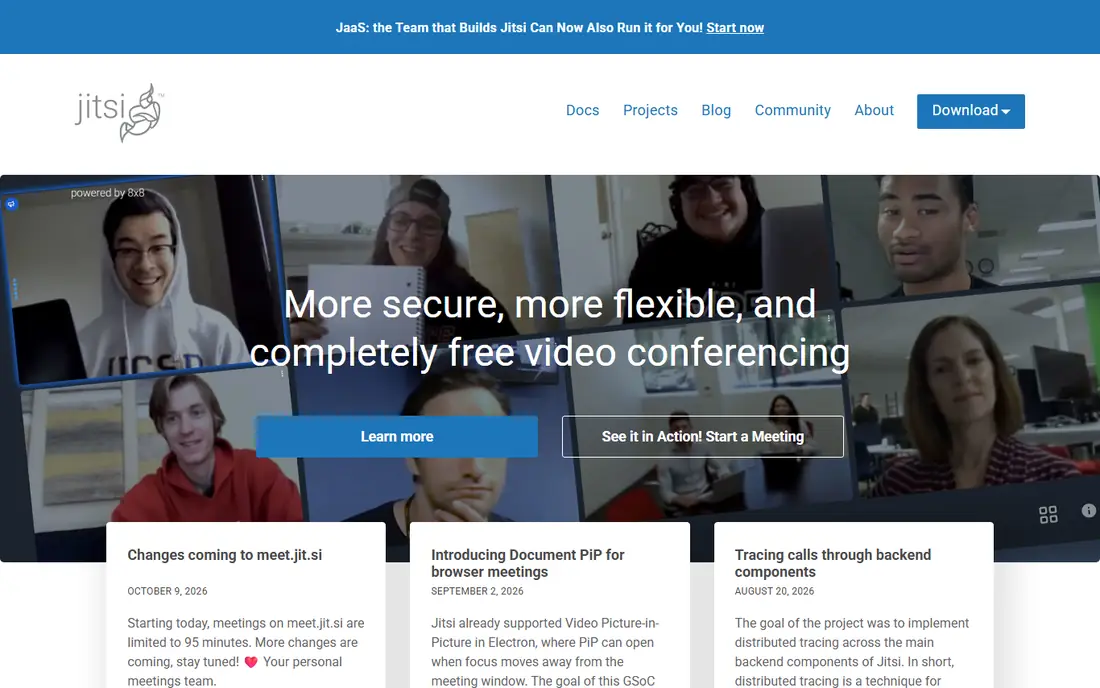
Jitsi Meet is designed for free open-source meetings. Jitsi Meet is the remarkable free choice: unlimited meetings with no account, no time limits on the public instance, and open-source code for self-hosting.
Privacy-conscious organizations run their own servers with full control. As for the details, quality and reliability trail commercial systems, particularly at scale, and there is no one to call when things break. Jitsi Meet pricing: Free. A free plan is available with Jitsi Meet.
Limits to weigh: No support contract.
- Fully free
- Open source
- Quality varies
Google Meet
Ideal for: Google Workspace teams
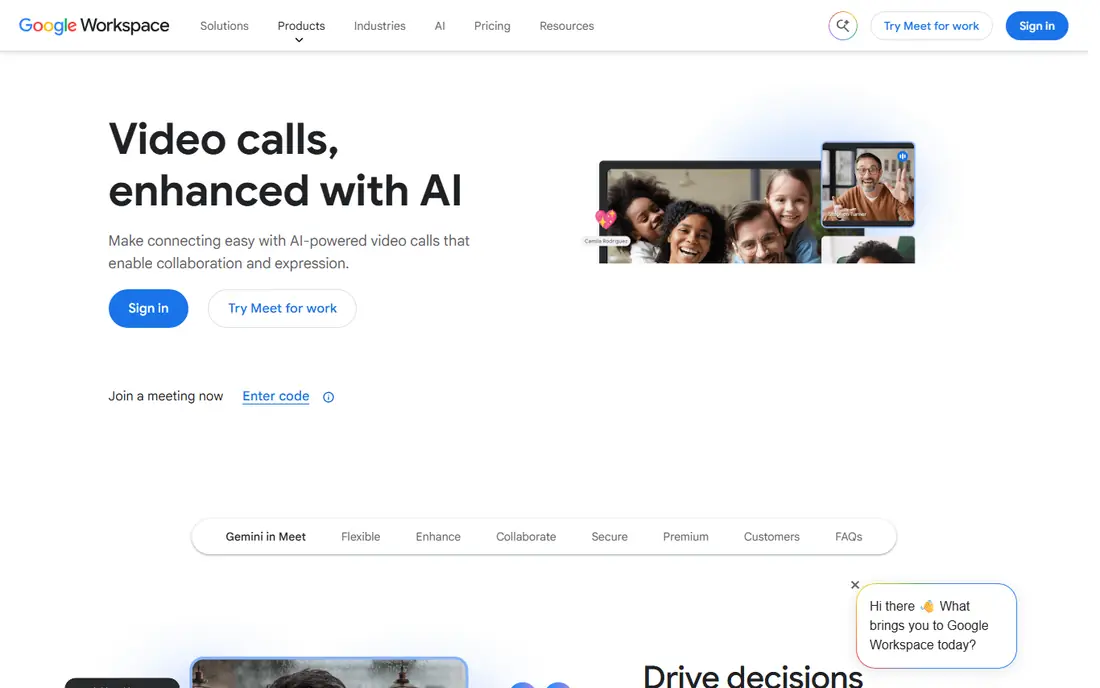
Google Meet is built with Google Workspace teams in mind. Google Meet's superpower is frictionlessness: click a link and you are in, no downloads, no accounts for guests.
The interface stays straightforward where competitors accumulate features. Google Meet shows no starting price here, so confirm the cost on the vendor site. Free access exists with Google Meet.
Where it falls short: Webinar capabilities entry-level.
- Workspace integration
- No installs for guests
- Fewer advanced features
Microsoft Teams
Ideal for: Microsoft 365 organizations
In short, Microsoft Teams is for Microsoft 365 organizations. Teams makes sense when the organization already lives in Microsoft 365. The decision is typically organizational, not feature-based.
Downsides: Best inside Microsoft ecosystem.
From a buyer's view, meetings connect with chat, files, and calendars natively; compliance and security inherit enterprise Microsoft controls. But the millions of organizations on Microsoft 365 get capable meetings essentially included. Check the vendor site for Microsoft Teams pricing; none is listed in this comparison. You can start on Microsoft Teams without paying.
- Enterprise compliance
- Bundled with Microsoft 365
- Interface complexity
RingCentral Video
Ideal for: UC-integrated video
RingCentral Video is designed for UC-integrated video. Organizations standardizing on RingCentral get meetings that share contacts, presence, and scheduling with their phone system.
But UC buyers evaluate the suite, not the meeting app alone. No starting price is listed for RingCentral Video here; confirm pricing on the vendor site. Free access: Free trial.
What to check first: Best with RingCentral UC.
Reasons to shortlist it: Unified app.
- Links up with RingCentral phone
- Decent quality
- Standalone less compelling
Zoom
Ideal for: Dependable video meetings
Zoom makes the most sense for steady video meetings. Zoom became synonymous with video meetings by being the most steady choice when it mattered. It still leads on call quality, breakout rooms, webinars, and the features hosts expect.
Worth adding: guests join without accounts, and the ecosystem of integrations and hardware is unmatched. Per-host pricing accumulates for large organizations, and the security controversies of 2020 linger in some buyers' minds despite fixes. No starting price is listed for Zoom here; confirm pricing on the vendor site. A free plan is available with Zoom.
Where it is weaker: Security reputation took hits.
- Everyone knows it
- Rich feature set
- Pricing per host layers on up
Whereby
Ideal for: Browser-based simplicity
Pick Whereby if this describes you: browser-based simplicity. Whereby's whole philosophy is simplicity: video rooms that live in the browser, embed in websites, and need no installs from anyone. From a buyer's view, enterprise features and massive webinars belong elsewhere.
But for the expanding use case of meetings-as-a-feature inside other products, Whereby's embeddable simplicity is unmatched. It is the developer-friendly video room. Worth adding: the API makes custom integrations straightforward. No starting price is listed for Whereby here; confirm pricing on the vendor site. As for free access: Free trial.
Honest limits: Fewer enterprise features.
- No downloads ever
- Embeddable rooms
- Smaller scale
How these tools were picked
Ainotely looked at what each vendor publishes: pricing, plan limits, feature coverage for video meeting platform and stated drawbacks. No hands-on testing is claimed. Where a vendor does not publish a price, the entry says quote. Where a price depends on seats or billing term, the entry says so. Tools are placed by general fit for video meeting platform, with price clarity and free access as tie-breakers. A different team can reasonably rank them differently.
Things to verify first
- Ask GoTo Meeting, Google Meet, Microsoft Teams and others for a written quote, since no starting price is shown.
- Read the fine print on the free plans from Jitsi Meet, Google Meet, Microsoft Teams and Zoom; seat, project and feature caps differ.
- Run a trial of GoTo Meeting, RingCentral Video and Whereby with real work before paying for a year; your own workflow is the best test.
- Before choosing GoTo Meeting, weigh its main limit: fewer innovative features.
- Find out whether the entry plan of GoTo Meeting covers your must-haves or only a trimmed-down version.
- Work out what Whereby costs with your real seat count, add-ons and usage, not just the entry price.
Frequently asked questions
How are the tools for video meeting platform ordered?
The order follows typical fit for video meeting platform, with GoTo Meeting first and Whereby last, then price clarity and free access. It is editorial judgement, not a score, so another team could rank the tools differently.
Is GoTo Meeting the right pick for everyone comparing video meeting platform?
No single tool suits every team. GoTo Meeting comes first because it fits simple reliable meetings, while Jitsi Meet suits free open-source meetings and Google Meet suits Google Workspace teams. Match the tool to your own size, budget and workflow before deciding.
Do these tools publish their prices?
Not all of them. GoTo Meeting, Google Meet, Microsoft Teams and others publish no starting price, so expect a quote request for those. The rest, Jitsi Meet included, show a starting price, though seats and billing terms still change the final cost.
Which options for video meeting platform have a free plan?
Jitsi Meet, Google Meet, Microsoft Teams and Zoom offer a free plan in this list. Free plans usually cap users, projects or features, so check the limits on the vendor page. Several others offer a trial instead.