Start with Cisco Webex Meetings if you need AI-assisted collaboration and devices. Listed starting prices: Riverside from $24 a month. Riverside is the stronger choice for recorded, editable lesson video, while Whereby suits fast calls and embedded video. The remaining 3 options are covered below with prices and limits.
Short on time? The summary and table above give the quick view of 6 tools for video meeting software for online tutoring, and the profiles that follow give the detail behind each entry.
Key takeaways
Cisco Webex Meetings takes the first slot, best suited to AI-assisted collaboration and devices.
For tutors inside Microsoft environments, Microsoft Teams is worth a look.
The main caution on Cisco Webex Meetings: feature set geared to bigger organizations.
2 of 6 tools offer a free plan: Cisco Webex Meetings, Riverside.
The cheapest monthly starting price in the list is $24 per month, offered by Riverside.
Cisco Webex Meetings was built for AI-assisted collaboration and devices. Tutors who want a lean, familiar call experience may be better served by Google Meet, whereas those prioritizing recorded lesson production should review Riverside.
Downsides: Can feel elaborate for solo tutors.
For tutoring, the relevant draw is a mature meeting product with AI assistance and hardware choices, which can suit tutoring centers or small teams that want room systems and consistent meeting quality across locations. The AI and device story matters most to organizations, not individuals. Pricing for Cisco Webex Meetings is not stated here, so ask the vendor for current figures. A free plan is available with Cisco Webex Meetings.
Think of Riverside for recorded, editable lesson video. Riverside bills itself as an online studio for high-quality podcast and video recording and editing, powered by AI and aimed at human conversations.
Where it is weaker: Not a general meeting suite.
Price to start with Riverside: $24 per month. Riverside includes a free tier.
Where Whereby fits: fast calls and embedded video. Whereby describes itself as secure, configurable, and steady WebRTC video calls, offering fast instant meetings or the choice to embed video calls into a product through its video conferencing API and SDK. As for the details, embedding also assumes some technical capability.
In daily use, tutors who just want a dependable branded call room may find it a solid fit, whereas those needing a broader teaching toolkit should compare Zoom Workplace or Microsoft Teams. In practice, for tutors, the instant meeting angle keeps lesson setup minimal, whereas the embedding choice fits tutoring firms that want video built straight into their own booking or learning site. Check the vendor site for Whereby pricing; none is listed in this comparison. As for free access: Not stated.
For all-around live tutoring sessions, Zoom Workplace is a natural candidate. For online tutoring, that breadth matters: a tutor can run a live lesson, share a whiteboard, and keep in touch with students between sessions without stitching together separate tools.
Worth adding: with so numerous modules under one brand, setup and navigation take more effort than a stripped-down meeting link, and occasional tutors may never use most of it. Tutors who only need fast, no-frills calls might prefer a more straightforward choice like Whereby, whereas those who want recorded studio-style lessons should look at Riverside. Zoom Workplace does not show a starting price in this comparison, so check the vendor site for current pricing. Trial and free access: Not stated.
Drawbacks to consider: Interface can feel busy for straightforward calls. What works well: Supports webinars and events.
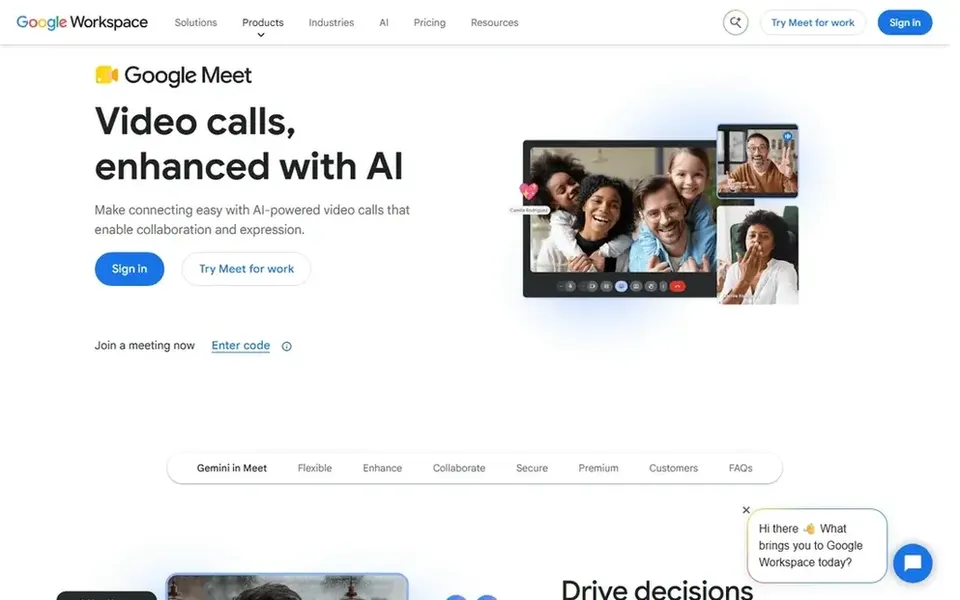
In short, Google Meet is for straightforward secure lesson calls. Google Meet is positioned for secure online web conferencing calls and video chat as part of Google Workspace.
Downsides: Fewer standalone extras.
As for the details, if your lessons rely on rich breakout activities or heavy recording workflows, compare the other choices before committing. No starting price is listed for Google Meet here; confirm pricing on the vendor site. As for free access: Not stated.
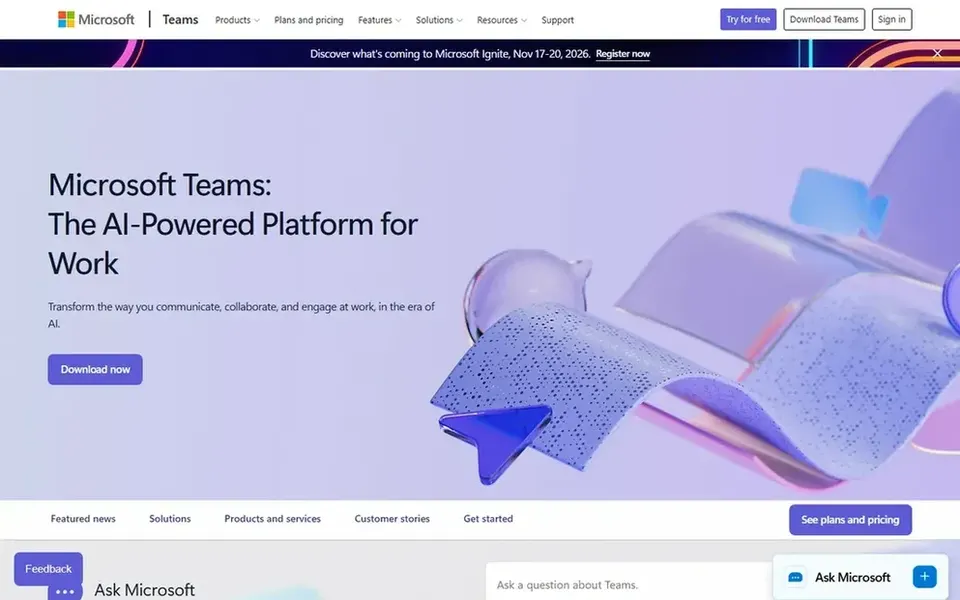
Microsoft Teams makes the most sense for tutors inside Microsoft environments. Microsoft Teams describes itself as making working together simpler, with tools and files always available in one place to help people link naturally and stay organized.
Points against: Heavier interface for casual use.
In daily use, outside a Microsoft-centered setup, much of its value goes unused. For tutoring, this means lesson materials, chat threads, and video meetings can live in the same space, which helps when a student or parent already uses Microsoft tools. Microsoft Teams shows no starting price here, so confirm the cost on the vendor site. On free options: Not stated.
Confirm the entry price on the vendor page. For Cisco Webex Meetings, Whereby, Zoom Workplace and others that means a quote rather than a fixed price.
Look at free plan limits closely: Cisco Webex Meetings and Riverside have one, and the caps decide whether it is usable for real work.
Before choosing Cisco Webex Meetings, weigh its main limit: feature set geared to bigger organizations.
Run a one or two week pilot of Microsoft Teams with the people who will use it every day.
Check how data leaves Whereby: formats, limits and whether exports are available on every plan.
How we picked
Ainotely looked at what each vendor publishes: pricing, plan limits, feature coverage for video meeting software for online tutoring and stated drawbacks. No hands-on testing is claimed. Where a vendor does not publish a price, the entry says quote. Where a price depends on seats or billing term, the entry says so. Tools are placed by general fit for video meeting software for online tutoring, with price clarity and free access as tie-breakers. A different team can reasonably rank them differently.
Every price and plan detail on this page comes from the vendors’ own websites. We did not run hands-on tests unless the text says so, and we do not publish star ratings or review scores. See how we score and our disclosure.
Keep your shortlist in one place
Paste prices, trial dates and notes from this guide into Ainotely, our AI note app. It files them into a topic and pulls out tasks like “cancel trial by Friday”. Free 7-day trial, no card needed.
What is the cheapest option for video meeting software for online tutoring in this list?
On published monthly entry prices, Riverside is the lowest here at $24 per month. Entry price is only part of the cost, because seats, add-ons and billing terms can change the total.
Is Cisco Webex Meetings the right pick for everyone comparing video meeting software for online tutoring?
No single tool suits every team. Cisco Webex Meetings comes first because it fits AI-assisted collaboration and devices, while Riverside suits recorded, editable lesson video and Whereby suits quick calls and embedded video. Match the tool to your own size, budget and workflow before deciding.
How are the tools for video meeting software for online tutoring ordered?
Cisco Webex Meetings sits first and Microsoft Teams last because the order follows typical fit for video meeting software for online tutoring, then price clarity and free access. It is a judgement call, so read each profile for fit and limits.
Which video meeting software is a good match for one-to-one online tutoring?
Cisco Webex Meetings comes first here and is built for AI-assisted collaboration and devices. Buyers with other needs may prefer Riverside (for recorded, editable lesson video) or Whereby (for fast calls and embedded video). Compare costs and limits first.
Do these tools publish their prices?
Not all of them. Cisco Webex Meetings, Whereby, Zoom Workplace and others publish no starting price, so expect a quote request for those. The rest, Riverside included, show a starting price, though seats and billing terms still change the final cost.