Best Video Podcast Platform in 2026: 8 Options Compared

- 1
 RiversidePodcasters who want high-quality remote video recordingVisit
- 2
 DescriptPodcasters who want text-based video editingVisit
- 3
 ZencastrPodcasters who want simple remote recording plus hostingVisit
- 4
 StreamYardCreators who want live video podcasts and streamingVisit
- 5
 RestreamCreators who want to stream to many platforms at onceVisit
- Riverside is a strong option for podcasters who want high-quality remote video recording, with local recording for each guest as a key strength.
- Descript is a strong option for podcasters who want text-based video editing, with edit video by editing text as a key strength.
- Zencastr is a strong option for podcasters who want simple remote recording plus hosting, with simple remote recording as a key strength.
- StreamYard is a strong option for creators who want live video podcasts and streaming, with easy live streaming as a key strength.
- Compare total cost and free limits across at least two options before paying, since headline prices often leave out key features.
Quick comparison
| Product | Ideal for | Price from | Free version | |
|---|---|---|---|---|
| Riverside | Podcasters who want high-quality remote video recording | See website | Yes | Visit |
| Descript | Podcasters who want text-based video editing | See website | Yes | Visit |
| Zencastr | Podcasters who want simple remote recording plus hosting | See website | Yes | Visit |
| StreamYard | Creators who want live video podcasts and streaming | See website | Yes | Visit |
| Restream | Creators who want to stream to many platforms at once | See website | Yes | Visit |
 Spotify for Creators | Podcasters who want Spotify distribution plus tools | Free | Yes | Visit |
 YouTube | Creators who want the largest video audience | Free | Yes | Visit |
 Podbean | Podcasters who want hosting plus video support | See website | Yes | Visit |
The best video podcast platform
These eight platforms cover recording, editing and publishing video podcasts. We compared official feature pages, pricing pages, recording quality described by each vendor and public reviews, with attention to local recording, editing tools and distribution.
Riverside
Ideal for: Podcasters who want high-quality remote video recording
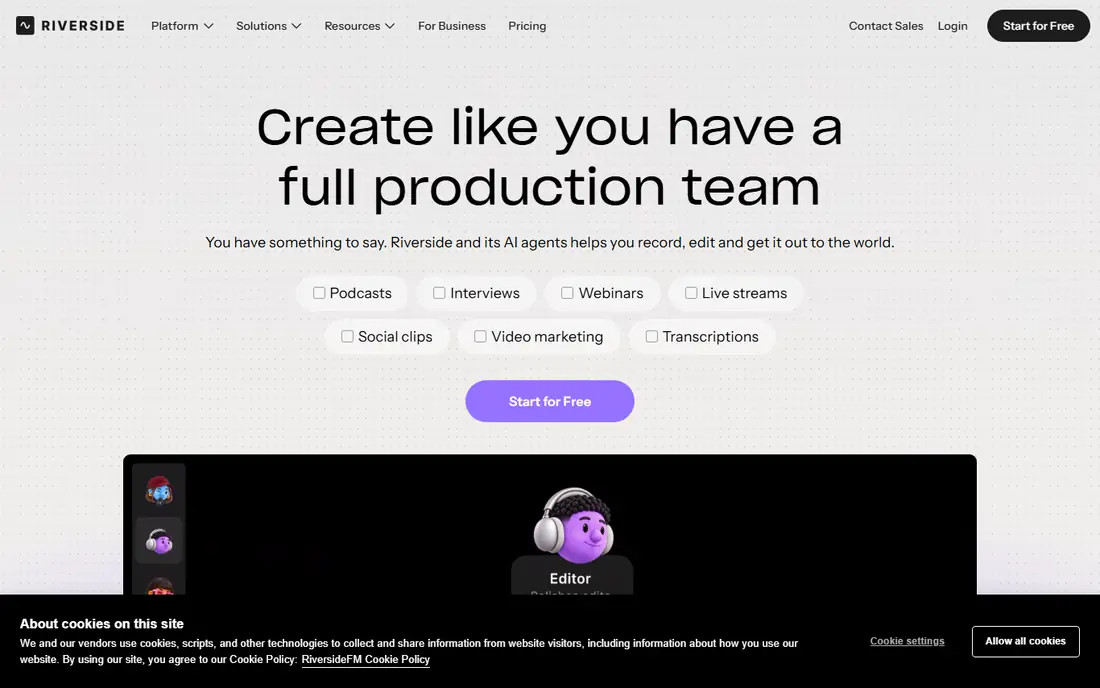
For readers who want a clear starting point, Riverside is worth a close look. It is a strong fit for podcasters who want high-quality remote video recording, and its local recording for each guest helps explain why it appears on this list. Readers who value that strength will find it easy to justify, even if other options on this list offer more depth in a different area.
On the feature side, local recording for each guest; 4k video options; editing tools give it a clear profile, while the trade-offs are costs rise with recording hours; learning curve for editing features. That balance matters most when you compare it with the next option on this list, since a strength in one area often comes with a limit in another. We found that readers who check those trade-offs first tend to be happier with their choice later.
Before you commit, check the official pricing page for current plans, free limits and any add-on costs, and compare the total cost with one or two other options here. For many readers, Riverside will be the right pick when podcasters who want high-quality remote video recording matters more than having every feature on the market.
- Local recording for each guest
- 4K video options
- Editing tools
- Costs rise with recording hours
- Learning curve for editing features
Descript
Ideal for: Podcasters who want text-based video editing
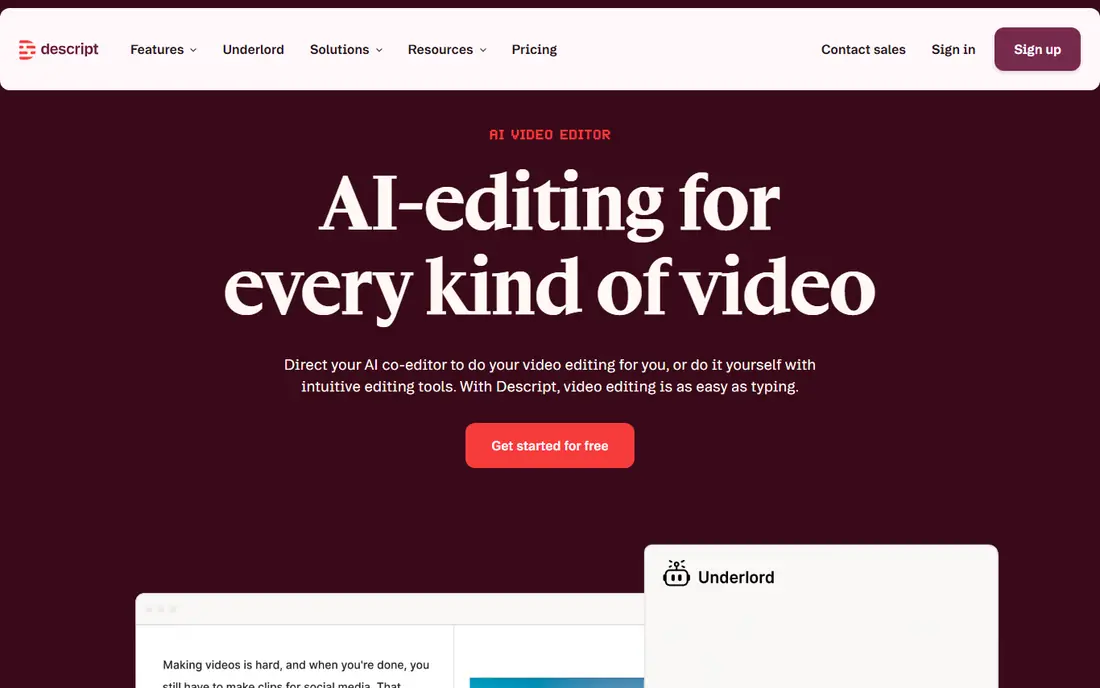
We put Descript near the top of this list for a simple reason. It is a strong fit for podcasters who want text-based video editing, and its edit video by editing text helps explain why it appears on this list. Readers who value that strength will find it easy to justify, even if other options on this list offer more depth in a different area.
On the feature side, edit video by editing text; transcription; studio sound tools give it a clear profile, while the trade-offs are transcription accuracy varies with audio quality; pricing rises with hours. That balance matters most when you compare it with the next option on this list, since a strength in one area often comes with a limit in another. We found that readers who check those trade-offs first tend to be happier with their choice later.
Before you commit, check the official pricing page for current plans, free limits and any add-on costs, and compare the total cost with one or two other options here. For many readers, Descript will be the right pick when podcasters who want text-based video editing matters more than having every feature on the market.
- Edit video by editing text
- Transcription
- Studio sound tools
- Transcription accuracy varies with audio quality
- Pricing rises with hours
Zencastr
Ideal for: Podcasters who want simple remote recording plus hosting

If podcasters who want simple remote recording plus hosting is your main need, Zencastr deserves attention. It is a strong fit for podcasters who want simple remote recording plus hosting, and its simple remote recording helps explain why it appears on this list. Readers who value that strength will find it easy to justify, even if other options on this list offer more depth in a different area.
On the feature side, simple remote recording; local tracks; hosting and distribution give it a clear profile, while the trade-offs are video editing depth is thinner than descript; higher tiers cost more. That balance matters most when you compare it with the next option on this list, since a strength in one area often comes with a limit in another. We found that readers who check those trade-offs first tend to be happier with their choice later.
Before you commit, check the official pricing page for current plans, free limits and any add-on costs, and compare the total cost with one or two other options here. For many readers, Zencastr will be the right pick when podcasters who want simple remote recording plus hosting matters more than having every feature on the market.
- Simple remote recording
- Local tracks
- Hosting and distribution
- Video editing depth is thinner than Descript
- Higher tiers cost more
StreamYard
Ideal for: Creators who want live video podcasts and streaming
StreamYard earns its place here through a practical mix of features and value. It is a strong fit for creators who want live video podcasts and streaming, and its easy live streaming helps explain why it appears on this list. Readers who value that strength will find it easy to justify, even if other options on this list offer more depth in a different area.
On the feature side, easy live streaming; guest links; multi-platform streaming give it a clear profile, while the trade-offs are recording is cloud-based rather than local for all guests; branding needs paid plans. That balance matters most when you compare it with the next option on this list, since a strength in one area often comes with a limit in another. We found that readers who check those trade-offs first tend to be happier with their choice later.
Before you commit, check the official pricing page for current plans, free limits and any add-on costs, and compare the total cost with one or two other options here. For many readers, StreamYard will be the right pick when creators who want live video podcasts and streaming matters more than having every feature on the market.
- Easy live streaming
- Guest links
- Multi-platform streaming
- Recording is cloud-based rather than local for all guests
- Branding needs paid plans
Restream
Ideal for: Creators who want to stream to many platforms at once
Start with Restream if you want a widely used option with plenty of support material. It is a strong fit for creators who want to stream to many platforms at once, and its multi-platform live streaming helps explain why it appears on this list. Readers who value that strength will find it easy to justify, even if other options on this list offer more depth in a different area.
On the feature side, multi-platform live streaming; chat aggregation; guest links give it a clear profile, while the trade-offs are podcast editing tools are limited; recording features vary by plan. That balance matters most when you compare it with the next option on this list, since a strength in one area often comes with a limit in another. We found that readers who check those trade-offs first tend to be happier with their choice later.
Before you commit, check the official pricing page for current plans, free limits and any add-on costs, and compare the total cost with one or two other options here. For many readers, Restream will be the right pick when creators who want to stream to many platforms at once matters more than having every feature on the market.
- Multi-platform live streaming
- Chat aggregation
- Guest links
- Podcast editing tools are limited
- Recording features vary by plan
Spotify for Creators
Ideal for: Podcasters who want Spotify distribution plus tools
For a different angle on this category, consider Spotify for Creators. It is a strong fit for podcasters who want Spotify distribution plus tools, and its free distribution tools helps explain why it appears on this list. Readers who value that strength will find it easy to justify, even if other options on this list offer more depth in a different area.
On the feature side, free distribution tools; spotify audience; video podcast support give it a clear profile, while the trade-offs are monetization and features vary by region; editing tools are basic. That balance matters most when you compare it with the next option on this list, since a strength in one area often comes with a limit in another. We found that readers who check those trade-offs first tend to be happier with their choice later.
Before you commit, check the official pricing page for current plans, free limits and any add-on costs, and compare the total cost with one or two other options here. For many readers, Spotify for Creators will be the right pick when podcasters who want Spotify distribution plus tools matters more than having every feature on the market.
- Free distribution tools
- Spotify audience
- Video podcast support
- Monetization and features vary by region
- Editing tools are basic
YouTube
Ideal for: Creators who want the largest video audience
YouTube is the kind of option that suits buyers who know what they want. It is a strong fit for creators who want the largest video audience, and its largest video audience helps explain why it appears on this list. Readers who value that strength will find it easy to justify, even if other options on this list offer more depth in a different area.
On the feature side, largest video audience; live and recorded options; monetization programs give it a clear profile, while the trade-offs are discovery is competitive; podcast-specific tools are limited. That balance matters most when you compare it with the next option on this list, since a strength in one area often comes with a limit in another. We found that readers who check those trade-offs first tend to be happier with their choice later.
Before you commit, check the official pricing page for current plans, free limits and any add-on costs, and compare the total cost with one or two other options here. For many readers, YouTube will be the right pick when creators who want the largest video audience matters more than having every feature on the market.
- Largest video audience
- Live and recorded options
- Monetization programs
- Discovery is competitive
- Podcast-specific tools are limited
Podbean
Ideal for: Podcasters who want hosting plus video support
We kept Podbean on this list because it covers the basics well and adds useful extras. It is a strong fit for podcasters who want hosting plus video support, and its podcast hosting with video options helps explain why it appears on this list. Readers who value that strength will find it easy to justify, even if other options on this list offer more depth in a different area.
On the feature side, podcast hosting with video options; distribution; monetization tools give it a clear profile, while the trade-offs are video recording features are thinner than riverside; design options are basic. That balance matters most when you compare it with the next option on this list, since a strength in one area often comes with a limit in another. We found that readers who check those trade-offs first tend to be happier with their choice later.
Before you commit, check the official pricing page for current plans, free limits and any add-on costs, and compare the total cost with one or two other options here. For many readers, Podbean will be the right pick when podcasters who want hosting plus video support matters more than having every feature on the market.
- Podcast hosting with video options
- Distribution
- Monetization tools
- Video recording features are thinner than Riverside
- Design options are basic
How we picked these
We compared official feature pages, pricing pages, app store listings where relevant, privacy policies and public reviews for each option, and we kept only products that exist and work in October 2026 and truly fit the topic. We favored a mix of widely used leaders and strong smaller options, and we noted honest weaknesses alongside strengths so readers can judge trade-offs for themselves.
We did not claim hands-on testing that did not happen. We used See website where a current price could not be verified, rather than guessing.
How to choose the right option for your needs
Start by deciding whether you record live, remote or in person, then check local recording quality, guest ease and how long editing takes per episode. Test a full episode workflow, from recording to publishing, before paying for a year. A platform that records well but edits slowly will cost more time than a slightly pricier option with faster editing.
Frequently asked questions
What is the best platform for video podcasts?
Riverside suits high-quality remote recording, Descript suits text-based editing, StreamYard suits live shows, and Spotify for Creators and YouTube suit distribution.
What is the best tool for video podcasts?
For recording, Riverside and Zencastr lead. For editing, Descript leads. For live streaming, StreamYard and Restream lead. Many creators combine two tools.
Can I record a video podcast remotely?
Yes. Riverside, Zencastr, StreamYard and Restream all support remote guests, although recording quality and local track handling differ.
Do I need video for a podcast?
Not always, but video helps discovery on YouTube and social clips. If your audience listens mainly on audio apps, audio quality matters more than video polish.
Where should I publish a video podcast?
YouTube and Spotify are the main video podcast destinations, with Podbean and other hosts handling audio distribution. Publish video where your audience already watches.