Best Video Podcasting Software Compared

- Riverside is the best all-round video podcast studio, with separate-track recording and 4K on higher plans, from $24 per month billed annually.
- Zencastr and OBS Studio cost $0, and Zencastr is the best free option for remote interviews with separate tracks.
- StreamYard is the best choice for live video podcasts, with multistreaming and a free plan that covers 2 hours of local recording a month.
- Descript is the best pick if you want to edit by editing text, with Hobbyist at $16 per person per month billed annually.
- Zoom works for simple remote recordings at $14.16 per user per month billed annually, but it has no separate-track recording.
Quick comparison
| Product | Ideal for | Price from | Free version | |
|---|---|---|---|---|
 Riverside | Remote interviews with separate tracks | $24 per month (billed annually) | Free trial (14 days) | Visit |
 StreamYard | Live video podcasts and multistreaming | $14.99 per month (billed annually) | Yes | Visit |
 Zencastr | Free remote recording with separate tracks | quote only | Yes | Visit |
 Descript | Editing a podcast by editing text | $16 per person/month (billed annually) | Yes | Visit |
 Restream | Streaming one show to many platforms | $16 per month (billed annually) | Yes | Visit |
 Ecamm Live | Mac-based live video podcasting | $16 per month (billed annually) | Free trial (14 days) | Visit |
 OBS Studio | Free recording and streaming on any computer | $0 | Yes | Visit |
 Zoom | Simple remote recordings you already know | $14.16 per user/month (billed annually) | Yes | Visit |
The best video podcasting software
Riverside
Ideal for: Remote interviews with separate tracks
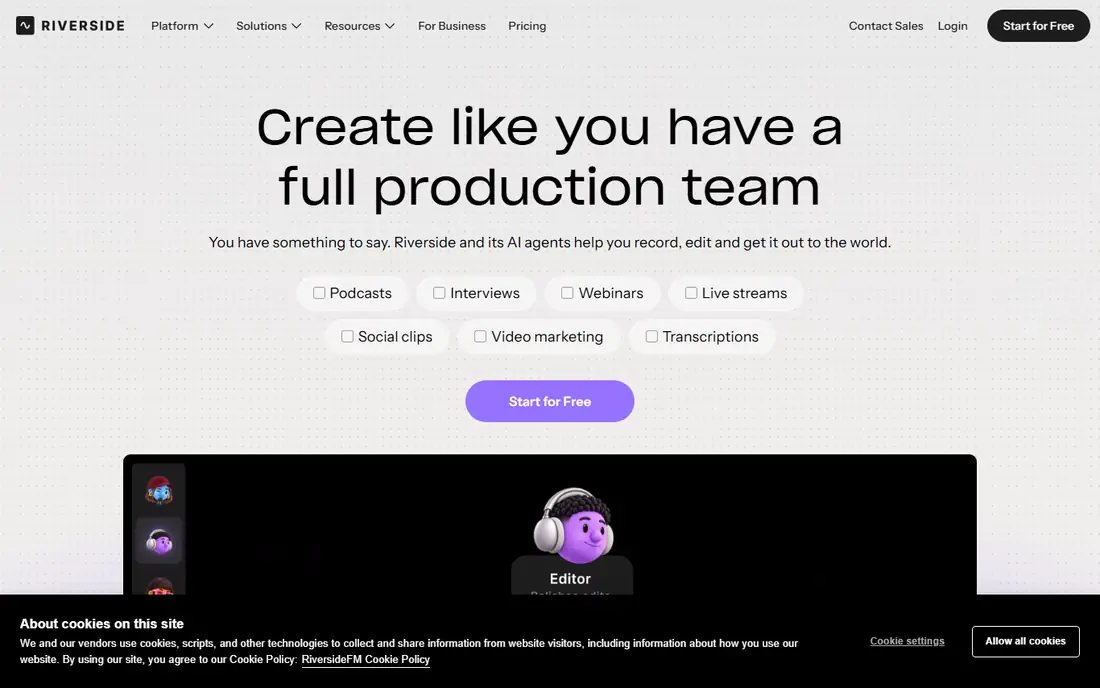
Riverside is the studio most video podcasters start with, and the reason is recording quality. Each guest is recorded locally on their own device, so a shaky connection does not ruin the audio or the video, and the files arrive as separate tracks you can mix in an editor. That separate-track setup matters when one guest is loud and another is quiet, because you can fix each voice on its own.
Pro costs $24 per month billed annually, or $29 billed monthly, and Grow is $34 billed annually. A 14-day trial is available on the priced plans. Note that the free plan is uncertain: a Riverside blog post from September 2026 says it was replaced by the trial, while checks in October 2026 still showed a free tier. Riverside is the best pick if you record remote interviews and want clean separate tracks without building your own setup.
- Records each guest on a separate track in up to 4K
- Local recording keeps quality high even on a weak connection
- Separate-track downloads are capped at 15 hours a month on Pro
- Live streaming starts only on Grow, and 4K mobile recording is only on Business
StreamYard
Ideal for: Live video podcasts and multistreaming
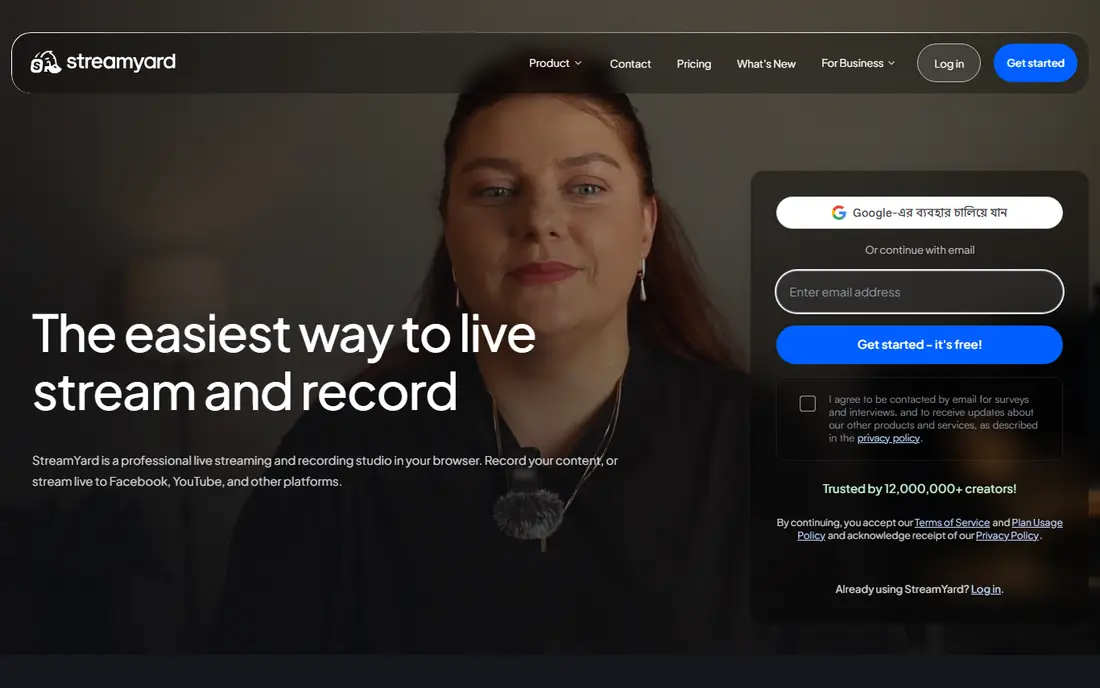
StreamYard runs entirely in the browser, so guests join with a link and nothing to install. It is built for live shows: you can stream to YouTube, Facebook, LinkedIn and other platforms at the same time, show comments on screen, and brand the layout with your own colours and overlays. That makes it the best tool in this list for a show that goes out live and takes questions from viewers.
Essential costs $14.99 per month billed annually, or $18.99 billed monthly. Core is $35.99 billed annually, and Advanced is $68.99. The free plan costs $0, with the StreamYard logo on streams, 2 hours of local recording a month, 6 on-screen participants and one seat. StreamYard is the best pick if your podcast is live first and recorded second.
- Streams live to several platforms at once from the browser
- Free plan covers 2 hours of local recording a month
- Essential, Core and Advanced are for individual use only, and companies need unpriced Business plans
- Free plan carries the StreamYard logo and has no cloud recording
Zencastr
Ideal for: Free remote recording with separate tracks
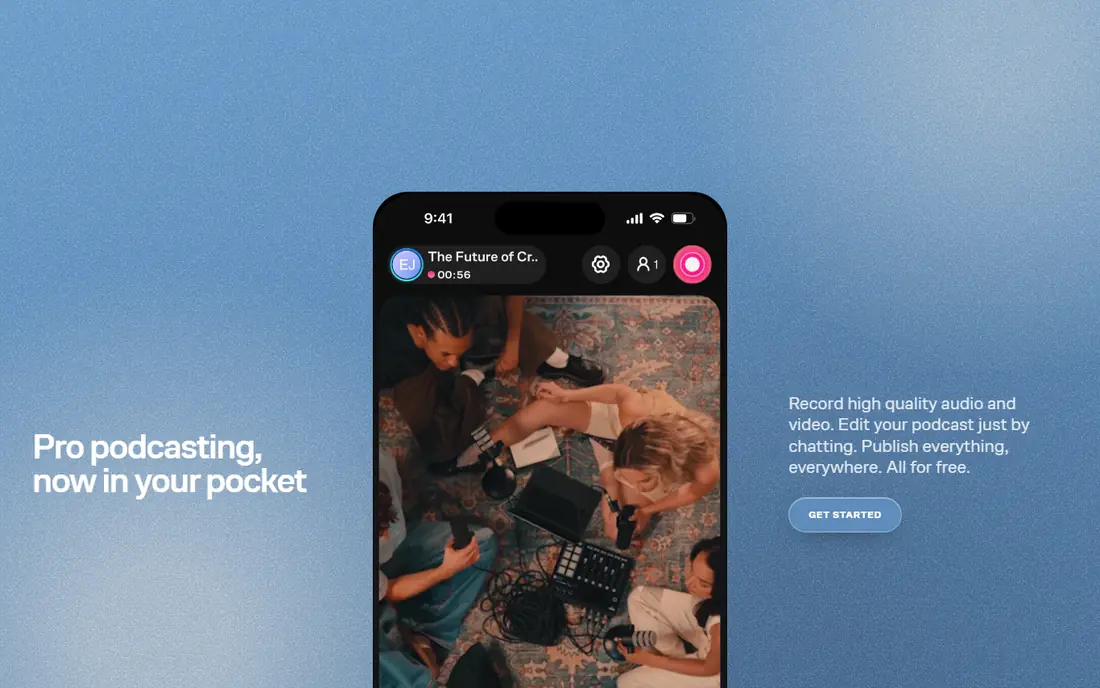
Zencastr changed its pricing on 23 October 2026, retiring the old Standard, Grow, Scale and Business tiers. The only options now are the free Vibecastr plan and a custom-quote Enterprise plan. The free plan is generous: unlimited separate audio and video recording and download, 4K video on desktop and mobile, 48kHz WAV and 44kHz MP3 recording, unlimited track storage, unlimited transcription in 11 languages, up to 6 participants, 5 shows and 4 seats, plus live streaming, hosting and distribution.
The catch is the missing middle. There is no fixed-price plan to move to when you outgrow the free tier, so growth means a sales conversation and a custom quote. Live streaming quality on the free plan is capped at 1080p. Zencastr is the best pick in this list if you want separate-track recording for $0 and you are happy to stay inside the free limits.
- Free Vibecastr plan includes unlimited separate-track recording, 4K video and unlimited transcription
- No card is needed to start
- No fixed-price plan to grow into, so outgrowing the free tier means a sales call for a custom Enterprise quote
- Free plan caps at 6 participants, 5 shows and 4 seats
Descript
Ideal for: Editing a podcast by editing text
Descript takes a different approach to editing. It transcribes your recording, and you edit the podcast by deleting words in the transcript, which cuts the matching audio and video at the same time. That makes editing a two-hour interview far faster than scrubbing through a timeline, and its AI tools can remove filler words like um and uh in one pass. It also records, so you can run a whole show inside one tool.
Hobbyist costs $16 per person per month billed annually, or $24 billed monthly. Creator is $24 billed annually, and Business is $50. The free plan costs $0, with 1 media hour a month, 100 one-time AI credits, 720p watermarked exports and 5 GB of storage. Note that these prices were not read directly from the vendor page today, because the dollar figures did not render in the page crawl; they are corroborated by several independent checks of the same page dated 16 Oct to 10 Nov 2026.
- Edit audio and video by editing the transcript, which is far faster than cutting clips on a timeline
- AI tools remove filler words and tidy the audio
- 4K export is only from Creator upward
- Free plan exports at 720p with a watermark and allows only 1 media hour a month
Restream
Ideal for: Streaming one show to many platforms
Restream is built for reach. You run one show in its studio and it goes out to YouTube, Facebook, Twitch, LinkedIn and more at the same time, with chat from every platform in one place. That suits a video podcast that also works as a live show, because the audience can watch wherever they already are. The studio is simple, with layouts, branding and guest links, and recordings run up to 6 hours per stream.
Standard costs $16 per month billed annually, or $19 billed monthly, Professional is $39 billed annually, and Business is $199. The free Basic plan costs $0, with 2 simultaneous channels, 720p Studio, Restream branding, 6 on-screen participants and 15 days of recording storage. Note that these prices were not read directly from the vendor page today, because the dollar figures did not render in the page crawl; they rest on the vendor landing page and checks dated 10 to 30 Oct 2026, and one check found Standard billed annually at $228 a year rather than $190, so confirm the annual figure at checkout.
- Streams to many platforms at once from one studio
- Free Basic plan covers 2 channels and 6 hours of recording per stream
- Streaming to Facebook pages and groups needs a priced plan
- Clips and Webinars are add-ons from $19 and $99 a month, not bundled in the core plans
Ecamm Live
Ideal for: Mac-based live video podcasting
Ecamm Live is the most polished live production tool in this list, and it only runs on a Mac. It gives you scenes, overlays, lower thirds, camera effects and guest interviews in one app, and it can send its output to Zoom, Teams or any streaming platform as a virtual camera. That depth makes it popular with creators who want a broadcast look without a second computer.
Standard costs $16 per month billed annually, or $192 a year, and Pro is $32 per month billed annually. There is no free plan, but a 14-day trial needs no card, and there is a 14-day refund after signup. Note that these prices were not read directly from the vendor page today, because the crawl rendered only FAQ text; they are corroborated by several independent checks of the same page dated 20 Sep to 29 Oct 2026. Ecamm Live is the best pick if you are on a Mac and want a professional live show.
- Deep Mac integration with scenes, overlays and camera effects
- Pro adds 4K streaming, remote guests and virtual camera
- Mac only, with no Windows version
- 4K streaming, remote guests and virtual mic and webcam are only on Pro
OBS Studio
Ideal for: Free recording and streaming on any computer
OBS Studio is free and open source software, and it is the tool behind a large share of live streams on the internet. It records and streams in high quality, with scenes, sources, filters and transitions, and it costs $0 with no account or payment. The latest release, 33.0.1, came out on 29 October 2026, and it runs on Windows, Mac and Linux.
The trade-off is that OBS Studio does none of the podcast-specific work. There is no built-in remote guest recording, no cloud recording or hosting, no multistreaming to several platforms at once, and no editing tools, so you pair it with a guest tool and an editor. Setup is also more technical than the hosted tools here. OBS Studio is the best pick if you want full control for $0 and you are happy to build the rest of the workflow yourself.
- Free and open source with no limits on recording or streaming
- Runs on Windows, Mac and Linux with scenes, sources and filters
- No built-in remote guest recording, cloud recording, multistreaming or editing
- Setup is more technical than the hosted tools in this list
Zoom
Ideal for: Simple remote recordings you already know
Zoom is not a podcast tool, but it is the tool most guests already have, and that counts for a lot. You send a link, the guest clicks it, and the recording starts. Pro costs $14.16 per user per month billed annually, or $16.99 billed monthly, and Business is $18.33 billed annually. The free Basic plan costs $0, with meetings up to 40 minutes, 100 participants, local recording only, 3 meeting summaries a month and 5 two-minute clips.
The limits are real for podcasting. The free plan caps group meetings at 40 minutes and offers no cloud recording, and no plan records each guest on a separate track, so you cannot fix one voice without touching the others. The full AI assistant, ZoomMate, is a separate $20 per user per month add-on. Zoom is the best pick if you want the simplest possible remote recording and you edit the mixed file as it comes.
- Everyone already knows how to join a Zoom call, so guests need no setup
- Pro adds cloud recording, 30-hour meetings and AI summaries
- Free Basic plan caps group meetings at 40 minutes and has no cloud recording
- No separate-track recording for podcast editing
How we chose
We opened each vendor pricing page on 13 Nov 2026 and recorded the starting price shown there, then checked free plan limits, recording quality and guest features on the same pages. Riverside, StreamYard, OBS Studio and Zoom prices were read directly from the vendor pricing pages today. Descript, Restream and Ecamm Live prices were not read directly today, because the dollar figures did not render in the page crawls; they are corroborated by several independent checks of the same vendor pages dated Sep to Nov 2026, and the Restream annual figure carries a conflict, with one check finding $228 a year instead of $190. Zencastr publishes no fixed price, so it is listed as quote only. We compared separate-track recording, live streaming, editing style and guest ease, and we did not claim any hands-on testing.
What to check before you buy
Check whether the tool records each guest on a separate track, because a mixed file is hard to fix when one voice is too loud. Check the recording limits on the plan you would buy: Riverside Pro caps separate-track downloads at 15 hours a month, and Zoom free caps meetings at 40 minutes. Check whether live streaming is included, because Riverside only streams from Grow upward and Restream charges extra for Clips and Webinars. Check the export quality, because Descript free exports at 720p with a watermark and 4K needs Creator or higher. Check the guest experience, because a tool your guests cannot join is useless no matter how good its features are.
| Show format | Pick | First-year cost | | Remote interviews, separate tracks | Riverside Pro | $288 | | Live show on many platforms | StreamYard Essential | $179.88 | | Zero budget remote interviews | Zencastr free | $0 | | Text-based editing | Descript Hobbyist | $192 | | Mac live production | Ecamm Live Standard | $192 | | Free recording and streaming | OBS Studio | $0 | | Simple calls with known guests | Zoom Pro | $169.92 |
Frequently asked questions
What is the best video podcasting software for beginners?
StreamYard is the easiest start, because it runs in the browser, guests join with a link, and the free plan covers 2 hours of local recording a month. Zencastr is the best free start for remote interviews, with unlimited separate-track recording on its free plan. If you want the best quality from the start, Riverside Pro at $24 a month billed annually is the standard choice for remote video podcasts.
Which video podcasting software is free?
Zencastr and OBS Studio are the best free options. Zencastr free includes unlimited separate-track recording, 4K video and unlimited transcription, capped at 6 participants, 5 shows and 4 seats. OBS Studio is free and open source with no limits, but it has no guest recording or editing. StreamYard, Descript, Restream and Zoom also have free plans, each with limits on recording time, quality or branding.
Do I need 4K recording for a video podcast?
Most shows do not. Viewers watch on phones and laptops, where 1080p looks clean, and 4K files are far larger to store and edit. Riverside includes 4K on higher plans, Zencastr free includes 4K, and Descript needs Creator for 4K export. Choose 4K only if you crop the video heavily or publish clips that need headroom, and check that your plan includes it before you pay.
Can I record remote guests in separate tracks?
Yes, with the right tool. Riverside, Zencastr and Descript record each guest on a separate track, which lets you fix one voice without touching the others. Zoom does not offer separate-track recording, so a loud guest and a quiet guest stay mixed in one file. OBS Studio has no guest recording at all. If separate tracks matter to you, pick Riverside, Zencastr or Descript, and check the monthly download cap on the plan you choose.
Is Zoom good enough for video podcasting?
Zoom is good enough for simple shows where the conversation matters more than the production. Guests join with no setup, and Pro at $14.16 per user per month billed annually adds cloud recording and 30-hour meetings. The limits are the 40-minute cap on the free plan, no cloud recording without a subscription, and no separate-track recording on any plan. If you edit heavily or fix audio per guest, Riverside or Zencastr will serve you better.