Best Virtual Data Room Software in 2026: 8 Platforms Compared

- Datasite is our pick for most large deals because it pairs secure rooms with diligence workflows and buyer analytics.
- Intralinks suits teams that want a long-trusted, highly secure room for sensitive transactions.
- iDeals suits mid-market teams that want a modern room with clear pricing and fast setup.
-
Permission control, audit trails, and ease of use for buyers matter more than storage size alone.
-
Buyer ease of use affects deal speed, since confused buyers delay diligence and ask more basic questions.
Quick comparison
| Product | Ideal for | Price from | Free version | |
|---|---|---|---|---|
 Datasite | Large deals and analytics | See website | Free trial | Visit |
 Intralinks | Highly secure transactions | See website | Free trial | Visit |
 Firmex | Mid-market simplicity | See website | Free trial | Visit |
 Ansarada | Deal-ready rooms with AI tools | See website | Free trial | Visit |
 iDeals | Modern rooms and clear pricing | See website | Free trial | Visit |
 CapLinked | Simple, affordable rooms | See website | Free trial | Visit |
 SecureDocs | Fast, simple rooms | See website | Free trial | Visit |
 ShareFile | Secure file sharing plus rooms | See website | Free trial | Visit |
The best virtual data room software
A virtual data room is a secure online space for sharing sensitive documents during deals, fundraising, audits, and legal work. The best rooms control who sees what, track every view, and stay easy for buyers to use. We compared official feature pages, pricing pages, and public reviews for the options below.
Datasite
Ideal for: Large deals and analytics
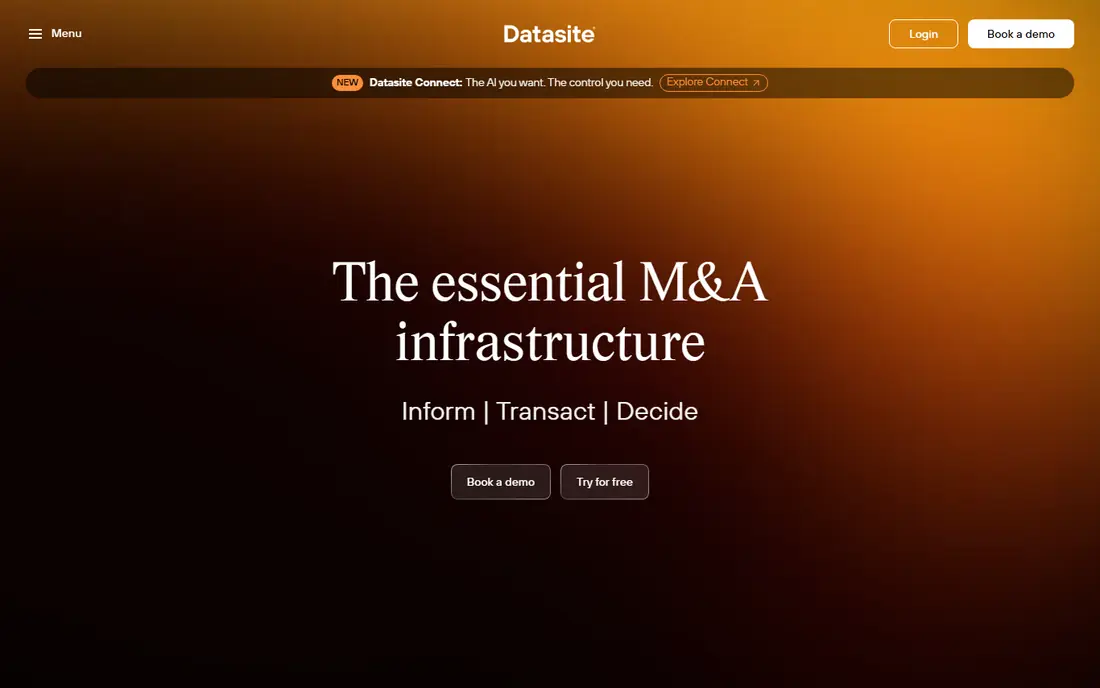
Datasite leads for large deals, offering secure data rooms with granular permissions, document analytics, and diligence workflows. Sellers can see which buyers engage with which documents, manage Q and A, and control staged releases. AI tools help with document handling and redaction checks.
Enterprise pricing makes Datasite heavy for small deals. For large, high-stakes transactions where analytics and security matter most, Datasite is our top pick.
- Secure rooms at scale
- Buyer analytics
- Diligence workflows and AI tools
- Enterprise pricing
- More system than small deals need
Intralinks
Ideal for: Highly secure transactions
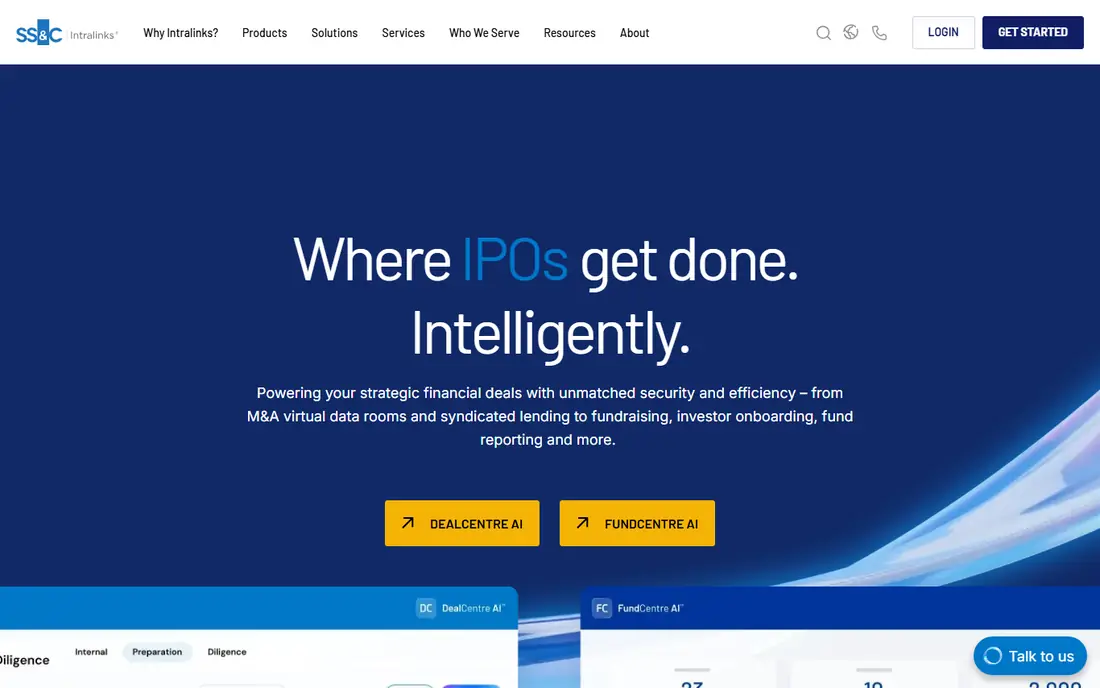
Intralinks has served banks, law firms, and corporates for years with secure data rooms built for sensitive deals. Permission controls, watermarking, and audit trails are core strengths, and the platform handles complex, multi-party transactions well. Trust and track record are its selling points.
The interface feels enterprise-heavy, and pricing is quote-based. For teams that rank security history first, Intralinks is a dependable, respected choice.
- Long-trusted security
- Fine permissions
- Audit trails and document protection
- Enterprise-heavy interface
- Pricing is quote-based
Firmex
Ideal for: Mid-market simplicity
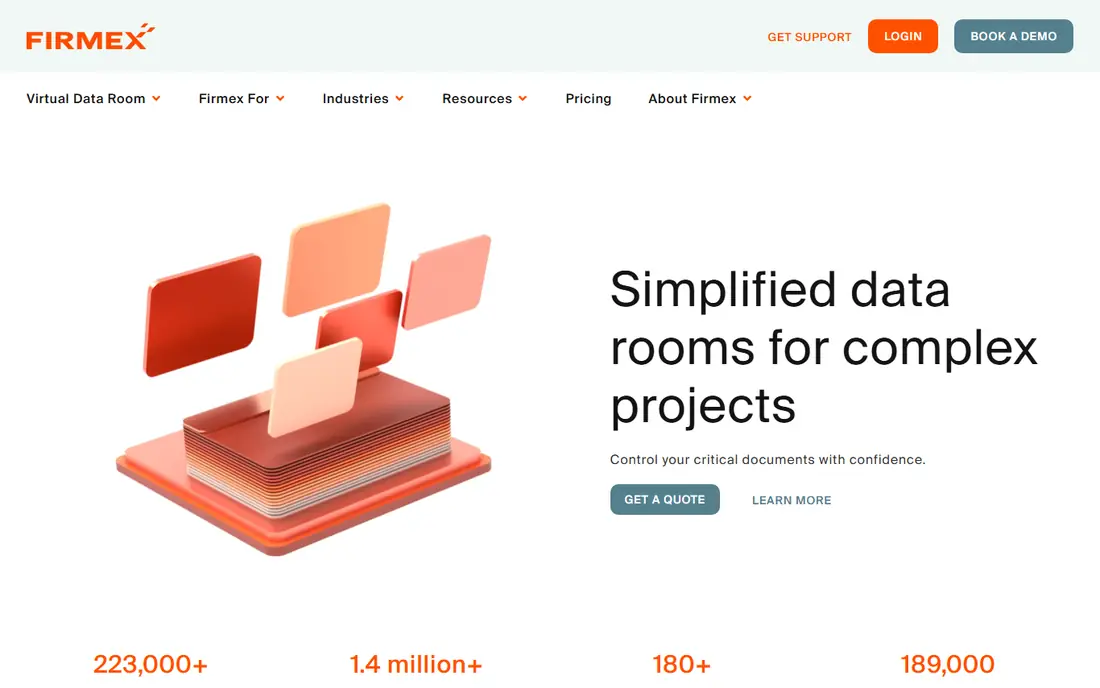
Firmex offers secure data rooms with simple setup and clear permissions for mid-market deals. Teams can launch a room fast, invite buyers, and control document access without a long learning curve. Support earns good reviews from smaller deal teams.
Advanced analytics trail Datasite, and scale suits mid-market better than mega-deals. For a straightforward, secure room at a fair price, Firmex is a practical pick.
- Simple setup
- Clear permissions
- Good support
- Fewer advanced analytics than Datasite
- Smaller scale
Ansarada
Ideal for: Deal-ready rooms with AI tools
Ansarada provides data rooms with deal-ready structure, checklists, and AI tools that help teams prepare documents and track diligence readiness. Analytics show buyer engagement, and workflow tools guide sellers through preparation. That structure helps first-time sellers organize a room well.
Pricing varies by deal, and advanced features take learning. For teams that want guidance plus a secure room, Ansarada is a strong, modern choice.
- Deal-ready structure and checklists
- AI document tools
- Good analytics
- Pricing varies by deal
- Learning curve for advanced features
iDeals
Ideal for: Modern rooms and clear pricing
iDeals offers modern virtual data rooms with a clean interface, clear pricing options, and fast setup. Permissions, Q and A, and document controls cover core deal needs, and support responds quickly. Mid-market teams often pick iDeals for its balance of features and price clarity.
Enterprise depth and analytics trail Datasite for the largest deals. For a modern room with transparent pricing and quick launch, iDeals is an excellent pick.
- Modern interface
- Clear pricing options
- Fast setup and support
- Enterprise depth trails Datasite
- Analytics vary by plan
CapLinked
Ideal for: Simple, affordable rooms
CapLinked offers simple, affordable data rooms for smaller deals, fundraising, and secure sharing. Setup is quick, permissions are straightforward, and basic analytics show document activity. For teams that need a secure room without enterprise cost, CapLinked is appealing.
Advanced features such as AI tools and deep analytics are fewer than leaders offer. For a simple, budget-friendly room, CapLinked is a practical choice.
- Simple rooms at lower cost
- Quick setup
- Basic analytics
- Fewer advanced features
- Smaller vendor footprint
SecureDocs
Ideal for: Fast, simple rooms
SecureDocs focuses on fast, simple data rooms with transparent pricing. Teams can launch a room in minutes, set permissions, and share documents securely. That speed suits smaller deals, audits, and fundraising rounds where time matters more than advanced analytics.
Enterprise features and analytics are basic compared with Datasite or Intralinks. For a fast, no-fuss room at a clear price, SecureDocs is a solid pick.
- Very fast setup
- Simple permissions
- Transparent pricing
- Fewer enterprise features
- Analytics are basic
ShareFile
Ideal for: Secure file sharing plus rooms
ShareFile, from Citrix, offers secure file sharing and client portals that many firms use as a light data room. E-signature options, permission controls, and audit trails cover general secure sharing well, and the platform suits firms that also need everyday client file exchange.
Deal-specific features such as Q and A workflows and buyer analytics are limited compared with pure VDRs. For a firm that wants secure sharing plus a light room in one tool, ShareFile is a useful choice.
- Secure sharing plus client portals
- E-signature options
- Broad business use
- Less deal-specific than pure VDRs
- Advanced deal analytics are limited
How we picked these
We compared official feature pages, pricing pages, and public reviews, and we kept only virtual data room platforms operating in October 2026 with real permission, audit, and Q and A tools. We favored rooms with strong security, clear pricing, and buyer-friendly design. We left out generic cloud storage with no deal controls and rooms with unclear security practices.
We also weighed analytics usefulness, since sellers need to distinguish serious buyers from casual browsers. Rooms that report document-level engagement by buyer group scored higher than rooms with only page-view totals.
What to check before you choose a data room
Start with permissions. Confirm granular controls by user, group, and document, plus watermarking, print and download limits, and instant access revocation. Test the buyer experience too: buyers should find documents fast without training, since confusion slows deals.
Next, check analytics and Q and A. Engagement reports help sellers gauge buyer interest, while structured Q and A keeps questions organized and auditable. Finally, confirm security certifications, data residency, and support hours. Deals run on tight timelines, and slow support during diligence costs real money.
Index structure deserves planning before upload. A clear, logical folder tree with consistent naming helps buyers find documents fast and reduces Q and A volume, while a messy dump slows diligence and signals poor preparation. Build the index from a standard diligence checklist, then adapt it to the deal, and keep a document map for your own team.
Questions to ask before you commit
Ask vendors how bulk permission changes work when a new bidder joins mid-deal, since manual per-document updates slow diligence at critical moments. Confirm group templates, staged release options, and how quickly revoked access takes effect across all documents. Speed and accuracy here matter more than storage quotas.
Ask about document viewing controls for sensitive files, since print, download, and screenshot policies vary by plan. Confirm watermarking options, view-only modes, and whether controls apply consistently on mobile and desktop. A room that protects files on desktop but not on mobile leaves a gap buyers can exploit.
Ask how the vendor supports your team during live diligence, including support hours, response times, and escalation paths. Deals run evenings and weekends, and slow support during a buyer deadline can delay a transaction. Confirm support coverage before launch, and test it with a real question during your trial.
Ask vendors about mobile access controls for deal teams working outside the office, since diligence continues on phones and tablets. Confirm that permissions, watermarking, and download controls apply consistently on mobile apps and browsers, and test buyer access from a phone during your trial. Mobile gaps in security controls undermine an otherwise strong room.
Frequently asked questions
What is the best virtual data room software?
Datasite is our pick for most large deals because of security, analytics, and diligence workflows. Intralinks suits teams that rank security history first, while iDeals suits mid-market teams that want modern design and clear pricing.
How much does a virtual data room cost?
Pricing varies by deal size, users, data volume, and project length, and many vendors quote per deal. Simple rooms such as SecureDocs and CapLinked cost less, while enterprise rooms such as Datasite cost more. Request a quote for your deal profile.
Is a virtual data room more secure than cloud storage?
Yes, for deal use. Data rooms add granular permissions, watermarking, download controls, audit trails, and Q and A workflows that generic cloud storage lacks. Those controls matter when sharing sensitive deal documents with multiple outside parties.
Can I use a data room for fundraising or audits?
Yes. Data rooms serve fundraising, audits, legal discovery, and board sharing as well as M and A deals. Choose a room with permission controls and audit trails suited to your use, and confirm data retention after the project ends.
What happens to documents after a deal closes?
Most vendors let you archive or export documents and close buyer access at deal end. Confirm archiving, export formats, and retention terms before launch, since post-close access needs vary by deal type.
What security certifications should a data room have?
Look for recognized certifications such as ISO 27001 and SOC 2, plus encryption in transit and at rest, granular permissions, and audit trails. Certifications alone do not guarantee safety, but they show disciplined security practices. Ask vendors for current reports and data residency options, especially for cross-border deals with strict data rules.