For virtual fairs and hybrid event logistics, vFairs is where this list starts. Listed starting prices: Airmeet from $167 a month. For a different need, Cisco Webex Events covers enterprise-grade webinars and collaboration and Microsoft Teams covers schools already in Microsoft 365. The other 3 tools in the list cover narrower or pricier cases.
Ainotely compared 6 tools for virtual event platforms for education. The goal is a practical shortlist: published prices, free plan facts, best-fit use cases and honest limits for every entry.
Key takeaways
vFairs is the opening pick, best for virtual fairs and hybrid event logistics.
Cisco Webex Events stands alone as the one tool in this list with a free plan.
For AI-assisted event content and streaming, Airmeet is worth a look.
One limit worth knowing about vFairs: may be more than small classes need.
AI content features should be tested against your workflow
The 6 picks in detail
VF
#1
vFairs
Best for: Virtual fairs and hybrid event logistics
vFairs makes the most sense for virtual fairs and hybrid event logistics. In education, it suits college fairs, open days, orientation programs and conferences that require registration workflows and a structured attendee experience.
It fits event teams that run multi-format programs rather than single webinars. No starting price is listed for vFairs here; confirm pricing on the vendor site. vFairs has no free tier.
Points against: Setup effort grows with event complexity.
Best for: Enterprise-grade webinars and collaboration
Cisco Webex Events is a good fit for enterprise-grade webinars and collaboration. Education institutions that already depend on Cisco infrastructure can use it for webinars, campus broadcasts and formal virtual sessions whereas keeping events close to their communications stack.
Drawbacks to consider: Feature depth can mean a steeper ramp-up time.
The breadth of the Webex product can make event setup feel heavier for small departments or single instructors. As for the details, schools wanting a fast, straightforward webinar tool may find dedicated education systems simpler to adopt. Cisco Webex Events does not show a starting price in this comparison, so check the vendor site for current pricing. Cisco Webex Events has a free plan.
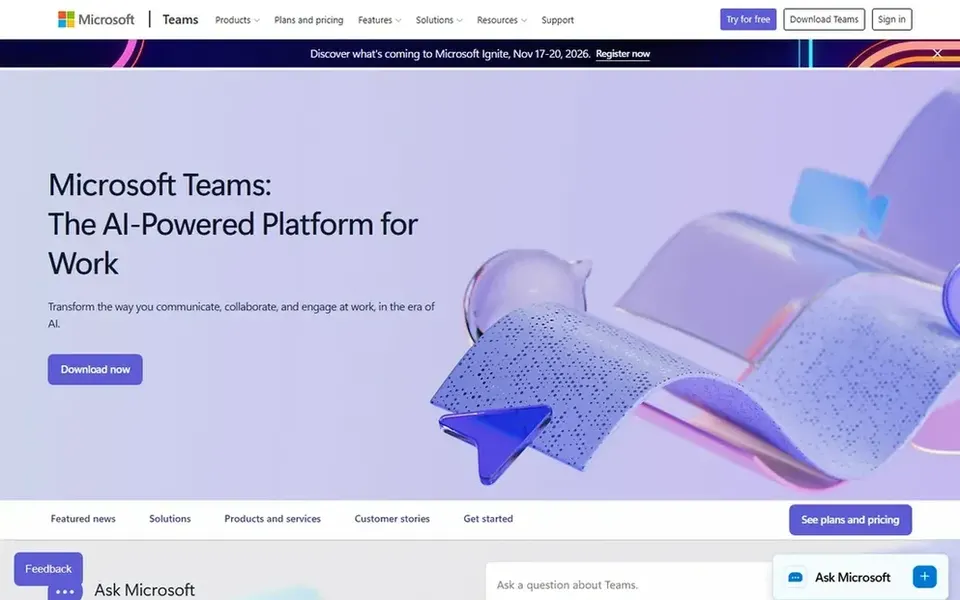
In short, Microsoft Teams is for schools already in Microsoft 365. Microsoft Teams is a collaboration hub where meetings, calls, chat and files sit together.
What Microsoft Teams does well: Suits organizations standardized on Microsoft tools.
Teams is not a dedicated event product, so large conferences, virtual fairs and ticketing workflows may feel restricted compared to specialist tools. In education, it is commonly already the place where classes, staff meetings and department work happen, so virtual events can be run without adding another login. Microsoft Teams does not show a starting price in this comparison, so check the vendor site for current pricing. Trial and free access: Not stated.
Watch-outs: Event-specific features are less specialized than dedicated products.
Zoom Events is a good fit for familiar video-first campus events. The product is most solid for video-centric events instead of complicated exhibition halls or ticketing-heavy conferences.
From a buyer's view, Teams that require in-depth registration workflows, virtual booths or hybrid venue logistics may have to pair it with other tools. Check the vendor site for Zoom Events pricing; none is listed in this comparison. On free options: Not stated.
Where it is weaker: Best value when the organization already uses Zoom.
Hopin serves branded webinars and community events. For education, it can suit departments hosting public lectures, alumni sessions or community webinars where presentation quality and audience impression matter.
Where it falls short: Most useful for webinar-style formats instead of complicated fairs.
Hopin is now presented as RingCentral Events, and its homepage emphasizes running engaging webinar and event experiences that reflect your brand and build community. As for the details, choose a specialist fair product when your event relies on booths, exhibitor directories or hybrid venue logistics. Hopin shows no starting price here, so confirm the cost on the vendor site. As for free access: Not stated.
Choose Airmeet for AI-assisted event content and streaming. For education, it fits departments that want to run events and then reuse the content for marketing, recruitment or online learning.
Downsides: Wide feature set may be more than straightforward events need.
The system's breadth means organizers should test whether the event workflow matches their registration and attendee management needs. It may be more than a small class needs. Entry price for Airmeet: $167 per month. Free plan details: Free trial.
Ask vFairs, Cisco Webex Events, Microsoft Teams and others for a written quote, since no starting price is shown.
Test the free plan from Cisco Webex Events against your real workload before relying on it.
Use real work to test the free trial from Airmeet, rather than a demo project.
Before choosing vFairs, weigh its main limit: may be more than small classes need.
Add up seats, add-ons and usage charges for Cisco Webex Events before comparing it with cheaper entries.
Ask vFairs how an export works before you move any records in; an easy exit lowers the risk.
How we picked
Selection started from tools commonly considered for virtual event platforms for education, then narrowed to 6 that have clear pricing information or a clear quote process. Figures are shown as the vendors publish them. Billing terms, seat minimums and add-ons can change the real cost. We ordered the tools by general fit, then by how clearly pricing is shown, then by free access. A buyer with unusual needs may reorder them.
Every price and plan detail on this page comes from the vendors’ own websites. We did not run hands-on tests unless the text says so, and we do not publish star ratings or review scores. See how we score and our disclosure.
Keep your shortlist in one place
Paste prices, trial dates and notes from this guide into Ainotely, our AI note app. It files them into a topic and pulls out tasks like “cancel trial by Friday”. Free 7-day trial, no card needed.
Can we run education events inside tools we already use?
Yes. Zoom Events and Microsoft Teams are practical when your institution already depends on those platforms for classes and meetings. Staying inside an existing workspace cuts training and access issues.
Can I try these tools before paying?
Often, yes. Cisco Webex Events has a free plan and Airmeet offers a free trial. Use your own data and a real task during the test, and check what the free tier or trial limits before you rely on it.
Which options for virtual event platforms for education have a free plan?
Cisco Webex Events is the only tool in this list with a free plan. Free plans usually cap users, projects or features, so check the limits on the vendor page. One other tool offers a trial instead.
What should small departments check before choosing a platform?
A straightforward webinar tool may be enough for guest lectures, whereas fairs and conferences need registration and exhibitor workflows. Confirm access terms and support choices straight with the vendor.
What is the cheapest option for virtual event platforms for education in this list?
On published monthly entry prices, Airmeet is the lowest here at $167 per month. Entry price is only part of the cost, because seats, add-ons and billing terms can change the total. Each of the 6 options in this virtual event platforms for education guide has its own card above with the price, free plan and limits.
How are the tools for virtual event platforms for education ordered?
The order follows typical fit for virtual event platforms for education, with vFairs first and Airmeet last, then price clarity and free access. It is editorial judgement, not a score, so another team could rank the tools differently.