Best Virtual Meeting Platforms in 2026: 8 Platforms Compared

- 1
 ZoomStandalone meetings for any teamVisit
- 2
 Google MeetGoogle Workspace teamsVisit
- 3
 Microsoft TeamsMicrosoft 365 companiesVisit
- 4
 WebexEnterprise organizationsVisit
- 5
 GoTo MeetingSecurity-focused businessesVisit
- The best meeting platform is usually the one that comes with the office suite you already pay for: Teams for Microsoft 365, Meet for Google Workspace.
- Zoom remains the best standalone meeting app, with the widest adoption and a free tier for 40-minute meetings up to 100 people.
- Microsoft Teams Essentials costs $4 per user per month, making it the cheapest paid entry in this list.
- Google Meet's free tier covers group meetings up to 60 minutes for 100 people, with one-to-one calls up to 24 hours.
- Check free-plan time limits before you rely on a free tier for regular team meetings, since a 40-minute cutoff can interrupt longer sessions.
Quick comparison
| Product | Ideal for | Price from | Free version | |
|---|---|---|---|---|
| Zoom | Standalone meetings for any team | $14.16 per user per month | Yes | Visit |
| Google Meet | Google Workspace teams | $7 per user per month | Yes | Visit |
| Microsoft Teams | Microsoft 365 companies | $4 per user per month | Yes | Visit |
| Webex | Enterprise organizations | $12 per user per month | Yes | Visit |
| GoTo Meeting | Security-focused businesses | $12 per organizer per month | Free trial | Visit |
 Zoho Meeting | Small budgets | $1 per host per month | Yes | Visit |
 Jitsi Meet | No-account guest calls | Free | Yes | Visit |
 Whereby | Browser-based room links | $8.99 per month | Yes | Visit |
The best virtual meeting platforms
These eight platforms cover suite-based meetings, standalone apps and browser rooms. We compared official pricing pages, feature pages and public reviews, focusing on free-plan limits, meeting capacity and the true cost of each plan.
Zoom
Ideal for: Standalone meetings for any team
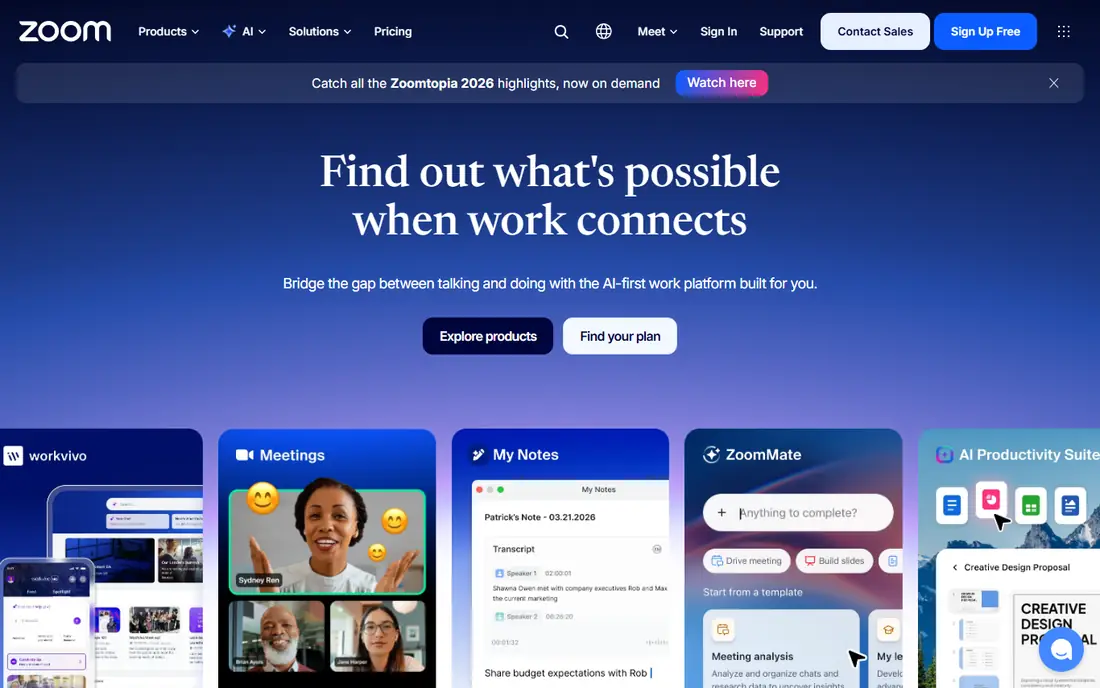
Zoom remains the meeting app most people already know how to join, which is a real advantage when guests come from outside your company. Video and audio quality are reliable, breakout rooms, recording, virtual backgrounds and webinar options are built in, and Pro at $14.16 per user per month on annual billing lifts the time limit and adds capacity to 100 people.
The free tier covers 40-minute group meetings up to 100 people, which suits short calls but interrupts longer sessions. For a team that meets with external guests often, Zoom's familiarity justifies the price. For an internal team already on a suite, Teams or Meet may cost less.
- Widest adoption
- Reliable performance
- Webinars, rooms and AI features
- Pro costs $14.16 per user per month
- Free meetings cut off at 40 minutes
Google Meet
Ideal for: Google Workspace teams
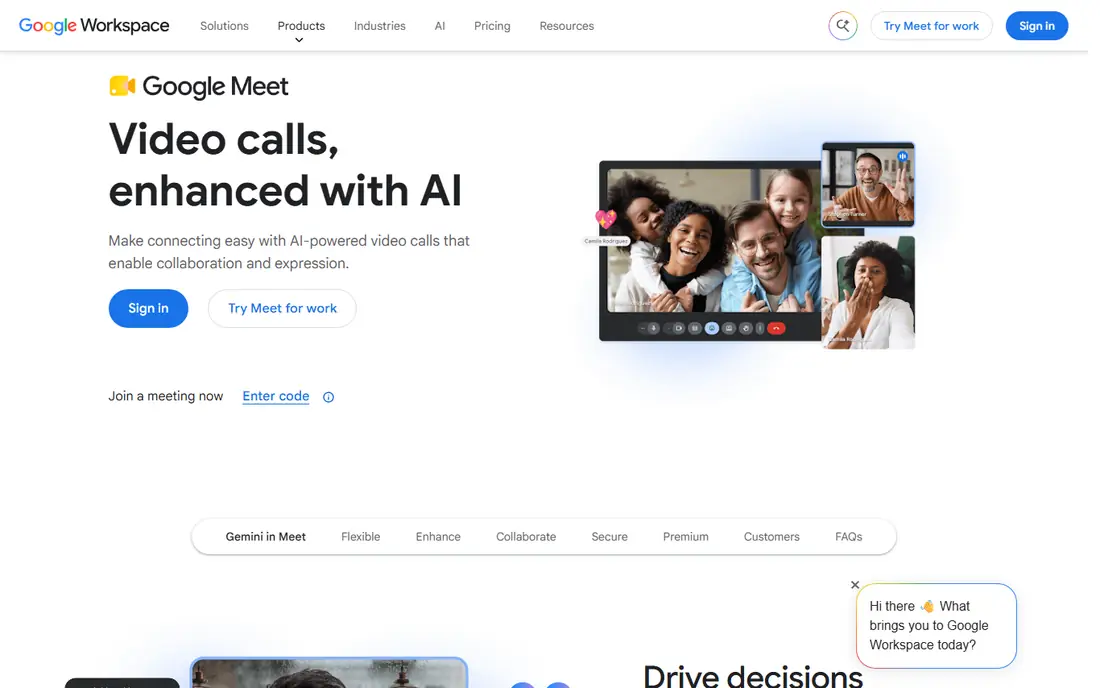
Google Meet is the natural choice for teams on Google Workspace. Meetings start from Calendar or Gmail with no install, live captions help accessibility, and breakout rooms and recording sit on paid plans. The free tier covers one-to-one calls up to 24 hours and group meetings up to 60 minutes for 100 people.
Business Starter costs $7 per user per month on annual billing, with higher tiers adding larger meetings and recording. For a Google-first team, Meet's simplicity and integration are hard to beat. For a team that needs webinar-scale features, Zoom or Webex may fit better.
- No install, runs in the browser
- Deep Calendar and Gmail integration
- Live captions
- Fewer advanced features than Zoom
- Business Starter costs $7 per user per month
Microsoft Teams
Ideal for: Microsoft 365 companies
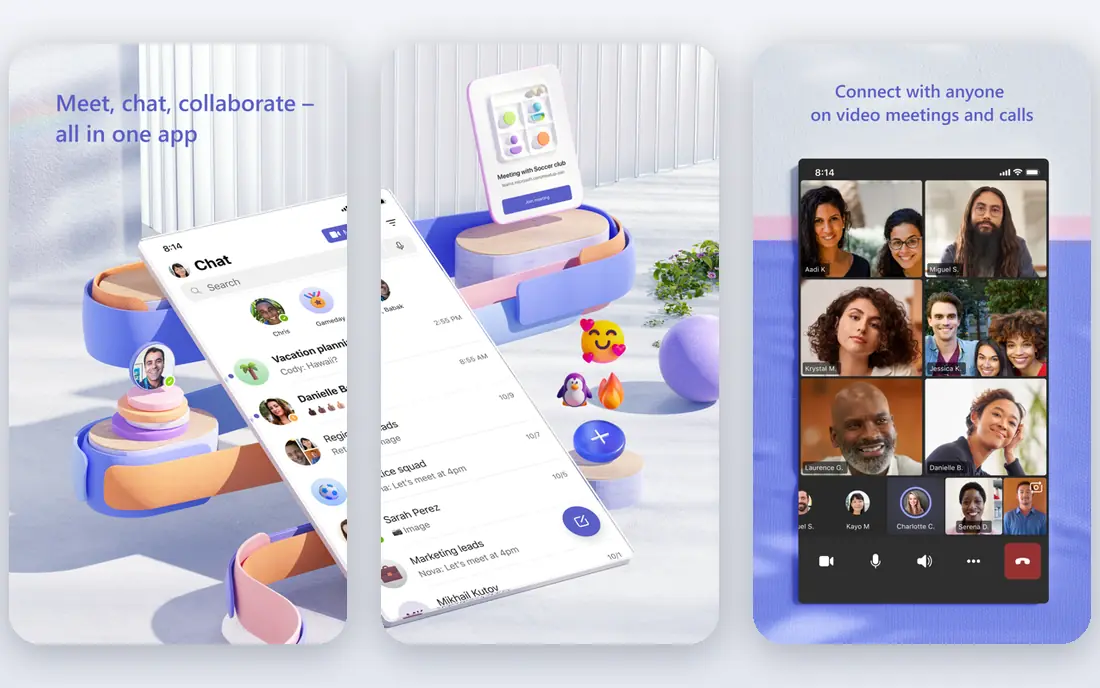
Microsoft Teams is the meeting platform for companies already on Microsoft 365, and it bundles chat, file sharing, apps and meetings into one workspace. Teams Essentials costs $4 per user per month on annual billing, while Microsoft 365 Business Basic at $7 adds Office apps. The free tier covers group meetings up to 60 minutes for 100 people, with one-to-one calls up to 30 hours.
Setup can feel heavy, and the interface packs many features that small teams may not need. For a Microsoft shop, though, Teams is the obvious choice, and its low entry price makes it the cheapest paid option in this list.
- Cheapest paid entry at $4 per user per month
- Chat, files and apps in one place
- Strong security
- Can feel complex to set up
- Performance can lag in very large meetings
Webex
Ideal for: Enterprise organizations
Webex, from Cisco, suits large organizations that want an enterprise vendor with strong security and hardware integration. It covers video meetings, team messaging, whiteboarding and recording, with a free tier for 40-minute meetings up to 100 people and paid Meet plans from $12 per user per month on annual billing.
Smaller teams may find it corporate and pricier than Teams or Meet. For a multinational or regulated company with Cisco room hardware, Webex's integration and security story are compelling.
- Strong enterprise security
- Cisco hardware integration
- Reliable large meetings
- Paid plans from $12 per user per month
- Interface can feel corporate
GoTo Meeting
Ideal for: Security-focused businesses
GoTo Meeting suits businesses that need dependable meetings with strong dial-in support, especially for participants joining by phone. Professional plans cost $12 per organizer per month on annual billing for up to 150 people, with recording, drawing tools and meeting diagnostics included.
There is no permanent free plan, only a free trial, so casual users should look at Zoom, Meet or Teams first. For a business that values dial-in reliability and a straightforward meeting tool, GoTo Meeting is a dependable pick.
- Strong dial-in options
- Reliable performance
- Security-focused design
- No free plan, only a trial
- Professional costs $12 per organizer per month
Zoho Meeting
Ideal for: Small budgets
Zoho Meeting is the budget pick for small teams, especially those already using Zoho apps. The free tier covers 60-minute meetings for 100 people, while Standard costs just $1 per host per month on annual billing for 10 people, with higher tiers adding capacity to 250.
The ecosystem is smaller than Zoom, Teams or Meet, and some advanced features sit on higher tiers. For a tiny team or a Zoho shop watching costs, Zoho Meeting delivers the essentials at a price no rival matches.
- Very low entry price at $1 per host per month
- Free tier for 60-minute meetings
- Zoho app integration
- Standard plan covers only 10 people
- Smaller ecosystem than the big three
Jitsi Meet
Ideal for: No-account guest calls
Jitsi Meet is the open-source option for quick calls where guests should not need an account. Open a link, join from the browser, and meet, with no cost and no published time limit on the public service. Self-hosting is also possible for teams that want control over data and infrastructure.
Enterprise features such as advanced admin controls, webinar tools and deep integrations are thinner here than in paid platforms. For a quick, free, no-account call, or for a team that wants to self-host, Jitsi Meet is an excellent choice.
- Completely free and open source
- Guests need no account
- No published time limit
- Fewer enterprise features
- Performance depends on the server used
Whereby
Ideal for: Browser-based room links
Whereby offers simple, browser-based meeting rooms with a link guests can open without installing anything. That simplicity suits freelancers, coaches and small teams, and its embedding options help products that need video inside their own app. Paid plans start at $8.99 per month, with a free tier for short meetings.
Meeting capacity and advanced features are smaller than Zoom or Teams, so large organizations should look elsewhere. For a small team that wants the simplest possible room link, Whereby is a clean, low-friction pick.
- Simple room links in the browser
- No install for guests
- Embedding for products
- Smaller meeting capacity than the big platforms
- Paid plans from $8.99 per month
How we picked these
We compared official pricing pages, feature pages and public reviews for virtual meeting platforms available in October 2026. We favored platforms with a working free tier or trial, a real user base and current pricing, and we weighed free-plan limits, meeting capacity, integration with office suites and security features.
What to check before you choose a virtual meeting platform
Start with the suite you already pay for. If your team runs on Microsoft 365, Teams is included or cheap to add. If you run on Google Workspace, Meet is the natural fit. Paying for a standalone app on top of a suite you already own only makes sense when you need features the suite lacks, such as Zoom's webinar scale.
Then test the free-plan limits with a real meeting. Run a full-length team session on the free tier and see whether the time cutoff, participant cap or missing recording actually bites. A limit that looks fine on paper can disrupt a weekly meeting in practice.
Finally, check the guest experience. Join from a phone and a laptop without an account, test audio and video quality on a weaker connection, and confirm captions and recording work as expected. The best platform is the one your guests can join without help, since every failed join costs you a meeting.
Frequently asked questions
What is the best virtual meeting platform?
Zoom is the best standalone meeting app, while Microsoft Teams suits Microsoft 365 companies and Google Meet suits Google Workspace teams. The best choice is usually the platform that matches the suite you already pay for.
Is Zoom free?
Yes, Zoom offers a free tier for meetings up to 40 minutes with 100 participants. Paid Pro plans start at $14.16 per user per month on annual billing and remove the time limit.
Which meeting platform is cheapest?
Microsoft Teams Essentials at $4 per user per month is the cheapest paid entry in this list, followed by Zoho Meeting at $1 per host per month for small meetings. Jitsi Meet is free and open source.
Can guests join without an account?
Yes, Jitsi Meet and Whereby let guests join from a browser link without an account, and Zoom, Meet and Teams also allow guest joins for most meeting types, depending on host settings.
What is the difference between a meeting and a webinar platform?
A meeting is a collaborative call where participants can speak freely, while a webinar is a presentation to an audience with registration and host controls. Zoom Webinars, GoTo Webinar and Livestorm add webinar features on top of meeting tools.