6 Strong Virtual Meeting Platforms for Large Groups in 2026

- 1
 LivestormMarketing webinars priced per attendeeVisit
- 2
 Google MeetStraightforward large meetings up to 1,000Visit
- 3
 ZoomLarge meetings and webinars up to 50,000Visit
- 4
 WebexEnterprise events up to 100,000 attendeesVisit
- 5
 BigBlueButtonFree self hosted classes and meetingsVisit
- The list opens with Livestorm, aimed at marketing webinars priced per attendee.
- The lowest published monthly entry price here is $4 per user per month, from Microsoft Teams.
- 6 of the 6 tools have a free plan, including Livestorm, Google Meet, Zoom and Webex.
- Microsoft Teams is the one to check for town halls inside Microsoft 365.
Direct answer
Livestorm comes first here, mainly for marketing webinars priced per attendee. Google Meet is the stronger choice for simple large meetings up to 1,000, while Zoom suits large meetings and webinars up to 50,000. Prices, free plans and limits for all 6 tools follow.
Quick comparison
| Product | Ideal for | Price from | Free version | |
|---|---|---|---|---|
| Livestorm | Marketing webinars priced per attendee | See website | Yes | Visit |
| Google Meet | Straightforward large meetings up to 1,000 | $7 per user a month | Yes | Visit |
| Zoom | Large meetings and webinars up to 50,000 | $14.16 per user a month | Yes | Visit |
| Webex | Enterprise events up to 100,000 attendees | $12 per user per month | Yes | Visit |
| BigBlueButton | Free self hosted classes and meetings | Free | Yes | Visit |
 Microsoft Teams | Town halls inside Microsoft 365 | $4 per user a month | Yes | Visit |
6 virtual meeting platforms for large groups in detail
This Ainotely guide covers 6 virtual meeting platforms for large groups. Each profile lists a starting price, free plan details, strengths and drawbacks, so you can drop poor fits quickly.
Livestorm
Ideal for: Marketing webinars priced per attendee
Livestorm is a good fit for marketing webinars priced per attendee. Livestorm prices webinars the way marketers think: by the attendee. From a buyer's view, you buy attendee credits, run events from the browser with registration pages and automatic reminders, and push attendance data to your CRM.
Honest limits: Per attendee credit maths needs care before a big launch; Attendee and host caps vary by plan in ways that require reading.
As for the details, events scale to 3,000 attendees on the larger plans, and a small free plan lets a team test the format. That model rewards teams with seasonal events and punishes anyone who misjudges a launch audience, since credits are consumed by attendance. Livestorm's engagement tools, polls, chat, and on screen calls to action, are designed for pipeline webinars instead of town halls. This comparison lists no price for Livestorm; ask the vendor. Free access exists with Livestorm.
- Events up to 3,000 attendees on higher plans
- Registration pages, reminders
- No native HubSpot integration
Google Meet
Ideal for: Straightforward large meetings up to 1,000
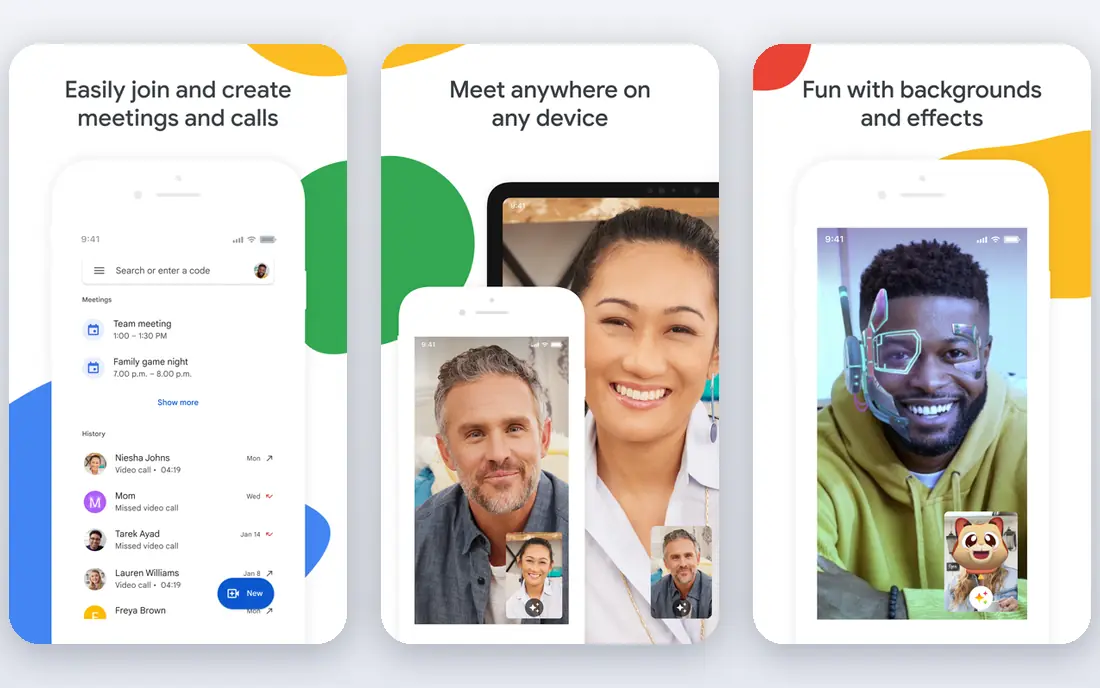
Google Meet serves straightforward large meetings up to 1,000. Inside Google Workspace, Meet runs meetings of 100 people on the entry plan and up to 1,000 participants with in domain live streaming on the highest levels, which handles all hands meetings for most businesses on earth. Where Meet stops is the produced event.
What to check first: Recording and advanced features need higher Workspace levels; No true event product at 10,000 plus scale.
It lacks the deep webinar machinery of Zoom and Webex: fewer registration choices, thinner audience management, and no 10,000 seat product. Google Meet is the straightforward choice, and straightforward scales further than people expect. Google Meet cost at the entry level: $7 per user per month. Google Meet includes a free tier.
- Joining from a browser just works
- Higher plans reach 1,000 participants with live streaming to wider audiences
- 1,000 participant ceiling is the lowest of the big four
Zoom
Ideal for: Large meetings and webinars up to 50,000
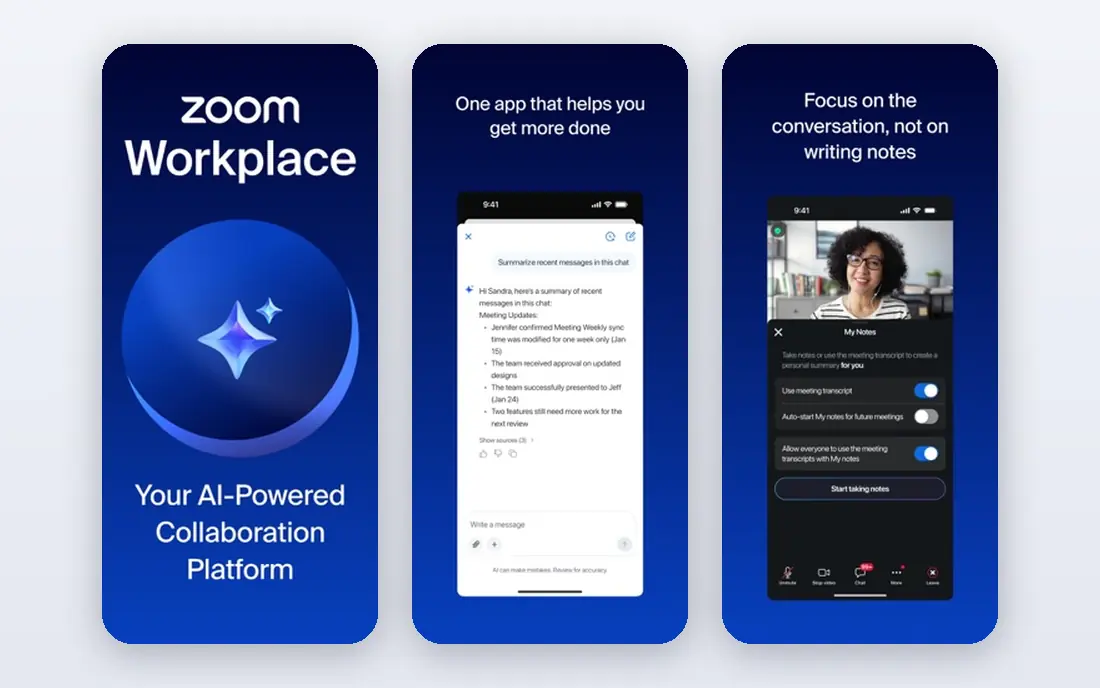
For large meetings and webinars up to 50,000, Zoom is a natural candidate. Zoom Webinars takes over from there and scales to 50,000 attendees with registration, rehearsal mode, and managed Q&A. In daily use, the cost shape is the thing to plan.
Drawbacks to consider: Free meetings cap at 40 minutes and 100 people; cited at $66.67 a month billed yearly.
Upsides: Zoom Webinars scales to 50,000 attendees.
In practice, for most large group work, Zoom is the safe pair of hands. Ordinary meetings hold 100 people on Pro, 300 on Business, and 1,000 with an add on. On top of that, a Workplace Pro licence is listed at $14.16 per user a month billed yearly, and Webinars layers on a separate fee, cited at $66.67 a month billed yearly, priced by attendee level. Zoom starts at: $14.16 per user per month. You can start on Zoom without paying.
- Meetings reach 1,000 with the large meeting add on
- Practice sessions
- Webinars are a separate purchase on top of a Workplace licence
Webex
Ideal for: Enterprise events up to 100,000 attendees
Webex makes the most sense for enterprise events up to 100,000 attendees. Webex is not where a small team runs a monthly webinar.
Webex Meetings deals with daily work from $12 per user a month, Webex Webinars includes 1,000 attendees on its entry licence, and Webex Events reaches 100,000, the ceiling virtual conferences and investor events need. Starting cost for Webex: $12 per user per month. Webex has a free plan.
Where it is weaker: Interface feels denser than Zoom's; The product line naming confuses buyers.
- Webex Webinars holds 1,000 on its entry plan
- Webex Events scales to 100,000 attendees
- Best features cluster on enterprise agreements
BigBlueButton
Ideal for: Free self hosted classes and meetings
BigBlueButton targets free self hosted classes and meetings. BigBlueButton is the open source meeting product made for education.
The main drawbacks: Polish and mobile apps lag the commercial systems; there is no vendor to call.
BigBlueButton asks for a technically capable owner. Schools and universities run it on their own servers or through hosting providers, frequently inside Moodle, and get a classroom with whiteboard, polls, breakouts, and recordings for the cost of the server alone. Price to start with BigBlueButton: Free. BigBlueButton has a free plan.
- Free and open source
- Made for teaching: whiteboard, polling
- Scaling to thousands needs real engineering
Microsoft Teams
Ideal for: Town halls inside Microsoft 365
Microsoft Teams is a good fit for town halls inside Microsoft 365. Teams is the large group product most big businesses already have. Beyond that, attendees from outside the company at times fight the app and browser handoff.
Best features of Microsoft Teams: Included in the Microsoft 365 plans firms already own.
Watch-outs: Attendee experience is heavier than Zoom's; Webinar and town hall features sit on specific plans, with the best of them needing Teams Premium. From a buyer's view, if your company is a Microsoft house, those are acceptable trades for a broadcast tool you already own. For everyday use, standalone Teams Essentials is listed at $4 per user a month, whereas webinar capable Microsoft 365 plans are priced higher, and the top town hall features need Teams Premium. Microsoft Teams starts at: $4 per user per month. A free plan is available with Microsoft Teams.
- Town halls stream to 10,000 attendees on premium levels
- Webinars hold 1,000 with registration built in
- External guest handling takes configuration
How we built this list
Ainotely used vendor pricing pages and product documentation as the base, then compared plans, free access and documented limits for 6 tools. Where a price is missing, the vendor does not list one publicly or ties it to a quote. Always confirm before budgeting. We ordered the tools by general fit, then by how clearly pricing is shown, then by free access. A buyer with unusual needs may reorder them.
Pre-purchase checklist
- Confirm the entry price on the vendor page. For Livestorm that means a quote rather than a fixed price.
- Look at free plan limits closely: Livestorm, Google Meet, Zoom and others have one, and the caps decide whether it is usable for real work.
- Before choosing Livestorm, weigh its main limit: per attendee credit maths needs care before a big launch.
- Ask Microsoft Teams which support channels and response times come with the plan you would buy.
- The entry price of Webex is only the starting point; model the full cost with seats and extras.
Frequently asked questions
Can I try these tools before paying?
Often, yes. Livestorm, Google Meet, Zoom and others have a free plan. Use your own data and a real task during the test, and check what the free tier or trial limits before you rely on it.
What product handles the largest meetings?
On published figures, Webex Events reaches 100,000 attendees and Zoom Webinars reaches 50,000, the two largest ceilings in mainstream business systems. Those top levels are broadcast products, with the audience watching and asking questions through moderated tools instead of speaking freely, which is the right design at that size.
What is the difference between a large meeting and a webinar?
In a meeting, participants can normally speak, share, and appear on camera, and the practical limit is a handful of hundred to 1,000 people. A webinar separates presenters from attendees: the audience watches, chats, and answers polls, whereas hosts control every microphone.
Can a free system handle a large group?
For a handful of hundred people, yes, with effort. As for the details, the free tiers of Zoom, Teams, Meet, and Webex cap group meetings around 100 people and 40 to 60 minutes. So a real large event needs a premium plan on any of them.
What is the cheapest option for virtual meeting platforms for large groups in this list?
On published monthly entry prices, Microsoft Teams is the lowest here at $4 per user per month. Entry price is only part of the cost, because seats, add-ons and billing terms can change the total.
Do these tools publish their prices?
Not all of them. Livestorm publishes no starting price, so expect a quote request for it. The rest, Google Meet included, show a starting price, though seats and billing terms still change the final cost.