7 Best Visual Project Management Software Options for 2026
- 1
 TrelloStraightforward Kanban boards with zero ramp-up timeVisit
- 2
 WrikeStructured teams needing real workflow controlVisit
- 3
 SmartsheetSpreadsheet-native teams and PMOsVisit
- 4
 GanttPRODedicated Gantt charts without the bloatVisit
- 5
 monday.comTeams that want colorful, configurable boardsVisit
- This list starts with Trello, which is built for straightforward Kanban boards with zero ramp-up time.
- For the cheapest start, look at Trello: $5 per user/month.
- What to know about Smartsheet first: no permanent free level.
- ClickUp suits feature-maximalists on a tight budget.
Direct answer
Trello comes first here, mainly for straightforward Kanban boards with zero ramp-up time. For a different need, Wrike covers structured teams needing real workflow control and Smartsheet covers spreadsheet-native teams and PMOs. All 7 tools are compared below on price, free plan and limits.
Quick comparison
| Product | Ideal for | Price from | Free version | |
|---|---|---|---|---|
| Trello | Straightforward Kanban boards with zero ramp-up time | $5 per user/month (billed annually) | Yes | Visit |
| Wrike | Structured teams needing real workflow control | $10 per user/month | Yes | Visit |
| Smartsheet | Spreadsheet-native teams and PMOs | $9 per member/month (billed annually) | Free trial (30 days) | Visit |
| GanttPRO | Dedicated Gantt charts without the bloat | $7 per user/month (billed annually) | Free trial (14 days) | Visit |
| monday.com | Teams that want colorful, configurable boards | $9 per seat/month (billed yearly) | Yes | Visit |
 Notion | Docs-plus-tasks in one workspace | $10 per user/month (billed yearly) | Yes | Visit |
 ClickUp | Feature-maximalists on a tight budget | $8 per user/month (billed yearly) | Yes | Visit |
Every option for visual project management software explained
If you are comparing visual project management software, this page covers 7 tools in one place: what each is best for, what it costs to start, whether it has a free plan, and the main limit to know about.
Trello
Ideal for: Straightforward Kanban boards with zero ramp-up time
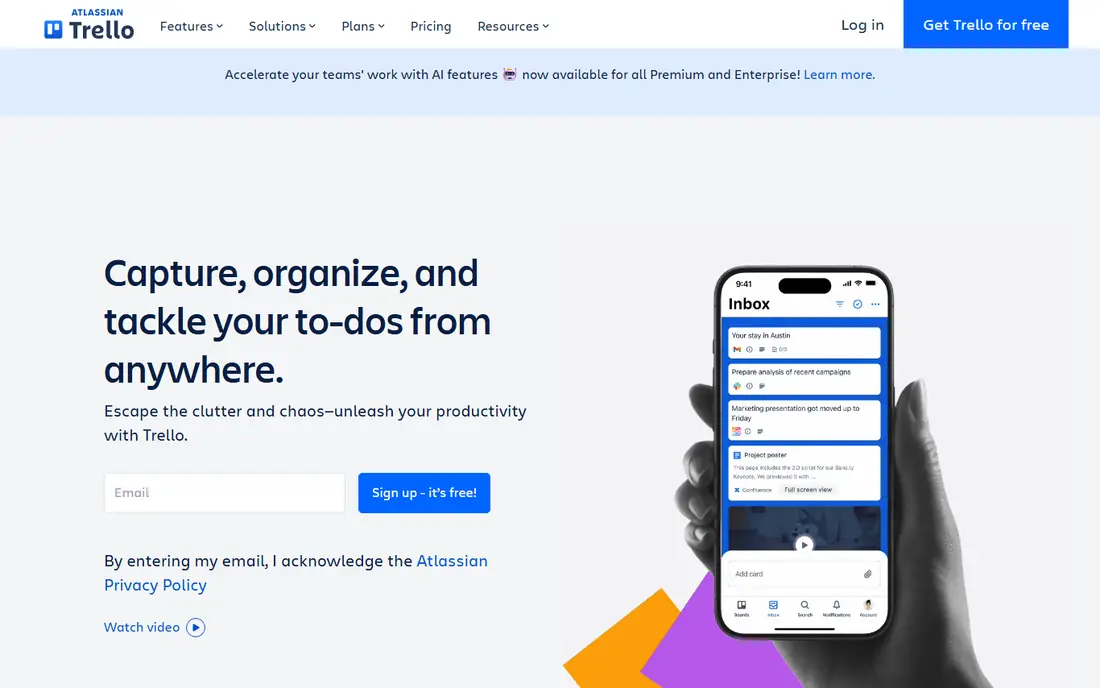
Trello is built with simple Kanban boards with zero ramp-up time in mind. Cards move between lists with a drag, and even a non-technical team can be running in an afternoon. From a buyer's view, standard at $5 per user a month billed yearly brings unlimited boards, advanced checklists, custom fields and more automation.
Premium at $10 brings timeline, calendar, dashboard, table and map views plus admin controls. On top of that, choose Trello when the work is genuinely straightforward and visible; choose something else when it is not. In daily use, Trello is the tool people reach for when they want a board, not a product. The board metaphor is perfect for editorial calendars, hiring pipelines and sprint backlogs, but it has no real answer for task dependencies, workload balancing or portfolio reporting. Also, for visual project management, Trello's strength is also its ceiling. On cost, Trello starts like this: $5 per user/month. Trello includes a free tier.
What to check first: Weak on dependencies and resource management.
- The simplest Kanban in the business
- Timeline, calendar
- Reporting is entry-level
Wrike
Ideal for: Structured teams needing real workflow control
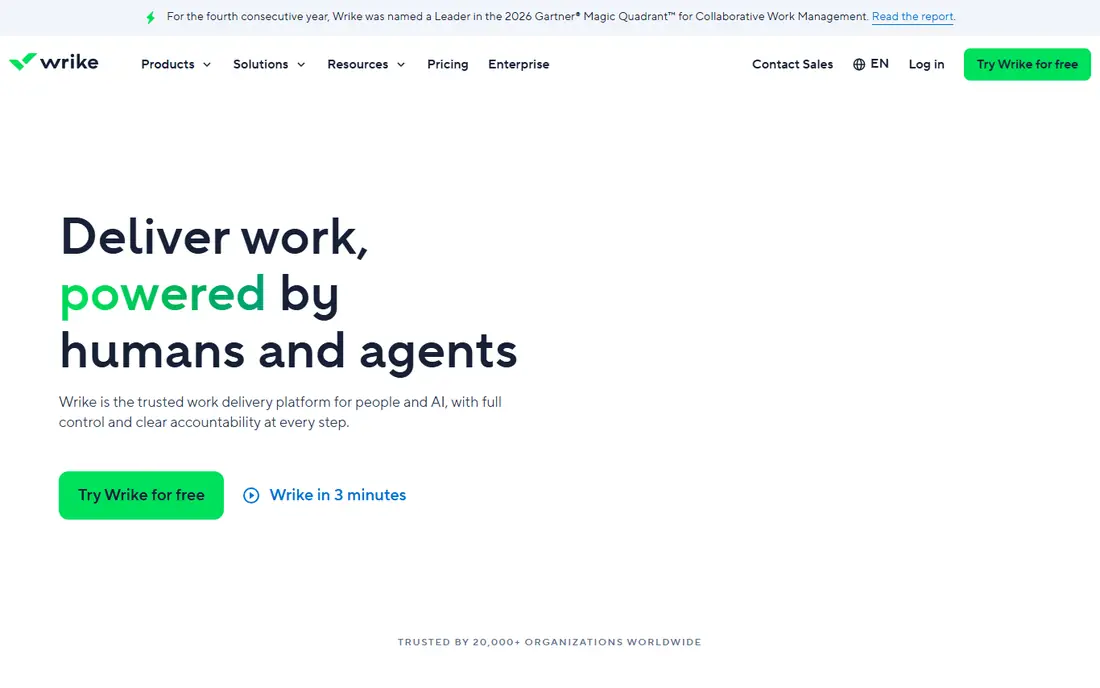
For structured teams needing real workflow control, Wrike is a natural candidate. The Team plan at $10 per user a month handles project management with Gantt charts, dashboards and integrations, whereas Business at $25 brings configurable workflows, resource management, approvals and AI actions. In practice, Wrike sits between the playful boards and the enterprise PMOs.
Reasons to shortlist it: AI actions included from the Business level.
A free plan exists for small teams, and a 14-day trial lets you test the premium levels. Wrike is the right call when your projects need governance; it is the wrong call when your team just wants a shared board. Starting cost for Wrike: $10 per user/month. Wrike offers a free plan. Watch-outs: Sold in seat groups, which complicates small-team math.
- Workload and time-tracking views
- Solid Gantt
- The interface feels dense next to monday or Asana
Smartsheet
Ideal for: Spreadsheet-native teams and PMOs

Where Smartsheet fits: spreadsheet-native teams and PMOs. Smartsheet wins over the team that lives in spreadsheets and wants those rows to become real project plans. The downside is that there is no free-forever level, and the aesthetic never quite escapes its spreadsheet roots.
What works well: Solid automation and reporting for program management.
What to check first: Per-member pricing with separate contributor roles to understand. In practice, for portfolio management, reports and dashboards roll up several sheets into executive views, which is why PMOs keep choosing it. More specifically, if your team thinks in rows, this is home; if they think in cards, look at Trello or monday. In daily use, the Pro plan runs $9 per member a month billed yearly for up to 10 members, the Business plan $19 for bigger teams, and Enterprise is custom. From a buyer's view, Smartsheet distinguishes members, who are licensed, from contributors and guests, who can participate in restricted ways. What you pay to start with Smartsheet: $9 per member/month. Free plan details: Free trial (30 days).
- Familiar to Excel users
- Card and calendar views
- The interface can feel dated
GanttPRO
Ideal for: Dedicated Gantt charts without the bloat
GanttPRO is a good fit for dedicated Gantt charts without the bloat. The interface is the selling point. In practice, resource views display who is double-booked, and the export choices satisfy stakeholders who still want a PDF timeline.
What GanttPRO does well: Very good Gantt interface with dependencies.
Trade-offs to know: Not a general collaboration tool.
In daily use, the limitation is scope. There is no real docs product, no chat, and the Kanban and list views exist chiefly as companions to the Gantt. The Core plan at $7 per user a month billed yearly provides Gantt charts with dependencies, milestones, auto-scheduling and baselines. A 14-day trial of the premium features needs no credit card. GanttPRO starts at: $7 per user/month. Trial and free access: Free trial (14 days).
- Resource workload and budget views
- Baselines and critical path
- No free-forever level
monday.com
Ideal for: Teams that want colorful, configurable boards
Where monday.com fits: teams that want colorful, configurable boards. Premium plans need a minimum of 3 seats, and the handy automation quotas live on Standard and above, so a team of five on Basic may feel the ceiling rapidly. In daily use, if your team runs work by looking at it, monday.com is made for exactly that instinct.
Where monday.com stands out: Ample automation allowances on higher levels.
Honest limits: Automations and integrations need the higher levels to be handy.
On top of that, the free plan handles up to 2 seats with 3 boards, which fits a freelancer or a pair testing the waters. Pro multiplies those allowances dramatically and brings private boards and time tracking. From a buyer's view, the Standard level at $12 per seat a month is where the visual planning gets serious, adding timeline and Gantt views plus 250 automation and 250 integration actions a month. Plans run from Basic at $9 per seat a month up to Pro at $19, with Enterprise on custom pricing, and annual billing trims about 18 percent. Entry price for monday.com: $9 per seat/month. A free plan is available with monday.com.
- Gantt and dashboards
- 200+ templates to start quick
- Pricing needs a 3-seat minimum on premium plans
Notion
Ideal for: Docs-plus-tasks in one workspace
Notion is a good fit for docs-plus-tasks in one workspace. Notion approaches visual project management sideways. From a buyer's view, the visual views are adaptable but shallow compared with dedicated tools.
Points against: Project features are less opinionated than dedicated PM tools.
As for the details, Notion's advantage is consolidation: one subscription replaces the wiki, the docs and the light task tracker. As for the details, timelines present dates and date ranges, but true dependency management and critical-path analysis need workarounds. More specifically, everything is a database, and every database can be viewed as a table, board, timeline, calendar, list or gallery. The free plan is genuinely usable, Plus runs $10 per user a month billed yearly with unlimited file uploads and version history, Business $20 brings SAML SSO and private teamspaces, and Enterprise is custom. Notion pricing: $10 per user/month. Notion includes a free tier.
- Ample free level for individuals
- Docs
- Performance dips in very large databases
ClickUp
Ideal for: Feature-maximalists on a tight budget
For feature-maximalists on a tight budget, ClickUp is a natural candidate. There is also a MAX level at $100 per user a month for teams that want the full AI engine. Core is currently $8 per user a month billed annually (listed against a $12 regular price) and brings unlimited Gantt charts, custom fields, goals and 1,000 automations a month.
Downsides: The sheer number of choices overwhelms new users.
For everyday use, business at $17 billed annually (regular $25) layers on advanced dashboards, resource management and timesheets. Take the trial seriously and configure one project end to end before rolling it out. The starting price for ClickUp: $8 per user/month. ClickUp has a free plan.
- Whiteboards and docs in one app
- Gantt
- Performance can lag in very large workspaces
How we compared the tools
For each of the 7 tools we noted price, free plan or trial, fit for visual project management software and the main limit, using vendor pages and documentation. Seat minimums, billing terms and add-ons can move the real cost, so the starting prices here are a guide and not a quote. Order on the page follows fit for the typical buyer first, then price transparency and free access. Your own requirements should decide the final pick.
Before you commit
- Confirm the entry price on the vendor page: Trello starts at $5 per user/month, but seat counts and billing terms change the total.
- Look at free plan limits closely: Trello, Wrike, monday.com and others have one, and the caps decide whether it is usable for real work.
- Use real work to test the free trial from Smartsheet and GanttPRO, rather than a demo project.
- Read the limits listed for Trello first: weak on dependencies and resource management.
- Confirm the exact GanttPRO plan that includes your must-have features.
- Price Wrike for your actual team size; headline prices rarely include add-ons or overage.
Frequently asked questions
Which options for visual project management software have a free plan?
On this list, Trello, Wrike, monday.com, Notion and ClickUp include a free plan. Caps on seats, usage or features are common, so test the free plan against your real workload. Several others offer a trial instead.
What is the cheapest option for visual project management software in this list?
On published monthly entry prices, Trello is the lowest here at $5 per user/month. Entry price is only part of the cost, because seats, add-ons and billing terms can change the total.
How are the tools for visual project management software ordered?
The order follows typical fit for visual project management software, with Trello first and ClickUp last, then price clarity and free access. It is editorial judgement, not a score, so another team could rank the tools differently.
Which view should my team use: board, timeline or Gantt?
Use Gantt charts for work with task dependencies, where delays cascade, like construction or engineering projects. Numerous teams use boards for daily work and Gantt views for planning.
Do these tools publish their prices?
Yes. Every tool from Trello to ClickUp shows a starting price, though seats, add-ons and billing terms still change the final cost.