Best Voice Recording Software in 2026: 7 Tools Compared

- 1
 AudacityFree desktop voice editingVisit
- 2
 GarageBandApple users recording voice and musicVisit
- 3
 Adobe AuditionProfessional audio repair and mixingVisit
- 4
 Otter.aiTranscription and searchable notesVisit
- 5
 Rev Voice RecorderRecording plus human transcriptionVisit
- Audacity is the best free desktop editor for podcasts and voice work, with no subscription.
- GarageBand suits Mac and iPhone users who want recording plus music tools free.
- Otter.ai leads for live transcription and searchable meeting notes.
- Adobe Audition suits professionals who need precise audio repair and mixing.
Quick comparison
| Product | Ideal for | Price from | Free version | |
|---|---|---|---|---|
| Audacity | Free desktop voice editing | Free | Yes | Visit |
| GarageBand | Apple users recording voice and music | Free | Yes | Visit |
| Adobe Audition | Professional audio repair and mixing | See website | Free trial | Visit |
| Otter.ai | Transcription and searchable notes | Free | Yes | Visit |
| Rev Voice Recorder | Recording plus human transcription | Free | Yes | Visit |
 Dolby On | Clean phone recordings free | Free | Yes | Visit |
 Easy Voice Recorder | Simple Android voice recorder | Free | Yes | Visit |
The best voice recording software
Voice recording software splits into recorders, editors and transcription apps. The tools below cover all three: simple phone recorders, desktop editors for podcasts and music, and AI apps that turn speech into searchable text. We compared them on audio quality, editing ease, transcription accuracy and price.
Audacity
Ideal for: Free desktop voice editing
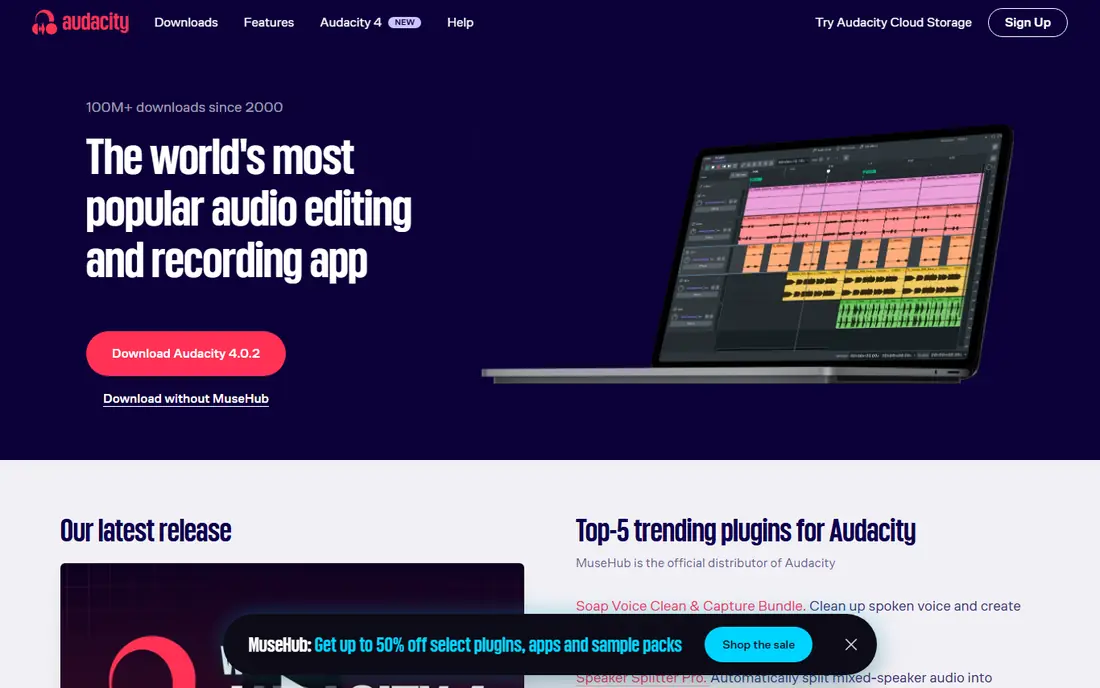
Audacity is the free standard for voice recording and editing on desktop. It records multiple tracks, cuts and cleans audio, applies noise reduction and effects, and exports to common formats, all without a subscription. Podcasters, teachers and interviewers have used it for years, and its plugin support extends it further.
The interface is functional rather than polished, and it has no built-in transcription or cloud features. Beginners may need a tutorial for advanced effects. For free, capable voice editing, Audacity remains unmatched.
For readers focused on free desktop voice editing, Audacity is worth a trial before deciding, since the free tier or trial shows its real feel fast. Check the current plan details on the vendor site, since prices and limits change, and confirm that the version you need works on your devices.
- Free open-source editor
- Multi-track recording
- Noise reduction and effects
- Interface is functional, not polished
- No built-in transcription
GarageBand
Ideal for: Apple users recording voice and music
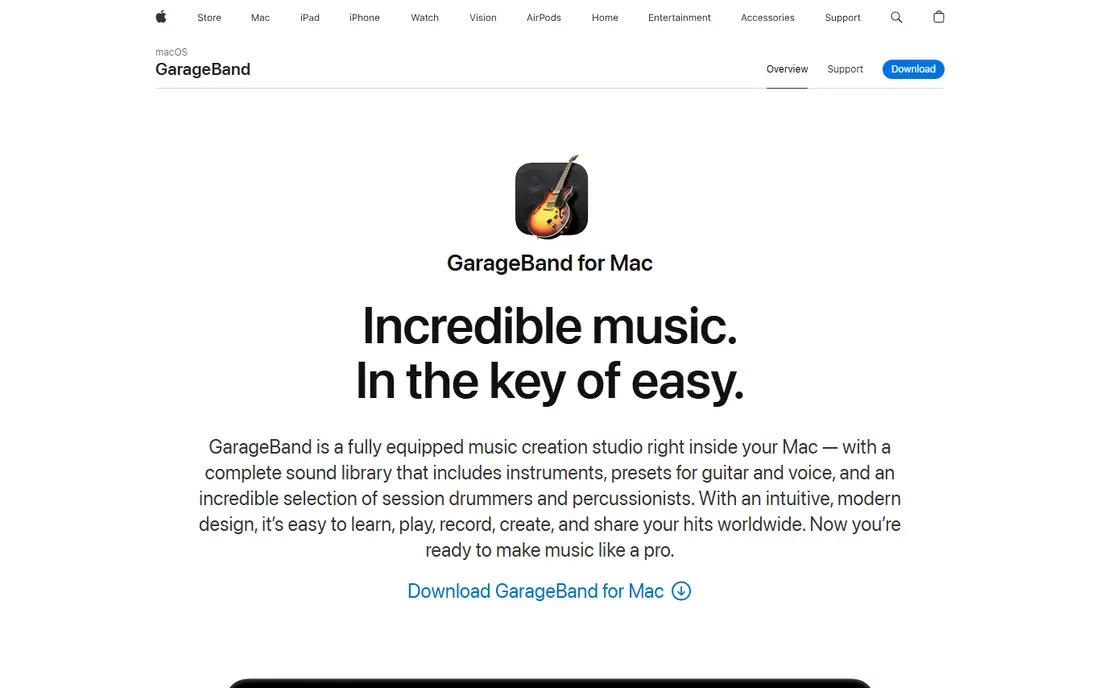
GarageBand comes free with Macs, iPhones and iPads, and it records voice, interviews and music with a friendly interface. Its loops, instruments and effects suit creators who mix voice with music, and sharing to podcasts and video is simple. For Apple users, it is the easiest free recorder.
It is Apple only, and its advanced audio repair tools are limited compared with Audition or Audacity plugins. Professional mixers will outgrow it. For Apple-based voice and music recording, it is an excellent free start.
We would shortlist GarageBand for apple users recording voice and music, and compare it directly with the two options nearest it in price before paying. Check the current plan details on the vendor site, since prices and limits change, and confirm that the version you need works on your devices.
- Free on Mac and iOS
- Recording plus music tools
- Easy sharing
- Apple only
- Advanced audio repair is limited
Adobe Audition
Ideal for: Professional audio repair and mixing

Adobe Audition is the professional choice for voice repair and mixing, with precise waveform and multitrack editing, spectral tools for removing clicks and hum, and strong noise reduction. Podcast producers and broadcast editors use it to clean difficult recordings that simpler tools cannot fix.
The subscription costs money, and beginners face a learning curve. It also lacks transcription built in. For professionals who need the cleanest possible voice audio, Audition is worth the price.
If professional audio repair and mixing is your main need, Adobe Audition deserves a place on a shortlist, provided you test the catch described above first. Check the current plan details on the vendor site, since prices and limits change, and confirm that the version you need works on your devices.
- Precise editing and repair
- Multitrack mixing
- Noise and reverb tools
- Subscription cost
- Learning curve for beginners
Otter.ai
Ideal for: Transcription and searchable notes
Otter.ai records and transcribes speech in real time, producing searchable notes with speaker identification and summaries. Meetings, lectures and interviews become text you can search, share and quote, which saves hours of manual transcription. Its mobile and web apps work together smoothly.
The free tier limits transcription minutes, and accuracy depends on audio quality, accents and overlapping speech. Human transcription from Rev is more accurate for critical work. For searchable voice notes, Otter is the leading AI option.
Our view is that Otter.ai earns its place here for transcription and searchable notes, even with the limits noted above. Check the current plan details on the vendor site, since prices and limits change, and confirm that the version you need works on your devices.
- Live transcription
- Searchable notes
- Speaker identification
- Free tier has minute limits
- Accuracy depends on audio quality
Rev Voice Recorder
Ideal for: Recording plus human transcription
Rev Voice Recorder is a free recording app with an easy path to human transcription, which is more accurate than AI for interviews and legal-quality notes. Record on your phone, trim the clip, and order a transcript when needed. Its simplicity suits journalists and researchers.
Human transcription is paid per minute, so long recordings add up, and the app itself is deliberately simple. Users who want editing tools should pair it with Audacity. For recording with reliable transcription on demand, Rev is a trusted choice.
For readers focused on recording plus human transcription, Rev Voice Recorder is worth a trial before deciding, since the free tier or trial shows its real feel fast. Check the current plan details on the vendor site, since prices and limits change, and confirm that the version you need works on your devices.
- Free recording app
- Optional human transcription
- Easy ordering
- Human transcription is paid per minute
- App is simple by design
Dolby On
Ideal for: Clean phone recordings free
Dolby On is a free mobile app that records audio and video with automatic cleanup: it reduces noise, balances levels and applies EQ so phone recordings sound clearer. Musicians, podcasters and note-takers use it when a phone is the only recorder available, and sharing to social platforms is built in.
It is mobile only, and its editing depth is limited compared with desktop editors. Serious production still needs a desktop tool. For clean, quick phone recordings without effort, Dolby On is impressive.
We would shortlist Dolby On for clean phone recordings free, and compare it directly with the two options nearest it in price before paying. Check the current plan details on the vendor site, since prices and limits change, and confirm that the version you need works on your devices.
- Automatic noise and EQ cleanup
- Easy sharing
- Free on mobile
- Mobile only
- Editing depth is limited
Easy Voice Recorder
Ideal for: Simple Android voice recorder
Easy Voice Recorder is a simple, reliable Android recorder with widgets, shortcuts and high-quality recording options, without an account or subscription. It suits notes, lectures and interviews where you just want to press record and trust the file. Its Pro version adds features such as cloud upload and editing.
Its Android focus limits iPhone users, and transcription and editing are minimal. Users who need transcripts should pair it with Otter or Rev. For straightforward Android recording, it is dependable and uncluttered.
If simple Android voice recorder is your main need, Easy Voice Recorder deserves a place on a shortlist, provided you test the catch described above first. Check the current plan details on the vendor site, since prices and limits change, and confirm that the version you need works on your devices.
- Simple reliable recording
- Widgets and shortcuts
- No account needed
- Android focus
- Transcription and editing are minimal
How we picked these
We compared official feature pages, pricing pages, app store listings, privacy policies and public reviews for each option below. We checked that each product is still available and that its stated plans match what the vendor publishes. We did not run hands-on tests, so our picks rest on documented features, pricing and the fit for the reader described in each section, not on lab results. Where a price could not be confirmed on the vendor site at the time of writing, we wrote See website rather than guessing. We also looked at how each option handles the everyday details that decide whether a tool gets used: setup time, device support, what happens when you cancel or downgrade, and whether help is available when something breaks. A product that looks strong on a feature list but is hard to set up, hard to leave, or poorly supported will cost more in time than it saves, so we weighed those practical points alongside price and features. Where reviewers or users reported a recurring problem, we noted it in the honest catch for that product, rather than leaving it out because the vendor page did not mention it.
How to get clean voice recordings
Record in a quiet room with soft surfaces, since echo and background noise are harder to remove than to avoid. Place the microphone close to the speaker, about a hand span away, and test levels before an important session so peaks do not distort. Record in a lossless format when you plan to edit, and keep a backup copy of the raw file. Finally, edit in passes: cut mistakes first, then clean noise, then balance levels, because fixing levels before cuts wastes time.
A final check before you commit
Run a short trial on a real task before you pay for a year or move a whole team. Use the free plan or trial to complete one full job, from setup to export or delivery, and note where you got stuck. Check the cancellation path too: can you leave and keep your data, or does leaving mean starting over? Read the pricing page for renewal rates, not just the first-year offer, and confirm what support you get on the plan you will actually buy. Finally, ask one current user about the worst part of the product, since that answer tells you more than any feature list. If the trial feels good on a real task and the exit path is clear, the choice is much safer.
Frequently asked questions
What is the best voice recording software?
Audacity is the best free desktop editor for most voice work, while GarageBand suits Apple users. Otter.ai is best for transcription, and Adobe Audition leads for professional audio repair and mixing.
Is Audacity really free?
Yes. Audacity is open-source and free for Windows, Mac and Linux, with recording, multi-track editing and effects. It has no subscription and no trial limits, though its interface is more functional than polished.
What is the best app for recording voice notes?
Easy Voice Recorder on Android and the built-in Voice Memos app on iPhone are simple and reliable. Otter.ai adds transcription, which helps when notes need searching later.
Can recording software transcribe speech?
Yes. Otter.ai and Rev offer transcription from recordings, with AI or human options. Accuracy depends on audio quality and accents, so clean recordings and speaker separation help results.
Do I need a special microphone?
A phone microphone works for notes, but a USB microphone improves podcasts and interviews noticeably. Good room acoustics matter as much as the microphone, so record somewhere quiet with soft furnishings.