Best Web Analytics Tools in 2026: 7 Tools Compared

- 1
 Google Analytics 4Free deep web analyticsVisit
- 2
 MatomoData ownership and privacyVisit
- 3
 Plausible AnalyticsSimple privacy-first statsVisit
- 4
 MixpanelProduct funnels and retentionVisit
- 5
 Adobe AnalyticsEnterprise web analyticsVisit
- Google Analytics 4 is free and deep, and it suits sites that run Google Ads or need detailed exploration.
- Plausible and Fathom suit sites that want simple, privacy-friendly stats without cookie banners.
- Matomo gives full data ownership, with a free self-hosted option for technical teams.
- Mixpanel and Hotjar add product and behavior insight that traffic tools miss.
Quick comparison
| Product | Ideal for | Price from | Free version | |
|---|---|---|---|---|
| Google Analytics 4 | Free deep web analytics | Free | Yes | Visit |
| Matomo | Data ownership and privacy | Free | Yes | Visit |
| Plausible Analytics | Simple privacy-first stats | $9 per month | Free trial | Visit |
| Mixpanel | Product funnels and retention | Free | Yes | Visit |
| Adobe Analytics | Enterprise web analytics | See website | No | Visit |
 Hotjar | Heatmaps and session behavior | Free | Yes | Visit |
 Clicky | Simple real-time analytics | $9.99 per month | Yes | Visit |
The best web analytics tools
Web analytics answers three questions: where visitors come from, what they do, and where they drop off. The tools below range from free, deep platforms to simple privacy-first dashboards that need no cookie banner. We compared them on ease of setup, report clarity, privacy handling and price, since the most powerful tool is useless if nobody reads it.
Google Analytics 4
Ideal for: Free deep web analytics

Google Analytics 4 is the free standard for web analytics, with event-based tracking, exploration reports, predictive metrics and tight Google Ads integration. Its depth suits marketers who want to slice traffic by source, device and behavior, and its BigQuery export helps larger teams analyze raw data.
The learning curve is steep, and its event model confuses users who grew up on page-based analytics. EU sites also need consent handling for its cookies. For most sites, though, its free depth is unmatched.
For readers focused on free deep web analytics, Google Analytics 4 is worth a trial before deciding, since the free tier or trial shows its real feel fast. Check the current plan details on the vendor site, since prices and limits change, and confirm that the version you need works on your devices.
- Free and deep
- Google Ads integration
- Exploration reports
- Steep learning curve
- Cookie consent needed in EU
- Sampling at scale
Matomo
Ideal for: Data ownership and privacy
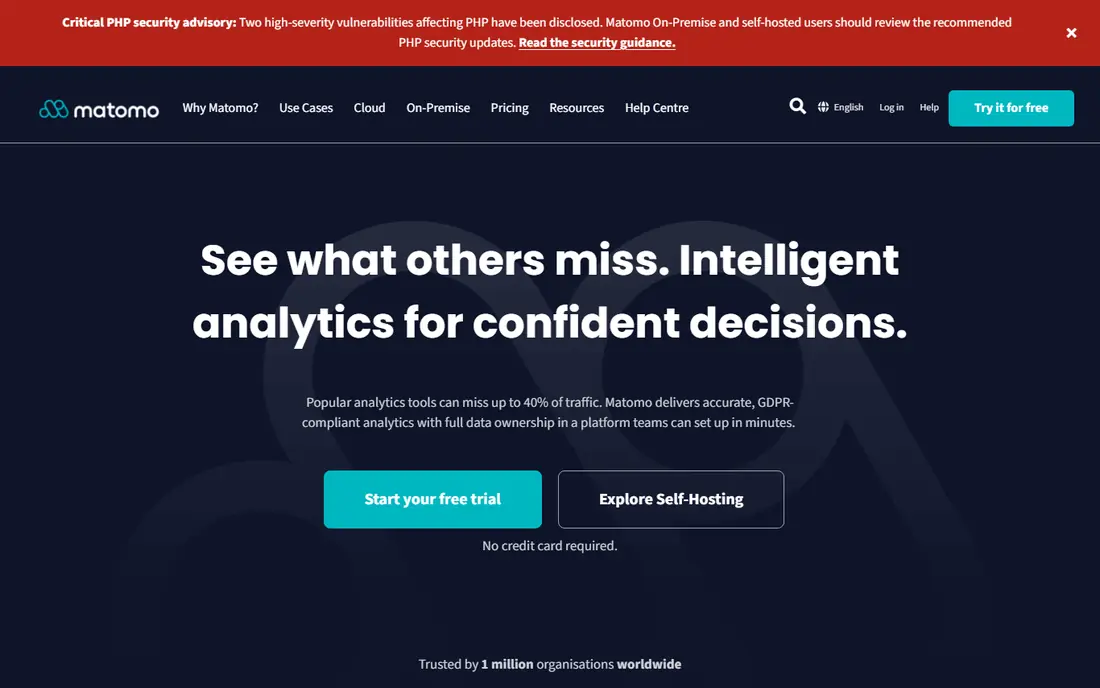
Matomo is the open-source alternative to Google Analytics, with full reports, goals, heatmaps and tag management, plus data ownership. Self-hosting is free, so your visitor data stays on your server, while Matomo Cloud offers hosted plans for teams that prefer managed service. Privacy controls are strong.
Self-hosting needs technical maintenance and updates, and cloud pricing scales with hits. Its interface is also less modern than Plausible. For teams that want GA-style depth with data ownership, Matomo is the best choice.
We would shortlist Matomo for data ownership and privacy, and compare it directly with the two options nearest it in price before paying. Check the current plan details on the vendor site, since prices and limits change, and confirm that the version you need works on your devices.
- Self-hosted free option
- Full GA-style reports
- Heatmaps and goals
- Self-hosting needs maintenance
- Cloud pricing is per hit
Plausible Analytics
Ideal for: Simple privacy-first stats
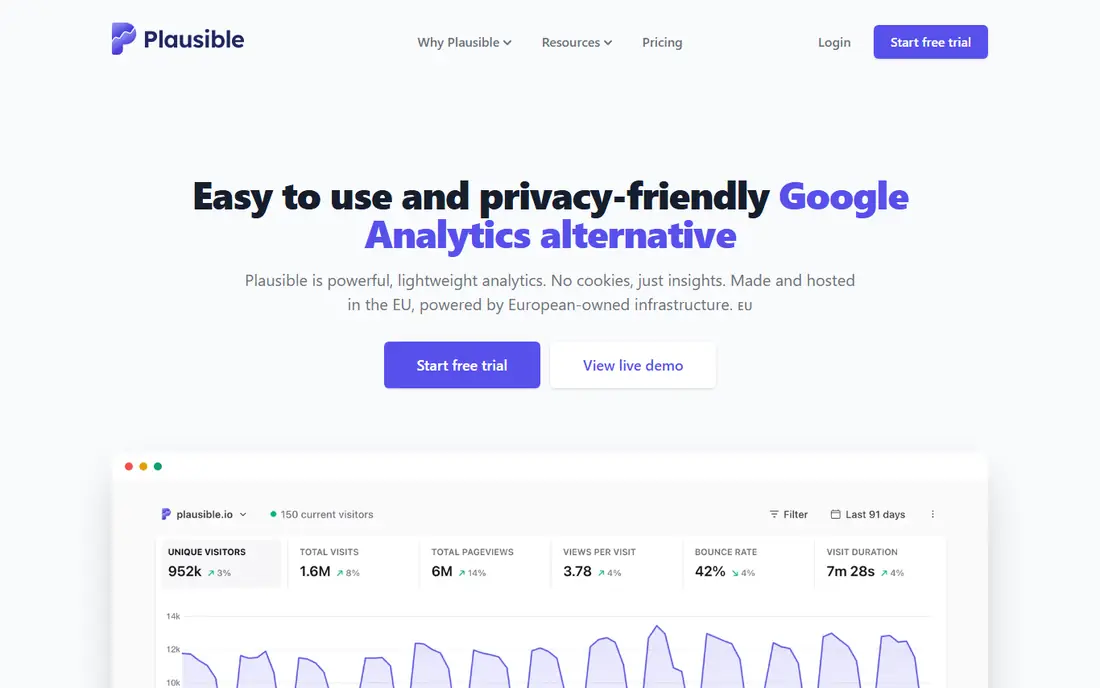
Plausible gives site owners a simple, privacy-first dashboard: visitors, sources, pages, goals and devices, without cookies or personal data. Its script is lightweight, its reports are readable at a glance, and EU sites can often skip a consent banner. Pricing starts at $9 per month for 10,000 pageviews.
It is less granular than Google Analytics, with limited custom reporting and no user-level funnels. There is also no free plan, only a trial. For owners who want clear traffic stats without complexity, Plausible is excellent.
If simple privacy-first stats is your main need, Plausible Analytics deserves a place on a shortlist, provided you test the catch described above first. Check the current plan details on the vendor site, since prices and limits change, and confirm that the version you need works on your devices.
- No cookies
- Simple dashboard
- Lightweight script
- Less granular than GA4
- No free plan, only a trial
Mixpanel
Ideal for: Product funnels and retention
Mixpanel is a product analytics tool that tracks funnels, retention and cohorts for websites and apps. Its free tier covers meaningful volume, and its reports show where users drop off and which groups return. App and SaaS teams use it to improve onboarding and features, not just count visits.
The learning curve is real, and costs grow with event volume, so high-traffic products need budget planning. It also complements rather than replaces traffic analytics. For product teams, Mixpanel is a leading tool.
Our view is that Mixpanel earns its place here for product funnels and retention, even with the limits noted above. Check the current plan details on the vendor site, since prices and limits change, and confirm that the version you need works on your devices.
- Funnels, retention and cohorts
- Free tier
- Strong mobile support
- Learning curve
- Costs grow with event volume
Adobe Analytics
Ideal for: Enterprise web analytics
Adobe Analytics is the enterprise alternative to Google Analytics, with deep segmentation, real-time reporting and strong integration with the Adobe Experience Cloud. Large organizations use it for complex analysis across many sites and channels, with governance controls that suit regulated industries.
Pricing is enterprise level, setup is complex, and it needs trained analysts to use well. Small teams will find it far more than they need. For large enterprises already in the Adobe ecosystem, it is a powerful platform.
For readers focused on enterprise web analytics, Adobe Analytics is worth a trial before deciding, since the free tier or trial shows its real feel fast. Check the current plan details on the vendor site, since prices and limits change, and confirm that the version you need works on your devices.
- Deep enterprise reporting
- Strong segmentation
- Adobe ecosystem
- Enterprise pricing
- Complex setup
- Needs trained analysts
Hotjar
Ideal for: Heatmaps and session behavior
Hotjar shows how visitors actually use pages, with heatmaps, session recordings and surveys that reveal confusing layouts and dead clicks. Its setup is easy, and its free tier covers small sites. Paired with a traffic tool, it explains why numbers move, not just that they moved.
The free tier limits recordings and responses, and it is not a full traffic analytics replacement. Privacy settings also need care for recordings. As a behavior companion to GA4 or Plausible, Hotjar is very useful.
We would shortlist Hotjar for heatmaps and session behavior, and compare it directly with the two options nearest it in price before paying. Check the current plan details on the vendor site, since prices and limits change, and confirm that the version you need works on your devices.
- Heatmaps and recordings
- Surveys
- Easy setup
- Free tier limits
- Not a full traffic analytics tool
Clicky
Ideal for: Simple real-time analytics
Clicky is a simple web analytics tool with real-time stats, a clear dashboard and heatmaps on paid plans. Its free tier covers small sites, and its real-time view helps during launches and campaigns. Owners who find GA4 overwhelming often prefer Clicky clarity.
Its ecosystem is smaller than GA4, and its interface feels dated. Advanced segmentation is also lighter. For small sites that want simple, real-time stats with a free tier, Clicky is a friendly option.
If simple real-time analytics is your main need, Clicky deserves a place on a shortlist, provided you test the catch described above first. Check the current plan details on the vendor site, since prices and limits change, and confirm that the version you need works on your devices.
- Real-time stats
- Simple dashboard
- Heatmaps on paid plans
- Smaller ecosystem
- Interface feels dated
How we picked these
We compared official feature pages, pricing pages, app store listings, privacy policies and public reviews for each option below. We checked that each product is still available and that its stated plans match what the vendor publishes. We did not run hands-on tests, so our picks rest on documented features, pricing and the fit for the reader described in each section, not on lab results. Where a price could not be confirmed on the vendor site at the time of writing, we wrote See website rather than guessing. We also looked at how each option handles the everyday details that decide whether a tool gets used: setup time, device support, what happens when you cancel or downgrade, and whether help is available when something breaks. A product that looks strong on a feature list but is hard to set up, hard to leave, or poorly supported will cost more in time than it saves, so we weighed those practical points alongside price and features. Where reviewers or users reported a recurring problem, we noted it in the honest catch for that product, rather than leaving it out because the vendor page did not mention it.
How to choose web analytics without drowning in reports
Decide which three numbers matter before you install anything: usually traffic sources, a key conversion, and a drop-off point. Install one traffic tool and, if needed, one behavior tool, rather than five dashboards nobody opens. Check privacy rules for your visitors location, since cookie-based tools need consent banners in the EU. Set up goals on day one, because traffic without conversions is just vanity. Finally, review reports weekly at first, then monthly, and change one thing at a time so you learn what worked.
A final check before you commit
Run a short trial on a real task before you pay for a year or move a whole team. Use the free plan or trial to complete one full job, from setup to export or delivery, and note where you got stuck. Check the cancellation path too: can you leave and keep your data, or does leaving mean starting over? Read the pricing page for renewal rates, not just the first-year offer, and confirm what support you get on the plan you will actually buy. Finally, ask one current user about the worst part of the product, since that answer tells you more than any feature list. If the trial feels good on a real task and the exit path is clear, the choice is much safer.
Frequently asked questions
What is the best web analytics tool?
Google Analytics 4 is the best free all-rounder for most sites, with deep reports and Google Ads integration. Plausible is the best simple privacy-first alternative, while Matomo suits teams that want full data ownership.
Are there free web analytics tools?
Yes. Google Analytics 4 is free, Matomo self-hosted is free, and Mixpanel, Hotjar and Clicky offer free tiers. Paid plans add higher limits, more features and support.
What is the difference between Plausible and Google Analytics?
Plausible is a simple, privacy-first tool with no cookies and a clear dashboard, starting at $9 per month. Google Analytics 4 is free and far deeper, but it needs more setup, uses cookies and usually needs a consent banner in the EU.
Do I need product analytics as well as web analytics?
Web analytics shows traffic and pages, while product analytics such as Mixpanel shows funnels, retention and user behavior inside an app. Content sites usually need only web analytics, while apps and SaaS products benefit from both.
Is Google Analytics GDPR compliant?
Google Analytics can be configured for GDPR compliance, but it needs consent handling, data settings and agreements in place. Privacy-first tools such as Plausible, Fathom and Matomo are simpler for EU-focused sites, since they avoid personal data by design.