Fonts.com leads the list, best for finding and trying quality fonts. Listed starting prices: Envato Elements from $16.50 a month. MyFonts is better for buying specific webfonts and classics, and Envato Elements is better for bundling fonts with other creative assets. The other 2 tools in the list cover narrower or pricier cases.
Ainotely compared 5 web font marketplaces software for startups. The goal is a practical shortlist: published prices, free plan facts, best-fit use cases and honest limits for every entry.
Key takeaways
This list starts with Fonts.com, which is built for finding and trying quality fonts.
A permanent free plan is missing from all 5 tools, Fonts.com and Adobe Fonts included; plan for a trial or a premium start.
Envato Elements is the lowest-priced starter here at $16.50 per month.
Adobe Fonts is the one to check for teams already inside Adobe workflows.
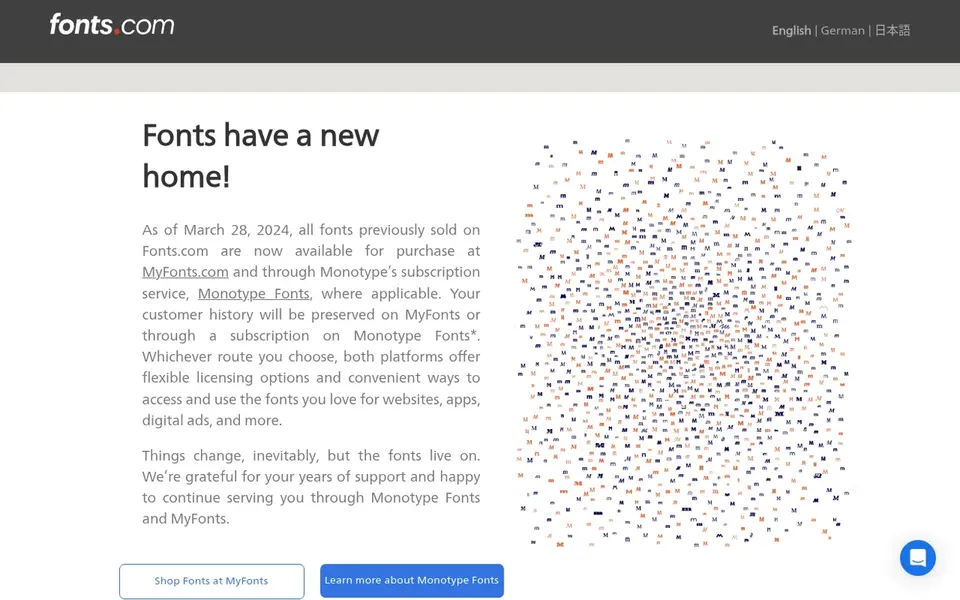
Think of Fonts.com for finding and trying quality fonts. Fonts.com lets visitors browse, try, buy and download desktop and web fonts, including classics, new releases and best sellers.
Drawbacks to consider: Per-font purchasing model.
Like other per-font marketplaces, the cost of assembling a full family across weights and formats can grow. No starting price is listed for Fonts.com here; confirm pricing on the vendor site. Free access: Not stated.
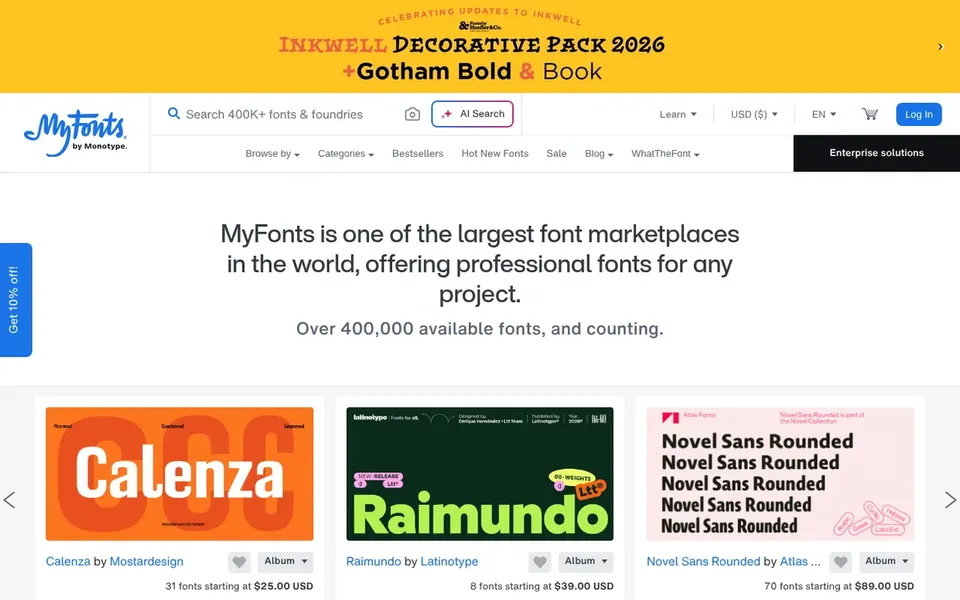
MyFonts works best for buying specific webfonts and classics. MyFonts is a long-running marketplace for downloading webfonts and desktop fonts, mixing classics like Baskerville, Futura and Garamond with newer releases. From a buyer's view, the breadth makes it handy for brand work where a distinctive face matters.
What to check first: Costs add up across a family.
On top of that, since licenses are bought per font, costs accumulate rapidly when a startup needs multiple weights or families across web and desktop. Teams wanting a single wide subscription-style library, or those who only need free choices, may be better served elsewhere. Check the vendor site for MyFonts pricing; none is listed in this comparison. Trial and free access: Not stated.
Best for: Bundling fonts with other creative assets
Envato Elements targets bundling fonts with other creative assets. Startups building a distinctive brand identity around custom or high-craft typefaces should supplement it with a dedicated font marketplace.
The main drawbacks: Font depth varies by category.
Price to start with Envato Elements: $16.50 per month. As for free access: Not stated.
Best for: Centralized licensing and global deployment
Monotype is aimed squarely at centralized licensing and global deployment. It suits startups that expect to scale, need clear license tracking across products and teams, and want a single vendor relationship for type.
Where it falls short: Setup can feel heavy for tiny teams.
From a buyer's view, the product orientation fits businesses thinking beyond a single website. Check the vendor site for Monotype pricing; none is listed in this comparison. Free options: Not stated.
Adobe Fonts serves teams already inside Adobe workflows. Startups that require to own perpetual licenses for specific typefaces, or that want to buy individual webfonts outright, should look at marketplaces built around single purchases instead. From a buyer's view, the central limit is dependence on the Adobe ecosystem, so teams that avoid Adobe products may find it awkward.
More specifically, Adobe Fonts partners with leading type foundries to bring thousands of fonts to designers, and licensing is handled so teams can use the library without negotiating each font separately. From a buyer's view, for brand consistency across a small team, this cuts administrative overhead substantially. This comparison lists no price for Adobe Fonts; ask the vendor. On free options: Not stated.
Where it falls short: Less control over individual font purchases.
Get a written quote from Fonts.com, MyFonts, Monotype and Adobe Fonts; the list shows no starting price for them.
Read the limits listed for Fonts.com first: per-font purchasing model.
Make sure Monotype lets you export your data in a format another tool can read.
Add up seats, add-ons and usage charges for Fonts.com before comparing it with cheaper entries.
List the apps you already depend on and check that MyFonts supports each one on the plan you would buy.
How we picked
We compared the tools on published pricing, free plan or trial availability, feature coverage for web font marketplaces software for startups, and the limits each vendor documents. Figures are shown as the vendors publish them. Billing terms, seat minimums and add-ons can change the real cost. We ordered the tools by general fit, then by how clearly pricing is shown, then by free access. A buyer with unusual needs may reorder them.
Every price and plan detail on this page comes from the vendors’ own websites. We did not run hands-on tests unless the text says so, and we do not publish star ratings or review scores. See how we score and our disclosure.
Keep your shortlist in one place
Paste prices, trial dates and notes from this guide into Ainotely, our AI note app. It files them into a topic and pulls out tasks like “cancel trial by Friday”. Free 7-day trial, no card needed.
Not all of them. Fonts.com, MyFonts, Monotype and Adobe Fonts publish no starting price, so expect a quote request for those. The rest, Envato Elements included, show a starting price, though seats and billing terms still change the final cost.
Can one marketplace handle all our font needs?
A wide library relationship can deal with most needs, but distinctive branding may still call for a specific typeface from another seller. Numerous startups combine a central source with a free fallback for utility text.
How should a small team handle font licensing?
Keep a straightforward record of which fonts are used where and under which license, and centralize purchases through one owner. As the team grows, a product with licensing management tools can cut the risk of unlicensed use.
What is the cheapest option for web font marketplaces software for startups in this list?
On published monthly entry prices, Envato Elements is the lowest here at $16.50 per month. Entry price is only part of the cost, because seats, add-ons and billing terms can change the total. Each of the 5 options in this web Font marketplaces software for startups guide has its own card above with the price, free plan and limits.
What is the difference between desktop and webfont licenses?
Desktop licenses include installing fonts on machines for design work, whereas webfont licenses handle serving them on a website. Numerous marketplaces sell these separately, so confirm both are covered for your intended use before buying.
Does any tool for web font marketplaces software for startups here have a free plan?
No tool in this list, Fonts.com and Adobe Fonts included, has a permanent free plan. Trials and quotes are the usual route, so plan a short evaluation period.