Webcast Platforms in 2026: A Guide to 6 Tools

- 1
 Q4Public businesses that want IR webcasts integrated with their capital-markets systemVisit
- 2
 VimeoTeams that want self-serve live streaming and video hosting with a free starting pointVisit
- 3
 DacastBroadcasters, agencies, and firms that want low-cost self-serve live streamingVisit
- 4
 GlobalMeetLarge enterprises running town halls, investor events, and communications that cannot failVisit
- 5
 ON24B2B marketing teams running webinars, virtual events, and always-on content programsVisit
- Q4 sits first on this list: public firms that want IR webcasts integrated with their capital-markets system.
- WorkCast suits Marketers who want self-serve webinars with the choice of full event management.
- The main caution on Vimeo: business use is pushed toward higher levels under the 2026 plan structure.
- Just one of the 6 tools, Vimeo, has a free plan.
- Starting prices begin at $39/month with Dacast.
Direct answer
For public firms that want IR webcasts integrated with their capital-markets product, Q4 is where this list starts. For a different need, Vimeo covers teams that want self-serve live streaming and video hosting and Dacast covers Broadcasters, agencies, and companies that want budget-friendly self-serve live streaming. Prices, free plans and limits for all 6 tools follow.
Quick comparison
| Product | Ideal for | Price from | Free version | |
|---|---|---|---|---|
| Q4 | Public businesses that want IR webcasts integrated with their capital-markets system | See website (custom quote) | No | Visit |
| Vimeo | Teams that want self-serve live streaming and video hosting with a free starting point | Free; premium from $12/month (Starter, annual billing; live events from $75/month Advanced) | Yes | Visit |
| Dacast | Broadcasters, agencies, and firms that want low-cost self-serve live streaming | $39/month (Starter plan, annual billing) | Free trial (14 days) | Visit |
| GlobalMeet | Large enterprises running town halls, investor events, and communications that cannot fail | See website (custom quote; managed services) | No | Visit |
| ON24 | B2B marketing teams running webinars, virtual events, and always-on content programs | See website (custom quote) | No | Visit |
 WorkCast | Marketers who want self-serve webinars with the choice of full event management | £95/month (self-serve plans, billed yearly, excluding VAT) | Free trial (14 days) | Visit |
Webcast Platforms compared in detail
Ainotely compared 6 webcast platforms. The goal is a practical shortlist: published prices, free plan facts, best-fit use cases and honest limits for every entry.
Q4
Ideal for: Public businesses that want IR webcasts integrated with their capital-markets system
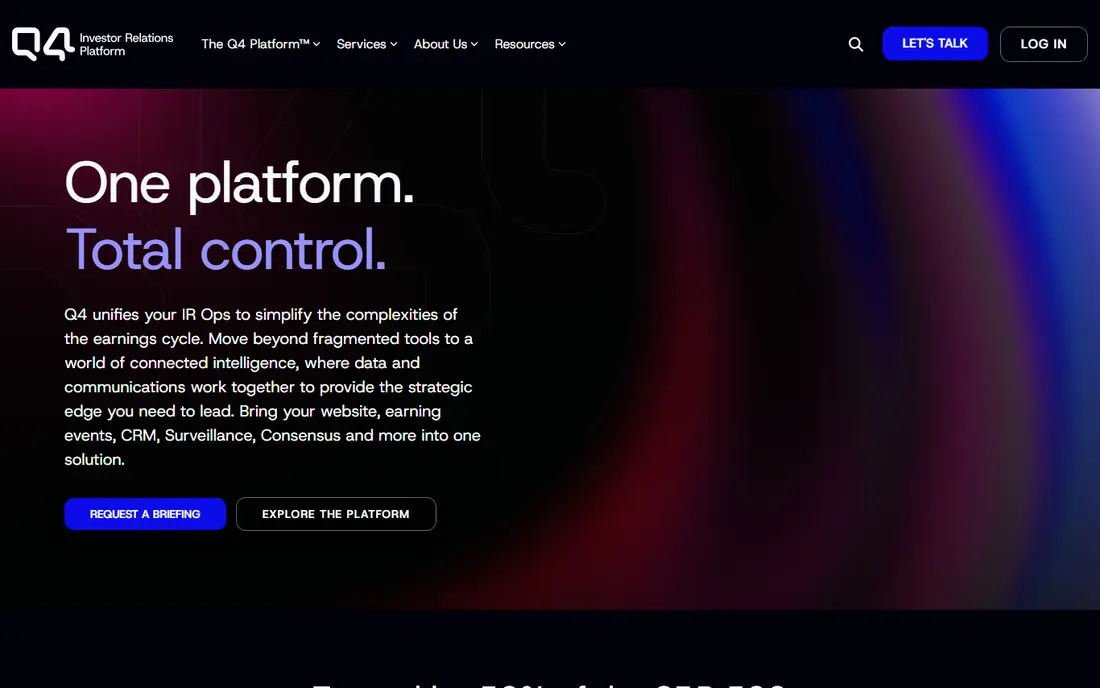
Q4 was built for public firms that want IR webcasts integrated with their capital-markets product. Mid-cap and large-cap public businesses with active IR programs are the natural fit; a pre-IPO startup running its first town hall is not.
From a buyer's view, Q4 makes the most sense when the company already runs its IR program on Q4. Buying the webcast module alone leaves much of the value on the table. Check the vendor site for Q4 pricing; none is listed in this comparison. Q4 has no free plan.
Trade-offs to know: Smaller businesses will find the capital-markets framing overkill.
- Virtual events built into a full IR product (websites, CRM, analytics, surveillance)
- AI-assisted Q&A theme analysis
- The product's value assumes you use Q4's broader IR suite
Vimeo
Ideal for: Teams that want self-serve live streaming and video hosting with a free starting point
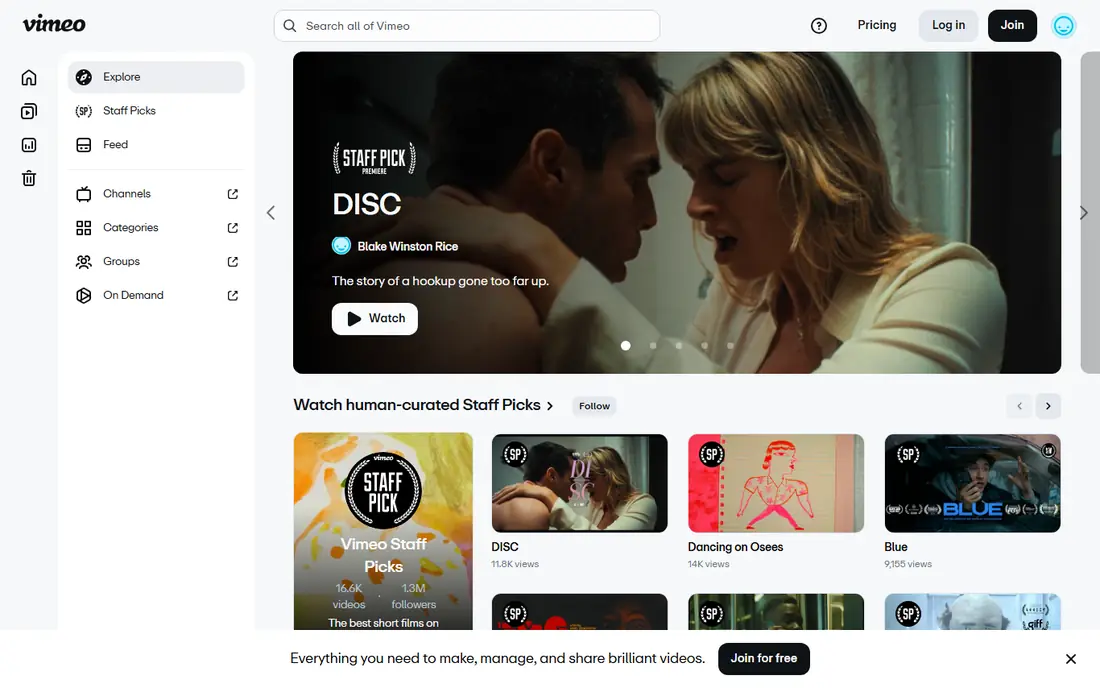
Choose Vimeo for teams that want self-serve live streaming and video hosting with a free starting point. Vimeo is the accessible entry to professional webcasting. More specifically, Vimeo's 2026 pricing pushes business use toward the higher levels.
The features that make a webcast feel professional (registration, simulive, event analytics) sit at Advanced or above. It is not an IR system and not a managed service; you run the present. More specifically, the honest catch is the plan structure. In daily use, for a company that already hosts video on Vimeo, adding live webcasts is a natural step instead of a new vendor. Price to start with Vimeo: Free. Vimeo has a free plan.
Main advantages: Ad-free player with capable brand control; Enterprise level with SSO, eCDN.
Points against: Enterprise pricing is custom and the product is video-first, not IR-first.
- Dedicated support
- A genuinely free plan
- Business use is pushed toward higher levels under the 2026 plan structure
Dacast
Ideal for: Broadcasters, agencies, and firms that want low-cost self-serve live streaming
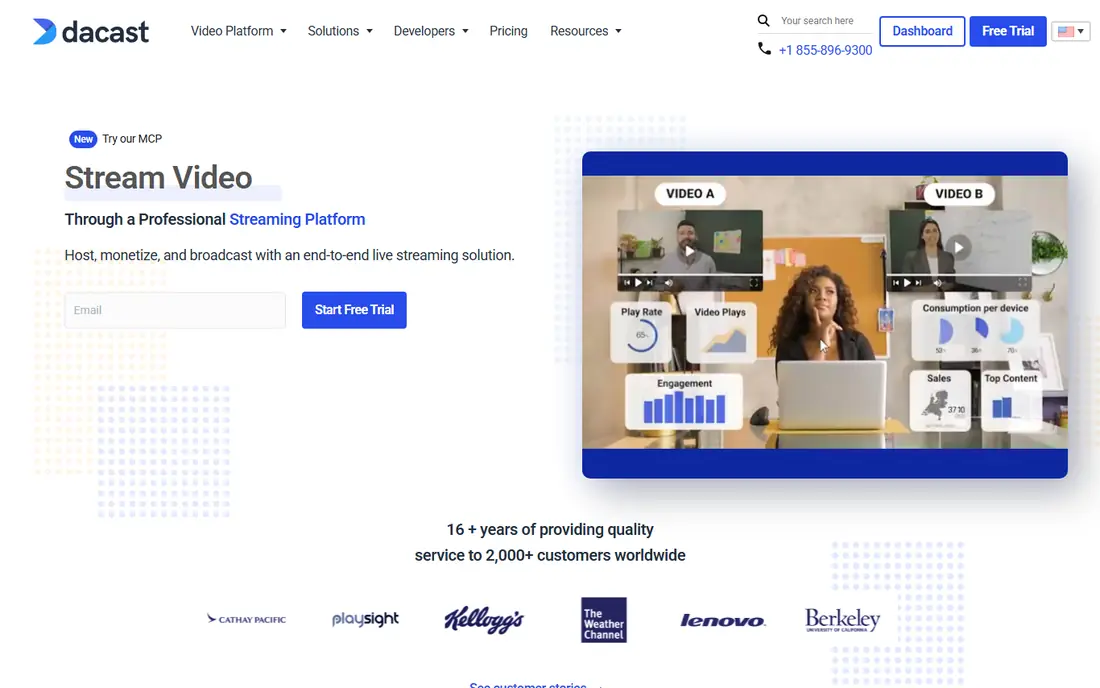
Dacast serves Broadcasters, agencies, and firms that want low-cost self-serve live streaming. Dacast is the budget-friendly workhorse of professional streaming. Teams that require the event to create pipeline or satisfy regulators should look at the specialists above.
Points against: Webcast-specific features (registration, Q&A moderation, IR workflows) are thinner than the specialists.
Reasons to shortlist it: Monetization tools (pay-per-view, subscriptions) and China video hosting. Beyond that, the pricing is published and straightforward: Starter at $39, Event at $63, and Scale at $165 a month on annual billing, with bandwidth and storage bundled and unlimited concurrent viewers. More specifically, the 14-day trial needs no credit card. Teams that require a steady pipe for town halls, training broadcasts, or premium events will find it very good value. Dacast streams beautifully, but it is not an IR system or a marketing automation tool: registration flows, moderated investor Q&A, and engagement-to-pipeline reporting are not its center. Starting cost for Dacast: $39/month. On free options: Free trial (14 days).
- Unlimited viewers and live channels
- 14-day free trial with no credit card
- Support levels scale with plan level
GlobalMeet
Ideal for: Large enterprises running town halls, investor events, and communications that cannot fail
GlobalMeet is aimed squarely at large enterprises running town halls, investor events, and communications that cannot fail. For the one event per quarter where the CEO's reputation is on the line, that overhead is the point. As for the details, a 20,000-person town hall is described as an usual day.
Downsides: The managed model means less self-serve control than platform-first tools.
Also, pricing is custom, events are produced with human support. The model assumes a comms or events team that wants reliability over control. Beyond that, for a monthly all-hands, the managed overhead is more than you need. On top of that, the product manages branding, HD video, Q&A, polling, captioning, and CRM-integrated reporting, with on-demand and simulive playback after. GlobalMeet does not show a starting price in this comparison, so check the vendor site for current pricing. GlobalMeet has no free plan.
- 25+ years serving banks, pharma
- Fortune 500 comms teams
- Overkill for routine webinars
ON24
Ideal for: B2B marketing teams running webinars, virtual events, and always-on content programs
Pick ON24 if this describes you: B2B marketing teams running webinars, virtual events, and always-on content programs. ON24 is the product behind a huge share of B2B webinars, and it thinks about webcasts differently than the streaming tools do. For demand-gen teams running dozens of programs per year, the engagement intelligence is the reason to pay.
Where it is weaker: Quote-only pricing with no public numbers.
What works well: Simulive and on-demand delivery alongside live.
Also, live, simulive, and on-demand formats all feed the same reporting. The AI features turn one event into ebooks, clips, and personalized content journeys. Small teams running an occasional town hall will find it heavy and pricey relative to self-serve streaming. More specifically, the honest catch is that this is enterprise marketing software, bought like enterprise marketing software: demo, discovery, custom quote. ON24 shows no starting price here, so confirm the cost on the vendor site. No free plan comes with ON24.
- Deep integrations with marketing automation and CRM systems
- Engagement analytics that feed pipeline reporting and sales follow-up
- The system's depth means a real onboarding effort
WorkCast
Ideal for: Marketers who want self-serve webinars with the choice of full event management
WorkCast targets Marketers who want self-serve webinars with the choice of full event management. The most widely used plan supports up to 5,000 attendees with no limit on monthly webinars. The company is UK-based, which most US buyers will not mind but should confirm for support coverage.
For a marketing team that outgrows DIY tools but cannot justify ON24-scale contracts, it is a solid fit. On top of that, WorkCast occupies the handy middle ground: real self-serve webcasting with published prices, plus managed production when the event matters enough to hand over. Starting cost for WorkCast: £95/month. Free plan details: Free trial (14 days).
Downsides: UK-based vendor, so US buyers should check support hours.
- Webinar libraries with no attendee downloads
- Rare in this category
- Self-serve pricing scales with audience size and users
How these tools were picked
Ainotely looked at what each vendor publishes: pricing, plan limits, feature coverage for webcast platforms and stated drawbacks. No hands-on testing is claimed. Treat prices as a snapshot: vendors change plans often, so check the vendor site for the figure that applies today. Position on the page reflects fit for a typical buyer first, with price clarity and free access breaking ties. Treat it as a guide, not a ruling.
Pre-purchase checklist
- Ask Q4, GlobalMeet and ON24 for a written quote, since no starting price is shown.
- Look at the free plan from Vimeo closely: its caps decide whether it is usable for real work.
- Take the trial from Dacast and WorkCast and push a live task through it before you pay.
- Before choosing Q4, weigh its main limit: quote-only pricing.
- Confirm you can export your data from WorkCast, so leaving later does not mean losing records.
- Confirm that Vimeo connects to the apps your team already uses, on the plan you would actually buy.
Frequently asked questions
How are the tools for webcast platforms ordered?
The order follows typical fit for webcast platforms, with Q4 first and WorkCast last, then price clarity and free access. It is editorial judgement, not a score, so another team could rank the tools differently.
What is a webcast system?
A webcast product gives live or pre-recorded video broadcasts to large remote audiences over the internet, with features like registration, Q&A, polling, analytics, and on-demand replay. Corporate webcasts bundle earnings calls, investor days, town halls, product launches, and training broadcasts.
Do these tools publish their prices?
Not all of them. Q4, GlobalMeet and ON24 publish no starting price, so expect a quote request for those. The rest, Vimeo included, show a starting price, though seats and billing terms still change the final cost.
Is Q4 the right pick for everyone comparing webcast platforms?
No single tool suits every team. Q4 comes first because it fits public companies that want IR webcasts integrated with their capital-markets platform, while Vimeo suits teams that want self-serve live streaming and video hosting with a free starting point and Dacast suits Broadcasters, agencies, and businesses that want affordable self-serve live streaming. Match the tool to your own size, budget and workflow before deciding.
Which options for webcast platforms have a free plan?
Vimeo is the only tool in this list with a free plan. Free plans usually cap users, projects or features, so check the limits on the vendor page. Several others offer a trial instead.