Best Webinar Platforms Compared in 2026: 8 Platforms Reviewed

- 1
 Zoom WebinarsLarge live webinarsVisit
- 2
 GoTo WebinarReliable business webinarsVisit
- 3
 Webex WebinarsEnterprise webinarsVisit
- 4
 DemioBrowser-based marketing webinarsVisit
- 5
 LivestormBrowser-based team webinarsVisit
- Zoom Webinars and Webex Webinars suit large live events, while GoTo Webinar suits businesses that want a reliable, familiar webinar tool.
- Demio, Livestorm, and BigMarker offer browser-based webinars with strong marketing and automation features for mid-size teams.
- WebinarJam and ON24 cover different ends of the market: WebinarJam for marketers running live and evergreen webinars, ON24 for enterprise engagement.
- Attendee limits, recording, and automation drive price, so compare plans at your real audience size and event frequency.
Quick comparison
| Product | Ideal for | Price from | Free version | |
|---|---|---|---|---|
| Zoom Webinars | Large live webinars | See website | Free trial | Visit |
| GoTo Webinar | Reliable business webinars | See website | Free trial | Visit |
| Webex Webinars | Enterprise webinars | See website | Free trial | Visit |
| Demio | Browser-based marketing webinars | See website | Free trial | Visit |
| Livestorm | Browser-based team webinars | See website | Free trial | Visit |
 WebinarJam | Live and evergreen marketing webinars | See website | Free trial | Visit |
 BigMarker | Customizable webinar events | See website | Free trial | Visit |
 ON24 | Enterprise webinar engagement | See website | No | Visit |
The best webinar platforms
Webinar platforms host live, automated, and on-demand online events, with registration, presentation, polls, chat, and follow-up tools. The best choice depends on audience size, whether events are live or automated, and how much marketing automation you need. We compared official feature pages, pricing pages, and public reviews, focusing on attendee limits, browser access, engagement tools, and analytics.
Zoom Webinars
Ideal for: Large live webinars
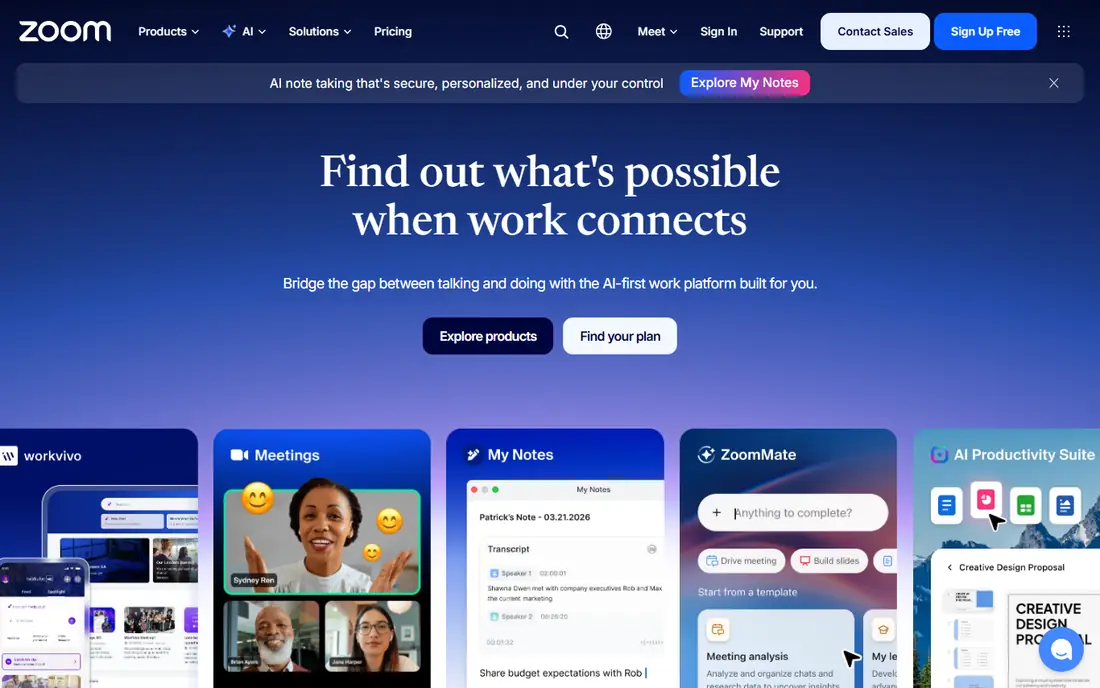
Zoom Webinars builds on the familiar Zoom meeting experience, with registration, panelists, Q and A, polls, chat, and reporting for live events. Attendees already know how to join, which reduces support questions, and large capacities suit company all-hands, product launches, and training events. Recording and analytics help teams follow up after the event.
Webinar capability is a paid add-on or plan rather than part of basic Zoom, and pricing scales with attendee numbers. For large live events where familiarity matters, Zoom Webinars is a safe and capable choice.
- Familiar to most attendees
- Large attendee capacity
- Strong Q and A, polls, and reporting
- Webinar features need a paid add-on or plan
- Pricing scales with attendee capacity
GoTo Webinar
Ideal for: Reliable business webinars
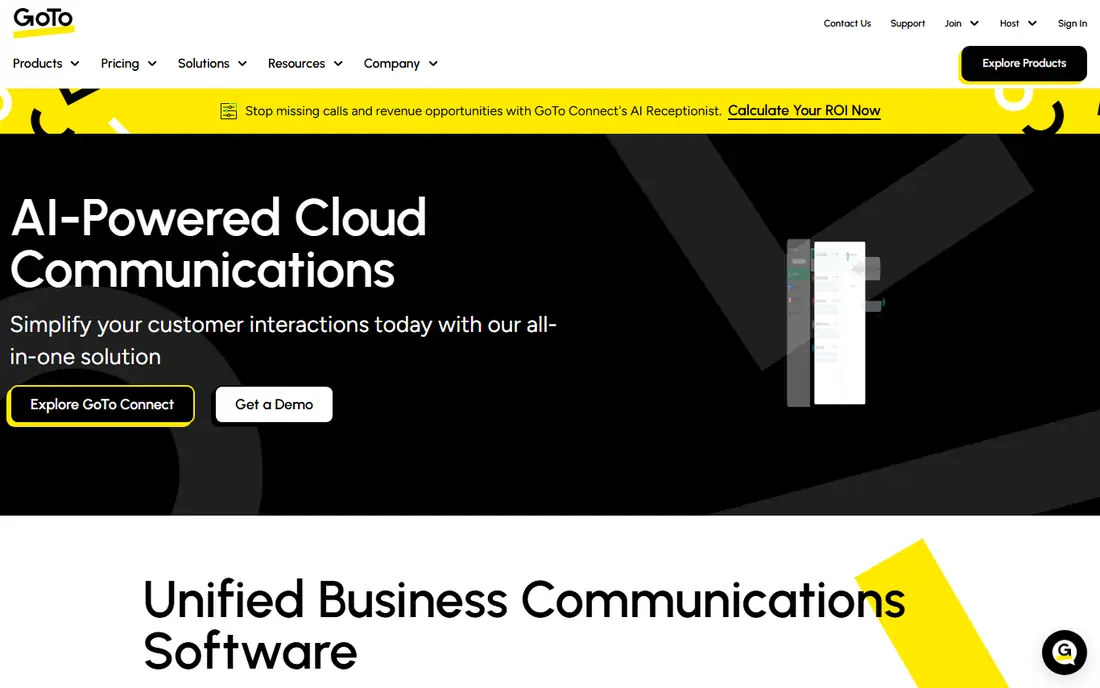
GoTo Webinar is a long-running webinar tool known for reliable live delivery, registration pages, polls, surveys, and analytics. It suits businesses running training, demos, and regular presentations, where stability matters more than flashy marketing features. Attendees join through a desktop app or browser, and hosts get clear reporting on attendance and engagement.
The interface feels more traditional than browser-first rivals such as Demio or Livestorm, and pricing scales with attendee capacity. For businesses that want a dependable, familiar webinar tool, GoTo Webinar remains a solid pick.
- Reliable live webinar delivery
- Registration and analytics
- Good for training and demos
- Interface feels traditional
- Pricing scales with attendee numbers
Webex Webinars
Ideal for: Enterprise webinars
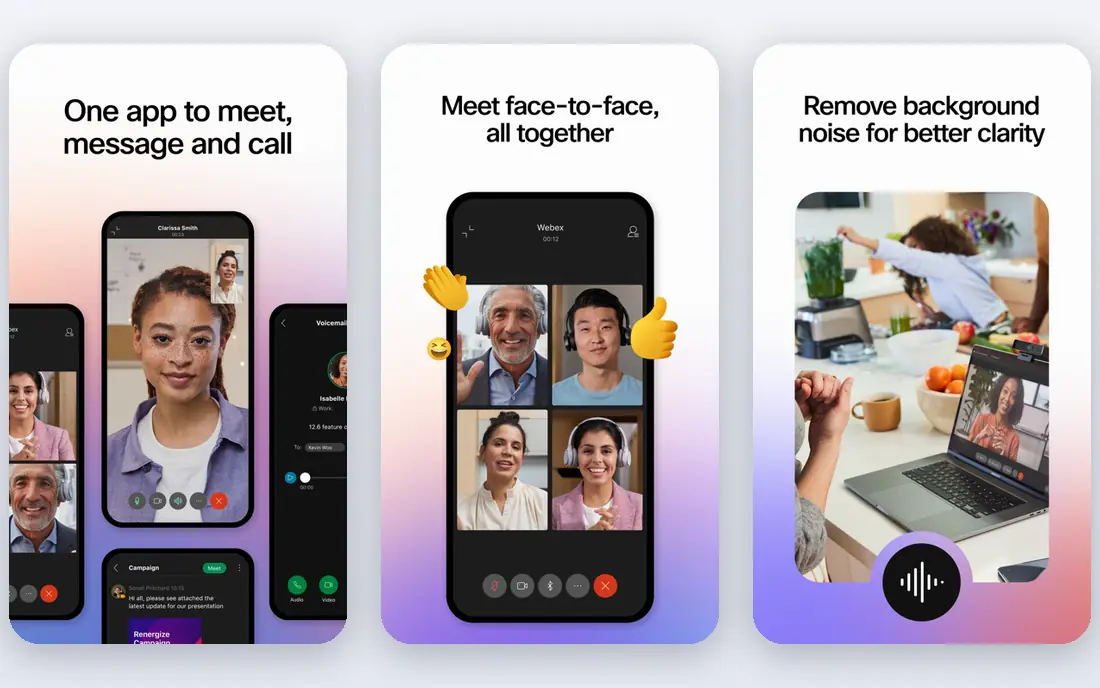
Webex Webinars, part of Cisco Webex, supports large enterprise webinars and virtual events with registration, engagement tools, and analytics, plus security and compliance features that large organizations require. Integration with the wider Webex suite, including meetings and messaging, suits enterprises already standardized on Webex.
Smaller teams may find setup enterprise-heavy, and value is highest inside Webex estates. For large organizations needing secure, large-scale webinars, Webex Webinars is a strong choice.
- Enterprise security and scale
- Large event capacity
- Strong integration with Webex suite
- Best value inside Webex estates
- Setup can feel enterprise-heavy
Demio
Ideal for: Browser-based marketing webinars
Demio runs webinars entirely in the browser, so attendees join without downloads, which helps registration-to-attendance rates. It supports live, automated, and series events, with registration pages, polls, chat, offers, and integrations with email and CRM tools. That marketing focus suits teams using webinars for lead generation and product demos.
Attendee capacity is lower than enterprise platforms, and pricing scales with attendees and features. For marketing teams that want browser-based webinars with automation, Demio is a strong pick.
- No-download browser webinars
- Automated and live events
- Good marketing integrations
- Attendee limits vary by plan
- Smaller event capacity than Zoom or Webex
Livestorm
Ideal for: Browser-based team webinars
Livestorm is a browser-based video engagement platform for webinars, demos, and virtual events, with live, on-demand, and automated formats. Teams can run events from the browser, use polls, chat, and breakout-style features, and connect results to CRM and marketing tools. Analytics cover attendance, engagement, and replay behavior.
Limits on attendees, events, and registrants vary by plan, so growing teams should check the tier they will actually need. For teams that want browser-based webinars with solid analytics, Livestorm is a versatile choice.
- Browser-based events for teams
- Live, on-demand, and automated options
- Good analytics and integrations
- Attendee and event limits vary by plan
- Pricing scales with usage
WebinarJam
Ideal for: Live and evergreen marketing webinars
WebinarJam is popular with marketers for live, automated, and hybrid webinars, with registration, live chat, offers, polls, and replay features designed to convert attendees. Evergreen webinars can run on schedule without a live host, which suits sales funnels and course launches. Attendee capacity is generous for marketing use.
The interface has a learning curve, and pricing is tiered by attendees and features, so check the plan against your audience size. For marketers running conversion-focused webinars, WebinarJam is a capable and popular tool.
- Live, automated, and hybrid webinars
- Strong marketing features
- Large attendee capacity for marketers
- Interface has a learning curve
- Pricing is plan-based with attendee tiers
BigMarker
Ideal for: Customizable webinar events
BigMarker offers customizable webinar and virtual event software, with branded registration pages, live and automated events, series, and analytics. Its customization suits organizations that want events to match their brand closely, and its series features help teams run recurring training or demo programs. Integrations cover CRM and marketing tools.
Larger plans are quote-based, and the feature range takes time to learn fully. For organizations that value branding and recurring event programs, BigMarker is a flexible choice.
- Customizable registration and branding
- Live, automated, and series events
- Good analytics
- Pricing is quote-based for larger plans
- Feature depth takes time to learn
ON24
Ideal for: Enterprise webinar engagement
ON24 is an enterprise webinar and virtual event platform focused on engagement analytics, content hubs, and marketing integration. It suits large B2B teams that run webinars as a core demand generation channel and need detailed data on attendee behavior, content engagement, and pipeline influence. Virtual event and content hub features go beyond a single webinar.
Pricing is enterprise, and small teams will find ON24 more than they need. For large B2B marketing teams, ON24 is a leading platform, and its analytics are a genuine differentiator.
- Deep engagement analytics
- Enterprise virtual events
- Strong marketing integrations
- Enterprise pricing
- More platform than small teams need
How we picked these
We compared official feature pages, pricing pages, and public reviews for platforms that host webinars, not general meeting tools without webinar features. We looked at live and automated formats, attendee capacity, browser access, engagement tools, registration, and analytics. Pricing for most platforms scales with attendees, so we marked those as plan-based rather than quoting a single figure.
What to check before you choose a webinar platform
Start with format and audience size. Live-only tools differ from platforms with automated and evergreen events, and attendee limits drive price, so count your realistic peak audience, not your mailing list. Test joining as an attendee on desktop and mobile, since friction at join time loses registrants.
Next, check engagement and follow-up. Polls, Q and A, chat, offers, and replay behavior should feed your CRM or email tool, so leads are followed up quickly. Finally, confirm recording, storage, and analytics limits, since replays and reports are often where webinar value is proven. A trial event with a real audience will reveal more than a sales demo. Also check accessibility and replay options, since many registrants watch later rather than live. Confirm captions, transcript support, and whether replays can be shared without a new registration barrier. A platform that treats replays as an afterthought will lose much of the value of a good live event, especially for training and onboarding use. Also consider presenter workflow: check how easily co-presenters join, share screens, and hand off control, since a clumsy presenter experience shows up live in front of your audience. Test breakout or networking features if your events need small-group discussion, and confirm that polls and Q and A can be moderated. A short rehearsal with the exact plan, attendee count, and devices you will use is the best final check before a public event.
Frequently asked questions
What is the best webinar platform?
Zoom Webinars suits large live events, GoTo Webinar suits reliable business webinars, and Demio or Livestorm suit browser-based marketing webinars. ON24 leads for enterprise B2B engagement, while WebinarJam suits marketers running live and evergreen events.
Can attendees join webinars without downloading software?
Yes, Demio, Livestorm, and BigMarker run in the browser, while Zoom, GoTo, and Webex offer browser join options alongside apps. Browser access usually improves attendance rates, so test the join flow before choosing.
What is an automated webinar?
An automated webinar plays a pre-recorded presentation on a schedule, with simulated live features such as chat and offers, without a live presenter. It suits evergreen sales funnels, demos, and training that repeat often.
How many attendees can webinar platforms handle?
Capacity varies by plan, from dozens on starter plans to thousands on enterprise plans from Zoom, Webex, and ON24. Always check the attendee limit on the plan you will pay for, since exceeding it can block registrations.
Do webinar platforms include recording?
Most platforms in this list include recording, with storage limits varying by plan. Confirm recording quality, storage duration, and whether replays can be gated or shared publicly before committing.