8 Best Website Change Monitoring Software Tools for 2026

- 1
 VisualpingVisual alerts with before-and-after screenshotsVisit
- 2
 ChangeTowerTeams monitoring many pages with routing and archivingVisit
- 3
 WacheteSimple, free personal page monitoringVisit
- 4
 DistillBrowser extension monitoring with local and cloud checksVisit
- 5
 FluxguardAI-filtered monitoring of whole websites and risky changesVisit
- The best tool depends on what you watch: your own site for breakage, a competitor for pricing, or a store page for restocks.
- Visual comparison with before-and-after screenshots makes alerts far easier to judge than raw text diffs.
- Noise filtering matters as much as detection: without it, ads and timestamps will flood your inbox.
- Free tiers from Wachete and Distill cover personal use well, while ChangeTower and Hexowatch suit teams watching many pages.
- For compliance and legal work, archiving matters: pick a tool that keeps dated snapshots you can retrieve later.
Quick comparison
| Product | Ideal for | Price from | Free version | |
|---|---|---|---|---|
| Visualping | Visual alerts with before-and-after screenshots | See website | Yes | Visit |
| ChangeTower | Teams monitoring many pages with routing and archiving | $12 per month | Yes | Visit |
| Wachete | Simple, free personal page monitoring | Free | Yes | Visit |
| Distill | Browser extension monitoring with local and cloud checks | Free | Yes | Visit |
| Fluxguard | AI-filtered monitoring of whole websites and risky changes | See website | No | Visit |
 Hexowatch | Many monitoring types in one tool | See website | No | Visit |
 Versionista | Version tracking and change archiving for content teams | See website | No | Visit |
 WebSite-Watcher | Desktop users who want local page monitoring | See website | No | Visit |
The best website change monitoring software
Visualping
Ideal for: Visual alerts with before-and-after screenshots
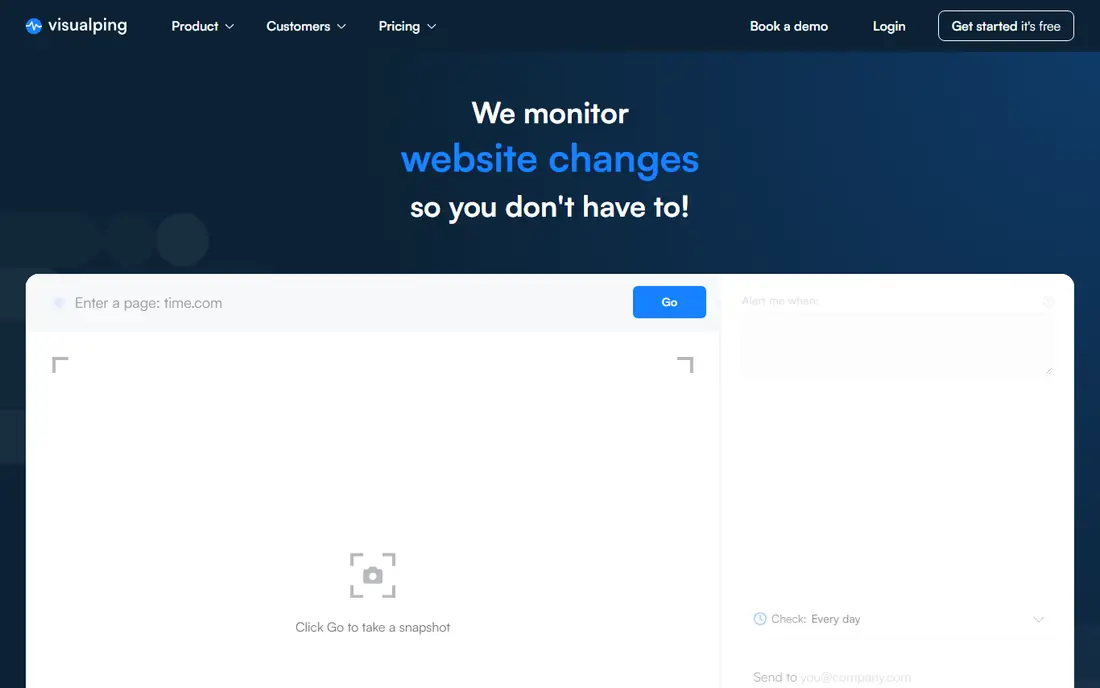
Visualping monitors website changes and sends an alert with a highlighted screenshot whenever a change is detected, with AI used to flag whether the change looks important. That visual approach is its main strength: instead of reading a text diff, you see exactly what changed on the page, with added and removed text highlighted. Pages and teams can be managed in one place, with change history and adjustable settings, and a browser extension lets you start monitoring a page in one click without pasting URLs. Visualping also offers a button that site owners can add to their own pages so visitors get notified of updates. A free tier covers light use, while heavier monitoring requires a paid plan. For anyone who judges changes by eye, which is most people, Visualping is the easiest tool to start with.
- Screenshot comparisons, AI importance ratings, browser extension
- Free tier limits page count, heavy visual pages need careful setup
ChangeTower
Ideal for: Teams monitoring many pages with routing and archiving
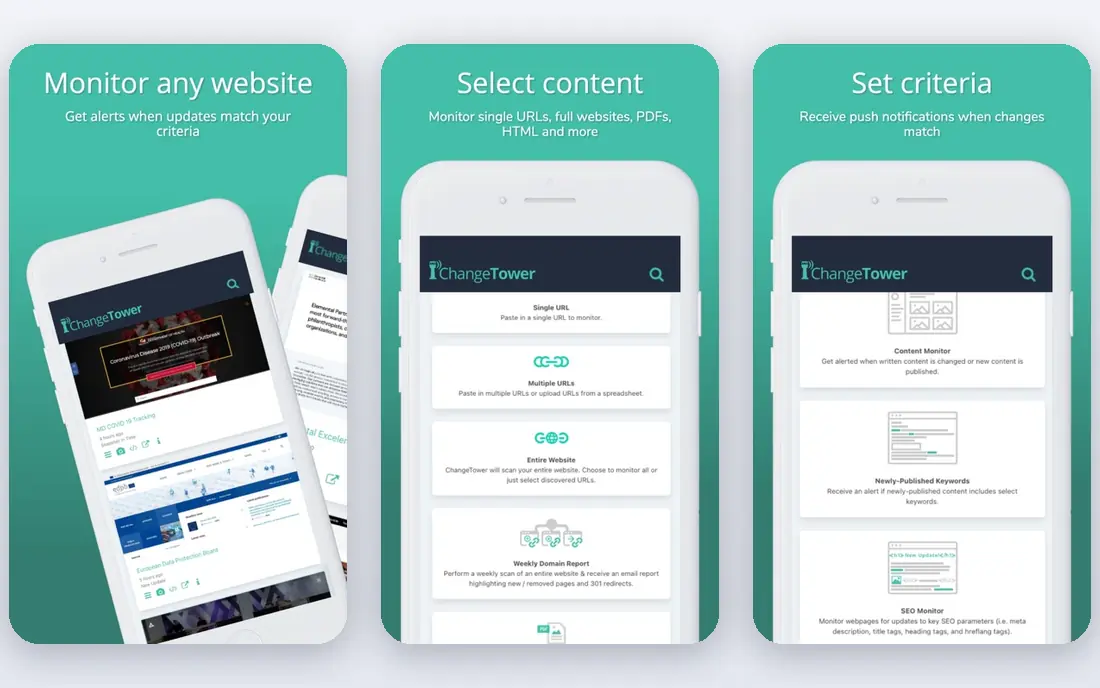
ChangeTower is built for teams that watch thousands of pages and need each alert to reach the person who acts on it. You add any URL, choose a check frequency from every couple of minutes to once a month, and describe what counts as a change in plain language, with AI-powered classification and noise filtering to cut false positives. Alerts route to Slack, Teams, email, or webhooks, and review workflows with reviewer notes keep the team aligned on actions taken. Every version is archived, which supports compliance work and historical research. The Lite plan starts at $12 per month for 25 pages checked daily, with higher tiers adding hourly checks, selective monitoring, and single sign-on. For agencies, competitive intelligence teams, and compliance groups, ChangeTower's combination of scale, routing, and archiving is hard to match.
- Plain-language change criteria, AI classification, snapshot archiving, Slack and Teams alerts
- Paid tiers needed for frequent checks, setup takes thought at scale
Wachete
Ideal for: Simple, free personal page monitoring

Wachete watches any web page and tells you the moment it changes, by email or phone alert, around the clock, with no need to leave a device on. Its pitch is simplicity: paste a link, choose how often to check, and get told when it changes. It works on modern interactive sites and pages that need a login, watches a whole page or just the part you care about, and alerts through email, phone notification, or chat tools including Slack, Teams, Discord, and Telegram. History runs up to 12 months with charts and spreadsheet downloads, and connections to other tools run through Zapier and an API. Mobile apps for iOS, Android, and Windows, plus browser extensions for Chrome, Firefox, and Edge, make it easy to add pages from anywhere. A free plan with no credit card required covers personal use well, which makes Wachete the best first stop for individuals.
- Free to start, mobile apps, alerts by email or chat, up to 12 months of history
- Fewer enterprise features, advanced checks on paid plans
Distill
Ideal for: Browser extension monitoring with local and cloud checks
Distill is a long-running website monitoring tool that works as a browser extension and a cloud service. You select the parts of a page you want to track, Distill monitors the page in the background, and you get alerts by notification, email, SMS, or app when something changes. Features include custom tracking frequency, smart conditions for notifications, version history of changes, monitoring of password-protected pages, and tracking of changes in PDFs. The free tier includes local monitors, a small number of cloud monitors, and a monthly check allowance, which suits personal tracking of prices, stock, and competitor pages. Paid plans raise check frequency and cloud capacity for heavier use. Distill's strength is flexibility: local checks cost nothing and keep data on your machine, while cloud checks keep watching when your computer is off.
- Select page parts to track, local monitors, version history, PDF tracking
- Free cloud checks are limited, interface has a learning curve
Fluxguard
Ideal for: AI-filtered monitoring of whole websites and risky changes
Fluxguard uses an AI crawler to monitor websites for changes, evaluate them against a customer's rules, and deliver summaries and prioritized insights rather than raw alerts. That filtering is the point: teams watching large or complex sites do not want every minor edit, they want the changes that signal risk, opportunity, or a problem. Fluxguard monitors entire websites rather than one-off pages, detects HTML changes such as injected scripts, and can crawl large PDF files. API integrations and webhooks feed results into existing workflows, and personal and business plans are offered. The product is aimed at business users, with a free trial rather than a permanent free tier, so individual users will likely prefer Wachete or Distill. For risk, compliance, and competitive teams drowning in alerts, Fluxguard's AI filtering is a genuine differentiator.
- AI summaries and prioritization, whole-site monitoring, HTML change detection
- Business-focused pricing, free trial rather than a free tier
Hexowatch
Ideal for: Many monitoring types in one tool
Hexowatch offers website change detection, monitoring, and archiving across 13 monitoring types, including content, visual, source code, technology, availability, price, sitemap, API, backlink, and RSS feed monitoring. That breadth makes it a single tool for many jobs: tracking competitor prices, watching for defacement or tampering, getting alerted when a product returns to stock, monitoring backlinks, and archiving every page change for legal and compliance use. Snapshots are archived on every change and retrievable at any time, which matters for regulated teams. Hexowatch is used by a large number of businesses, and its use cases span marketing, recruitment, real estate, and security. There is no permanent free tier, so buyers should trial it against their specific monitoring jobs before committing. For teams with several different monitoring needs, Hexowatch's range is its main appeal.
- 13 monitoring types, archiving for compliance, price and availability alerts
- No free tier, breadth can overwhelm simple use cases
Versionista
Ideal for: Version tracking and change archiving for content teams
Versionista tracks versions of web pages over time, showing what changed, when, and how, with side-by-side comparison and archiving. It suits content, compliance, and competitive teams that care about the record of change as much as the alert itself: a marketing team proving what a competitor page said last month, or a compliance team documenting a disclosure page over time. Versionista monitors at scale and keeps a history that can be searched and exported. Pricing is quote-based, and the product leans toward professional and enterprise use rather than casual personal monitoring. For teams whose main need is a reliable archive of page versions with clear comparisons, Versionista is a strong specialist choice.
- Side-by-side version comparison, archiving, monitoring at scale
- Pricing requires a quote, less focused on instant price alerts
WebSite-Watcher
Ideal for: Desktop users who want local page monitoring
WebSite-Watcher is a desktop program for monitoring web pages locally, from the developer of the long-running Aiguru tools. It checks pages on a schedule, highlights changes, and filters out the noise that plagues simpler tools, such as rotating ads and timestamps. Because it runs on your own machine, your monitored pages and history stay local, which appeals to users who prefer not to route their watchlists through a cloud service. It handles forums, password-protected pages, and RSS feeds, and it supports actions on change such as notifications and scripts. The trade-off is that it is a desktop tool, so team sharing and mobile alerts are less convenient than with cloud services such as Visualping or ChangeTower. For individual power users who want control and local data, WebSite-Watcher remains a respected option.
- Local monitoring on your own machine, rich filtering, no cloud dependency
- Windows-focused desktop tool, less convenient for team sharing
How we picked these
We looked for tools whose core job is watching pages and alerting on change, not general uptime monitors or SEO suites with a monitoring side feature. We balanced visual tools, team platforms, free personal tools, AI-filtered intelligence, archiving specialists, and a desktop option, because the right choice depends on what you watch and who acts on the alert. We compared official feature pages, pricing pages, and public reviews, and we left out tools that had shut down or whose current product no longer centers on change monitoring. Where a vendor did not publish a current price, we wrote "See website" rather than repeat a third-party figure.
How to cut alert noise
The difference between a useful monitor and an abandoned one is almost always noise. Start by monitoring a section of the page, not the whole page, so ads, timestamps, and rotating banners do not trigger alerts. Use keyword or condition filters where the tool offers them, so you are only told about changes that contain the terms you care about. Set check frequency to match the job: hourly for prices and stock, daily for competitor content, weekly for slow-moving policy pages. Route alerts to a channel you actually read, and review your monitors monthly, deleting pages that no longer matter. A short list of well-tuned monitors will serve you better than a long list of noisy ones.
Frequently asked questions
What is website change monitoring software?
It is software that checks web pages on a schedule and alerts you when content, prices, availability, or code changes, usually with a screenshot or highlighted comparison of what changed.
Can I monitor a page that needs a login?
Yes, several tools on this list, including ChangeTower, Wachete, and Distill, support password-protected pages, though setup is more involved than for a public page.
How do I avoid false alerts from ads and timestamps?
Monitor a specific section of the page rather than the whole page, and use filters or AI classification where offered to ignore irrelevant elements such as ads, dates, and rotating banners.
Is website change monitoring legal?
Monitoring public pages for your own awareness is generally fine, but respect each site's terms of use, avoid aggressive check frequencies that burden a server, and never use monitoring to copy protected content or bypass access controls.
Can these tools track price drops?
Yes. Price monitoring is a core use case: set a monitor on a product page, and most tools can alert you when the price changes or falls below a threshold you define.
Do I need a paid plan for personal use?
Usually not. Wachete and Distill offer free tiers that cover personal tracking of a modest number of pages, while paid plans add more pages, faster checks, and team features.