Best Website Design Software in 2026: 8 Tools Compared

- 1
 WebflowDesigner visual controlVisit
- 2
 Wix StudioAgency and freelancer sitesVisit
- 3
 FramerDesign-led startup sitesVisit
- 4
 SquarespaceDesign-led brand sitesVisit
- 5
 WordPressContent-led sites at scaleVisit
- Webflow is our pick for designers who want visual control with clean code output, plus CMS and ecommerce for client sites.
- Wix Studio suits agencies and freelancers who need responsive design tools, client management and fast delivery.
- Framer suits startups and design-led sites that want polished templates and AI drafting, while WordPress suits content-led sites at scale.
- Design software choice should follow the site job: a marketing site, a store, a portfolio and a content site each favour a different tool.
Quick comparison
| Product | Ideal for | Price from | Free version | |
|---|---|---|---|---|
| Webflow | Designer visual control | See website | No | Visit |
| Wix Studio | Agency and freelancer sites | See website | No | Visit |
| Framer | Design-led startup sites | See website | No | Visit |
| Squarespace | Design-led brand sites | See website | No | Visit |
| WordPress | Content-led sites at scale | Free | No | Visit |
 Duda | Agency white-label sites | See website | No | Visit |
 Elementor | WordPress visual building | See website | Yes | Visit |
 Webnode | Simple small business sites | See website | Yes | Visit |
The best website design software
Website design software ranges from visual builders with hosting included to open platforms with plugin ecosystems. Designers value control, while small businesses value speed and simplicity, so the best tool depends on who builds and who maintains the site. We compared visual editing, templates, CMS, ecommerce, SEO tools and pricing.
Webflow
Ideal for: Designer visual control
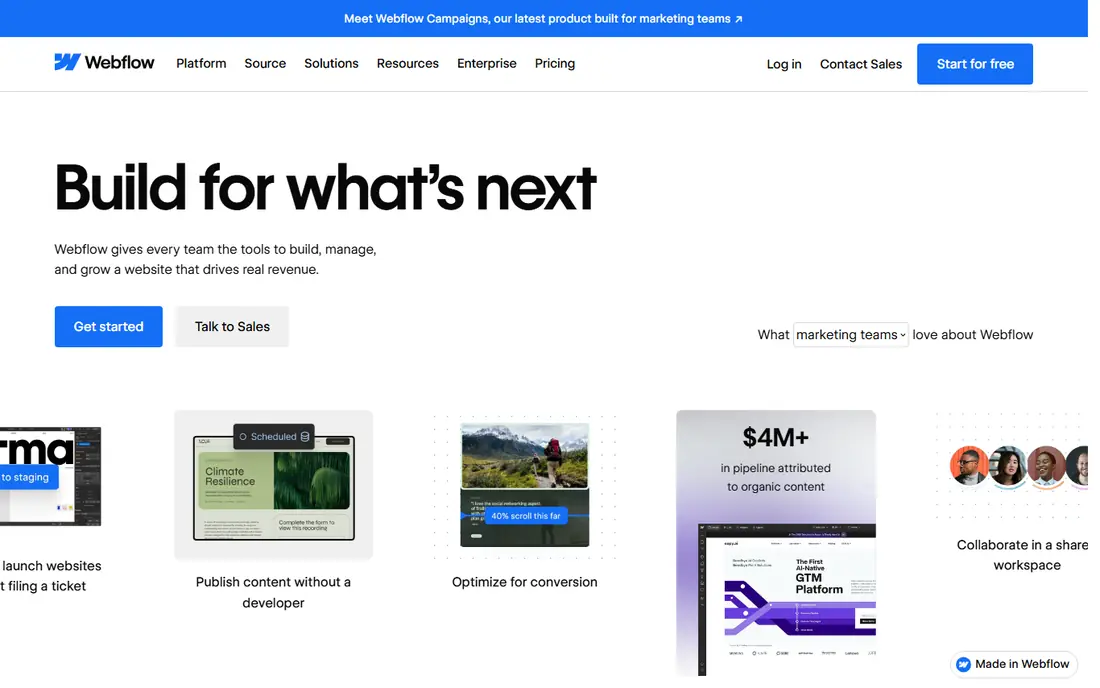
Webflow suits designers who want pixel-level control without hand-coding every page. Its visual editor builds clean HTML and CSS, its CMS handles blogs, portfolios and directories, and its interactions, animations and ecommerce tools cover marketing sites and small stores in one platform. That control makes Webflow a favourite for agency and freelance designers.
The catch is learning time. Webflow rewards users who understand layout, spacing and responsive design, while beginners may find Wix or Squarespace faster for a first site. For a designer who builds client sites professionally, Webflow control justifies the learning curve.
- Visual design with clean code output
- CMS for dynamic content
- Ecommerce and interactions built in
- Learning curve is steep for beginners
- Pricing rises with CMS and ecommerce needs
Wix Studio
Ideal for: Agency and freelancer sites
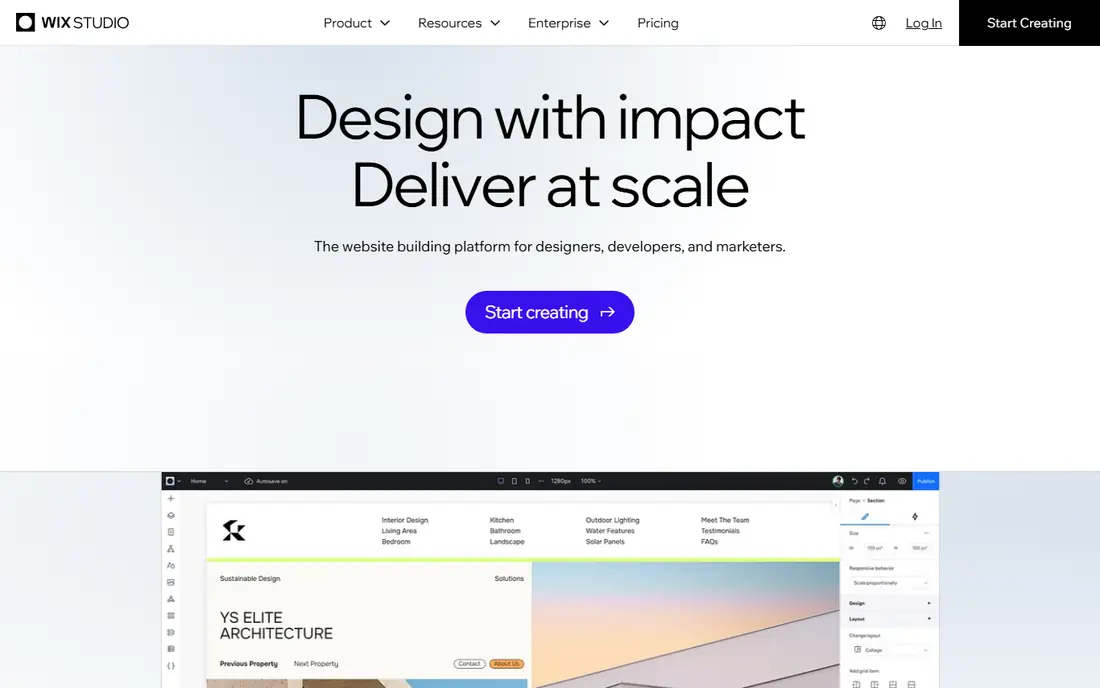
Wix Studio suits agencies and freelancers who deliver many client sites quickly. It adds responsive design controls, reusable sections, client workspaces and collaboration tools on top of the Wix platform, so a team can design, review and hand off sites efficiently. Commerce, bookings and marketing apps cover most small business needs.
The weakness is portability. Wix Studio sites live on Wix, with limited code export compared with Webflow, so a client who later wants to leave faces a rebuild. For an agency that standardises on Wix delivery, Studio speed and client tools outweigh that lock-in.
- Responsive design tools with breakpoints
- Client management and workspaces
- App ecosystem for commerce and bookings
- Code export is limited compared with Webflow
- Advanced custom design needs learning time
Framer
Ideal for: Design-led startup sites
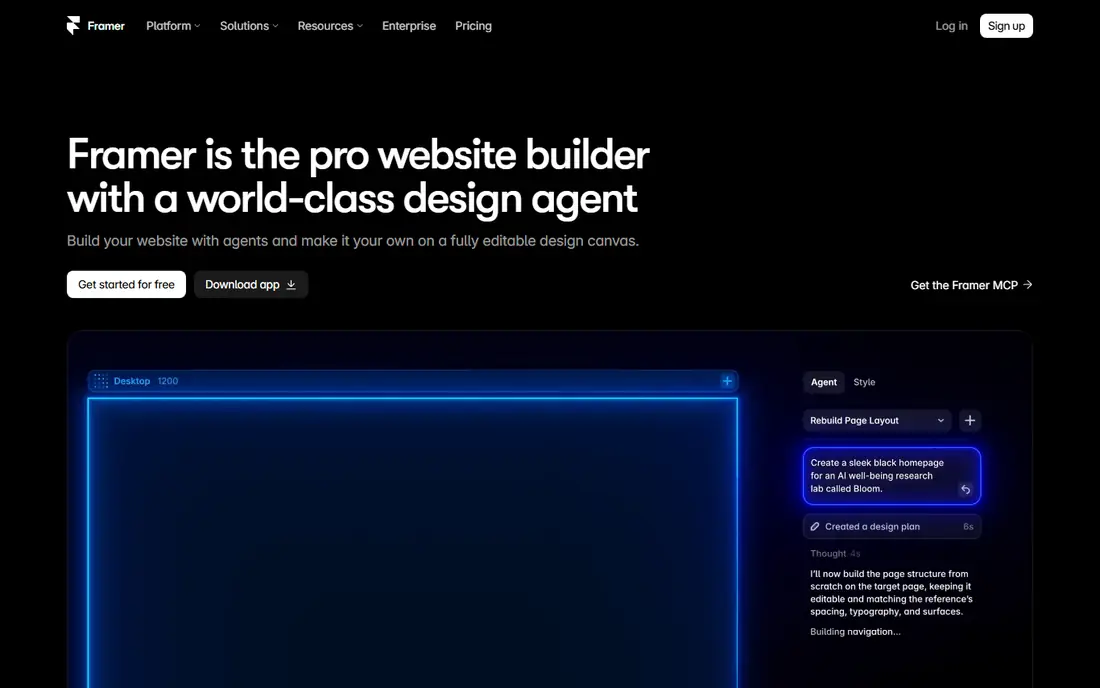
Framer suits startups and creators who want a beautiful site fast. Its templates look modern out of the box, its AI drafting speeds up first pages, and its free-form editor lets designers refine layout, type and motion without code. Publishing is instant, which suits a startup iterating on messaging weekly.
The limit is depth. Framer CMS and ecommerce features are thinner than Webflow or WordPress, so a large blog, directory or store may need another platform. For a marketing site, portfolio or landing page where design leads, Framer is excellent.
- Polished templates and AI drafting
- Free-form visual editing
- Fast publishing for startups
- CMS and ecommerce depth trail Webflow and WordPress
- Learning curve for non-designers
Squarespace
Ideal for: Design-led brand sites
Squarespace suits brands that want a beautiful site without design expertise. Its templates are polished, its editor is calm, and its commerce, blogging, email and scheduling tools cover a small business in one subscription. That simplicity appeals to studios, restaurants, creators and lifestyle brands.
The catch is customisation ceiling. Squarespace layouts are more structured than Webflow or Framer, so highly custom designs take workarounds. For a brand site that must look considered with minimal effort, Squarespace remains a top choice.
- Beautiful templates
- Calm, simple editor
- Commerce, blogging and marketing in one place
- Design flexibility is more structured than Webflow
- Commerce depth trails Shopify
WordPress
Ideal for: Content-led sites at scale
WordPress suits content-led sites that must scale. Its free core, huge theme and plugin ecosystem, and full data ownership make it the standard for blogs, news, membership and large business sites, with WooCommerce for selling. A site can start simple and grow into a complex platform without changing systems.
The weakness is maintenance. Hosting, security, backups and updates are your responsibility, and design quality depends heavily on the theme and page builder you choose, such as Elementor. WordPress fits owners who value ownership and scale over hosted simplicity.
- Free open-source core with huge theme and plugin ecosystem
- Full ownership and portability
- Best for content scale
- You manage hosting, security and updates
- Design quality depends on theme and builder choice
Duda
Ideal for: Agency white-label sites
Duda suits agencies that build many small business sites under their own brand. Its white-label platform lets an agency manage clients, sites and billing in one dashboard, with responsive design tools and widgets for local features such as reviews, bookings and menus. That agency focus sets Duda apart from consumer builders.
The limit is ecosystem size. Duda themes, apps and integrations are fewer than Wix or WordPress, so a site needing a specific tool should confirm availability first. For an agency selling websites as a service, Duda workflow and white labelling are strong advantages.
- White-label client management for agencies
- Responsive design tools
- Widgets for local business features
- Smaller ecosystem than Wix or WordPress
- Pricing is agency oriented
Elementor
Ideal for: WordPress visual building
Elementor suits WordPress users who want visual design without code. Its drag-and-drop editor builds pages, headers, footers and landing pages inside WordPress, with a huge template library and widgets for forms, sliders, pricing tables and more. A free tier covers core building, with a Pro plan adding theme building and advanced features.
The catch is WordPress overhead. Elementor needs hosting, security and updates, and site speed depends on theme choice, plugin count and optimisation. For a WordPress site owner who wants design freedom, Elementor is the most popular visual builder available.
- Visual drag-and-drop building inside WordPress
- Huge template library
- Works with most WordPress themes
- Needs WordPress hosting and maintenance
- Performance depends on theme, plugins and optimisation
Webnode
Ideal for: Simple small business sites
Webnode suits owners who want a simple site with minimal fuss. Its editor covers pages, images, forms and basic commerce in a straightforward flow, with a free tier for testing and multilingual support that helps small businesses serving several languages. That simplicity appeals to a first-time site owner.
The weakness is depth. Webnode design options, templates and commerce features trail Wix, Squarespace and Webflow, so a growing business may outgrow it. For a simple brochure site that must exist and look decent, Webnode is enough.
- Simple editor for small sites
- Free tier to start
- Multilingual site support
- Design and feature depth trail larger builders
- Ecommerce is basic compared with Shopify or Wix
How we picked these
We compared visual editing, templates, CMS depth, ecommerce, SEO tools, ownership and pricing for design tools still operating in October 2026. We kept hosted builders, agency platforms and open-source options in the list, since designers and owners buy differently. We did not build live client sites on each platform, and we did not repeat vendor claims about design quality as measured facts.
What to check before you buy
Start with who builds and who maintains the site. A designer-led team will use Webflow or Framer depth, while a business owner who maintains the site alone will prefer Wix, Squarespace or Webnode simplicity. A tool that the maintainer cannot edit becomes a liability, no matter how beautiful the launch design looks.
Next, check content and commerce needs honestly. Count pages, blog posts, products, languages and integrations, and confirm the platform handles them without expensive workarounds. A portfolio site, a 500-product store and a multilingual directory are different jobs, and the cheapest builder rarely fits all three.
Finally, test mobile design and speed. Most visitors arrive on phones, so check responsive breakpoints, mobile navigation, image loading and page speed on a real phone before launch. A desktop-perfect site with a clumsy mobile layout will lose visitors every day, regardless of the design tool used.
Frequently asked questions
What is the best website design software overall?
Webflow is our pick for designers who want visual control, while Wix Studio suits agencies, Framer suits design-led startups, and WordPress suits content-led sites at scale. The best tool depends on who builds the site and what the site must do.
Is Webflow hard to learn?
Yes, compared with Wix or Squarespace, since Webflow rewards design knowledge such as layout, spacing and responsive breakpoints. Beginners should start with Wix or Squarespace, while designers who invest a few weeks in Webflow gain far more control.
Can I design a website without coding?
Yes. Wix, Squarespace, Framer, Webnode and Elementor all offer visual drag-and-drop design without code, while Webflow offers visual design with code-level control. Choose the editor whose complexity matches your skills and patience.
Which website design software is best for ecommerce?
Shopify leads for dedicated stores, while Webflow, Wix and Squarespace cover small stores beside content sites. WordPress with WooCommerce suits content-led stores that need full control, so match the store size to the platform strength.
Do I own my website if I use a builder?
It depends. WordPress gives full ownership and portability, while hosted builders such as Wix, Squarespace and Framer keep your site on their platform, so leaving usually means rebuilding. Confirm export and domain options before committing to a hosted builder.