Best Wedding Planning Apps in 2026: 7 Apps Compared

- The Knot and Zola are the strongest all-rounders, with checklists, budgets, registries and websites in one account.
- Joy is the best choice for a beautiful wedding website with guest management attached.
- WeddingWire suits couples who want vendor reviews and local search alongside planning tools.
- Free planning apps earn money from vendors and registries, so compare vendor listings with independent reviews.
Quick comparison
| Product | Ideal for | Price from | Free version | |
|---|---|---|---|---|
 The Knot | All-round wedding planning | Free | Yes | Visit |
 Zola | Planning plus registry and website | Free | Yes | Visit |
 WeddingWire | Finding and comparing vendors | Free | Yes | Visit |
 Joy | Beautiful wedding websites | Free | Yes | Visit |
 Hitched | UK couples planning a wedding | Free | Yes | Visit |
 Appy Couple | Custom wedding apps and websites | See website | Free trial | Visit |
 MyWedding | Simple planning and inspiration | Free | Yes | Visit |
The best wedding planning apps
Wedding planning mixes a dozen jobs: guest lists, budgets, vendors, seating and a website for guests. The apps below gather those jobs in one place, so a couple stops juggling spreadsheets and group chats. Most are free to start, with vendors and registries paying the bills, and we note where costs appear.
The Knot
Ideal for: All-round wedding planning
The Knot is the most complete free wedding planner for US couples. Its checklist adapts to your date, its budget tool tracks spending by category, and its vendor directory covers photographers, venues and florists across the country. Registry and website tools sit in the same account, so guests find everything in one place.
Vendor listings are partly promotional, so cross-check reviews before booking, and some features steer toward partner services. The app can also feel busy with content and ads. As a single planning hub, though, it covers more ground than any rival here.
For readers focused on all-round wedding planning, The Knot is worth a trial before deciding, since the free tier or trial shows its real feel fast. Check the current plan details on the vendor site, since prices and limits change, and confirm that the version you need works on your devices.
- Checklist, budget and guest tools
- Large vendor directory
- Registry options
- Vendor listings can feel promotional
- Some features push partner services
Zola
Ideal for: Planning plus registry and website
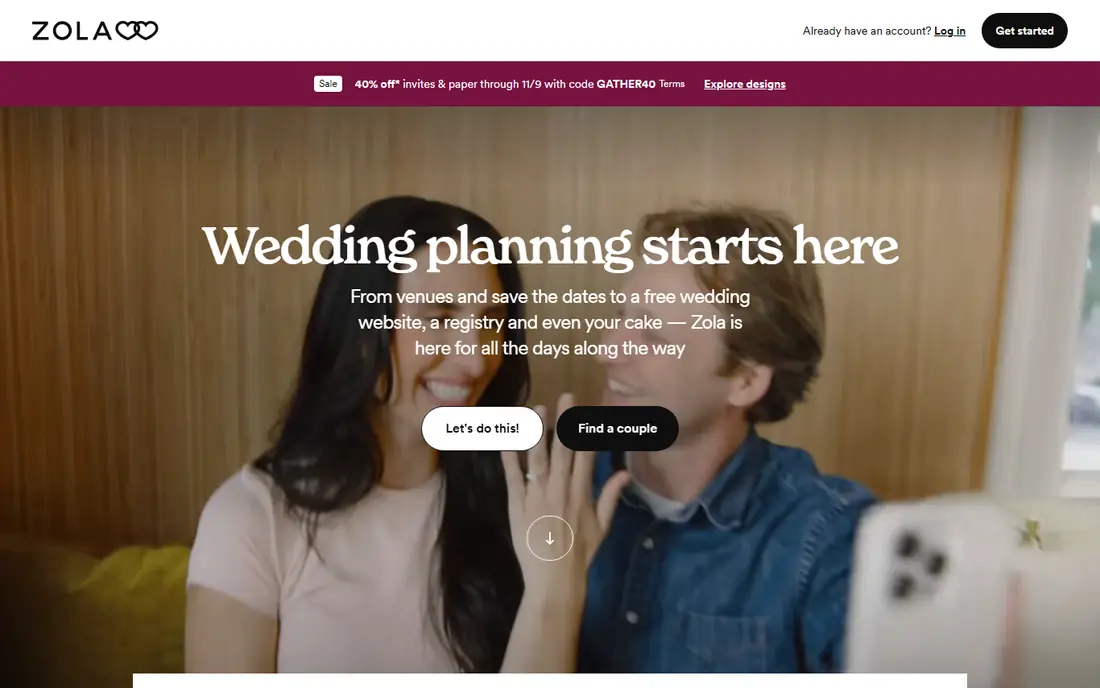
Zola combines planning, registry and a polished wedding website in one clean account. Its guest list and RSVP tools work smoothly, its checklist is easy to follow, and its registry lets guests buy gifts, experiences or cash funds. Couples who want one login for planning and gifts will like the simplicity.
Its vendor search is lighter than The Knot or WeddingWire, so couples who need deep local vendor research should pair it with another directory. The registry focus also suits couples who want gifts more than those who do not. Overall, it is the tidiest all-rounder here.
We would shortlist Zola for planning plus registry and website, and compare it directly with the two options nearest it in price before paying. Check the current plan details on the vendor site, since prices and limits change, and confirm that the version you need works on your devices.
- Unified checklist, registry and website
- Guest list and RSVP tools
- Clean design
- Registry focus may suit some couples more
- Vendor search is lighter
WeddingWire
Ideal for: Finding and comparing vendors
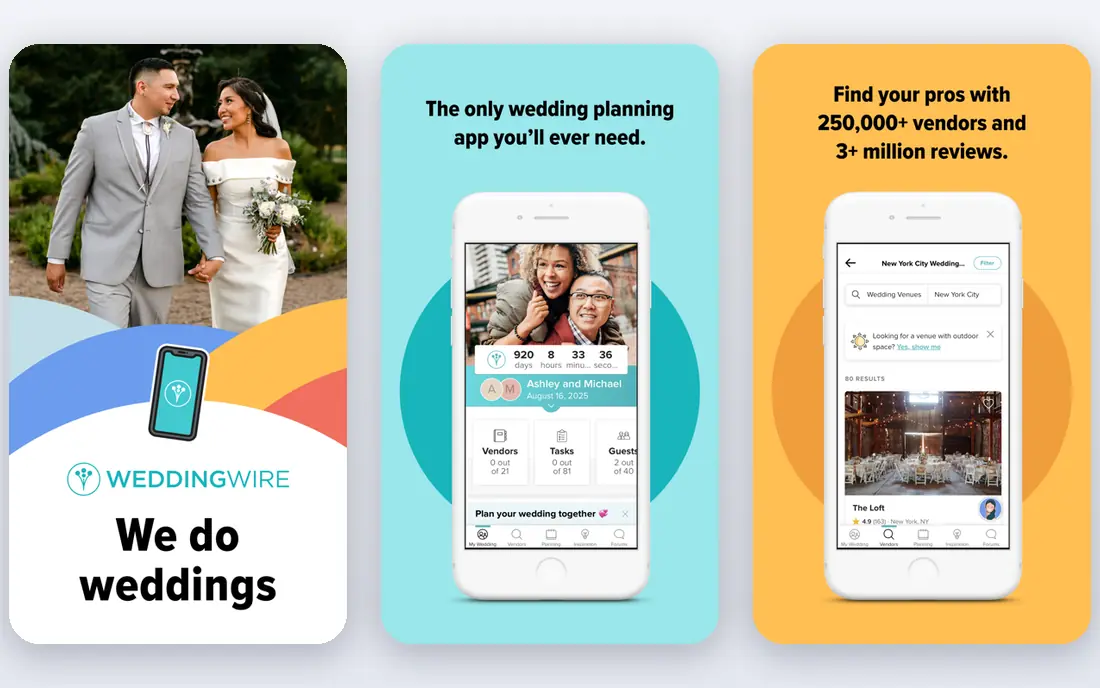
WeddingWire is strongest for couples still choosing vendors. Its directory includes reviews, pricing hints and photos for venues, photographers and other suppliers, and its checklist and budget tools cover the planning basics. Local search is detailed, which helps in smaller cities.
It is owned by the same group as The Knot, so vendor listings overlap heavily, and the site carries advertising. Couples who already use The Knot may not need both. As a research tool for vendors, though, its reviews and filters are genuinely useful.
If finding and comparing vendors is your main need, WeddingWire deserves a place on a shortlist, provided you test the catch described above first. Check the current plan details on the vendor site, since prices and limits change, and confirm that the version you need works on your devices.
- Large vendor directory with reviews
- Planning checklist
- Budget tools
- Owned by the same group as The Knot, so listings overlap
- Ads present
Joy
Ideal for: Beautiful wedding websites
Joy makes the nicest wedding websites on this list, with clean designs, schedule pages, travel details and RSVP management. Guests get a single link for everything, and couples can control who sees what. Its guest management tools handle plus-ones and meal choices well.
Its planning checklist and budget tools are lighter than The Knot or Zola, so it works best as a website and guest tool beside a planner. Some premium designs cost extra. If the website matters most to you, Joy is the pick.
Our view is that Joy earns its place here for beautiful wedding websites, even with the limits noted above. Check the current plan details on the vendor site, since prices and limits change, and confirm that the version you need works on your devices.
- Polished wedding websites
- Guest management and RSVPs
- Schedule pages
- Planning checklist is lighter
- Some designs are paid
Hitched
Ideal for: UK couples planning a wedding
Hitched is the UK counterpart to The Knot, with a vendor directory, checklist, budget tools and website options built for British weddings. Its local supplier coverage and UK-focused advice suit couples marrying in the UK, and its planning tools follow the same pattern as its US cousins.
Its UK focus limits its use for US couples, and vendor coverage varies by region. Couples planning a UK wedding will find it more relevant than US-centric apps. For that audience, it is the natural starting point.
For readers focused on uK couples planning a wedding, Hitched is worth a trial before deciding, since the free tier or trial shows its real feel fast. Check the current plan details on the vendor site, since prices and limits change, and confirm that the version you need works on your devices.
- UK vendor directory
- Checklist and budget tools
- Wedding website
- UK focus limits US couples
- Vendor coverage varies by region
Appy Couple
Ideal for: Custom wedding apps and websites
Appy Couple builds a custom wedding app and website for each couple, with travel details, event schedules and guest messaging in a branded package. It suits couples with multi-day events or destination weddings, where guests need more guidance than a single page provides.
It is a paid service, and setup takes more time than a free planner. Its community and vendor tools are also smaller. For couples who want a polished, custom guest experience and are willing to pay, it is a distinctive option.
We would shortlist Appy Couple for custom wedding apps and websites, and compare it directly with the two options nearest it in price before paying. Check the current plan details on the vendor site, since prices and limits change, and confirm that the version you need works on your devices.
- Custom app and website
- Travel and event details
- Guest messaging
- Paid plans
- Setup takes more time
- Smaller community
MyWedding
Ideal for: Simple planning and inspiration
MyWedding offers planning tools, vendor search and inspiration galleries in a simple package. Its budget help and checklists cover the basics, and its idea galleries help couples who are still deciding on a style. It is a low-pressure starting point for early planning.
It is smaller than The Knot or Zola, and some features feel dated by comparison. Couples who want the deepest vendor directory or the slickest website should look elsewhere. As a simple, free planner, it still does the job.
If simple planning and inspiration is your main need, MyWedding deserves a place on a shortlist, provided you test the catch described above first. Check the current plan details on the vendor site, since prices and limits change, and confirm that the version you need works on your devices.
- Planning tools and vendor search
- Inspiration galleries
- Budget help
- Smaller than major rivals
- Some features feel dated
How we picked these
We compared official feature pages, pricing pages, app store listings, privacy policies and public reviews for each option below. We checked that each product is still available and that its stated plans match what the vendor publishes. We did not run hands-on tests, so our picks rest on documented features, pricing and the fit for the reader described in each section, not on lab results. Where a price could not be confirmed on the vendor site at the time of writing, we wrote See website rather than guessing. We also looked at how each option handles the everyday details that decide whether a tool gets used: setup time, device support, what happens when you cancel or downgrade, and whether help is available when something breaks. A product that looks strong on a feature list but is hard to set up, hard to leave, or poorly supported will cost more in time than it saves, so we weighed those practical points alongside price and features. Where reviewers or users reported a recurring problem, we noted it in the honest catch for that product, rather than leaving it out because the vendor page did not mention it.
How to plan a wedding without losing track
Start with three numbers: guest count, total budget and date, since every other decision flows from them. Build the guest list before booking a venue, because capacity and catering costs depend on it. Use one checklist and one budget tool, not several, and assign each task an owner and a deadline so nothing sits unowned. Finally, keep vendor contracts and payment dates in the same place as the plan, because a lost deposit deadline causes more stress than any seating chart.
A final check before you commit
Run a short trial on a real task before you pay for a year or move a whole team. Use the free plan or trial to complete one full job, from setup to export or delivery, and note where you got stuck. Check the cancellation path too: can you leave and keep your data, or does leaving mean starting over? Read the pricing page for renewal rates, not just the first-year offer, and confirm what support you get on the plan you will actually buy. Finally, ask one current user about the worst part of the product, since that answer tells you more than any feature list. If the trial feels good on a real task and the exit path is clear, the choice is much safer.
Frequently asked questions
What is the best wedding planning app?
The Knot and Zola are the best all-rounders, covering checklists, budgets, guest lists, registries and websites. Joy leads for wedding websites, while WeddingWire is strong for finding and comparing local vendors.
Are wedding planning apps free?
Most are free for couples, with revenue from vendor listings, advertising and registries. Some extras, such as premium website designs or printed invitations, cost extra, so check before committing to a design.
Can both partners and family use one account?
Yes, most apps let couples share an account and invite family or a wedding party to help with tasks and RSVPs. Check sharing controls if you want some details, such as the registry or budget, kept private.
Do wedding planning apps include a wedding website?
Most do, with customizable pages for the schedule, travel, registry and RSVPs. Joy and Zola offer particularly polished websites, and several let you use a custom domain.
When should we start using a wedding planning app?
As soon as you have a date range and rough guest count. Early setup helps with budget tracking and vendor booking, which often happens a year or more before the wedding.