Best Wedding Website Platforms in 2026: 7 Sites Compared

- RSVP tools save the most time, especially when they handle plus ones, meal choices, and group invites.
- Registry connections matter, since guests should reach your registry in one click.
- Custom domains and privacy controls help when you want the site to feel personal but not public.
- Free plans cover many couples, but custom domains and extra photos often need a paid tier.
Quick comparison
| Product | Ideal for | Price from | Free version | |
|---|---|---|---|---|
 Zola | Best overall wedding site and registry | See website | Yes | Visit |
 The Knot | Largest wedding planning ecosystem | See website | Yes | Visit |
 Joy | Beautiful templates and guest tools | See website | Yes | Visit |
 Minted | Design led wedding sites | See website | No | Visit |
 Squarespace | Most design freedom | See website | No | Visit |
 Wix | Flexible builder with wedding templates | See website | Yes | Visit |
 Canva | Simple sites and invitations | See website | Yes | Visit |
The best wedding website platforms
A wedding website should share the story, the schedule, travel details, and the registry in one place that guests can actually find, and the best platforms make that easy without design skills.
We compared templates, registry connections, RSVP tools, guest messaging, and prices across leading wedding sites, and our pick for most couples is a platform with strong RSVP handling and a registry that guests can use easily.
In this guide, we walk through each option in turn, starting with who it suits best, then looking at what it does well and where it falls short, so you can compare like with like. We also cover pricing in plain terms, including where a price is quote based or where a free plan covers only part of the service, because the headline price rarely tells the full story. By the end, you should have a short list of two or three options worth a closer look, rather than a long list of names with no clear differences.
Zola
Ideal for: Best overall wedding site and registry
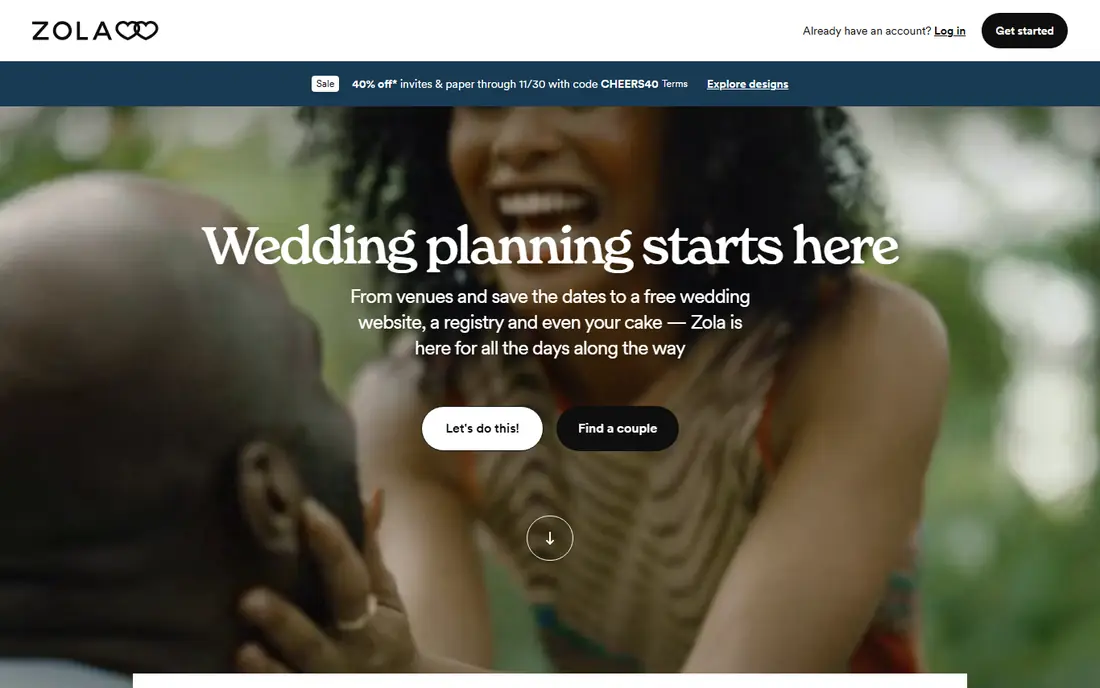
Zola is our pick for most couples because it combines a wedding website, registry, and RSVP tools in one place. Its registry covers many stores and its own products, so guests can shop in one place.
RSVP handling covers plus ones, meal choices, and group invites, which saves chasing replies. Templates look modern and work well on phones, where most guests will view them.
Design freedom is more limited than a general website builder, and couples who want a fully custom site may prefer another tool.
On balance, Zola stands out for Best overall wedding site and registry, with strengths that include Strong registry; good RSVP; many templates. The main drawbacks to weigh are Design freedom is limited; some features need planning. If those trade offs fit your situation and your budget, it is worth putting on your short list, and if they do not, compare it with the next options in this guide before you decide, since a small difference in price, coverage, or support can matter a lot over a year of use.
- Strong registry
- Good RSVP
- Many templates
- Design freedom is limited
- Some features need planning
The Knot
Ideal for: Largest wedding planning ecosystem
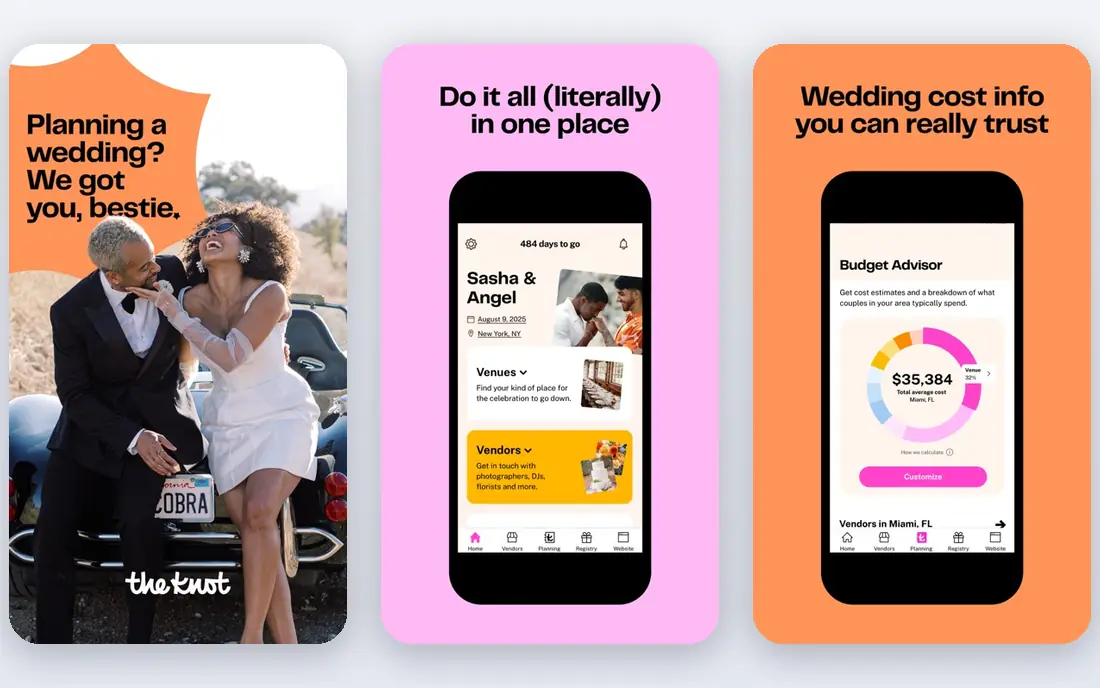
The Knot pairs a wedding website with one of the largest wedding vendor directories, which helps couples still booking suppliers. Its templates are polished, and its planning tools cover checklists, budgets, and guest lists.
RSVP tools are solid, and registry connections cover major stores. For couples who want planning help beyond the website, that ecosystem is useful.
The site includes vendor prompts and ads, which some couples find busy, and the registry experience is broad rather than curated.
On balance, The Knot stands out for Largest wedding planning ecosystem, with strengths that include Large vendor directory; good templates; planning tools. The main drawbacks to weigh are Ads and vendor prompts; registry is broad. If those trade offs fit your situation and your budget, it is worth putting on your short list, and if they do not, compare it with the next options in this guide before you decide, since a small difference in price, coverage, or support can matter a lot over a year of use.
- Large vendor directory
- Good templates
- Planning tools
- Ads and vendor prompts
- Registry is broad
Joy
Ideal for: Beautiful templates and guest tools

Joy is known for elegant templates and a guest experience that feels polished on phones. Its RSVP and guest messaging tools are well built, and the core website features are free.
Couples who care about design often prefer Joy over plainer wedding sites. The guest app helps attendees find schedule and travel details quickly.
Registry options are narrower than Zola, and design customization is moderate rather than unlimited.
On balance, Joy stands out for Beautiful templates and guest tools, with strengths that include Elegant templates; good guest app; free core features. The main drawbacks to weigh are Registry options are narrower; customization is moderate. If those trade offs fit your situation and your budget, it is worth putting on your short list, and if they do not, compare it with the next options in this guide before you decide, since a small difference in price, coverage, or support can matter a lot over a year of use.
- Elegant templates
- Good guest app
- Free core features
- Registry options are narrower
- Customization is moderate
Minted
Ideal for: Design led wedding sites
Minted suits couples who want a wedding website that matches their invitations and stationery. Its designs come from independent artists, so templates feel less generic than many rivals.
Matching paper invitations, save the dates, and thank you cards create a consistent look. For design led couples, that cohesion is the main draw.
Full features need a paid plan, and RSVP tools are simpler than dedicated wedding platforms.
On balance, Minted stands out for Design led wedding sites, with strengths that include Beautiful designs; matching stationery; print options. The main drawbacks to weigh are Paid plans for full features; RSVP is simpler. If those trade offs fit your situation and your budget, it is worth putting on your short list, and if they do not, compare it with the next options in this guide before you decide, since a small difference in price, coverage, or support can matter a lot over a year of use.
- Beautiful designs
- Matching stationery
- Print options
- Paid plans for full features
- RSVP is simpler
Squarespace
Ideal for: Most design freedom
Squarespace suits couples who want full design control and a website that can live on after the wedding. Its templates are polished, and custom domains, photo galleries, and pages are easy to add.
Couples with design skills can create a site that looks nothing like a template. The platform also handles blogs and photo stories well.
There is no built in wedding RSVP and registry system, so you will link external tools, and the subscription costs more than free wedding sites.
On balance, Squarespace stands out for Most design freedom, with strengths that include Excellent templates; custom domains; flexible pages. The main drawbacks to weigh are No built in RSVP registry system; costs more. If those trade offs fit your situation and your budget, it is worth putting on your short list, and if they do not, compare it with the next options in this guide before you decide, since a small difference in price, coverage, or support can matter a lot over a year of use.
- Excellent templates
- Custom domains
- Flexible pages
- No built in RSVP registry system
- Costs more
Wix
Ideal for: Flexible builder with wedding templates
Wix offers wedding templates with drag and drop editing, which suits couples who want flexibility without coding. Its app market adds forms, galleries, and guest tools, though wedding specific features need setup.
The free plan lets you start, and paid plans remove ads and add a custom domain. For couples comfortable building pages, Wix gives more freedom than dedicated wedding sites.
Wedding RSVP and registry handling is less built in, so expect extra setup time.
On balance, Wix stands out for Flexible builder with wedding templates, with strengths that include Many templates; drag and drop; app options. The main drawbacks to weigh are Wedding tools need apps; free plan shows ads. If those trade offs fit your situation and your budget, it is worth putting on your short list, and if they do not, compare it with the next options in this guide before you decide, since a small difference in price, coverage, or support can matter a lot over a year of use.
- Many templates
- Drag and drop
- App options
- Wedding tools need apps
- Free plan shows ads
Canva
Ideal for: Simple sites and invitations
Canva suits couples who want a simple wedding website plus matching invitations and social posts in one tool. Its templates are easy to customize, and the free tier covers many design needs.
Guests get a clean, mobile friendly page with the key details. For a short, simple site, Canva is fast and cheap.
Websites are simpler than dedicated platforms, and there is no built in RSVP or registry system, so link external tools.
On balance, Canva stands out for Simple sites and invitations, with strengths that include Easy design; many templates; free tier. The main drawbacks to weigh are Websites are simple; no RSVP system. If those trade offs fit your situation and your budget, it is worth putting on your short list, and if they do not, compare it with the next options in this guide before you decide, since a small difference in price, coverage, or support can matter a lot over a year of use.
- Easy design
- Many templates
- Free tier
- Websites are simple
- No RSVP system
How we picked these
We compared official feature pages, pricing pages, app store listings, privacy policies, and public customer reviews for each option in this list, and we kept only options that are available in the United States and that clearly fit the topic of the article.
We gave weight to clear pricing, a usable free option or trial where one is offered, honest limits, and support that a real customer can reach, and we left out options whose pricing was hidden, whose main offer did not match the topic, or whose website did not clearly belong to the product.
We also checked that each product is still offered and working in October 2026, and we noted where a feature, a plan, or a price could not be verified from the vendor, in which case we wrote See website rather than guessing. That approach means some prices in this guide are deliberately general, and we recommend confirming the current price on the vendor website before you buy, since plans and promotions change.
How to build a wedding website guests will actually use
Start with the essentials on the home page, including the date, the venue, and a clear RSVP button, because guests should not hunt for basics. Add the schedule, travel, and hotel details next, since out of town guests plan around that information.
Next, connect your registry and test it as a guest would, checking that links work and that items show correctly. Set RSVP questions carefully, since meal choices and plus ones are easier to collect online than by chasing replies later.
Finally, share the link early and in more than one place, including invitations and a group message, and update it as details change. A wedding website only helps if guests know it exists and can find it quickly.
Frequently asked questions
What is the best wedding website platform?
It depends on your needs, since dedicated wedding sites offer the best RSVP and registry tools, while general website builders offer more design freedom. Couples who want easy RSVP handling usually prefer a dedicated wedding platform.
Are wedding websites free?
Many wedding websites offer a free plan that covers the basics, including a template, schedule, and RSVP tools. Custom domains, extra storage, and premium templates usually need a paid plan.
Can I connect my registry to a wedding website?
Yes, most wedding platforms let you link one or more registries, and some include their own registry tool. Test the links as a guest before you share the site.
Should my wedding website be private?
Many couples keep the site searchable only by link or add a password, especially when it includes travel details and photos. Check privacy settings before sharing.
How early should I launch my wedding website?
Launch it when you send save the dates, so guests can plan travel early, and update it as the schedule firms up. Add RSVP opening dates clearly so guests know when to respond.