Best Work Management Software in 2026: 8 Tools Compared

- monday.com is the best pick for non-technical teams that want visual boards anyone can read at a glance.
- Asana suits structured teams that need timelines, portfolios and cross-team coordination.
- ClickUp offers the most features per dollar, with a generous free plan and paid plans from $7 per user per month.
- Trello is the best simple option for small groups that just need a kanban board, while Notion suits teams that want tasks plus docs in one place.
- Every tool in this list offers a free plan, so trial two or three with real work before paying, and check seat minimums and automation limits.
Quick comparison
| Product | Ideal for | Price from | Free version | |
|---|---|---|---|---|
 monday.com | Visual boards for non-technical teams | $9 per user per month | Yes | Visit |
 Asana | Structured timelines and cross-team work | $10.99 per user per month | Yes | Visit |
 ClickUp | Most features per dollar | $7 per user per month | Yes | Visit |
 Trello | Simple kanban for small groups | $5 per user per month | Yes | Visit |
 Notion | Tasks plus docs and wikis | $10 per user per month | Yes | Visit |
 Smartsheet | Spreadsheet-style planning | $9 per user per month | Yes | Visit |
 Wrike | Approval workflows | $10 per user per month | Yes | Visit |
 Airtable | Database-driven workflows | $20 per user per month | Yes | Visit |
The best work management software
These eight tools span simple boards to database-driven platforms. We compared official pricing pages, feature pages and public reviews, focusing on the cost and limits that matter once a team grows past the free tier.
monday.com
Ideal for: Visual boards for non-technical teams
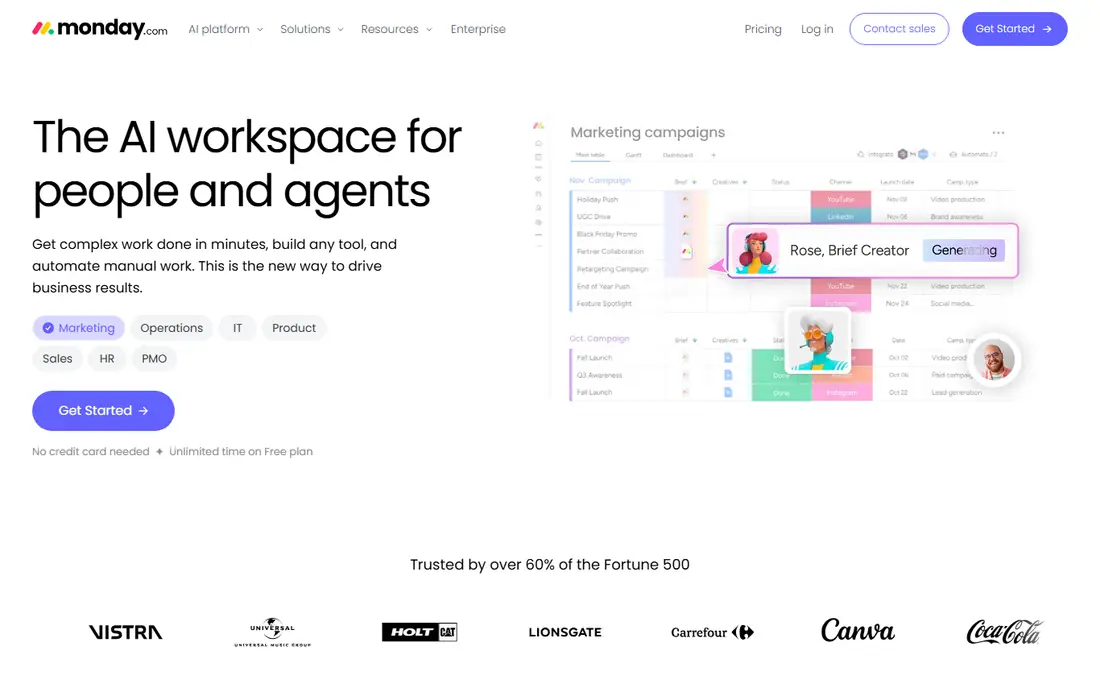
monday.com wins on approachability. Boards are visual and readable by people who have never used project software, which is why marketing, HR and operations teams adopt it faster than more technical tools. Templates for campaign tracking, hiring pipelines and content calendars mean most teams start from something close to what they need.
The Basic plan costs $9 per seat per month on annual billing, with a three-seat minimum, and automation and integration limits tighten on lower tiers. Teams that need heavy automation should price a higher tier. For visual, team-wide work tracking, monday.com is the easiest tool in this list to roll out.
- Color-coded visual boards
- Many templates
- Easy adoption for non-technical teams
- Basic plan starts at $9 per seat per month with a 3-seat minimum
- Advanced features need higher tiers
Asana
Ideal for: Structured timelines and cross-team work
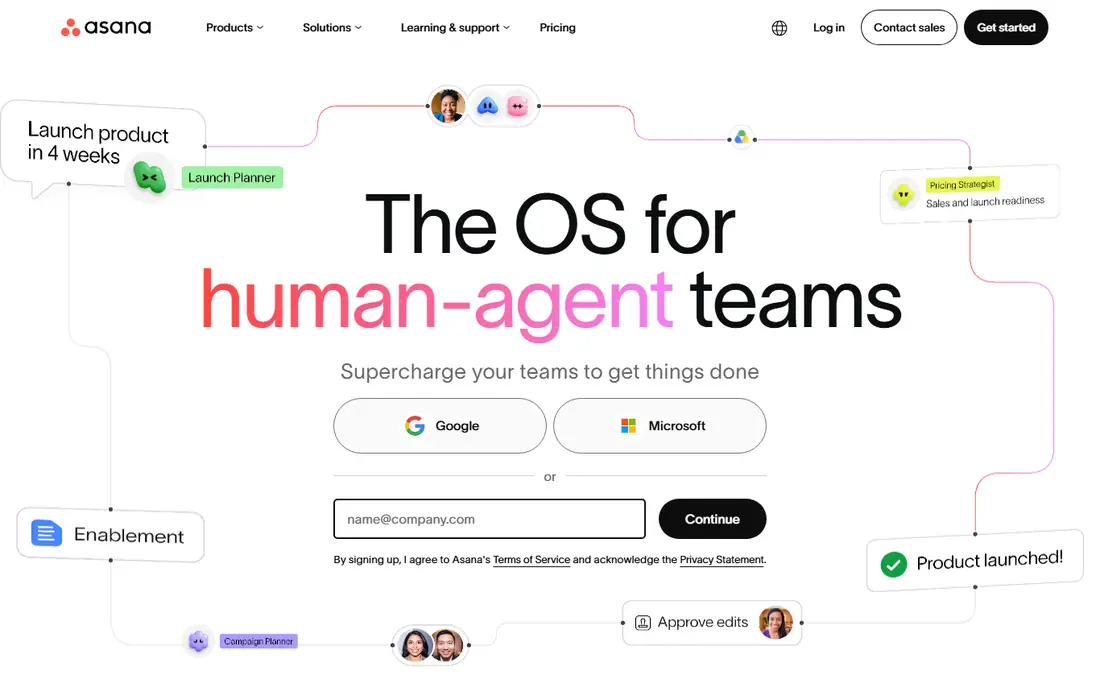
Asana hits a balance of power and usability that suits structured teams. Timeline views show dependencies and deadlines, portfolios roll up many projects for leadership, and goals tracking connects daily tasks to company objectives. The free plan covers up to 15 users with unlimited tasks and projects, which is generous for small teams.
Paid Starter plans cost $10.99 per user per month on annual billing, while portfolios and goals sit on higher tiers. If your team needs calm, structured coordination across departments, Asana is the most dependable pick in this list.
- Timeline and portfolio views
- Goals tracking
- Free plan for up to 15 users
- Paid plans start at $10.99 per user per month
- Portfolios and goals need higher tiers
ClickUp
Ideal for: Most features per dollar
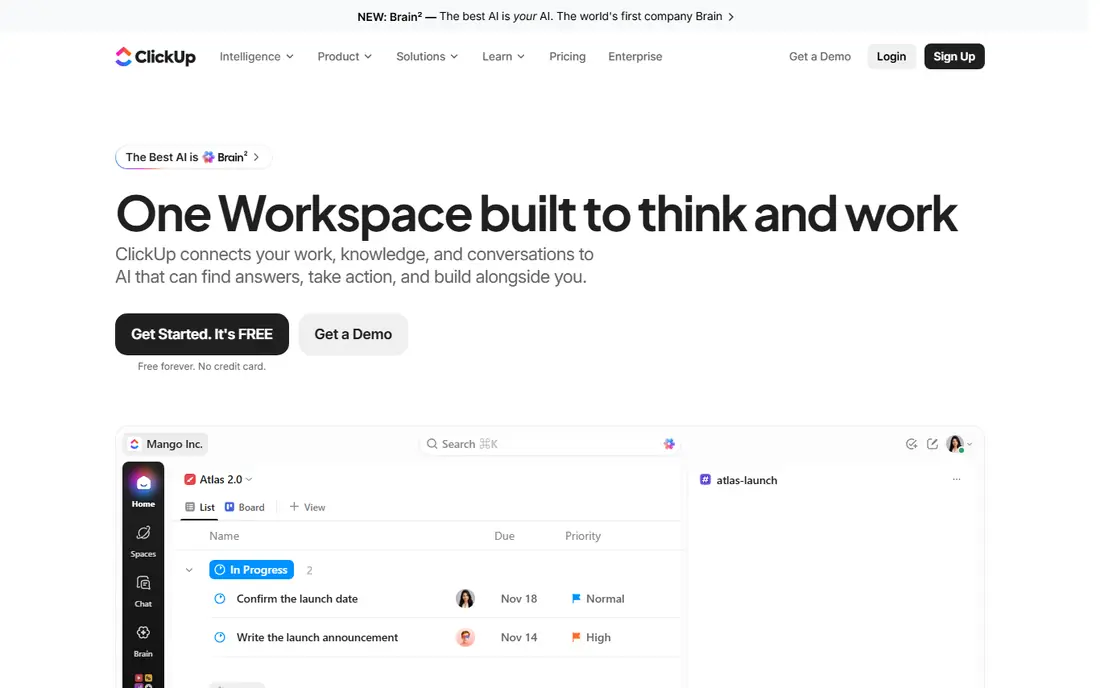
ClickUp is the value pick for teams that want one tool to replace several. Tasks, docs, goals, whiteboards and chat live in one workspace, and the free plan is generous enough for small teams to run real work. Unlimited plans start at $7 per user per month on annual billing, which undercuts most rivals for the feature set.
The depth is also the drawback: new users can feel lost in the options, and setup takes longer than a simple board tool. Teams willing to invest a day in configuration will get the most features per dollar in this list.
- Generous free plan
- Docs, goals, chat and tasks in one place
- Paid plans from $7 per user per month
- Feature depth can feel overwhelming
- Setup takes longer than Trello
Trello
Ideal for: Simple kanban for small groups
Trello is the simplest tool here, and that simplicity is its strength. Boards, lists and cards map directly to how small teams think about work, and the free plan covers unlimited cards and basic automation. A new team can be running in minutes, with no training session needed.
Complex work exposes its limits: portfolio reporting, workload views and advanced dependencies need other tools or paid Power-Ups. For a small group that just needs a shared board, Trello remains the fastest, cheapest path to organized work.
- Simplest kanban in this list
- Free plan is genuinely useful
- Fast to learn
- Weak for complex portfolios and reporting
- Paid plans from $5 per user per month
Notion
Ideal for: Tasks plus docs and wikis
Notion suits teams that want their tasks to live next to their docs. A project page can hold the brief, the task list, the meeting notes and the database in one place, which reduces the hunting for information that eats so much work time. Views include boards, timelines, calendars and tables, and the free plan covers individuals well.
Reporting and portfolio rollups are thinner than in Asana or monday.com, and Plus costs $10 per member per month on annual billing. For knowledge-heavy teams that value a single hub over deep reporting, Notion is an excellent choice.
- Tasks, docs, wikis and databases in one place
- Flexible views
- Free plan for individuals
- Plus costs $10 per member per month
- Reporting is thinner than Asana or monday.com
Smartsheet
Ideal for: Spreadsheet-style planning
Smartsheet is the pick for operations teams that think in rows and columns. Its spreadsheet-style grid feels familiar, while Gantt views, card views, automation and reporting add project structure on top. Pro plans start at $9 per member per month on annual billing, which keeps it competitive.
It is less visual and playful than monday.com, and teams that want colorful boards may prefer that style. For dense, operational planning with formulas and reports, Smartsheet's grid is a genuine advantage.
- Familiar spreadsheet interface
- Strong for operations teams
- Pro from $9 per member per month
- Less visual than monday.com
- Free access is trial-based in some listings
Wrike
Ideal for: Approval workflows
Wrike suits marketing, creative and delivery teams that live on approvals. Proofing, review workflows and portfolio oversight are built in, so campaigns and deliverables move through review without side-channel emails. Team plans start at $10 per user per month, with a free plan for small teams.
Setup takes more effort than Trello or monday.com, and the interface can feel dense to new users. For teams where approval chains are the work, Wrike's workflow depth justifies the learning curve.
- Strong approvals and proofing
- Portfolio views
- Team plan from $10 per user per month
- Setup can be heavy
- Some features need higher tiers
Airtable
Ideal for: Database-driven workflows
Airtable is the database pick in this list. It combines spreadsheet familiarity with relational database structure, so teams can build custom workflows for content pipelines, product launches or event planning, then present the data through Interface Designer dashboards with no code. The free plan covers basic use, while Team plans cost $20 per seat per month.
That power is overkill for a simple task list, and the price sits above most rivals. For teams that need custom, data-driven workflows rather than a standard board, Airtable is the most flexible tool here.
- Relational database power
- Interface Designer for custom views
- Strong automations
- Team plan costs $20 per seat per month
- Overkill for simple task lists
How we picked these
We compared official pricing pages, feature pages and public reviews for work management tools available in October 2026. We favored tools with a free plan, a real team user base and current pricing, and we weighed ease of adoption, reporting depth, automation limits and seat rules, since those decide the true cost as a team grows.
What to check before you choose work management software
Start with a real project, not a demo. Take one current project, rebuild it in your top two choices, and run it for two weeks with the actual team. That test reveals whether the tool fits your workflow, whether people actually update it, and where the friction sits.
Then price the team you will have in a year, not the team you have today. Check seat minimums, guest rules, automation limits and which features sit on higher tiers, since a tool that looks cheap for five people can become expensive at twenty. Free plans are generous in this category, so use them to learn before you pay.
Finally, check integrations with the tools you already use, such as Slack, Google Drive and Microsoft Teams, and confirm how reporting works for managers. A tool the team loves but managers cannot report from will create a second system of spreadsheets, which defeats the purpose.
Frequently asked questions
What is the best work management software?
monday.com is the best pick for visual, non-technical teams, Asana suits structured cross-team work, and ClickUp offers the most features per dollar. The best choice depends on your team's workflow, so trial two options with real work before deciding.
Is there free work management software?
Yes, every tool in this list offers a free plan, including monday.com, Asana, ClickUp, Trello and Notion. Free plans have limits on users, automations or features, so check them against your team size before committing.
What is the difference between work management and project management software?
Work management covers everyday tasks, workflows and team coordination, while project management often focuses on formal projects with schedules, budgets and portfolios. Many tools in this list cover both, with Asana and Wrike leaning toward portfolio depth.
Which tool is best for small teams?
Trello is best for the simplest small-team needs, while ClickUp and Asana offer more room to grow. Start free, and move to a paid tier only when you hit a limit that matters to your work.
How much does work management software cost?
Paid plans in this list run from $5 per user per month for Trello to $20 for Airtable, with monday.com at $9, ClickUp at $7 and Asana at $10.99 as common mid-range options. Annual billing usually lowers the monthly price.