Best Work Scheduling Apps

- 1
 HomebaseSmall businesses that want a free startVisit
- 2
 DeputyScheduling plus time tracking in one appVisit
- 3
 When I WorkCheapest starting priceVisit
- 4
 7shiftsRestaurants that need shift planningVisit
- 5
 ConnecteamFlat monthly price for up to 30 usersVisit
- When I Work Essentials costs $2.50 per user per month, the lowest starting price in this guide, with unlimited users.
- Sling and Homebase both have free plans, with Sling free for up to 30 users and Homebase free for up to 10 employees at one location.
- Deputy Lite starts at $5 per user per month and adds auto-scheduling and demand forecasting on the higher plans.
- 7shifts is built for restaurants, with a free Comp plan and a 14-day trial of the full Works plan.
- Connecteam charges a flat $29 a month for the first 30 users on annual billing, which suits teams where not everyone needs a licence.
Quick comparison
| Product | Ideal for | Price from | Free version | |
|---|---|---|---|---|
| Homebase | Small businesses that want a free start | quote only | Yes | Visit |
| Deputy | Scheduling plus time tracking in one app | $5 per user/month | Free trial (30 days) | Visit |
| When I Work | Cheapest starting price | $2.50 per user/month | Free trial (14 days) | Visit |
| 7shifts | Restaurants that need shift planning | quote only | Yes | Visit |
| Connecteam | Flat monthly price for up to 30 users | $29 per month for the first 30 users (billed annually) | Free trial (14 days) | Visit |
 Sling | Free scheduling for up to 30 users | $1.70 per user/month (billed annually) | Yes | Visit |
 Planday | European teams that need compliance rules | £2.99 per user/month | Free trial (30 days) | Visit |
The best work scheduling apps
Homebase
Ideal for: Small businesses that want a free start

Homebase is a team management app built for small businesses with hourly staff. The free Basic plan covers scheduling, time tracking, timesheets kept for 90 days, shift swaps, and team messaging for up to 10 employees at one location. Essentials adds simpler shift management and live support, Plus adds hiring, retention and performance tools, and All-in-One adds labour cost control, forecasting and HR advice. Payroll is available as an add-on on every plan for $49 a month plus $6 per employee.
Homebase fits a cafe, shop or salon that wants one app for the rota, the clock and the team chat, without paying for a separate tool for each job. The limit is price clarity: Homebase does not publish a flat per-user or per-location figure on its pricing page, so a buyer must sign up to see the cost for their location count. The free Basic plan also caps at 10 employees, so a growing team moves to a plan with a monthly fee.
- Basic plan is free for teams of up to 10 employees at one location
- Hiring, time tracking and team messaging in one app
- Homebase does not show a flat per-user price on its pricing page, since Essentials, Plus and All-in-One are priced per location
Deputy
Ideal for: Scheduling plus time tracking in one app
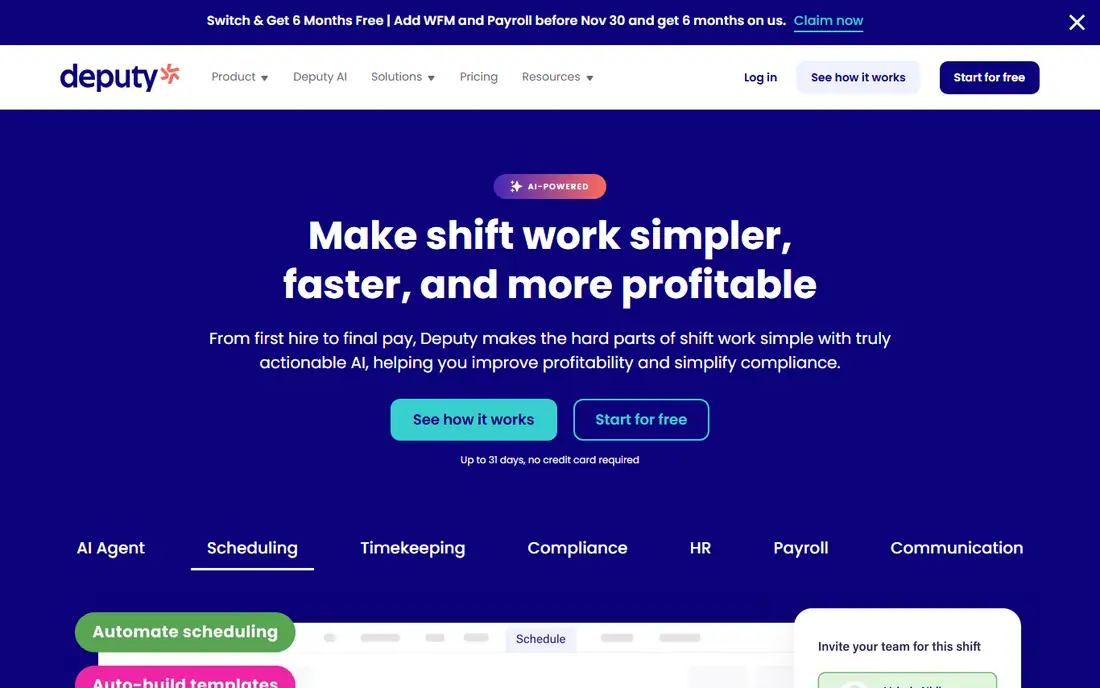
Deputy combines employee scheduling with time tracking, timesheets and leave management in one app. The Lite plan costs $5 per user per month and includes basic scheduling, basic timesheets, basic time clocking, labour law compliance, shift swap and find replacement, leave and availability management, and payroll and HR integrations. Core at $6.50 per user per month adds advanced scheduling, auto-scheduling, micro-scheduling, demand forecasting and labour optimisation, while Pro at $9 adds custom access levels, single sign-on and 24/7 live chat.
Deputy fits retail, hospitality and care teams that want the rota and the clock in one place, with biometrics time clocking on Core to stop buddy punching. The limit is billing: every user counts, including admins and managers, and there is a minimum monthly spend of $30 per invoice. Payroll and HR are also separate add-ons, with payroll at $8 per user per month plus a $49 base fee, so the full cost is higher than the headline $5.
- Lite plan at $5 per user per month includes basic scheduling, timesheets, time clocking and leave management
- Auto-scheduling on Core
- Every user counts toward the bill, including admins and managers, and there is a $30 minimum monthly spend per invoice
When I Work
Ideal for: Cheapest starting price
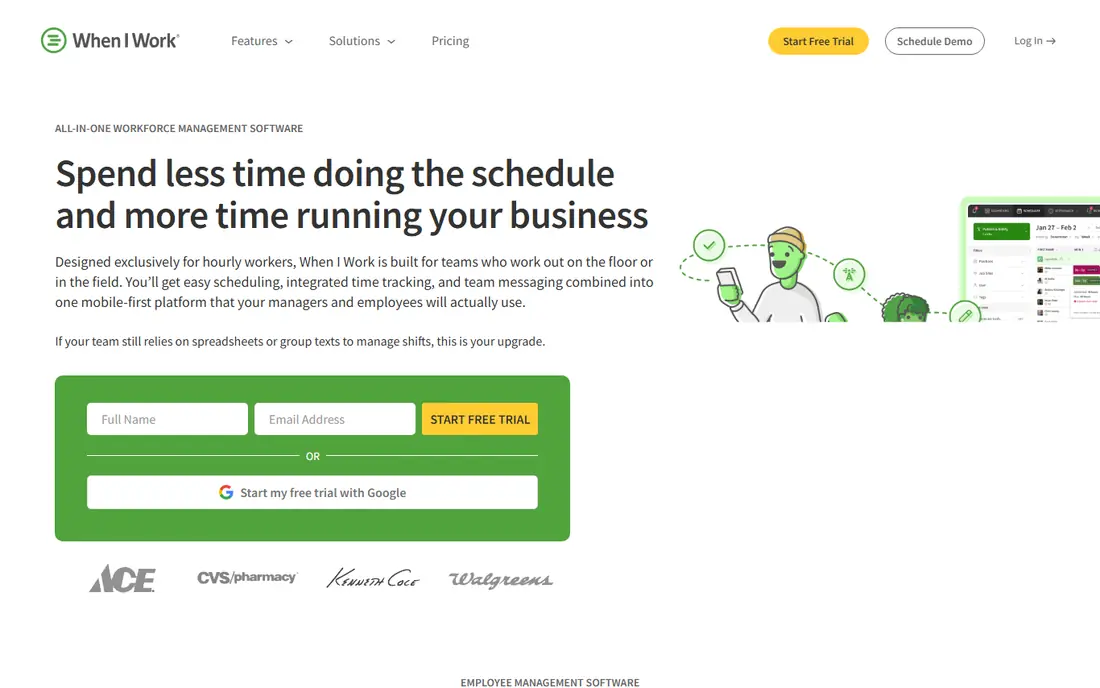
When I Work builds employee schedules for restaurants, retail, healthcare and other shift-based teams. Essentials costs $2.50 per user per month and includes unlimited users, auto scheduling, multi-week and multi-location scheduling, schedule templates, forecast tools, in-app team messaging, open shifts and shift swapping. Pro at $5 per user per month adds advanced scheduling, scheduling rules, role permissions, labour sharing and custom reporting, while Premium at $8 adds API access, webhooks and SAML single sign-on.
When I Work fits a small business that wants the cheapest way to stop building rotas by hand, with a 14-day free trial that opens every feature. The limit is that there is no free plan, so the trial ends and the bill starts, and the plans bundle scheduling, time tracking and messaging together rather than letting a team buy scheduling on its own. Multi-location teams also pay the higher Pro rate for the multi-location plan.
- Essentials at $2.50 per user per month is the lowest starting price in this guide, with unlimited users and auto scheduling
- There is no free plan, only a 14-day trial, and time tracking and messaging are bundled rather than sold on their own
7shifts
Ideal for: Restaurants that need shift planning
7shifts is a scheduling app built for restaurants, with shift planning, team communication, time tracking and labour cost management in one place. The free Comp plan covers basic scheduling, and a 14-day free trial opens all features of the Works plan with no credit card needed. The app handles the restaurant-specific work: shift swaps, time-off requests, availability, and labour cost against sales, with a payroll add-on that includes three months free as a limited-time offer.
7shifts fits single restaurants and small groups that want a tool that understands the dining room, not a generic rota builder. The limit is price clarity: the pricing page lists plans without figures, so a buyer cannot compare 7shifts with When I Work or Deputy on price without talking to sales. The app is also restaurant-first, so a retail or care team may find features it does not need and miss ones it does.
- Built for restaurants with shift planning, team communication and labour cost tools
- Free Comp plan and a 14-day trial of the full Works plan
- 7shifts does not show plan prices on its pricing page, so a restaurant must request a quote to compare costs
Connecteam
Ideal for: Flat monthly price for up to 30 users
Connecteam is an all-in-one app for deskless teams, sold as hubs for operations, communications, and HR. The Operations Hub includes a time clock with GPS, job scheduling, forms, quick tasks and payroll integration. Basic costs $29 a month for the first 30 users on annual billing, or $35 billed monthly, with $0.80 a month for each extra user. Advanced at $49 a month adds full time clock customisation, auto clock out, geofence sites, repeating shifts and templates, while Expert at $99 adds auto assign, API access and unlimited geofence sites.
Connecteam fits field service, cleaning, security and retail teams whose staff have no desk and no email, because the app runs on their phones. The limit is scope: scheduling sits inside a wider platform, so a team that only wants a rota is buying into hubs for chat, training and HR as well. The flat price also changes once a team passes 30 users, since each extra user adds a monthly fee on top of the base.
- Flat $29 a month for the first 30 users on annual billing, with time clock, job scheduling, forms and tasks in the Operations Hub
- Scheduling is one hub inside a wider platform, so a team that only wants scheduling pays for a hub with tools it may not use
Sling
Ideal for: Free scheduling for up to 30 users
Sling is a scheduling and communication app for shift-based teams. The free plan covers shift scheduling, time-off requests, available shifts, news sharing, long-term scheduling and private messaging for up to 30 users. Premium costs $1.70 per user per month on annual billing, or $2 billed monthly, and adds mobile time tracking, labour cost management, overtime tracking, group messaging and calendar sync. Business at $3.40 per user per month on annual billing adds kiosk time tracking, reports, no-show and sick call-out tracking, and time-off management.
Sling fits a small business that wants free scheduling and is happy to pay only for time tracking. The limit is the free plan: it has no time tracking, no labour cost tools and no reports, so a manager who needs hours for payroll must upgrade. Sling also charges per user on the Premium and Business plans, so a large team pays for every member rather than a flat monthly fee.
- Free plan covers shift scheduling for up to 30 users with no time limit
- Premium adds mobile time tracking for $1.70 per user per month
- The free plan has no time tracking, labour cost tools or reports, so a team that needs those must move to Premium or Business
Planday
Ideal for: European teams that need compliance rules
Planday is a workforce management app for shift-based teams in hospitality, retail, care and leisure. The Starter plan starts from £2.99 per user per month and includes scheduling, simple time tracking, working time rules and compliance warnings, basic payroll reporting and team communication. Plus adds advanced scheduling, leave and absence management, accurate payroll reporting and integrations, revenue integration, and employee information and document management. Pro is custom priced for larger organisations that need auto-scheduling, custom planning metrics and dedicated phone support.
Planday fits European teams that must follow working time rules, because compliance warnings flag shifts that break rest or hour limits before they are published. The limit is pricing: the headline figure is in pounds, so a team outside the UK must convert it, and the Pro plan is custom priced, so larger teams need a quote. Planday also focuses on its home markets, so support hours and payroll integrations may suit Europe better than other regions.
- Working time rules and compliance warnings are built in, with payroll reporting and team communication
- 30-day free trial with no credit card
- Prices are shown in pounds, and the Pro plan is custom priced, so non-UK teams must convert and ask for a quote
How we chose
We compared vendor pricing pages, product pages and documentation for all seven tools on 11 November 2026, using the annual billing figure where a vendor shows both rates. Where a vendor showed no figure on its pricing page, we marked the tool quote only rather than repeating third-party estimates. We compared the features that matter in work scheduling: rota building, shift swaps, availability, time tracking, labour cost control, payroll integration, mobile apps, and free-plan limits. We did not run hands-on tests, so feature claims here come from vendor documentation.
What to check before you buy
Check how the tool charges first. Some charge per user, some per location, and some a flat monthly fee for the first 30 users, so the cheapest headline price is not always the cheapest bill for your team. Ask whether admins and managers count toward the user total, whether there is a minimum monthly spend, and whether payroll, time tracking and messaging are included or sold as add-ons. Check the free-plan limits too, because a free plan that caps at 10 employees or 30 users will run out as you grow.
Check the rota workflow next. Confirm staff can swap shifts, claim open shifts and set availability from their phones, and that managers get alerts for overtime, missed shifts and labour cost overruns. Then run a trial with a real rota, and measure how long it takes to build the week, how many shift problems staff solve on their own, and whether hours flow into payroll without manual retyping.
| Team size and budget | Best fit | Why | Watch out | | 1 to 10 people, under $300 a year | Sling Free, Homebase Basic | Both free plans cover small teams at no cost | Sling Free has no time tracking, Homebase Basic caps at 10 employees | | 10 to 30 people, $300 to $1,500 a year | When I Work Essentials, Sling Premium | $2.50 and $1.70 per user a month on annual billing | When I Work has no free plan, Sling charges per user | | 30 to 100 people, $1,500 to $6,000 a year | Deputy Lite, Connecteam Basic | $5 per user a month, or $29 a month flat for 30 users | Deputy counts every user, Connecteam adds a fee per user past 30 | | Restaurants of any size | 7shifts | Built for restaurants with shift planning and labour cost tools | No prices published, so request a quote | | European teams with compliance rules | Planday | Working time rules and compliance warnings built in | Prices in pounds, Pro plan is custom priced |
Frequently asked questions
What is a work scheduling app?
A work scheduling app builds rotas for shift-based teams, tracks who is working when, and lets staff swap shifts, claim open shifts and set availability from their phones. Most of them also track time, manage time off, and feed hours into payroll, so managers stop building rotas in spreadsheets.
Which work scheduling app is cheapest?
When I Work Essentials is the cheapest option with a published price, at $2.50 per user per month. Sling Premium at $1.70 per user per month on annual billing is cheaper per user, but it only adds time tracking on top of the free scheduling plan. Sling Free and Homebase Basic both cost nothing for small teams.
Do any of these apps have a free plan?
Yes. Sling is free for up to 30 users, Homebase Basic is free for up to 10 employees at one location, and 7shifts has a free Comp plan. Deputy, When I Work, Connecteam and Planday have no free plan, but each offers a free trial of 14 to 30 days.
Can staff swap shifts on their own?
Yes, all seven tools in this guide let staff swap shifts, claim open shifts and set availability, usually from a mobile app. Homebase, Deputy, When I Work, 7shifts, Sling and Planday all include shift swaps, and most of them ask a manager to approve the swap before it takes effect.
Which app is best for a restaurant?
7shifts is the best fit for a restaurant, because it is built for the dining room, with shift planning, labour cost against sales, and a payroll add-on. When I Work and Homebase also suit restaurants, and both publish prices, which makes them easier to compare on cost before you talk to sales.