Start with ConnectWise Automate if you need RMM-driven technical task automation. Listed starting prices: NinjaOne from $1.50 per device a month. If your case is different, N-able N-central suits RMM automation at scale and Rewst suits cross-stack MSP workflow automation. The remaining 2 options are covered below with prices and limits.
Choosing workflow automation software for MSPs usually comes down to price, fit and limits. This Ainotely guide sets 5 tools side by side on those three points, with the facts kept short and checkable.
Key takeaways
The list opens with ConnectWise Automate, aimed at RMM-driven technical task automation.
N-able N-central comes with a trade-off: feature depth can slow onboarding.
NinjaOne fits unified endpoint operations and automation.
Only SuperOps offers a free plan among these 5 tools.
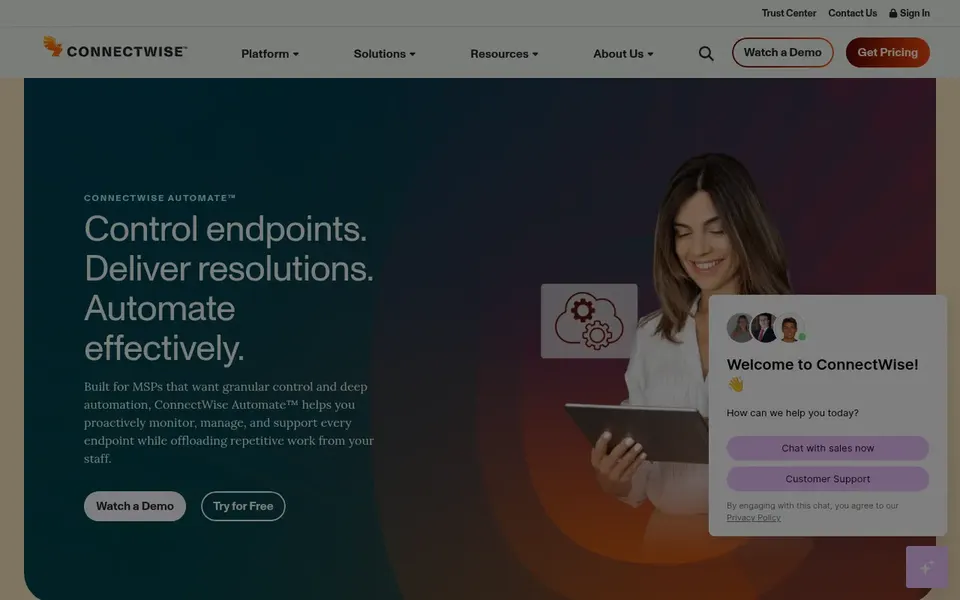
ConnectWise Automate is a good fit for RMM-driven technical task automation. ConnectWise Automate is positioned as RMM software that automates the technical work an IT team deals with and boosts operational return. The system carries a ramp-up time, and automation logic frequently needs ongoing maintenance as environments change.
From a buyer's view, teams with dedicated automation administrators tend to get the most from it. Consider alternatives if you lack staff to build and maintain scripts. No starting price is listed for ConnectWise Automate here; confirm pricing on the vendor site. As for free access: Not stated.
The main drawbacks: Best value needs committed administration.
N-able N-central is a good fit for RMM automation at scale. N-able N-central describes itself as unified endpoint management with advanced RMM capabilities for complicated environments, securing endpoints and automating IT operations at scale.
What to check first: Feature depth can slow onboarding.
It fits MSPs managing bigger or more intricate client estates where automation rules must handle plenty of device types and policies. Pricing for N-able N-central is not stated here, so ask the vendor for current figures. Free plan details: Not stated.
Think of Rewst for cross-stack MSP workflow automation. Rewst describes itself as the secure MSP automation product that the entire stack runs on, with the idea that every client benefits from your best engineer's logic. It complements RMM tools instead of replacing them.
Building effective workflows needs design skill and upkeep. In daily use, choose it when cross-platform orchestration is the gap in your stack. No starting price is listed for Rewst here; confirm pricing on the vendor site. On free options: Not stated.
Best for: Autonomous endpoint management with AI agents
Where SuperOps fits: autonomous endpoint management with AI agents. SuperOps markets itself as an autonomous endpoint management product for IT teams and MSPs, with AI agents that patch, fix and secure devices. An autonomous model relies on trusting agent decisions, and MSPs with strict custom procedures may want more manual control.
Where it is weaker: Less suited to heavily custom scripts.
Teams wanting modern, self-directed endpoint handling should shortlist it. Evaluate SuperOps when reducing routine manual work is the primary goal. Pricing for SuperOps is not stated here, so ask the vendor for current figures. A free plan is available with SuperOps.
Best for: Unified endpoint operations and automation
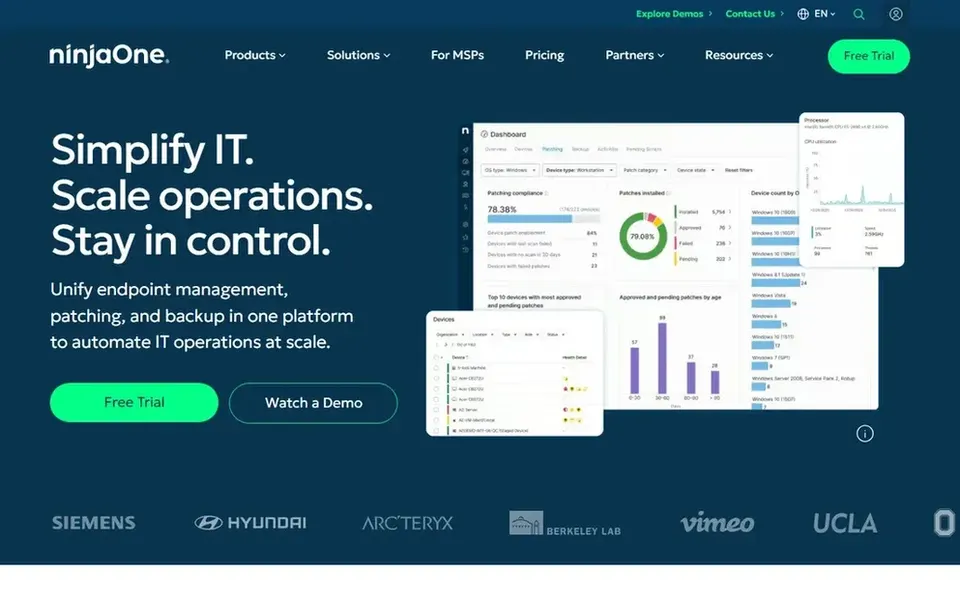
NinjaOne works best for unified endpoint operations and automation. NinjaOne presents itself as a unified IT operations product handling endpoint management, autonomous patching, backup and remote access.
Drawbacks to consider: Deep customization takes setup effort.
More specifically, choose NinjaOne when consolidation and endpoint control matter more than bespoke orchestration. The starting price for NinjaOne: $1.50 per device per month. Free access: Free trial.
Ask ConnectWise Automate, N-able N-central, Rewst and SuperOps for a written quote, since no starting price is shown.
Test the free plan from SuperOps against your real workload before relying on it.
Use real work to test the free trial from NinjaOne, rather than a demo project.
Read the limits listed for ConnectWise Automate first: automation setup can be complicated.
Price ConnectWise Automate for your actual team size; headline prices rarely include add-ons or overage.
Before rolling out NinjaOne, verify the integrations your workflow depends on.
How we picked
The comparison looks at four things: starting price, free access, how well the feature set matches workflow automation software for MSPs, and the main limit of each tool. Figures are shown as the vendors publish them. Billing terms, seat minimums and add-ons can change the real cost. The order reflects how well each tool fits the most common buying scenario for workflow automation software for MSPs, then price clarity, then free plan access. It is a starting point, not a verdict.
Every price and plan detail on this page comes from the vendors’ own websites. We did not run hands-on tests unless the text says so, and we do not publish star ratings or review scores. See how we score and our disclosure.
Keep your shortlist in one place
Paste prices, trial dates and notes from this guide into Ainotely, our AI note app. It files them into a topic and pulls out tasks like “cancel trial by Friday”. Free 7-day trial, no card needed.
Often, yes. SuperOps has a free plan and NinjaOne offers a free trial. Use your own data and a real task during the test, and check what the free tier or trial limits before you rely on it. The 5 tool cards above repeat this per product for workflow automation software for MSPs, with the listed price or "pricing on request".
Is ConnectWise Automate the right pick for everyone comparing workflow automation software for MSPs?
No single tool suits every team. ConnectWise Automate comes first because it fits RMM-driven technical task automation, while N-able N-central suits RMM automation at scale and Rewst suits cross-stack MSP workflow automation. Match the tool to your own size, budget and workflow before deciding.
How does AI-driven automation differ from scripted automation?
Scripted automation follows rules your team defines, giving predictable control. AI-driven approaches, for example SuperOps describes, let agents decide and act on devices with less manual setup. The tradeoff is control compared with reduced routine effort.
Do these tools publish their prices?
Not all of them. ConnectWise Automate, N-able N-central, Rewst and SuperOps publish no starting price, so expect a quote request for those. The rest, NinjaOne included, show a starting price, though seats and billing terms still change the final cost.
What is the cheapest option for workflow automation software for MSPs in this list?
On published monthly entry prices, NinjaOne is the lowest here at $1.50 per device per month. Entry price is only part of the cost, because seats, add-ons and billing terms can change the total. Each of the 5 options in this workflow automation software for MSPs guide has its own card above with the price, free plan and limits.