6 Best Workflow Automation Software for Teams for 2026

- 1
 WorkatoEnterprises needing governed automation across the businessVisit
- 2
 MakeTeams that want visual, capable scenario building at low costVisit
- 3
 ZapierTeams that want the largest integration library with minimal setupVisit
- 4
 NintexEnterprises automating complicated processes with compliance requirementsVisit
- 5
 Microsoft Power AutomateOrganizations standardized on Microsoft 365 and AzureVisit
- Top of the list is Workato, which targets enterprises needing governed automation across the business.
- The main caution on Zapier: costs scale with task volume.
- Make, Zapier, n8n: these are the 3 tools out of 6 that offer a free plan.
- No starting price is published for Workato, Nintex and Microsoft Power Automate; expect a quote.
Direct answer
Our first pick is Workato, best for enterprises needing governed automation across the business. For a different need, Make covers teams that want visual, capable scenario building at low cost and Zapier covers teams that want the largest integration library with minimal setup. All 6 tools are compared below on price, free plan and limits.
Quick comparison
| Product | Ideal for | Price from | Free version | |
|---|---|---|---|---|
| Workato | Enterprises needing governed automation across the business | See website | No | Visit |
| Make | Teams that want visual, capable scenario building at low cost | Free; premium from $9/month | Yes | Visit |
| Zapier | Teams that want the largest integration library with minimal setup | Free; premium from $19.99/month | Yes | Visit |
| Nintex | Enterprises automating complicated processes with compliance requirements | See website | No | Visit |
| Microsoft Power Automate | Organizations standardized on Microsoft 365 and Azure | See website | Not stated | Visit |
 n8n | Technical teams that want self-hosted automation without usage anxiety | Free self-hosted; Cloud plans available | Yes | Visit |
Workflow Automation Software for Teams profiles
Ainotely compared 6 workflow automation software for teams. The goal is a practical shortlist: published prices, free plan facts, best-fit use cases and honest limits for every entry.
Workato
Ideal for: Enterprises needing governed automation across the business
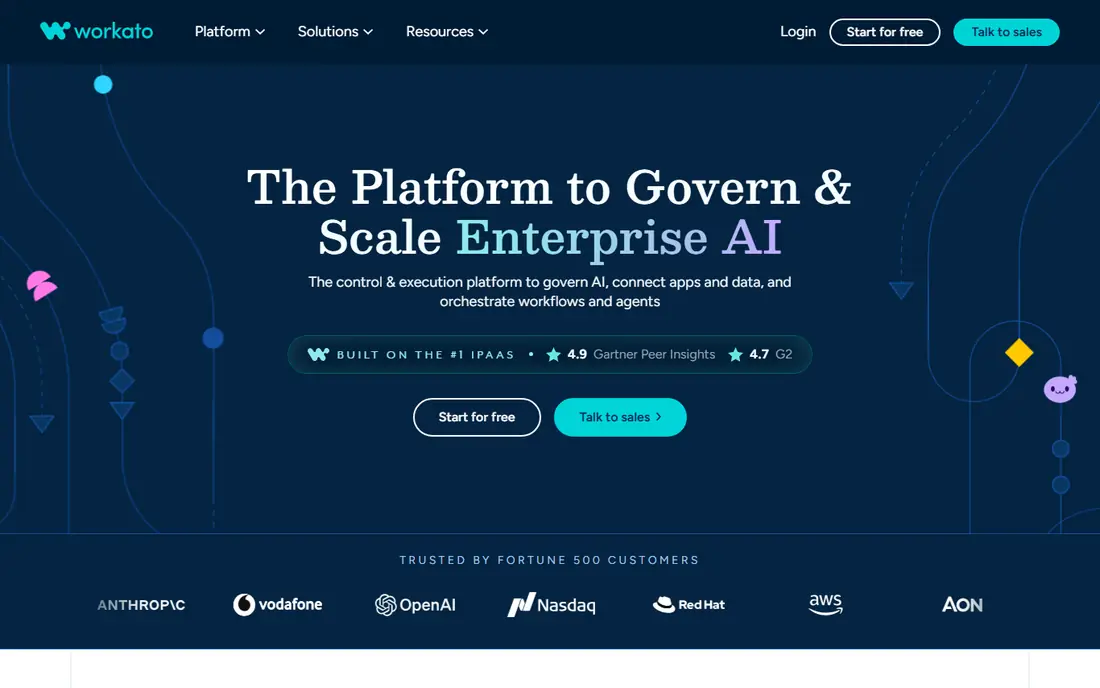
Workato was built for enterprises needing governed automation across the business. But for organizations where automation must be auditable, secure, and centrally governed, Workato is the category leader.
Drawbacks to consider: Overkill for small teams.
Worth adding: the embedded integration model is a quiet advantage: product teams can offer native integrations to customers powered by Workato, turning internal automation into a product feature. Workato shows no starting price here, so confirm the cost on the vendor site. There is no free plan with Workato.
- Enterprise-grade governance and security
- Capable IT controls
- Enterprise pricing
Make
Ideal for: Teams that want visual, capable scenario building at low cost
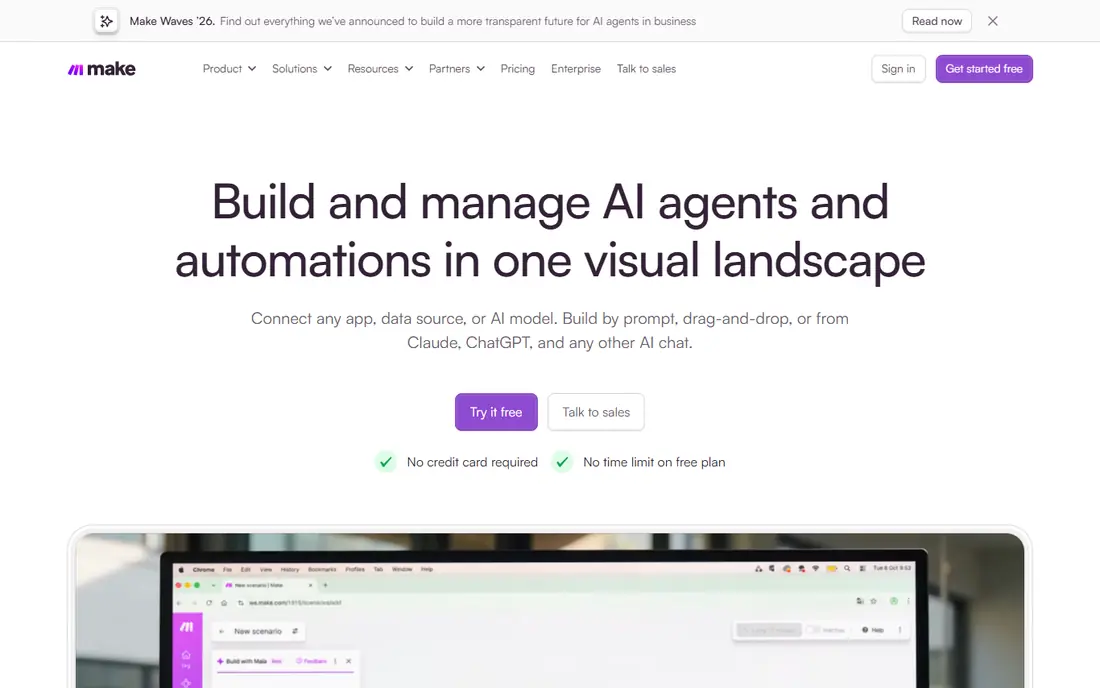
Make was built for teams that want visual, capable scenario building at low cost. Make, formerly Integromat, hands you a canvas where workflows are drawn, not configured.
Watch-outs: Error handling needs attention.
The execution history and debugging view are also more solid than most rivals, which matters when a scenario with forty modules misbehaves at 2 AM. Make cost at the entry level: Free. You can start on Make without paying. What works well: Manages complicated logic well.
- Budget-friendly entry at $9/month
- Ample operations on premium levels
- Ramp-up time steeper than Zapier
Zapier
Ideal for: Teams that want the largest integration library with minimal setup
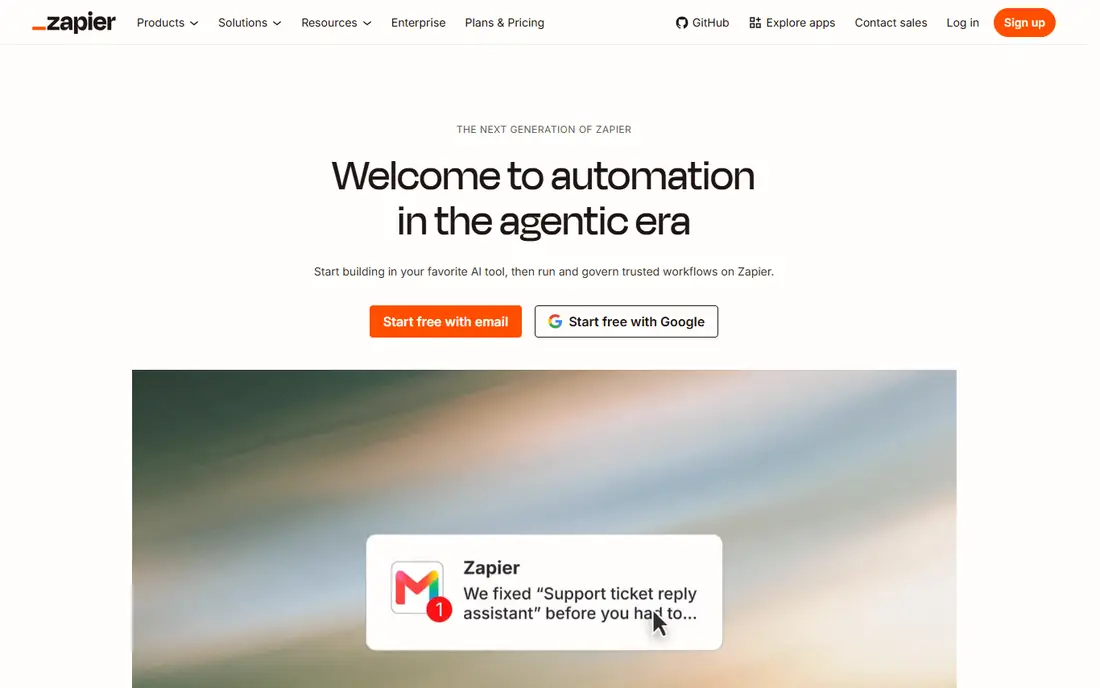
Zapier is designed for teams that want the largest integration library with minimal setup. Zapier is the category's household name since it makes the first automation trivially simple: pick a trigger, pick an action, done. More specifically, the template library deserves mention too: thousands of pre-built zaps mean typical workflows often need only minor customization instead of fresh construction.
On top of that, the pricing model is the perennial complaint: tasks are metered, so successful automations get costly. Complicated branching logic also strains the linear zap model. But for teams automating standard processes across typical SaaS tools, nothing gets you from zero to automatic quicker. Zapier starts at: Free. Free access exists with Zapier.
Trade-offs to know: Complicated logic gets awkward.
- Capable team workspaces
- Multi-step zaps with paths and filters
- Per-zap pricing punishes heavy users
Nintex
Ideal for: Enterprises automating complicated processes with compliance requirements
Nintex serves enterprises automating complicated processes with compliance requirements. Regulated industries value the audit trails and controls that lighter tools lack.
Where it falls short: Heavier than modern alternatives.
It is heavier and pricier than the modern self-serve tools, and the interface carries that history. Nintex shows no starting price here, so confirm the cost on the vendor site. Nintex does not include a free plan.
- Well suited to regulated industries
- Workflow plus document generation plus RPA
- UI modernization continuing
Microsoft Power Automate
Ideal for: Organizations standardized on Microsoft 365 and Azure
Choose Microsoft Power Automate for organizations standardized on Microsoft 365 and Azure. Microsoft shops should exhaust Power Automate before buying anything else. On top of that, flows trigger from anything in the Microsoft ecosystem, desktop RPA automates legacy apps, and AI Builder layers on document understanding.
Honest limits: Non-Microsoft integrations weaker.
Outside Microsoft's world, the connector story thins, and the licensing levels confuse everyone. But the economic argument is feature-rich: automation at marginal cost inside the suite you already pay for. No starting price is listed for Microsoft Power Automate here; confirm pricing on the vendor site. On free options: Not stated.
Best features of Microsoft Power Automate: Desktop RPA included.
- AI Builder for document processing
- Deep Microsoft 365, Teams
- Flow management at scale needs discipline
n8n
Ideal for: Technical teams that want self-hosted automation without usage anxiety
For technical teams that want self-hosted automation without usage anxiety, n8n is a natural candidate. n8n is the developer's automation system: open, extensible, and free to self-host. In daily use, for technical teams that want automation as infrastructure instead of a SaaS subscription, n8n is the standard choice.
Main advantages: Visual plus code (JavaScript/Python) nodes.
The cloud offering removes that burden with per-execution pricing. Workflows combine visual nodes with real code, custom nodes are straightforward to build. The AI capabilities let teams build agent-driven workflows on their own infrastructure. More specifically, self-hosting removes the metered-pricing anxiety entirely. As for the details, the cost is operational: you run it, you maintain it. The starting price for n8n: Free self-hosted. Free access exists with n8n.
Honest limits: Cloud pricing per execution.
- No per-execution pricing when self-hosted
- AI agent workflow support
- Smaller app library than Zapier
Notes on workflow automation software for teams
Individually each task takes minutes. Workflow automation software exists to delete that tax, connecting apps and data so defined processes run themselves, with humans handling only the exceptions. For teams, as opposed to solo tinkerers, the evaluation changes.
More specifically, you need shared workspaces, permissions, version history, error handling that pages someone, and pricing that does not punish success.
What went into this list
For each of the 6 tools we noted price, free plan or trial, fit for workflow automation software for teams and the main limit, using vendor pages and documentation. Plan names, prices and limits change often. Treat the figures here as a starting point and verify them with the vendor. We ordered the tools by general fit, then by how clearly pricing is shown, then by free access. A buyer with unusual needs may reorder them.
Pre-purchase checklist
- Confirm the entry price on the vendor page. For Workato, Nintex and Microsoft Power Automate that means a quote rather than a fixed price.
- Read the fine print on the free plans from Make, Zapier and n8n; seat, project and feature caps differ.
- Before choosing Workato, weigh its main limit: enterprise pricing.
- Involve the people who will use Make daily; a short pilot beats a long feature checklist.
- Ask n8n about contract length, onboarding fees and user minimums before you sign.
Frequently asked questions
Do these tools publish their prices?
Not all of them. Workato, Nintex and Microsoft Power Automate publish no starting price, so expect a quote request for those. The rest, Make included, show a starting price, though seats and billing terms still change the final cost.
Which options for workflow automation software for teams have a free plan?
On this list, Make, Zapier and n8n include a free plan. Caps on seats, usage or features are common, so test the free plan against your real workload.
Can I try these tools before paying?
Often, yes. Make, Zapier and n8n have a free plan. Use your own data and a real task during the test, and check what the free tier or trial limits before you rely on it.
How are the tools for workflow automation software for teams ordered?
Workato sits first and n8n last because the order follows typical fit for workflow automation software for teams, then price clarity and free access. It is a judgement call, so read each profile for fit and limits.