Shortlist: 7 Best Workforce Planning Software Options for 2026

- This list starts with Vena, which is built for Excel-native planning teams.
- ChartHop is the lowest-priced starter here at $8/employee/month.
- Check the limits for ChartHop before you commit: $9,000 annual minimum on core plans.
- Planful fits finance-led workforce budgeting.
- Vena, Planful and the 5 others all need a premium plan or a trial, since no free plan is listed.
Direct answer
This list puts Vena first for Excel-native planning teams. One Model is better for people analytics and benchmarking, and Pigment is better for modern mid-market planning. The full list of 7 tools follows, with prices and free plan facts.
Quick comparison
| Product | Ideal for | Price from | Free version | |
|---|---|---|---|---|
 Vena | Excel-native planning teams | See website | No | Visit |
 One Model | People analytics and benchmarking | See website | No | Visit |
 Pigment | Modern mid-market planning | See website | No | Visit |
 ChartHop | Org design and headcount planning | $8/employee/month | Free trial | Visit |
 Orgvue | Org design and workforce modeling | See website | No | Visit |
 Anaplan | Enterprise connected planning | See website | No | Visit |
 Planful | Finance-led workforce budgeting | See website | No | Visit |
7 options for workforce planning software in detail
Ainotely compared 7 tools for workforce planning software. The goal is a practical shortlist: published prices, free plan facts, best-fit use cases and honest limits for every entry.
Vena
Ideal for: Excel-native planning teams

Think of Vena for Excel-native planning teams. Vena takes the opposite approach from the modern challengers: rather than replacing Excel, it keeps teams inside it. The appeal is adoption.
Limits to weigh: Excel dependency limits some automation.
Finance teams that live in Excel get planning software without learning a new interface, which eliminates the change management that sinks plenty of implementations. In practice, headcount budgets, salary planning, and scenario versions all stay in the tool people already know. No starting price is listed for Vena here; confirm pricing on the vendor site. Vena has no permanent free option.
- Capable financial planning workflows
- Works inside Excel
- People analytics thinner than HR-native tools
One Model
Ideal for: People analytics and benchmarking
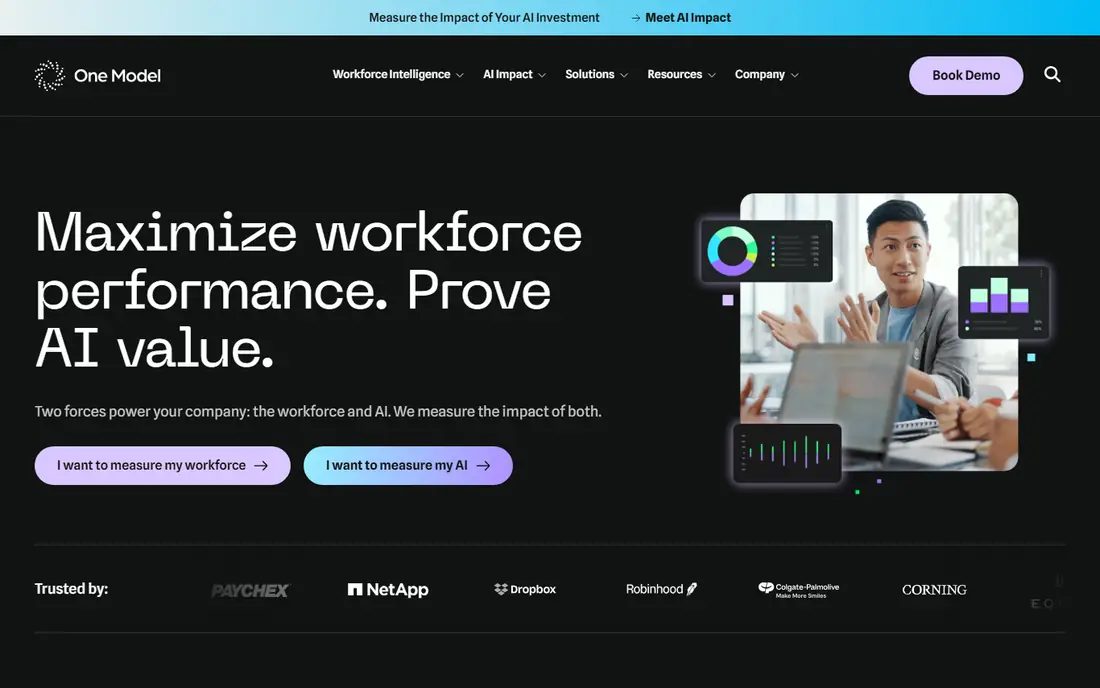
One Model is a good fit for people analytics and benchmarking. The honest trade-offs are scale and planning depth.
Where it is weaker: Planning features thinner than dedicated systems.
Pricing for One Model is not stated here, so ask the vendor for current figures. One Model has no free tier.
- Decent data integration
- Practical HR insights
- Quote-only pricing
Pigment
Ideal for: Modern mid-market planning

Where Pigment fits: modern mid-market planning. The interface is familiar enough that finance and HR teams adopt it rapidly, whereas the underlying engine takes care of multi-dimensional modeling, live collaboration, and scenario planning that spreadsheets cannot. Nucleus Research lists Pigment among 2026 accelerators, reflecting its usability advantage.
Downsides: Quote-only pricing.
Firms needing maximum governance depth should compare against Anaplan first. Mid-market firms choose Pigment to escape spreadsheet chaos without taking on Anaplan-scale complexity. The honest caveats are maturity and pricing transparency. It is a younger vendor than the enterprise incumbents. Pricing is quote-only with contracts reportedly starting in the tens of thousands a year. Pigment does not show a starting price in this comparison, so check the vendor site for current pricing. There is no free plan with Pigment.
- Live collaborative modeling
- Spreadsheet-like interface teams actually adopt
- Younger vendor than Anaplan
ChartHop
Ideal for: Org design and headcount planning
ChartHop is designed for Org design and headcount planning. At $8 per employee a month for the first core module, with a $2 per employee Basic level, it publishes pricing the enterprise vendors keep behind sales calls. For everyday use, the product's signature is visualization.
Honest limits: Predictive modeling thinner than Visier.
From a buyer's view, core plans carry a $9,000 annual minimum with separate implementation fees, so the published per-employee rate applies to real commitments. On top of that, Org charts with historical views, scenario modeling, and headcount planning sit alongside compensation analytics and HR reporting. Integrations with Workday, BambooHR, Rippling, and other HRIS systems keep the data current. The starting price for ChartHop: $8/employee/month. As for free access: Free trial.
- Published per-employee pricing
- Headcount planning plus people analytics
- $9,000 annual minimum on core plans
Orgvue
Ideal for: Org design and workforce modeling
For Org design and workforce modeling, Orgvue is a natural candidate. Firms use it to visualize complicated org structures, model restructurings, and run workforce scenarios during mergers, transformations, and cost programs. Also, the differentiator is focus.
Whereas the planning products treat org design as a feature, Orgvue treats it as the product, with deeper modeling for restructuring scenarios and workforce optimization. Businesses needing both pair it with a planning system; firms needing org design depth alone get a specialist. Beyond that, the honest limitation is breadth. It is narrower than the full planning suites, including org design and modeling instead of budgeting and forecasting end to end. Check the vendor site for Orgvue pricing; none is listed in this comparison. Orgvue has no free tier.
What to check first: Enterprise sales process.
- Takes care of complex orgs
- Purpose-built org design
- Quote-only pricing
Anaplan
Ideal for: Enterprise connected planning
Anaplan is built with enterprise connected planning in mind. The honest trade-offs are cost and complexity. Companies below the enterprise level should look at Pigment or Planful for similar concepts at lower commitment.
Watch-outs: Complicated implementation.
In practice, headcount, compensation, and hiring plans update together rather than living in separate spreadsheets. More specifically, the product's strength is scale and adaptability. Pricing is quote-only with enterprise-level contracts, implementation is a significant project, and the system needs trained administrators. Large enterprises model tens of thousands of employees across regions, entities, and cost centers, with governance controls that satisfy audit requirements. Check the vendor site for Anaplan pricing; none is listed in this comparison. Anaplan does not include a free plan.
- Most capable connected planning engine
- Proven at massive enterprise scale
- Needs dedicated administrators
Planful
Ideal for: Finance-led workforce budgeting
Planful serves finance-led workforce budgeting. Finance teams use it to model headcount costs, hiring plans, and compensation budgets as part of the broader financial plan, which keeps workforce decisions tied to the numbers that fund them.
Planful does not show a starting price in this comparison, so check the vendor site for current pricing. Planful has no free plan.
Where it falls short: Less modern UX than Pigment.
- A decent match for budget-cycle workforce planning
- Solid financial planning heritage
- HR-specific analytics thinner than Visier
How we chose
Ainotely looked at what each vendor publishes: pricing, plan limits, feature coverage for workforce planning software and stated drawbacks. No hands-on testing is claimed. Where a price is missing, the vendor does not list one publicly or ties it to a quote. Always confirm before budgeting. The ranking is editorial: typical fit first, then clear pricing, then free access. If your needs are unusual, read the profiles rather than relying on position.
A buyer's checklist
- Get a written quote from Vena, One Model, Pigment and others; the list shows no starting price for them.
- Run a trial of ChartHop with real work before paying for a year; your own workflow is the best test.
- Read the limits listed for Vena first: quote-only pricing.
- Map your must-have features to a specific Planful plan before you compare prices.
- Pick one real project and run it in Vena first; a small pilot shows fit faster than a checklist.
Frequently asked questions
Is Vena the right pick for everyone comparing workforce planning software?
No single tool suits every team. Vena comes first because it fits Excel-native planning teams, while One Model suits people analytics and benchmarking and Pigment suits modern mid-market planning. Match the tool to your own size, budget and workflow before deciding.
What is the cheapest option for workforce planning software in this list?
On published monthly entry prices, ChartHop is the lowest here at $8/employee/month. Entry price is only part of the cost, because seats, add-ons and billing terms can change the total.
Do these tools publish their prices?
Not all of them. Vena, One Model, Pigment and others publish no starting price, so expect a quote request for those. The rest, ChartHop included, show a starting price, though seats and billing terms still change the final cost.
Can I try these options before paying?
Often, yes. ChartHop offers a free trial. Use your own data and a real task during the test, and check what the free tier or trial limits before you rely on it.
How much does workforce planning software cost?
Most products are quote-only, with entry-level enterprise contracts reportedly starting around $20,000 to $50,000 a year plus implementation. Expect implementation and data work on top of the license.