Best Workforce Software for Productivity Tracking in 2026: 8 Tools Compared

- 1
 ActivTrakTeams that want productivity insights with privacy controlsVisit
- 2
 HubstaffRemote teams that want time and activity trackingVisit
- 3
 Time DoctorTeams that want detailed time and productivity trackingVisit
- 4
 TeramindCompanies that need detailed workforce monitoringVisit
- 5
 InsightfulTeams that want productivity tracking with transparencyVisit
- ActivTrak stands out for teams that want productivity insights with privacy controls, which makes it a strong starting point for that need.
- Hubstaff stands out for remote teams that want time and activity tracking, which makes it a strong starting point for that need.
- Time Doctor stands out for teams that want detailed time and productivity tracking, which makes it a strong starting point for that need.
- Teramind stands out for companies that need detailed workforce monitoring, which makes it a strong starting point for that need.
- Prices and free plans vary widely across this list, so check the vendor pricing page for your team size or usage before you commit.
Please note: Workplace monitoring raises employee privacy questions. Be transparent about what is tracked, get consent where required, and check local labor and privacy law before you use tracking software.
Quick comparison
| Product | Ideal for | Price from | Free version | |
|---|---|---|---|---|
| ActivTrak | Teams that want productivity insights with privacy controls | See website | No | Visit |
| Hubstaff | Remote teams that want time and activity tracking | See website | No | Visit |
| Time Doctor | Teams that want detailed time and productivity tracking | See website | No | Visit |
| Teramind | Companies that need detailed workforce monitoring | See website | No | Visit |
| Insightful | Teams that want productivity tracking with transparency | See website | No | Visit |
 DeskTime | Small teams that want simple productivity tracking | See website | Yes | Visit |
 Monitask | Small teams that want simple employee monitoring | See website | No | Visit |
 Kickidler | Teams that want productivity insights in one tool | See website | No | Visit |
The best workforce software for productivity tracking
We compared official feature pages, pricing pages, app store listings, privacy policies, and public reviews for this roundup. The products below cover different budgets and needs, so the best choice depends on how you will actually use it day to day. Our pick for most people is ActivTrak, because it covers the core need well, but read the full list before you decide, since a smaller or cheaper option may fit your situation better.
ActivTrak
Ideal for: Teams that want productivity insights with privacy controls
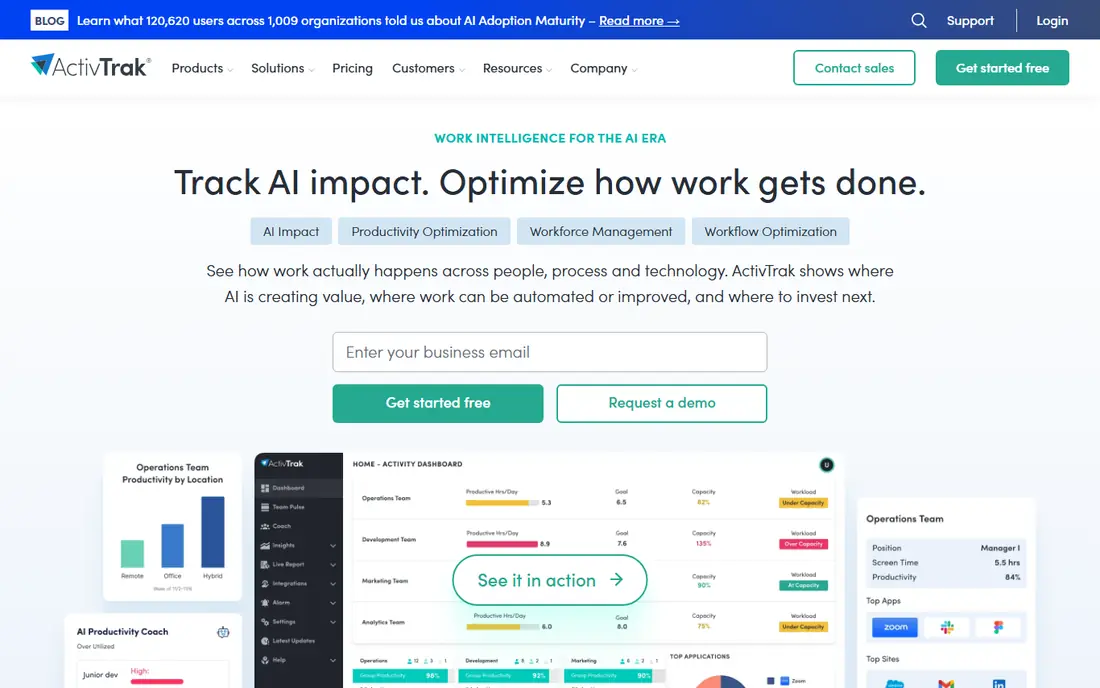
ActivTrak provides productivity analytics and activity insights for teams, with privacy controls. It suits managers who want insight into work patterns without invasive tracking.
When we compared ActivTrak with the rest of this list, its strengths were clear: productivity analytics; activity insights; privacy controls On the other side, buyers should weigh this catch: monitoring features need careful policy setup; pricing per user That trade off matters most if you plan to use the product every day, so check the pricing page and the free plan terms, and trial it with real work before you commit. For many buyers, ActivTrak earns its place here because it handles the core job well, even though no product on this list is perfect for every need.
- Productivity analytics
- Activity insights
- Privacy controls
- Monitoring features need careful policy setup
- Pricing per user
Hubstaff
Ideal for: Remote teams that want time and activity tracking
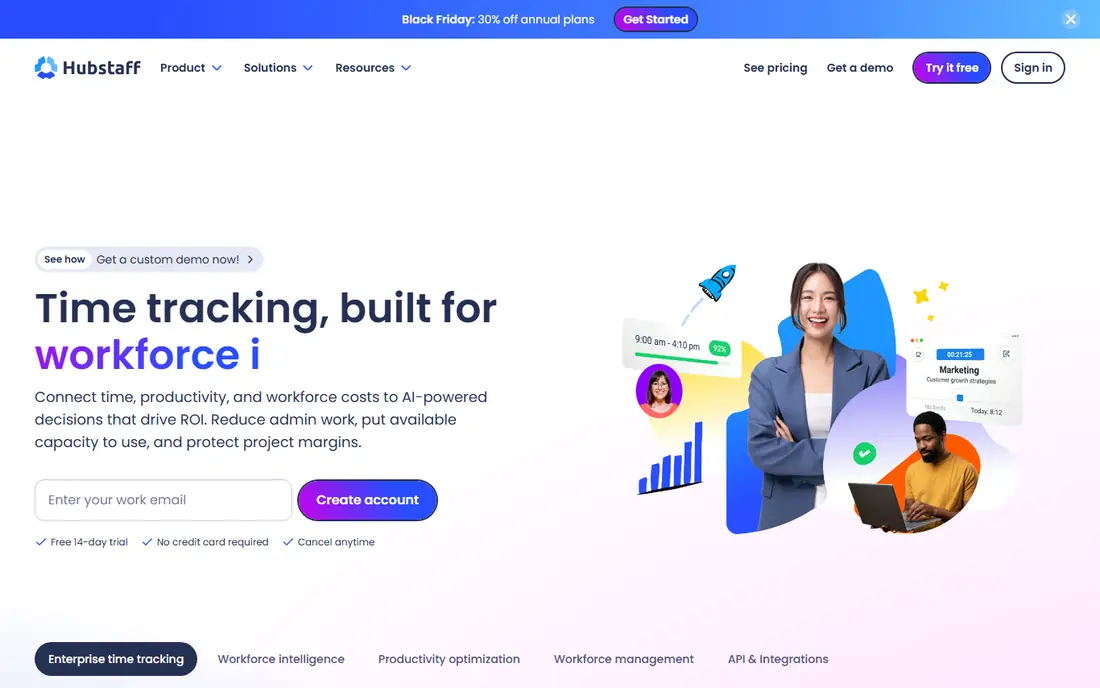
Hubstaff tracks time and activity for remote teams, with optional screenshots and payroll links. It fits remote teams that need time records for billing or payroll.
When we compared Hubstaff with the rest of this list, its strengths were clear: time tracking with screenshots option; activity levels; payroll links On the other side, buyers should weigh this catch: screenshot features raise privacy questions; pricing per user That trade off matters most if you plan to use the product every day, so check the pricing page and the free plan terms, and trial it with real work before you commit. For many buyers, Hubstaff earns its place here because it handles the core job well, even though no product on this list is perfect for every need.
- Time tracking with screenshots option
- Activity levels
- Payroll links
- Screenshot features raise privacy questions
- Pricing per user
Time Doctor
Ideal for: Teams that want detailed time and productivity tracking
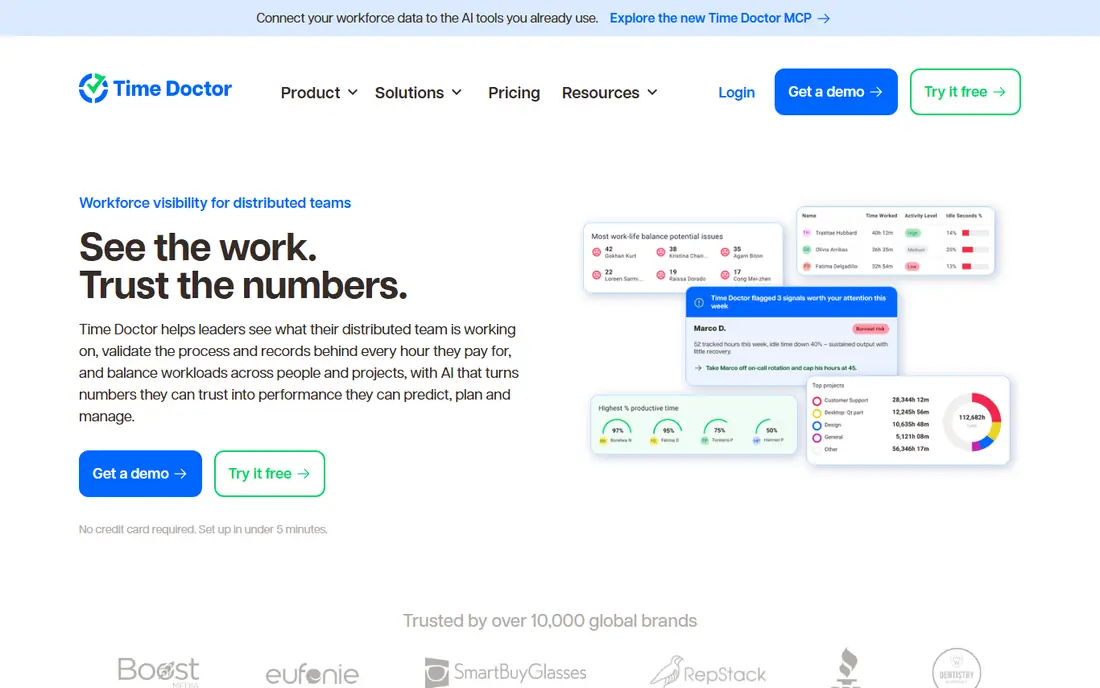
Time Doctor tracks time and productivity in detail for teams, with reports and integrations. It suits teams that need detailed time data for clients or projects.
When we compared Time Doctor with the rest of this list, its strengths were clear: time tracking; productivity reports; integrations On the other side, buyers should weigh this catch: detailed tracking can feel intrusive; pricing per user That trade off matters most if you plan to use the product every day, so check the pricing page and the free plan terms, and trial it with real work before you commit. For many buyers, Time Doctor earns its place here because it handles the core job well, even though no product on this list is perfect for every need.
- Time tracking
- Productivity reports
- Integrations
- Detailed tracking can feel intrusive
- Pricing per user
Teramind
Ideal for: Companies that need detailed workforce monitoring
Teramind offers detailed workforce monitoring with analytics and security features. It fits companies with strict security needs that have clear monitoring policies.
When we compared Teramind with the rest of this list, its strengths were clear: detailed monitoring and analytics; security features; alerts On the other side, buyers should weigh this catch: monitoring depth raises privacy and legal questions; enterprise pricing That trade off matters most if you plan to use the product every day, so check the pricing page and the free plan terms, and trial it with real work before you commit. For many buyers, Teramind earns its place here because it handles the core job well, even though no product on this list is perfect for every need.
- Detailed monitoring and analytics
- Security features
- Alerts
- Monitoring depth raises privacy and legal questions
- Enterprise pricing
Insightful
Ideal for: Teams that want productivity tracking with transparency
Insightful, formerly Workpuls, provides productivity tracking with transparency features for teams. It suits teams that want tracking with clear visibility for employees.
When we compared Insightful with the rest of this list, its strengths were clear: productivity tracking; activity insights; transparency features On the other side, buyers should weigh this catch: pricing per user; monitoring setup needs policy care That trade off matters most if you plan to use the product every day, so check the pricing page and the free plan terms, and trial it with real work before you commit. For many buyers, Insightful earns its place here because it handles the core job well, even though no product on this list is perfect for every need.
- Productivity tracking
- Activity insights
- Transparency features
- Pricing per user
- Monitoring setup needs policy care
DeskTime
Ideal for: Small teams that want simple productivity tracking
DeskTime offers simple time and productivity tracking for small teams, with a free tier. It fits small teams that want basic productivity insight at low cost.
When we compared DeskTime with the rest of this list, its strengths were clear: simple time and productivity tracking; reports; free tier On the other side, buyers should weigh this catch: free tier limits apply; features are lighter than enterprise tools That trade off matters most if you plan to use the product every day, so check the pricing page and the free plan terms, and trial it with real work before you commit. For many buyers, DeskTime earns its place here because it handles the core job well, even though no product on this list is perfect for every need.
- Simple time and productivity tracking
- Reports
- Free tier
- Free tier limits apply
- Features are lighter than enterprise tools
Monitask
Ideal for: Small teams that want simple employee monitoring
Monitask provides simple employee monitoring with time tracking and optional screenshots. It fits small teams that want a straightforward monitoring tool.
When we compared Monitask with the rest of this list, its strengths were clear: simple monitoring; screenshots option; time tracking On the other side, buyers should weigh this catch: monitoring features need policy care; feature range is narrower That trade off matters most if you plan to use the product every day, so check the pricing page and the free plan terms, and trial it with real work before you commit. For many buyers, Monitask earns its place here because it handles the core job well, even though no product on this list is perfect for every need.
- Simple monitoring
- Screenshots option
- Time tracking
- Monitoring features need policy care
- Feature range is narrower
Kickidler
Ideal for: Teams that want productivity insights in one tool
Kickidler provides productivity insights and monitoring for teams, with time tracking and reporting. It fits teams that want monitoring plus productivity reports in one tool.
When we compared Kickidler with the rest of this list, its strengths were clear: productivity insights; time tracking; reporting On the other side, buyers should weigh this catch: monitoring features need policy care; setup takes time That trade off matters most if you plan to use the product every day, so check the pricing page and the free plan terms, and trial it with real work before you commit. For many buyers, Kickidler earns its place here because it handles the core job well, even though no product on this list is perfect for every need.
- Productivity insights
- Time tracking
- Reporting
- Monitoring features need policy care
- Setup takes time
How we picked these
We started with products and services that exist and work in October 2026 and truly fit the topic, then we compared their official feature pages, pricing pages, app store listings, privacy policies, and public reviews. We looked for a mix of well known leaders and strong smaller options, and we favored products with clear pricing, clear privacy practices, and honest limits. We did not claim hands-on testing that did not happen, and where a price could not be verified from the vendor site, we wrote See website rather than guessing a number.
How to choose workforce productivity tracking software
Start with a clear goal, such as workload balance or billing accuracy, rather than tracking everything possible. Tell employees what will be tracked, why, and how data will be used, and check local law and contracts first. Trial with a small team, review privacy controls, and measure whether the data actually improves decisions, since tracking without action only adds mistrust. Before you pay, list your must have features, your budget, and the tools the new product must work with. A short trial with real tasks will tell you more than a feature list alone, and it will show whether support replies quickly when something goes wrong. Check contract length, renewal terms, and how easy it is to export your data or cancel, since those details matter long after the first month.
Frequently asked questions
What is workforce productivity tracking software?
It is software that tracks time, activity, and work patterns to help managers understand productivity and workload.
Is employee monitoring legal?
Legality varies by country, state, and workplace rules, so check local law, contracts, and consent needs before monitoring.
Should employees know they are being tracked?
Yes, transparency builds trust and is legally required in many places, so tell employees what is tracked and why.
Can productivity tracking improve performance?
Tracking can highlight workload and process problems, but it works best when paired with coaching and fair goals.
What privacy controls should tracking software have?
Look for controls over screenshots, app tracking, data retention, and employee access to their own data.