Best WorkWave Alternatives in 2026: 7 Tools Compared

- 1
 JobberSmall field service businessesVisit
- 2
 Housecall ProHome service teamsVisit
- 3
 ServiceTitanLarger field service operationsVisit
- 4
 FieldEdgeHVAC, plumbing, and electricalVisit
- 5
 Service FusionValue scheduling and invoicingVisit
- Jobber is our pick for most small field service businesses, thanks to its balance of scheduling, invoicing, and customer communication.
- Housecall Pro suits home service teams that want fast setup and strong mobile tools for techs in the field.
- ServiceTitan suits larger operations that need deep dispatch, marketing, and reporting in one platform.
- Workiz and Service Fusion offer strong value for smaller teams, while FieldEdge and Kickserv cover pest control and trade niches well.
- Always check route, dispatch, and payment features against your real daily jobs before signing a yearly plan.
Quick comparison
| Product | Ideal for | Price from | Free version | |
|---|---|---|---|---|
| Jobber | Small field service businesses | See website | Free trial | Visit |
| Housecall Pro | Home service teams | See website | Free trial | Visit |
| ServiceTitan | Larger field service operations | See website | See website | Visit |
| FieldEdge | HVAC, plumbing, and electrical | See website | See website | Visit |
| Service Fusion | Value scheduling and invoicing | See website | Free trial | Visit |
 Workiz | Scheduling plus communication | See website | Free trial | Visit |
 Kickserv | Simple job management | See website | Free trial | Visit |
The best WorkWave alternatives
WorkWave serves field service and route-based businesses, so a good replacement needs scheduling, dispatch, mobile job tools, invoicing, and payments in one system. We compared official feature pages, pricing pages, app store listings, and public reviews, focusing on daily dispatch work, mobile use, and how each tool handles real trade workflows.
Jobber
Ideal for: Small field service businesses
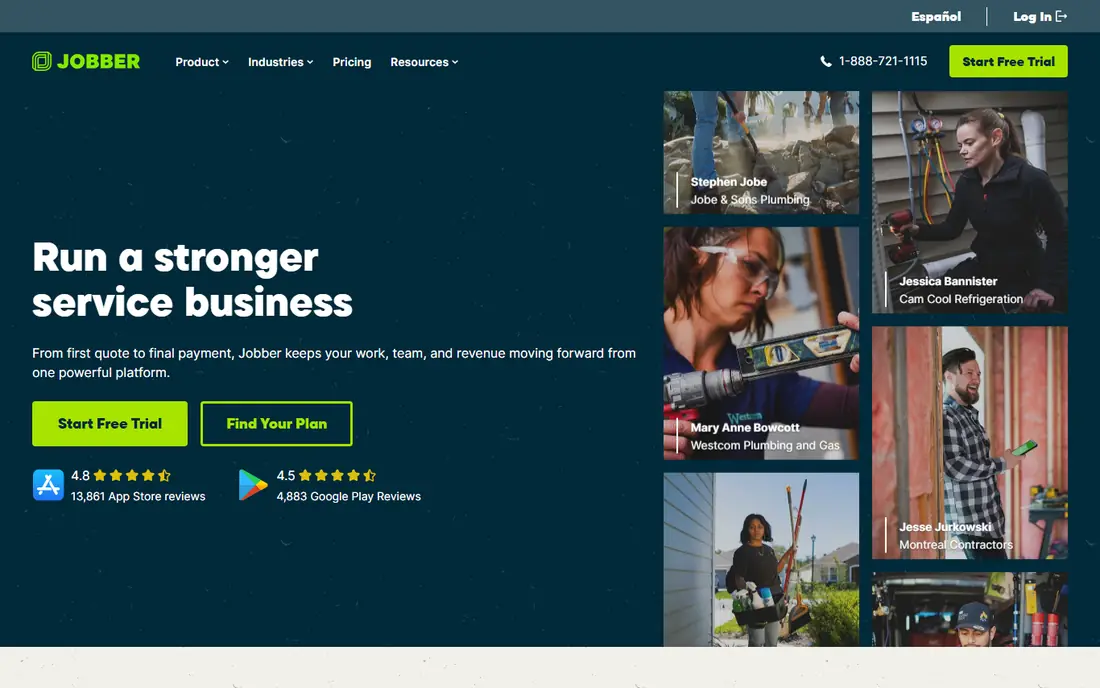
Jobber is the most balanced field service tool on this list for small and mid-sized teams. Scheduling, dispatch, quoting, invoicing, and payments flow together, and customers get reminders, on-my-way messages, and online booking that cut down on phone tag. Techs get a mobile app with job details, notes, and photos, which keeps office and field in sync.
The limits appear at scale. Deeper reporting and advanced features sit on higher tiers, and very large multi-branch operations may need ServiceTitan instead. For lawn care, cleaning, HVAC, plumbing, and similar trades with a handful to dozens of techs, Jobber hits the sweet spot between power and ease of use.
- Clean scheduling and dispatch
- Quotes, invoices, and payments in one flow
- Strong customer messaging
- Advanced reporting sits on higher tiers
- Very large fleets may outgrow it
Housecall Pro
Ideal for: Home service teams
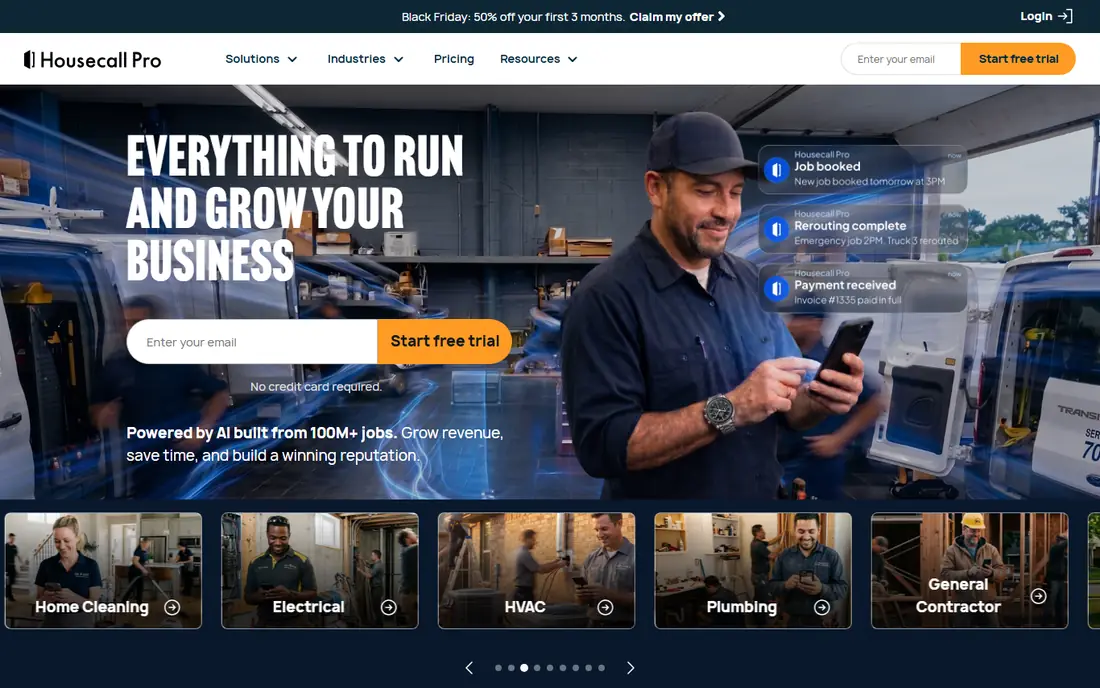
Housecall Pro is built for home service pros who want to get running fast. Scheduling, dispatch, estimates, invoices, and payments live in one product, and the mobile app gives techs job details, navigation, and payment capture on site. Online booking and automated reminders help fill the schedule without extra office work.
Larger operations may find dispatch and reporting lighter than ServiceTitan or FieldEdge. For small home service teams that value speed and a mobile-first daily workflow, Housecall Pro is an easy recommendation, and its trial lets you run real jobs before committing.
- Fast setup
- Strong mobile app for techs
- Online booking and customer notifications
- Some advanced features need higher tiers
- Dispatch depth is lighter than ServiceTitan
ServiceTitan
Ideal for: Larger field service operations
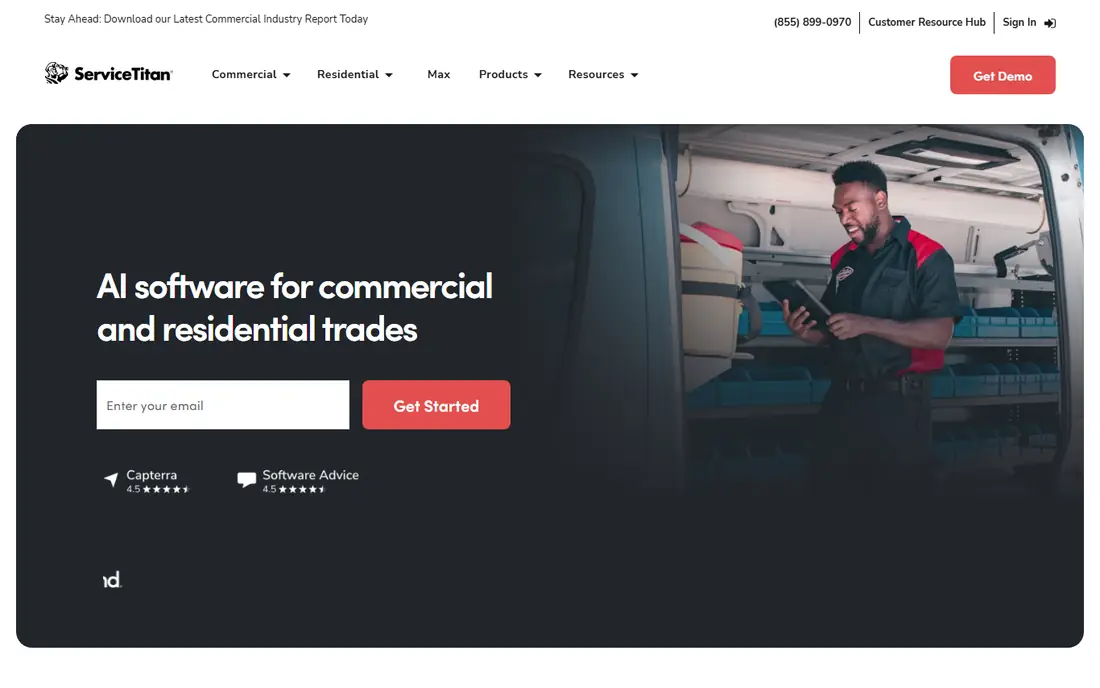
ServiceTitan is the enterprise-grade field service platform here. It covers scheduling and dispatch, CRM, estimates, invoices, payments, marketing automation, and reporting in one system, with mobile tools that keep techs connected to the office all day. Larger HVAC, plumbing, electrical, and home service companies use it to run multi-branch operations from one platform.
Small teams should think carefully. ServiceTitan costs more and takes longer to set up than Jobber or Housecall Pro, and its depth can feel heavy for a team of three. If you run a growing operation with complex dispatch, marketing, and reporting needs, ServiceTitan is the strongest long-term pick on this list.
- Deep dispatch, marketing, and reporting
- Strong mobile tools
- Built for scale
- Higher cost and longer setup
- More than small teams need
FieldEdge
Ideal for: HVAC, plumbing, and electrical
FieldEdge focuses on HVAC, plumbing, electrical, and similar trades, and that focus shows in its dispatch, quoting, and price book tools. Techs can build quotes on site from flat-rate pricing, capture signatures, and take payments, while the office tracks jobs, invoices, and customer history. QuickBooks integration keeps accounting in sync.
The trade focus is also a limit. Teams outside the core trades, such as lawn care or cleaning, may find Jobber or Housecall Pro a better fit. Pricing is handled through sales, so get a written quote for your team size. For trade contractors who live on dispatch and flat-rate quoting, FieldEdge is a strong WorkWave replacement.
- Trade-focused dispatch and quoting
- Flat-rate price book support
- QuickBooks integration
- Less suited to non-trade field work
- Pricing needs a sales conversation
Service Fusion
Ideal for: Value scheduling and invoicing
Service Fusion offers the core field service workflow at a competitive price: scheduling, dispatch, estimates, invoices, payments, and customer management, plus GPS tracking for field staff. That coverage makes it a practical pick for teams that want the essentials without paying for a large enterprise platform.
The interface feels less polished than Jobber or Housecall Pro, and marketing automation is thinner than ServiceTitan. If your priority is solid daily operations at a fair price, Service Fusion delivers. If you want the slickest mobile experience or deep marketing tools, test the more polished rivals first.
- Good value for core features
- Scheduling, dispatch, and invoicing in one tool
- GPS tracking
- Interface feels less modern than rivals
- Advanced marketing tools are thinner
Workiz
Ideal for: Scheduling plus communication
Workiz stands out for communication. Alongside scheduling, dispatch, invoicing, and payments, it offers online booking, automated reminders, and phone system features that help small teams answer and track calls without a separate tool. That mix suits home service teams that win jobs by responding fast.
As with other tools here, some features sit behind add-ons or higher tiers, so check the pricing page for your must-haves. Reporting depth also varies by tier. For teams where fast response and clear customer messaging decide who gets the job, Workiz is a strong, practical choice.
- Strong scheduling and customer messaging
- Online booking
- Phone system add-ons
- Some features need add-ons
- Reporting depth varies by tier
Kickserv
Ideal for: Simple job management
Kickserv, formerly Kickserv, keeps field service management simple. Scheduling, job tracking, customer history, invoicing, and payments cover the daily needs of small service teams without a maze of settings. New users can learn it fast, which matters when techs and office staff share the same system.
Depth is the trade-off. Kickserv does not match ServiceTitan for reporting or FieldEdge for trade-specific quoting, and its integration catalog is smaller. For small teams that want a straightforward tool they will actually use every day, Kickserv is a good value pick and an easy switch from a heavier platform.
- Simple scheduling and job tracking
- Invoicing and payments included
- Easy to learn
- Less depth than ServiceTitan or FieldEdge
- Smaller integration catalog
How we picked these
We compared official feature pages, pricing pages, app store listings, and public reviews, and we checked that the homepages listed here belong to the products named. We favored tools that cover scheduling, dispatch, mobile job work, invoicing, and payments for field service teams. We left out generic project tools with no dispatch or trade workflow, and we did not include WorkWave itself, since this list is about replacements.
We also weighed how each vendor treats new users, including trial length, onboarding help, and the quality of its public documentation. A tool with clear guides and responsive support earns trust faster than a tool with a thin help center, even when feature lists look similar. We gave extra weight to vendors that publish pricing openly and explain limits plainly, since hidden costs and surprise caps cause most buyer regret. Where pricing was only available on request, we said so rather than guessing, and we treated a missing free tier as a real drawback for small teams testing on a budget.
What to check before you switch
Start with a real week of jobs. Map how jobs are booked, dispatched, completed, invoiced, and paid today, then run that same week through each finalist during a trial. Watch for friction in dispatch changes, tech mobile use, and payment capture, since those moments decide whether a tool survives contact with real work.
Next, check integrations and route tools. Confirm your accounting software, payment processor, and any GPS or marketing tools connect cleanly. If you run routes, test route optimization and driver tracking with your actual stops, not a demo set.
Finally, price the team honestly. Count techs, office staff, and seasonal hires, and check which tier holds the features you need, such as reporting, price books, or phone tools. A low starting price can rise fast once every seat and add-on is counted.
Pay attention to support and update pace before you commit. Read the help center, check whether guides match the current version of the product, and test support with a real question during the trial. A vendor that answers clearly and fixes problems quickly is worth more than a slightly lower price from a vendor that leaves you waiting. Also check how often the product changes and whether updates break existing workflows, since a tool that shifts under you every month can cost your team steady retraining time. Stability matters most for tools your whole team depends on daily, so favor vendors with a clear changelog and a reputation for careful releases.
Frequently asked questions
What is the best WorkWave alternative for a small business?
Jobber is our pick for most small field service businesses, since it balances scheduling, invoicing, payments, and customer messaging in one easy product. Housecall Pro is a close second for home service teams that want fast setup.
Which alternative is best for a large field service company?
ServiceTitan suits larger operations best, thanks to deep dispatch, marketing, and reporting in one platform. FieldEdge is strong for larger trade contractors in HVAC, plumbing, and electrical.
Do these tools include mobile apps for technicians?
Yes, all the tools on this list offer mobile apps for field staff, with job details, navigation, notes, photos, and payment capture. Test the mobile app on your techs phones during the trial, since daily use matters more than desktop demos.
Can I take payments through these tools?
Yes, each tool here supports invoicing and payment capture, though processors and fees vary. Check which payment methods each tool supports and what processing fees apply before you switch your billing over.
How hard is it to move from WorkWave to another tool?
Customer lists, job history, and invoices usually move through exports or imports, while schedules, price books, and templates often need rebuilding. Run a pilot with one crew first, and keep WorkWave running until the new tool handles a full week cleanly.
Can I use more than one of these tools together?
Yes, and many teams do, especially when one tool handles a core job well and another covers a niche need. The trick is to define which tool owns each job so records do not split across systems and confuse your team. Check integrations and data flow between the tools before committing, and name one system as the source of truth for each kind of record. Two tools that share data cleanly can beat one tool that does both jobs poorly, but two tools with no connection usually create duplicate work and errors.