Best YouTube SEO Software in 2026: 7 Tools Compared

- 1
 TubeBuddyCreators who publish often and want workflow toolsVisit
- 2
 vidIQCreators focused on keyword scores and trendsVisit
- 3
 TubeRankerCreators who want simple rank trackingVisit
- 4
 MorningfameCreators who want guided keyword researchVisit
- 5
 Keyword ToolCreators who need raw keyword ideas at scaleVisit
- Our pick for most people is TubeBuddy, which stands out for creators who publish often and want workflow tools.
- vidIQ is the strongest alternative if you want creators focused on keyword scores and trends, and it is worth comparing side by side with our top pick.
- 4 of the 7 options here offer a free plan, so you can test the core features before paying anything.
- Prices vary widely, and several options use quote based pricing, so check the official pricing page for your team size before you decide.
- The right choice depends on your budget, your must have features, and how much setup time you can spare, so use the buying guide below to narrow the list to two or three finalists.
Quick comparison
| Product | Ideal for | Price from | Free version | |
|---|---|---|---|---|
| TubeBuddy | Creators who publish often and want workflow tools | See website | Yes | Visit |
| vidIQ | Creators focused on keyword scores and trends | See website | Yes | Visit |
| TubeRanker | Creators who want simple rank tracking | See website | Yes | Visit |
| Morningfame | Creators who want guided keyword research | See website | No | Visit |
| Keyword Tool | Creators who need raw keyword ideas at scale | See website | Yes | Visit |
 TubeSift | Advertisers and creators researching placements | See website | No | Visit |
 Ahrefs | Creators who also do website SEO | See website | No | Visit |
The best YouTube SEO software
We compared 7 options for best youtube seo software, looking at features, pricing, free plans, and honest weaknesses, so you can choose with confidence. The list below mixes well known leaders with smaller options that punch above their weight, and every product block sets out who it fits best and where it falls short.
TubeBuddy
Ideal for: Creators who publish often and want workflow tools
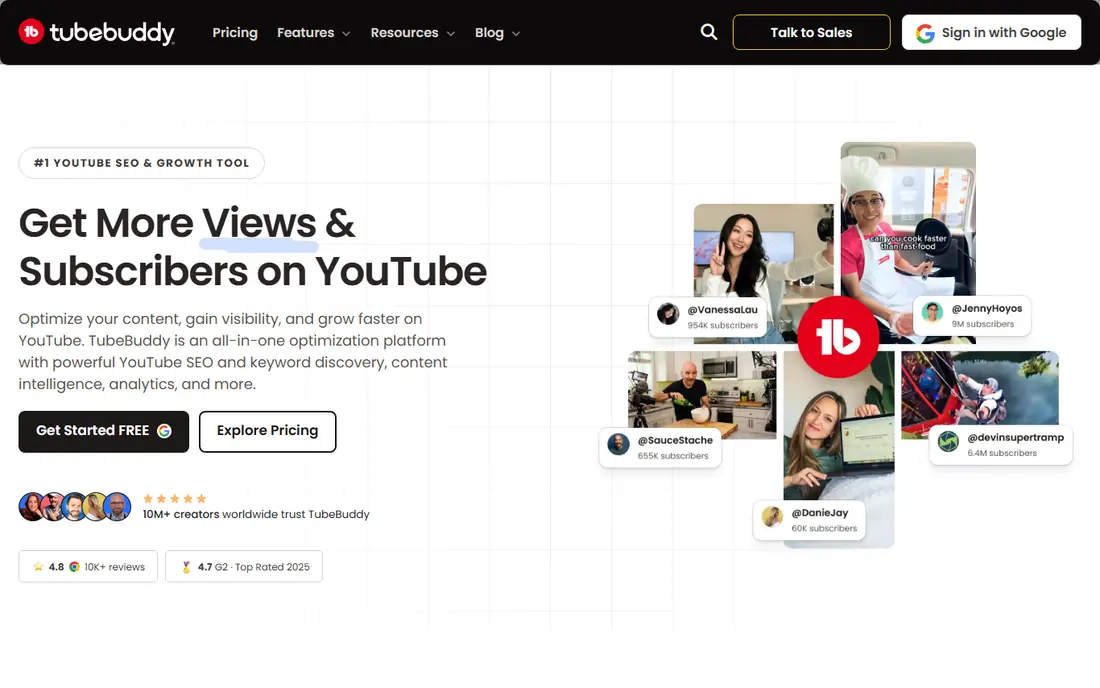
TubeBuddy lives inside YouTube as a browser extension, so keyword data, tag suggestions, and best practice checks appear where you already work. Bulk tools for cards, end screens, and descriptions save real time for channels with large back catalogs. The keyword explorer shows search volume and competition for phrases you are considering.
The free plan covers basics, but the tools most serious creators want sit behind paid plans. The sidebar can also feel busy until you learn which panels to ignore. TubeBuddy fits creators who publish weekly and want workflow speed, not just occasional keyword checks.
Before you commit to TubeBuddy, weigh the trade offs in the pros and cons above against your own priorities, and use the free plan to test it with a real task. Free access makes it easy to check the core experience, but watch for the limits that matter to you, such as the drawbacks noted above, before you build a routine around it.
- Browser extension inside YouTube
- Keyword research and tag tools
- Bulk processing features
- Best features need a paid plan
- Interface can feel crowded
vidIQ
Ideal for: Creators focused on keyword scores and trends
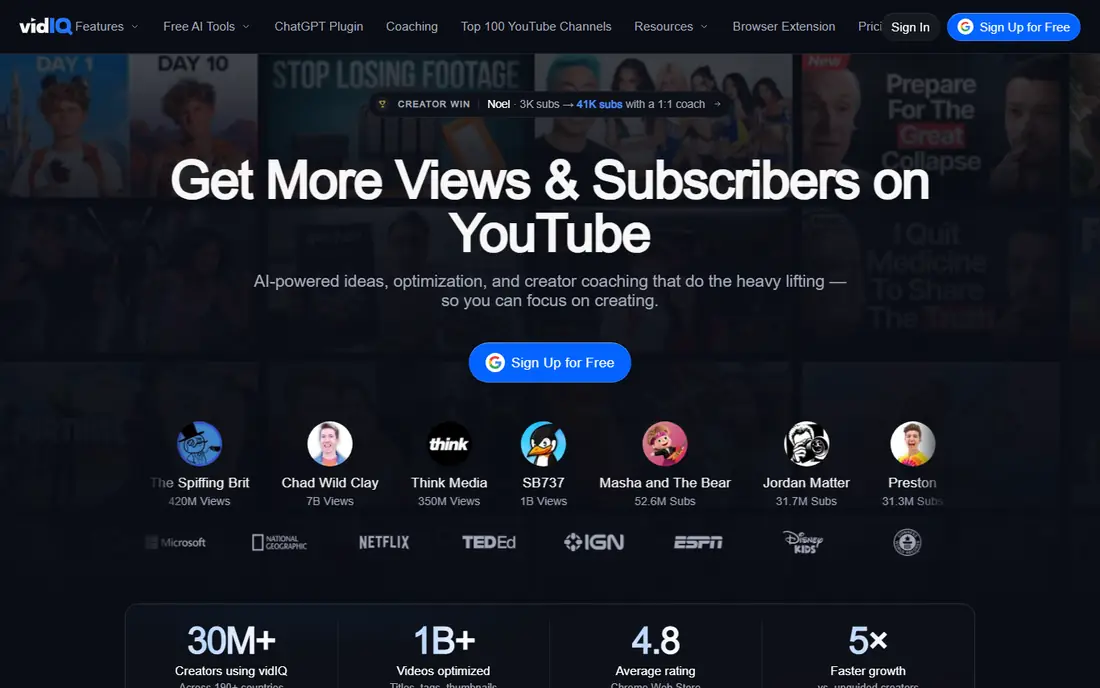
vidIQ also works as a browser extension, with a keyword score that blends search volume and competition into one number. Trending alerts and competitor tracking help creators spot rising topics early, and the channel audit flags practical fixes across recent uploads.
Scores are a guide, not a verdict, and a high score on a weak video will not save it. Free plan limits also cap daily research. vidIQ suits creators who plan content around search data and want a quick read on which topics are worth pursuing.
Before you commit to vidIQ, weigh the trade offs in the pros and cons above against your own priorities, and use the free plan to test it with a real task. Free access makes it easy to check the core experience, but watch for the limits that matter to you, such as the drawbacks noted above, before you build a routine around it.
- Keyword score and search data
- Trending and competitor alerts
- Channel audit tools
- Daily limits on the free plan
- Some scores need context to interpret well
TubeRanker
Ideal for: Creators who want simple rank tracking
TubeRanker keeps things simple. It tracks where your videos rank for chosen keywords, generates tags, and gives basic optimization guidance without a steep learning curve. For creators who find the bigger tools overwhelming, that focus is a genuine advantage.
Simplicity cuts both ways. Analytics depth and competitor tools are thinner here, so growing channels may outgrow it. TubeRanker is a good first paid step for creators who mainly want to know whether their rankings are moving.
Before you commit to TubeRanker, weigh the trade offs in the pros and cons above against your own priorities, and use the free plan to test it with a real task. Free access makes it easy to check the core experience, but watch for the limits that matter to you, such as the drawbacks noted above, before you build a routine around it.
- Simple keyword rank tracking
- Tag generator
- Easy to learn
- Smaller feature set than TubeBuddy or vidIQ
- Less depth on analytics
Morningfame
Ideal for: Creators who want guided keyword research
Morningfame walks creators through keyword research step by step, rather than dumping data on screen. It links research to video analytics, so you can see which topics actually brought views. The approach suits creators who want a method, not just a dashboard.
There is no free plan, and signup runs through an invitation system that can delay access. Morningfame fits creators who like structure and are willing to pay for a guided workflow, rather than those who want a quick free check.
Before you commit to Morningfame, weigh the trade offs in the pros and cons above against your own priorities, and ask for a demo or a clear quote for your size. With no free plan, the sales conversation matters more, so pin down the total cost, the setup help included, and the contract terms before you sign.
- Guided research workflow
- Video performance analytics
- Invitation based community
- No free plan
- Invite system can slow signup
Keyword Tool
Ideal for: Creators who need raw keyword ideas at scale
Keyword Tool pulls autocomplete suggestions from YouTube and turns them into long lists of keyword ideas. It is useful at the brainstorming stage, when you want every variation of a topic before you narrow down. The same tool also covers Google and other platforms.
It gives ideas, not performance data, so you will still need YouTube Studio or another tool to judge which keywords are worth targeting. The free version limits results. Use it for idea generation, then validate the best ideas elsewhere.
Before you commit to Keyword Tool, weigh the trade offs in the pros and cons above against your own priorities, and use the free plan to test it with a real task. Free access makes it easy to check the core experience, but watch for the limits that matter to you, such as the drawbacks noted above, before you build a routine around it.
- Large keyword suggestion lists
- YouTube autocomplete data
- Supports many platforms
- Paid plan needed for full data
- No video analytics built in
TubeSift
Ideal for: Advertisers and creators researching placements
TubeSift searches YouTube for monetized videos matching a keyword, which helps advertisers find placement targets and creators research what is already earning in a niche. The search is fast and the results are easy to export.
This is a specialist tool, not a general SEO suite. It will not track your rankings or audit your channel. It earns a place here for creators and advertisers whose main question is where ads and competition already sit in a topic.
Before you commit to TubeSift, weigh the trade offs in the pros and cons above against your own priorities, and ask for a demo or a clear quote for your size. With no free plan, the sales conversation matters more, so pin down the total cost, the setup help included, and the contract terms before you sign.
- Finds monetized videos by keyword
- Useful for ad placement research
- Simple search
- Narrow use case
- Not a full SEO suite
Ahrefs
Ideal for: Creators who also do website SEO
Ahrefs is a full SEO platform that also includes YouTube keyword research, showing search volume and click data for video topics. Creators who already run a website get video and site research in one subscription, with data quality that is widely respected.
For YouTube only creators, the price is hard to justify, since most of the suite goes unused. Beginners may also find the interface deep. Ahrefs fits creators or businesses where YouTube is one part of a wider search strategy.
Before you commit to Ahrefs, weigh the trade offs in the pros and cons above against your own priorities, and ask for a demo or a clear quote for your size. With no free plan, the sales conversation matters more, so pin down the total cost, the setup help included, and the contract terms before you sign.
- YouTube keyword data inside a full SEO suite
- Strong backlink and site tools
- Reliable data
- Price is high for YouTube only use
- Learning curve for beginners
How we picked these
We compared official feature pages, pricing pages, app store listings, privacy policies, and public reviews for each option, and we checked that every product website listed here loads and belongs to that product. We did not claim hands-on testing we did not do, and we favored products that are clearly available now, with pricing or free plan details we could verify or honestly mark as quote based.
We also weighed fit for the topic over raw popularity. A famous product that only partly covers the need lost ground to a smaller option built for the job, and we kept an eye on pricing at realistic team or household sizes rather than headline discounts that few buyers actually get.
How to pick a YouTube SEO tool that earns its fee
Start with your must have features
Write down the three features you cannot do without, then score each finalist against that short list. A long feature list looks impressive, but most buyers use a small set of features daily, and the product that nails those three will serve you better than a broader tool with a weak core. Check the free plan or trial limits against your real workload, not a demo, so you learn about caps before you commit.
Compare total cost, not just the headline price
Look at the price at your actual size, including per user fees, add ons, and payment or transaction charges. A free plan can be the cheapest start, but it can also cost time if it lacks a feature you need every week. Ask what happens when you grow: does the next tier jump sharply, and does the product still fit at that size?
Test before you commit
Run a short trial with a real task from your daily work, not a sample project. Invite the people who will use the product every day, and watch where they get stuck. A tool that feels easy in a sales demo but confusing in daily use will cost you adoption, so trust the trial more than the brochure.
Check support and the exit route
Look at how you get help when something breaks: live chat, email, phone, or community forums, and whether support hours match your working hours. Also check how you export your data if you leave, since a tool that locks your work inside is a long term risk. A clear export path and responsive support are worth more than a small price difference.
Frequently asked questions
What is YouTube SEO software?
YouTube SEO software helps creators research keywords, write better titles and descriptions, and check how videos rank in search. Most tools add tag suggestions, competitor checks, and performance tracking. They do not guarantee views, but they help you target searches people actually make.
Do I need a paid YouTube SEO tool?
Not at first. YouTube Studio already shows search traffic and basic analytics for free. A paid tool earns its keep when you publish often, compete in crowded topics, or want keyword data and competitor insight that Studio does not show.
Can these tools improve my rankings?
They can improve your targeting and packaging, which helps rankings, but the video itself still has to satisfy viewers. Watch time and click through rate matter more than any single tag. Use the tool to pick topics and titles, then make a video worth finishing.
What is the difference between TubeBuddy and vidIQ?
Both offer keyword research, tag tools, and analytics, and both sit inside YouTube as browser extensions. TubeBuddy leans toward bulk processing and workflow tools, while vidIQ leans toward keyword scores, trending alerts, and competitor tracking. Many creators try both free plans before choosing.
Are free YouTube SEO tools enough?
Free plans cover basic keyword ideas and limited daily searches, which suits new channels. As publishing volume grows, limits become a bottleneck. Upgrade when you hit the free limits regularly, not before.