Best Bomgar Alternatives in 2026: 8 Options Compared

- 1
 TeamViewerRemote support across many platformsVisit
- 2
 AnyDeskFast low-latency remote sessionsVisit
- 3
 SplashtopBest-value remote work accessVisit
- 4
 Zoho AssistBudget remote support for small teamsVisit
- 5
 ConnectWise ScreenConnectIT support teams and managed providersVisit
- Our pick for most people is TeamViewer, because it balances price, features and ease of use for the widest group of readers.
- Free plans are real here, but the limits matter: check what AnyDesk and Splashtop actually include before you commit.
- Prices in this guide come from vendor pricing pages and current comparisons checked in October 2026, and they can change, so confirm the plan on the vendor site before you buy.
- The best choice depends on your budget, your experience level and how much support you want, not on which brand is most famous.
Quick comparison
| Product | Ideal for | Price from | Free version | |
|---|---|---|---|---|
| TeamViewer | Remote support across many platforms | See website | Yes | Visit |
| AnyDesk | Fast low-latency remote sessions | See website | Yes | Visit |
| Splashtop | Best-value remote work access | See website | Free trial | Visit |
| Zoho Assist | Budget remote support for small teams | See website | Yes | Visit |
| ConnectWise ScreenConnect | IT support teams and managed providers | See website | Free trial | Visit |
 LogMeIn Rescue | Enterprise remote support with strong controls | See website | Free trial | Visit |
 RealVNC Connect | Secure lightweight remote access | See website | Yes | Visit |
 RustDesk | Self-hosted open-source remote access | Free | Yes | Visit |
The best Bomgar Alternatives in 2026
We compared official feature pages, pricing pages, app store listings, privacy policies and public reviews to build this list for bomgar alternatives. Every option below exists and works today, and each one earns its place for a different kind of reader.
TeamViewer
Ideal for: Remote support across many platforms
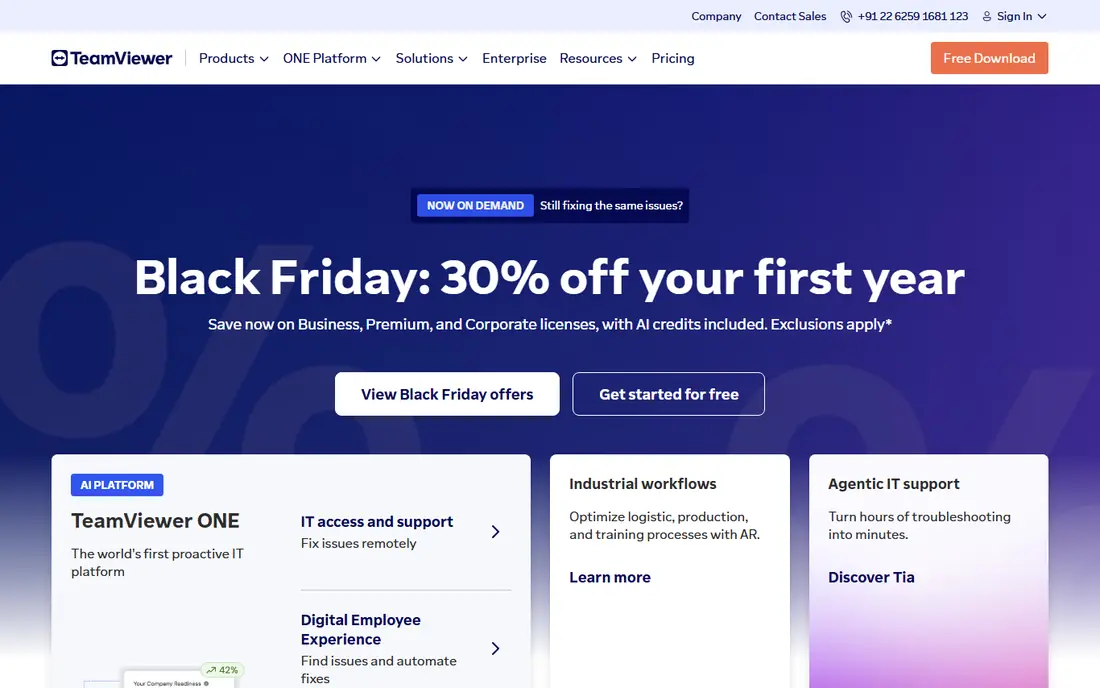
Here is the short version. TeamViewer is the name most IT teams already know, and its breadth across Windows, Mac, Linux, iOS and Android makes it a safe default for remote support. It fits readers who want remote support across many platforms, and its published feature set matches that promise rather than trying to cover every possible use case at once. The price picture is see website, with a free plan status of yes. The commercial price stings for a single user, and its personal use detection sometimes flags legitimate use, so test carefully before you pay. Before you sign up, check the current plan limits on the official site, because caps on users, usage or features are where most buyers get surprised after the first month.
- Wide platform support
- Strong security options
- Free personal use
- Commercial pricing is high for solo users
- Personal use detection can block sessions
AnyDesk
Ideal for: Fast low-latency remote sessions
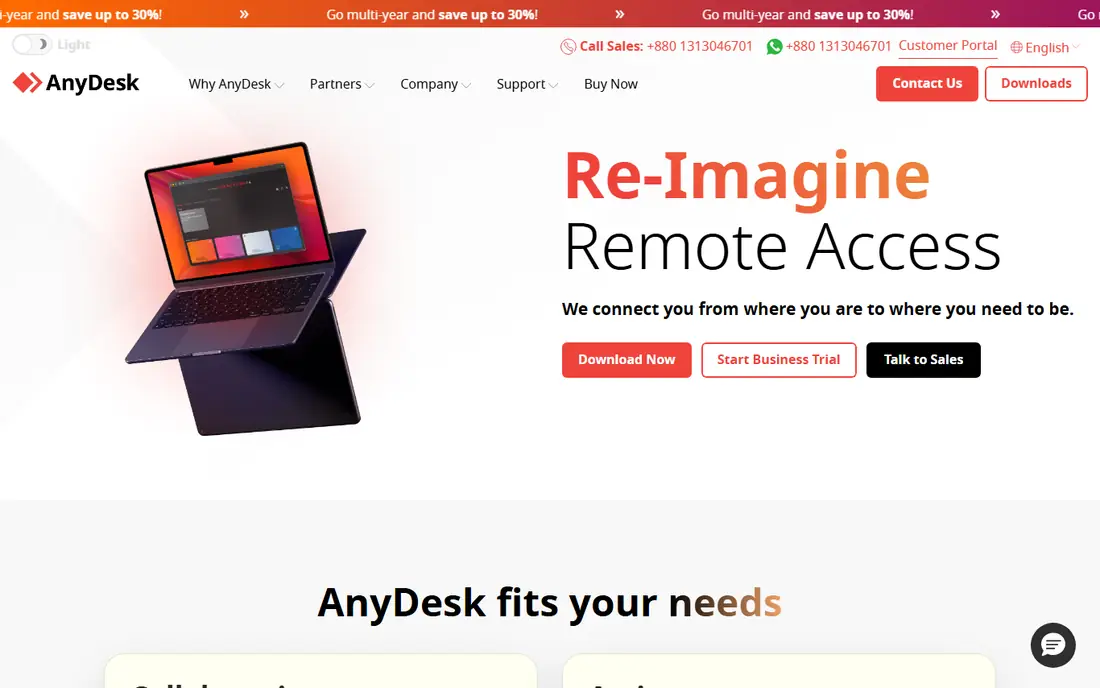
Start here if you want the safe default. AnyDesk feels fast even on weaker connections, which matters when you drive a remote design app or a busy support queue. It fits readers who want fast low-latency remote sessions, and its published feature set matches that promise rather than trying to cover every possible use case at once. The price picture is see website, with a free plan status of yes. The free personal tier is generous, but business features sit on higher plans, so check what your team actually needs before comparing headline prices. Before you sign up, check the current plan limits on the official site, because caps on users, usage or features are where most buyers get surprised after the first month.
- Lightweight client
- Low latency
- Good for demanding remote work
- Higher tiers needed for advanced admin features
- Pricing has risen over time
Splashtop
Ideal for: Best-value remote work access
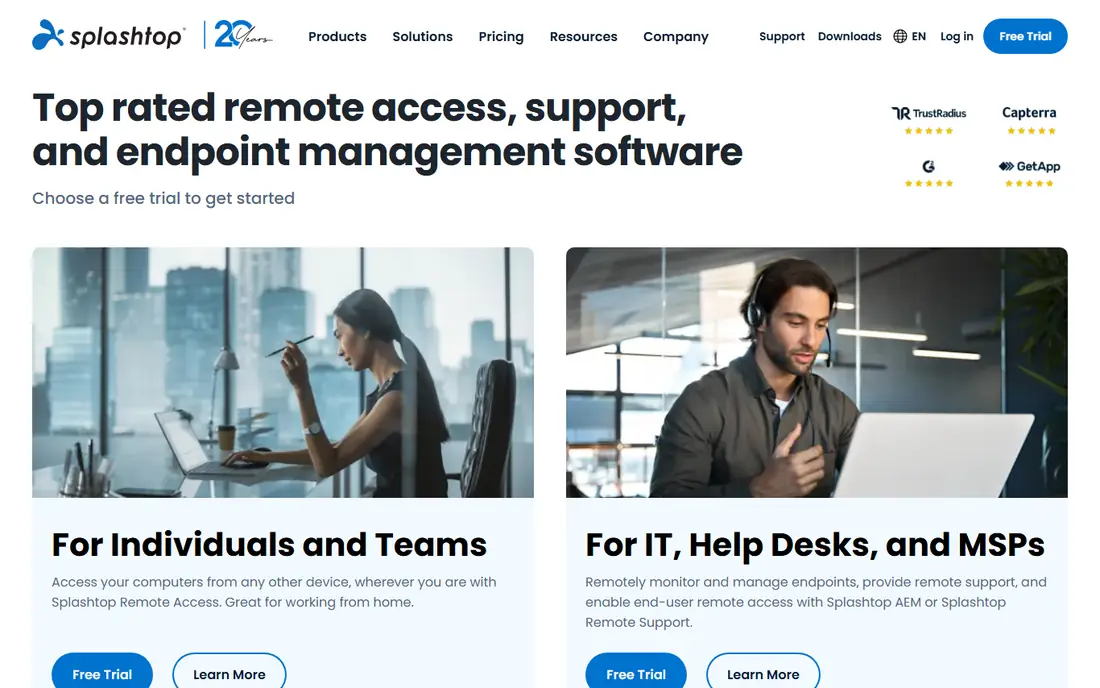
This one suits a specific kind of reader. Splashtop undercuts the big names by a wide margin for solo remote work, and its streaming quality holds up for everyday office and creative tasks. It fits readers who want best-value remote work access, and its published feature set matches that promise rather than trying to cover every possible use case at once. The price picture is see website, with a free plan status of free trial. IT approval can be harder in firms that only approve the best-known brands, and advanced compliance features wait on higher plans. Before you sign up, check the current plan limits on the official site, because caps on users, usage or features are where most buyers get surprised after the first month.
- Low price for solo access
- 4K streaming
- Multi-monitor support
- Session recording and compliance need higher tiers
- Less name recognition in some firms
Zoho Assist
Ideal for: Budget remote support for small teams
Consider this if the top picks do not fit. Zoho Assist gives small support teams a proper attended and unattended access tool at a price that fits a small business. It fits readers who want budget remote support for small teams, and its published feature set matches that promise rather than trying to cover every possible use case at once. The price picture is see website, with a free plan status of yes. The tier limits on concurrent sessions matter for busy helpdesks, so count how many agents work at once before you choose a plan. Before you sign up, check the current plan limits on the official site, because caps on users, usage or features are where most buyers get surprised after the first month.
- Low entry price
- Browser-based support
- Integrates with Zoho Desk
- Session limits vary by tier
- Fewer advanced enterprise features
ConnectWise ScreenConnect
Ideal for: IT support teams and managed providers
A strong option for a narrower need. ScreenConnect is built for support teams that juggle many endpoints, with session queues, unattended access and audit trails that consumer tools lack. It fits readers who want it support teams and managed providers, and its published feature set matches that promise rather than trying to cover every possible use case at once. The price picture is see website, with a free plan status of free trial. It is overkill for one person reaching one PC, and the per-technician price means a small team should trial it on real tickets first. Before you sign up, check the current plan limits on the official site, because caps on users, usage or features are where most buyers get surprised after the first month.
- Strong session management
- Unattended access
- MSP-friendly tooling
- Price climbs with technicians
- Setup takes more work than consumer tools
LogMeIn Rescue
Ideal for: Enterprise remote support with strong controls
Worth a close look before you decide. LogMeIn Rescue suits larger support operations that need strict controls, reporting and session handling across many agents. It fits readers who want enterprise remote support with strong controls, and its published feature set matches that promise rather than trying to cover every possible use case at once. The price picture is see website, with a free plan status of free trial. Small teams will find the price and setup hard to justify, so compare it only if you need that enterprise depth. Before you sign up, check the current plan limits on the official site, because caps on users, usage or features are where most buyers get surprised after the first month.
- Enterprise-grade controls
- Unattended access
- Strong reporting
- High price for small teams
- Setup is heavier than simpler tools
RealVNC Connect
Ideal for: Secure lightweight remote access
This belongs on the shortlist for a reason. RealVNC Connect is a quiet, dependable choice for reaching servers and machines where a heavy client is a liability. It fits readers who want secure lightweight remote access, and its published feature set matches that promise rather than trying to cover every possible use case at once. The price picture is see website, with a free plan status of yes. It lacks the polished collaboration extras of the bigger tools, so it suits access first and support conversations second. Before you sign up, check the current plan limits on the official site, because caps on users, usage or features are where most buyers get surprised after the first month.
- Lightweight and secure
- Good for servers and embedded devices
- Free tier
- Interface is plainer than rivals
- Fewer collaboration features
RustDesk
Ideal for: Self-hosted open-source remote access
Do not overlook this one. RustDesk appeals to privacy-minded teams because you can host the relay server yourself instead of routing sessions through a vendor cloud. It fits readers who want self-hosted open-source remote access, and its published feature set matches that promise rather than trying to cover every possible use case at once. The price picture is free, with a free plan status of yes. Self-hosting is real work, including updates and security, so only choose it if someone on the team owns that job. Before you sign up, check the current plan limits on the official site, because caps on users, usage or features are where most buyers get surprised after the first month.
- Open source
- Self-hosting option
- End-to-end encryption
- Self-hosting needs technical skill
- Smaller support ecosystem
How we picked these
We started from official feature pages and pricing pages, then checked app store listings, privacy policies and public reviews to confirm each product still works and still fits the topic. Products that could not be verified, or that only partly matched the topic, were left out, even when they were well known. We favoured a mix of established leaders and strong smaller options, and we weighted price transparency, a usable free tier or trial, and honest limits more heavily than marketing claims. No product on this list paid for its place, and our pick for most people is the one we would suggest to a friend with ordinary needs and an ordinary budget.
What to check before you replace Bomgar
Start by separating personal access from support work, because the two jobs need different tools. Personal access needs speed, price and simplicity, while support work needs unattended access, session logs and the ability to handle many machines. Check security next: two-factor authentication, encryption and the ability to revoke access matter more than a long feature list. Then test performance on your real connection, not a demo video, because latency and screen quality decide whether remote work feels usable or painful. Also check platform coverage for every machine you support, including phones and servers, and check whether the free tier covers commercial use. A free personal plan that blocks business sessions is not a bargain if it stops work mid-session. Trial the top two on real tasks for a week before you commit to a year.
Frequently asked questions
What is the best Bomgar alternative?
TeamViewer is the safest all-rounder, AnyDesk leads on speed, Splashtop leads on value, and Zoho Assist suits small teams on a budget. The right pick depends on whether you need personal access or team support.
Is there a free Bomgar alternative?
Yes, RustDesk is free and open source, and TeamViewer, AnyDesk, Zoho Assist and RealVNC offer free personal tiers. Check whether the free tier allows commercial use before relying on it for business support.
What should a support team look for?
Look for unattended access, session management, audit logs and strong access controls, plus platform coverage for every machine you support. Price per technician or per computer matters as much as the headline plan price.
Is remote access software safe?
Reputable tools use encryption and two-factor authentication, but safety also depends on strong passwords, revoked access for former staff, and keeping the software updated. Never share an access code with an unsolicited caller.
Can I try these before paying?
Most options here offer a free tier or a free trial, so run a trial on real support tickets before you commit. Test unattended access, file transfer and multi-monitor handling, since those are the features that differ most.