Best BuddyBoss Alternatives in 2026: 7 Community Platforms Compared

- 1
 Mighty NetworksHosted creator communitiesVisit
- 2
 CircleBranded member communitiesVisit
- 3
 DiscourseDiscussion forumsVisit
- 4
 PeepSoWordPress social networksVisit
- 5
 BuddyPressFree WordPress communitiesVisit
- Mighty Networks and Circle suit creators who want a hosted community without managing WordPress.
- BuddyPress and PeepSo suit site owners who want to stay on WordPress and keep full control of their data.
- Discourse stands out for long-running public discussion forums with strong moderation tools.
- Hivebrite and Tribe suit organizations that need branded member networks with event and directory features.
- Pricing varies widely, so check each vendor site for current plans before you commit to a platform.
Quick comparison
| Product | Ideal for | Price from | Free version | |
|---|---|---|---|---|
| Mighty Networks | Hosted creator communities | See website | Free trial | Visit |
| Circle | Branded member communities | See website | Free trial | Visit |
| Discourse | Discussion forums | See website | Free trial | Visit |
| PeepSo | WordPress social networks | See website | No | Visit |
| BuddyPress | Free WordPress communities | Free | Yes | Visit |
 Hivebrite | Organization member networks | See website | No | Visit |
 Tribe | Embeddable community widgets | See website | Free trial | Visit |
The best BuddyBoss alternatives
BuddyBoss builds a social network on WordPress, with member profiles, groups, forums, and courses. The options below cover a similar range, from WordPress plugins to fully hosted platforms. We compared official feature pages, pricing pages, app store listings, and public documentation.
Mighty Networks
Ideal for: Hosted creator communities
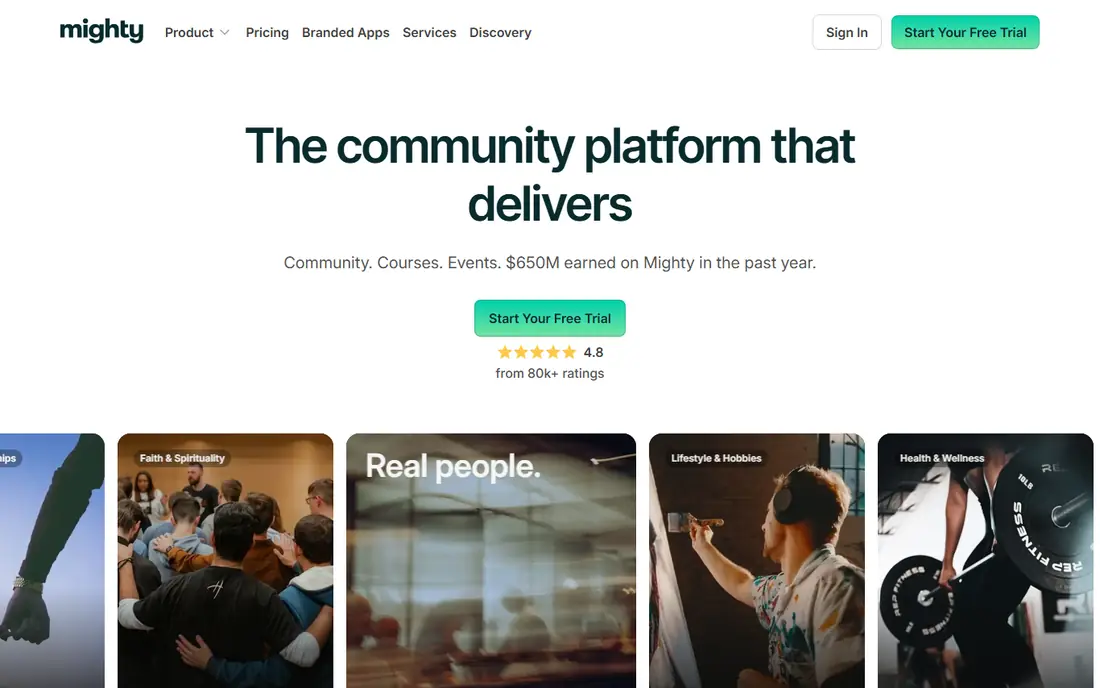
Mighty Networks gives creators a single place for a community, courses, and events without touching WordPress plugins or hosting. Members get a branded web space and mobile apps, and hosts can charge for memberships or courses. For a creator who wants to launch fast, that hosted model removes a lot of setup work.
The trade-off is control. You work inside Mighty Networks rules and templates rather than owning the full stack, and moving a large community elsewhere takes planning. Still, for coaches, course sellers, and small teams, it is one of the simplest BuddyBoss alternatives. Our pick for most creators who want a hosted start is Mighty Networks, because it covers community, courses, and events in one plan.
- Hosted setup with no WordPress upkeep
- Built-in courses, events, and live streaming
- Native mobile apps included
- Less control over code and data exports than a self-hosted site
- Costs rise as membership grows
Circle
Ideal for: Branded member communities
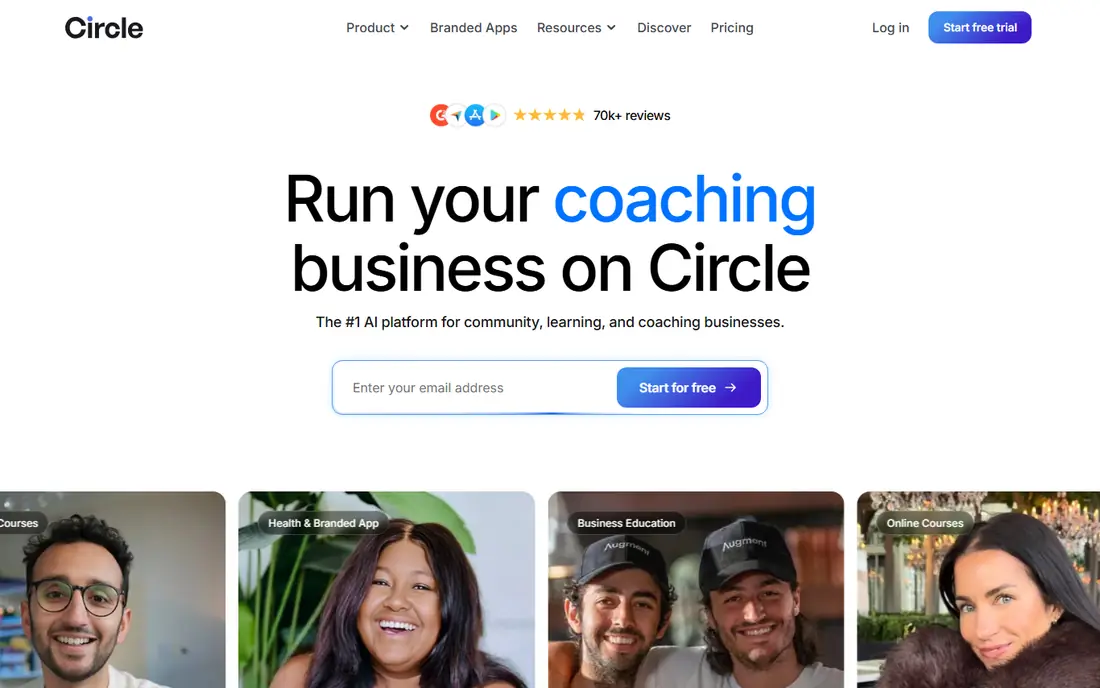
Circle organizes a community into spaces for topics, cohorts, or membership tiers, with chat, posts, events, and live video rooms. It pairs well with tools such as Teachable and Zapier, so many creators use it beside a course platform rather than inside one. The interface feels calm and modern, which helps members return regularly.
Circle does not try to be a full learning system, so course-heavy sites may need a second tool. That split can be a strength too, since each tool does its job well. If your priority is a polished member space with room to grow, Circle is a strong choice.
- Clean member experience with spaces and live rooms
- Good integrations with course and email tools
- Strong branding options
- No native course builder as deep as some rivals
- Pricing is per plan, not per member, which can feel steep for tiny groups
Discourse
Ideal for: Discussion forums
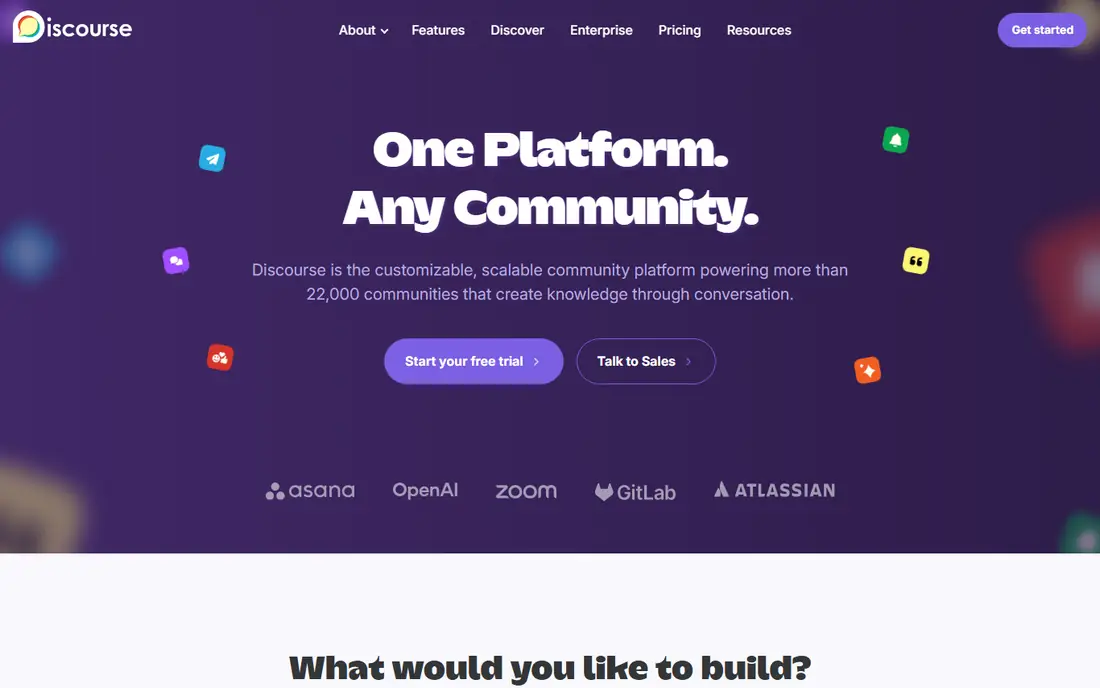
Discourse is built for discussion that lasts. Topics stay searchable for years, trust levels reward helpful members, and moderation tools help large teams keep conversations civil. Many software companies and open source projects run their support and user forums on Discourse for exactly that reason.
It is less suited to a social feed with stories and likes, and the default look is plain until themed. Hosted plans remove the server work, while self-hosting keeps costs low for technical teams. For a community centered on questions, answers, and debate, Discourse remains hard to beat.
- Open source forum software with deep moderation
- Excellent search and long-form discussion
- Hosted plans available
- Forum layout feels less like a social feed
- Setup and theming need more technical skill
PeepSo
Ideal for: WordPress social networks
PeepSo is the closest WordPress-native option on this list. It adds member profiles, activity streams, groups, photos, and messaging to a WordPress site, with paid add-ons for chat, video, and monetization. Site owners who already run WordPress can keep their theme and plugins and add community features on top.
The catch is add-on pricing, since a full feature set may need several paid extensions. Even so, PeepSo suits owners who want a social network feel without rebuilding on a hosted platform. Compare its bundle pricing with BuddyBoss before deciding, since totals vary by feature.
- Runs inside WordPress like BuddyBoss
- Profiles, groups, photos, and chat add-ons
- One-time plugin pricing options
- Add-ons can add up
- Smaller ecosystem than BuddyPress
BuddyPress
Ideal for: Free WordPress communities
BuddyPress is the free WordPress plugin that inspired much of this market, and BuddyBoss itself grew from it. It adds profiles, groups, friend connections, and activity feeds to any WordPress site at no license cost. Developers can extend it freely, and thousands of WordPress themes and plugins work beside it.
Out of the box it looks plain, and features such as paid memberships, courses, and native apps need other plugins. For a hobby community or a tight budget, that trade is often worth it. BuddyPress is our pick for site owners who want a free start and are comfortable adding plugins over time.
- Free and open source
- Member profiles, groups, and activity streams
- Large WordPress plugin ecosystem
- Basic design out of the box
- Needs extra plugins for courses, monetization, and mobile apps
Hivebrite
Ideal for: Organization member networks
Hivebrite serves alumni associations, professional networks, and nonprofits that need a private, branded member hub. It includes a member directory, groups, events, job boards, and fundraising tools, with admin controls for staff teams. Organizations that need to segment members and track engagement will find it a good fit.
Small creator communities may find it more formal and more costly than they need. For an association or school network with staff managing it, though, Hivebrite covers needs that consumer community tools often miss. Ask for a demo and current pricing, since plans are typically quoted.
- Built for alumni, associations, and professional networks
- Member directory and events included
- Strong branding and admin controls
- Enterprise pricing can be high for small groups
- Less suited to casual creator communities
Tribe
Ideal for: Embeddable community widgets
Tribe takes a different path: instead of a separate destination, it embeds a community inside a website or product you already run. Members get profiles, posts, groups, and notifications that match the host site branding. Developers can use its API to build custom flows, which suits product teams and startups.
If you have no existing site, a hosted platform may be simpler. But for companies that want community inside their product, Tribe avoids sending users to a second destination. It is a smart pick for teams that treat community as a feature of their product, not a separate site.
- Embeds into an existing website or app
- Customizable spaces and member profiles
- API for custom builds
- Needs an existing site to shine
- Some advanced features sit on higher plans
How we picked these
We compared official feature pages, pricing pages, app store listings, and public documentation for each platform, looking for real community features such as profiles, groups, messaging, events, and moderation. We favored platforms that are actively maintained and work in October 2026, and we mixed hosted services with WordPress options so readers with different setups can compare. We did not claim hands-on testing, and prices change, so we point readers to vendor sites for current plans.
We also weighed practical details that matter after signup. That included how easy each product is to set up, whether support answers promptly, and whether pricing stays clear as usage grows. We read user complaints as well as praise, since repeated complaints about billing, onboarding, or missing features often signal a real weakness. Where a product had a known limitation, we said so in its write-up rather than smoothing it over. Our goal was a shortlist that a reader can trust for buddyboss alternatives, not a list of every vendor in the market. Readers with unusual needs should still test their top two choices, since fit depends on budget, team size, and the features used every day.
What to check before you switch
Start with where your members already live. If they are on WordPress, a plugin keeps their logins and content in one place. If they are scattered across email and social media, a hosted platform with mobile apps may pull them together faster. Write down the features you must keep, such as paid memberships, courses, events, or private groups, and test each shortlisted platform against that list.
Next, check migration and ownership. Ask how member data, posts, and media export, and whether you can leave without losing content. For paid communities, test the checkout and renewal flow yourself, and read the privacy policy for how member data is handled. A short trial with a small group of real members will reveal more than any feature page.
Testing your shortlist before you commit
A short trial answers questions that no comparison table can settle. Sign up for your top two choices, run a real task from your own work, and watch how long it takes and where you get stuck. For buddyboss alternatives, that real task might be a weekly workflow you repeat, a report you need every month, or a setup step your team must repeat for new members. If a tool slows that task down, it will cost time every week, no matter how good its feature list looks.
Pay attention to support during the trial as well. Send a question through the normal support channel and note how long a useful answer takes. Check billing clarity too: confirm what the trial includes, when it ends, and what the first paid invoice will actually show. A tool that is hard to cancel, or that hides fees until checkout, deserves caution.
Finally, ask who else on your team must use the tool. A product that only one person likes will stall, while a product the whole team adopts will pay for itself. Gather quick feedback from the people who will use it daily, compare their notes with your own, and then choose. That small amount of trial discipline prevents most bad purchases, and it costs far less than switching tools again in six months.
Budgeting the full cost, not just the headline price
Headline prices rarely tell the full story. Add up per-user fees, add-on charges, implementation help, and any training your team needs, then compare that total across your shortlist. A cheaper plan that needs three paid add-ons can end up costing more than a fuller plan from a rival. Check renewal terms as well, since introductory discounts often expire after the first term and the second year price is the one you will actually live with.
Think about exit costs too. Before you commit, confirm how your data exports, whether your content or history moves cleanly, and what happens if you pause or cancel. A tool with clean exports gives you freedom later, while a tool that locks data in makes switching painful. Choosing with the full cost and the exit path in mind keeps your buddyboss alternatives decision sound for the long term, not just for the first month.
Frequently asked questions
Is BuddyBoss the same as BuddyPress?
No. BuddyPress is a free WordPress plugin for profiles, groups, and activity feeds. BuddyBoss builds on that idea with its own theme, platform, and app features. PeepSo and BuddyPress are the closest WordPress-native alternatives here.
Can I move my community from BuddyBoss to another platform?
Often yes, but it takes planning. Member accounts, posts, and media may export in different formats, and courses or memberships may need rebuilding. Ask the new vendor about migration help before you cancel, and keep a backup of your WordPress site.
Which BuddyBoss alternative is best for courses?
Mighty Networks bundles courses with community, while Circle pairs with external course tools. WordPress owners can combine BuddyPress or PeepSo with a learning plugin. Pick based on whether you want one system or best-of-breed tools.
Do these platforms offer mobile apps?
Mighty Networks and Circle include mobile apps in their hosted plans. WordPress options usually need a separate app solution or a mobile-friendly theme. Check the current plan details, since app access varies by tier.
What does a community platform cost?
Costs range from free for BuddyPress to quoted enterprise plans for Hivebrite, with hosted platforms in between. Always check the vendor pricing page, since per-member fees, app fees, and add-ons change the total.