Fotor is the first pick on this list for online photo editing with effects. Listed starting prices: Picsart from $10.5 per month. Adobe Firefly is the stronger choice for Generative AI for images and media, while Photoroom suits E-commerce product photo editing. The other 2 tools in the list cover narrower or pricier cases.
Ainotely put together this guide to Canva Magic Expand for readers who want a clear shortlist without reading every vendor page. It compares 5 tools on starting price, free plans, who each one suits and where each one falls short.
Key takeaways
Fotor sits first on this list: online photo editing with effects.
Check the limits for Adobe Firefly before you commit: focus on generation over editing.
Picsart is the one to check for all-in-one creative system with templates.
Fotor stands alone as the one tool in this list with a free plan.
Picsart is the lowest-priced starter here at $10.5 per month.
Where Fotor fits: online photo editing with effects. For sophisticated AI editing, consider Photoshop or Firefly.
Where Fotor stands out: Crop, text; effects tools.
On top of that, the homepage flags its free online editing capabilities. This comparison lists no price for Fotor; ask the vendor. Fotor offers a free plan.
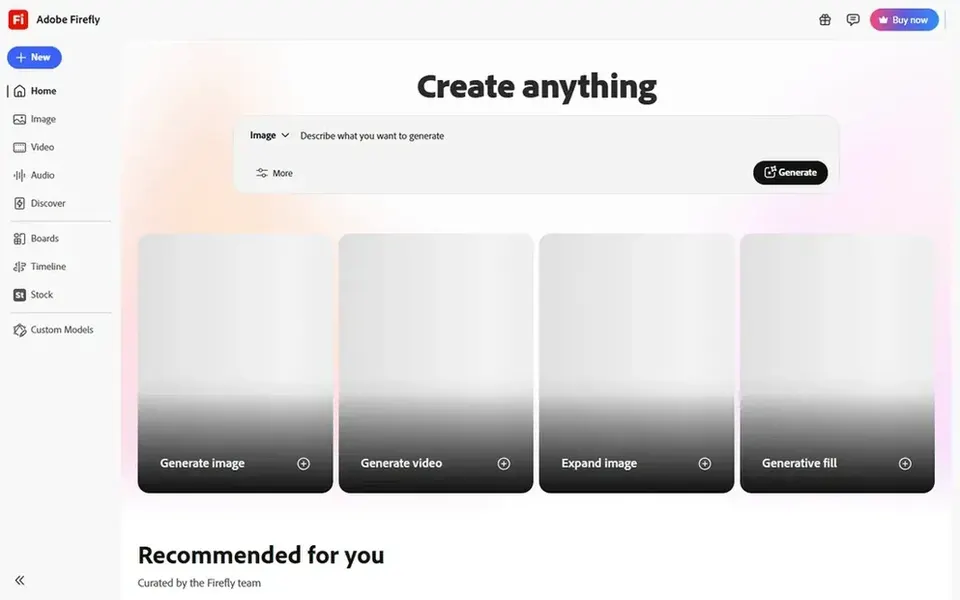
Pick Adobe Firefly if this describes you: Generative AI for images and media. It fits creatives who want to create new visual content from text prompts and explore models from several providers.
From a buyer's view, Firefly is primarily a generation tool, so it may not offer the precise pixel-level editing that some users need for expanding existing images. This comparison lists no price for Adobe Firefly; ask the vendor. Free options: Not stated.
Photoroom makes the most sense for E-commerce product photo editing. Photoroom is an AI visual editor designed for e-commerce, helping sellers produce product listing images and videos.
It suits online merchants who require to rapidly produce professional-looking visuals from product photos. Photoroom does not show a starting price in this comparison, so check the vendor site for current pricing. Free access: Free trial.
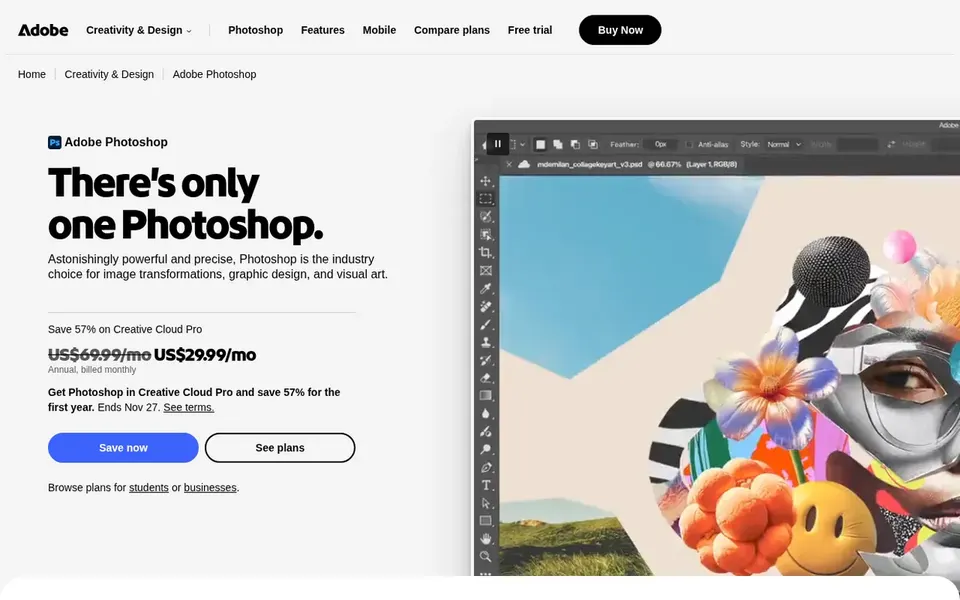
Adobe Photoshop targets professional AI-assisted photo editing. Photoshop's depth can overwhelm beginners, and the interface takes time to learn. If you need a more straightforward, template-driven tool for fast social media graphics, a lighter alternative may be better.
Where it is weaker: Needs Adobe account.
In daily use, the homepage flags fast ways to produce custom scenes and combine images online or with the mobile app. Adobe Photoshop is a full photo and design application that bundles AI-driven features for complicated edits. Pricing for Adobe Photoshop is not stated here, so ask the vendor for current figures. Free plan details: Not stated.
Best for: All-in-one creative product with templates
In short, Picsart is for all-in-one creative product with templates. Picsart is an all-in-one creative system offering a mix of AI design tools, templates, and asset libraries. As for the details, the homepage emphasizes quick content creation with generative AI and templates.
For everyday use, pick Picsart for fast, template-driven designs. Whereas Picsart supplies numerous features, its interface can feel busy, and advanced users might find the editing controls less precise than dedicated software. In daily use, for professional-level compositing, Photoshop is more capable. What you pay to start with Picsart: $10.5 per month. Free options: Not stated.
Reasons to shortlist it: Built-in asset libraries.
Confirm the entry price on the vendor page. For Fotor, Adobe Firefly, Photoroom and Adobe Photoshop that means a quote rather than a fixed price.
Test the free plan from Fotor against your real workload before relying on it.
Run a trial of Photoroom with real work before paying for a year; your own workflow is the best test.
Before choosing Fotor, weigh its main limit: restricted advanced AI features.
Confirm that Adobe Photoshop connects to the apps your team already uses, on the plan you would actually buy.
The entry price of Photoroom is only the starting point; model the full cost with seats and extras.
How we picked
Selection started from tools commonly considered for Canva Magic Expand, then narrowed to 5 that have clear pricing information or a clear quote process. Where a vendor does not publish a price, the entry says quote. Where a price depends on seats or billing term, the entry says so. The ranking is editorial: typical fit first, then clear pricing, then free access. If your needs are unusual, read the profiles rather than relying on position.
Every price and plan detail on this page comes from the vendors’ own websites. We did not run hands-on tests unless the text says so, and we do not publish star ratings or review scores. See how we score and our disclosure.
Keep your shortlist in one place
Paste prices, trial dates and notes from this guide into Ainotely, our AI note app. It files them into a topic and pulls out tasks like “cancel trial by Friday”. Free 7-day trial, no card needed.
Not all of them. Fotor, Adobe Firefly, Photoroom and Adobe Photoshop publish no starting price, so expect a quote request for those. The rest, Picsart included, show a starting price, though seats and billing terms still change the final cost.
How are the tools for Canva Magic Expand ordered?
Fotor sits first and Picsart last because the order follows typical fit for Canva Magic Expand, then price clarity and free access. It is a judgement call, so read each profile for fit and limits.
What is the cheapest option for Canva Magic Expand in this list?
On published monthly entry prices, Picsart is the lowest here at $10.5 per month. Entry price is only part of the cost, because seats, add-ons and billing terms can change the total. Pricing, free plan details and limits for all 5 tools in this Canva Magic Expand alternatives roundup sit on the individual cards above.
What is the best alternative to Canva Magic Expand for professional editing?
Fotor is the pick this page puts first, mainly for online photo editing with effects. If your situation differs, Adobe Firefly suits Generative AI for images and media, and Photoroom suits E-commerce product photo editing. Compare price and limits before you decide.
Is Fotor the right pick for everyone comparing Canva Magic Expand?
No single tool suits every team. Fotor comes first because it fits online photo editing with effects, while Adobe Firefly suits Generative AI for images and media and Photoroom suits E-commerce product photo editing. Match the tool to your own size, budget and workflow before deciding.