Best Celigo Alternatives in 2026: 8 Options Compared

- Boomi and MuleSoft are the enterprise picks, with deep connectivity and governance for large integration programmes.
- Workato and Tray.ai suit teams that need both internal automation and customer-facing integrations in one platform.
- Jitterbit and SnapLogic offer strong data integration with a focus on business systems and cloud apps.
- Make, Pipedream and other lighter tools suit smaller teams that need affordable automation without enterprise cost.
Quick comparison
| Product | Ideal for | Price from | Free version | |
|---|---|---|---|---|
 Boomi | enterprise application integration | See website | Free trial | Visit |
 MuleSoft | API-led integration | See website | Free trial | Visit |
 Workato | enterprise automation | See website | Free trial | Visit |
 Tray.ai | visual automation and integration | See website | Free trial | Visit |
 Jitterbit | focused integration platform | See website | Free trial | Visit |
 SnapLogic | cloud data integration | See website | Free trial | Visit |
 Make | affordable visual automation | See website | Yes | Visit |
 Pipedream | developer-friendly integration | See website | Yes | Visit |
The best Celigo Alternatives
Here are our picks for the best celigo alternatives, covering a mix of well-known leaders and strong smaller options. We compared official feature pages, pricing pages, app-store listings, privacy policies and public reviews to build this list.
Boomi
Ideal for: enterprise application integration
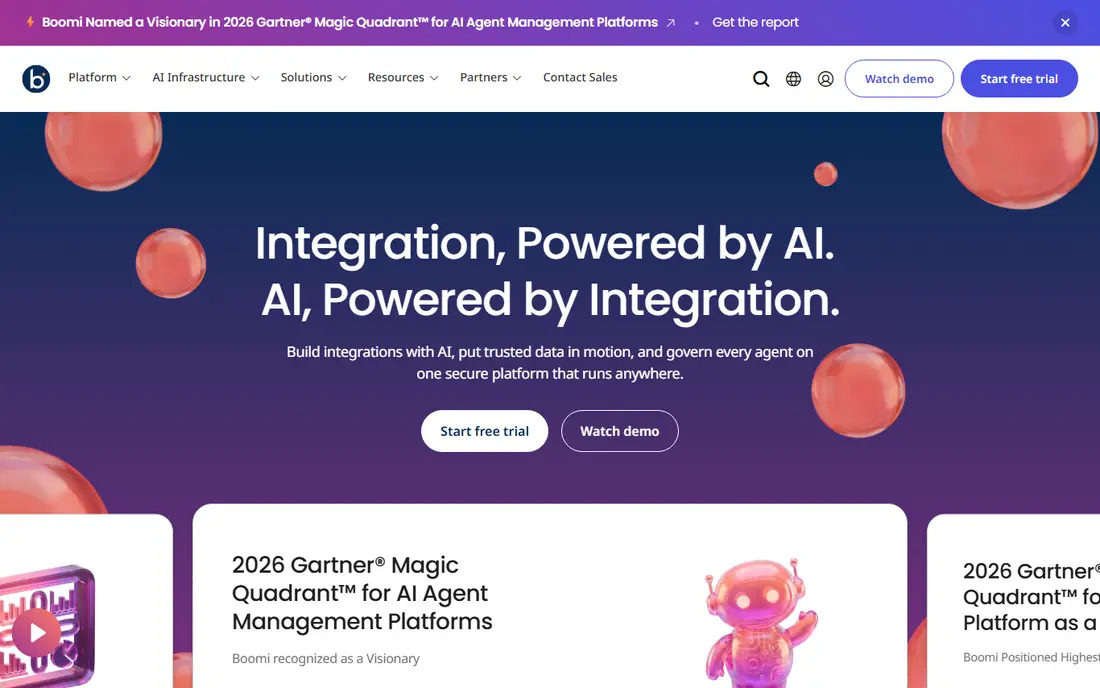
Boomi is a mature integration platform that connects applications, data and clouds for large organisations. Its connector library covers major business systems, and its data management tools help teams keep records consistent across platforms. Organisations with complex integration needs value its depth.
Cost and implementation reflect its enterprise focus, and a rollout is a project rather than a quick setup. Smaller teams should consider lighter tools first. For large integration programmes, Boomi is a reliable and well-supported alternative.
Bottom line: Boomi suits enterprise application integration best. Its strongest point is mature platform, while the main drawback to weigh is enterprise cost. Check the current pricing page before deciding, since plans and limits change.
- Mature platform
- Broad connectors
- Strong data management
- Enterprise cost
- Setup is a project
MuleSoft
Ideal for: API-led integration
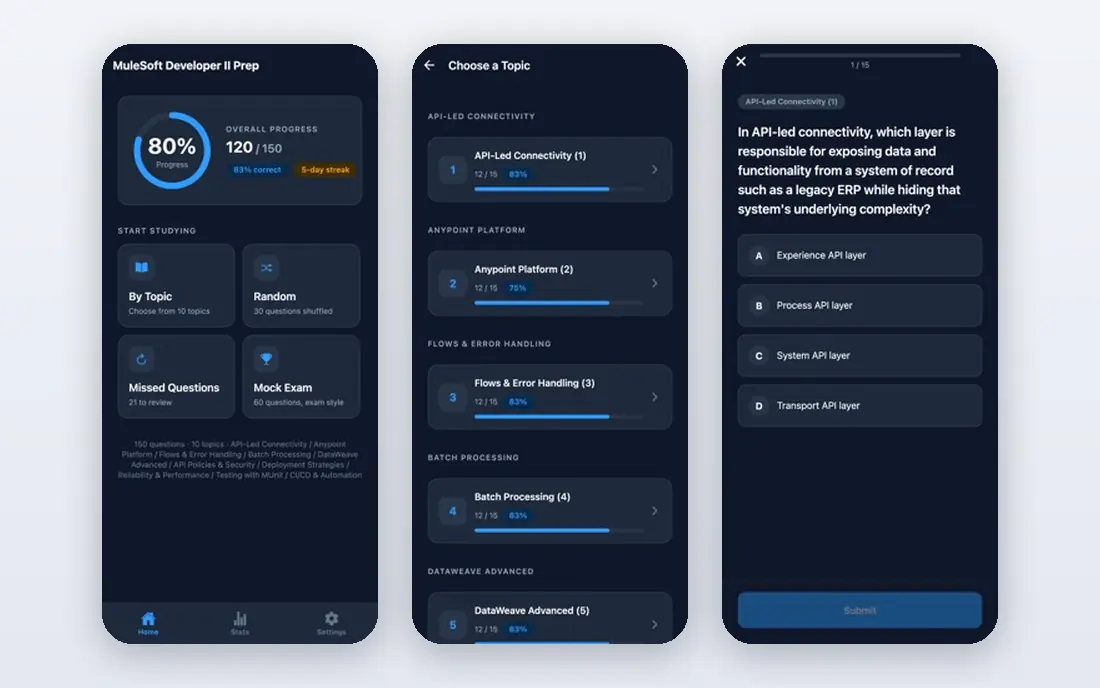
MuleSoft takes an API-led approach, with tools to design, build and manage APIs that connect systems across an organisation. Governance, reuse and monitoring are strengths, which matter for enterprises maintaining many integrations. The Salesforce connection helps teams already using that platform.
Pricing is high, and running MuleSoft well needs specialist skills. It is not a quick tool for a small team with a few syncs. For enterprises standardising on APIs, MuleSoft is a leading choice.
Bottom line: MuleSoft suits API-led integration best. Its strongest point is aPI design and management, while the main drawback to weigh is high cost. Check the current pricing page before deciding, since plans and limits change.
- API design and management
- Strong governance
- Salesforce ecosystem
- High cost
- Needs specialist skills
Workato
Ideal for: enterprise automation

Workato combines integration with automation through recipe-based workflows, covering a large library of business applications. It suits organisations that want both system integration and workflow automation in one platform, with enterprise security and governance built in.
Pricing and complexity reflect its enterprise focus, and small teams may find it heavy. For larger organisations that need automation at scale, Workato is a proven platform.
Bottom line: Workato suits enterprise automation best. Its strongest point is large connector library, while the main drawback to weigh is enterprise pricing. Check the current pricing page before deciding, since plans and limits change.
- Large connector library
- Recipe-based automation
- Enterprise security
- Enterprise pricing
- Complexity for small teams
Tray.ai
Ideal for: visual automation and integration
Tray.ai offers a visual builder for automation and integration, with connectors for major business systems and options for embedded integrations. Teams can build flows with drag-and-drop logic, monitor runs and handle errors from one console.
Pricing is quoted, and advanced features take time to master. For teams that want visual building with enterprise-grade connectors, Tray.ai is a flexible option.
Bottom line: Tray.ai suits visual automation and integration best. Its strongest point is visual builder, while the main drawback to weigh is pricing is quoted. Check the current pricing page before deciding, since plans and limits change.
- Visual builder
- Embedded options
- Solid connector range
- Pricing is quoted
- Advanced builder takes learning
Jitterbit
Ideal for: focused integration platform
Jitterbit is an integration platform with strong connectors for ERP, CRM and ecommerce systems, plus API management tools. It suits mid-size and large teams that need reliable syncing between business systems without the full weight of the largest enterprise platforms.
The interface feels enterprise rather than simple, and pricing is quoted. For teams that need solid business system integration with good support, Jitterbit is a credible Celigo alternative.
Bottom line: Jitterbit suits focused integration platform best. Its strongest point is strong business system connectors, while the main drawback to weigh is interface feels enterprise. Check the current pricing page before deciding, since plans and limits change.
- Strong business system connectors
- API management
- Good support
- Interface feels enterprise
- Pricing is quoted
SnapLogic
Ideal for: cloud data integration
SnapLogic is a cloud integration platform with a visual pipeline builder for connecting applications and data sources. Its AI assistance helps suggest mappings, which speeds up building flows, and its coverage of cloud data sources is strong. Data teams value its pipeline approach.
Pricing is enterprise level, and complex pipelines take learning. Smaller teams may prefer Make or Pipedream. For cloud data integration at scale, SnapLogic is a strong platform.
Bottom line: SnapLogic suits cloud data integration best. Its strongest point is visual pipeline builder, while the main drawback to weigh is enterprise pricing. Check the current pricing page before deciding, since plans and limits change.
- Visual pipeline builder
- Strong cloud and data coverage
- AI assistance
- Enterprise pricing
- Learning curve for complex pipelines
Make
Ideal for: affordable visual automation
Make, formerly Integromat, offers visual automation with a scenario builder that connects a broad range of apps. Small teams can build multi-step flows without code, and pricing tiers are affordable for getting started. That combination makes it popular with small businesses and startups.
Pricing is based on operations, so busy flows can consume the allowance faster than expected, and enterprise governance is lighter than in Boomi or Workato. For affordable, visual automation, Make is an excellent pick.
Bottom line: Make suits affordable visual automation best. Its strongest point is visual scenario builder, while the main drawback to weigh is operations-based pricing needs watching. Check the current pricing page before deciding, since plans and limits change.
- Visual scenario builder
- Affordable tiers
- Broad app support
- Operations-based pricing needs watching
- Enterprise governance is lighter
Pipedream
Ideal for: developer-friendly integration
Pipedream lets developers build integrations and workflows with code where needed, connecting a large library of apps. It offers a free tier for trying it out, and its flexibility appeals to engineering teams that want control over integration logic.
It expects more developer effort than a managed integration app, since mapping and error handling sit with your team. Usage pricing needs watching at scale. For developer-led teams, Pipedream is a flexible and affordable alternative.
Bottom line: Pipedream suits developer-friendly integration best. Its strongest point is code-friendly workflows, while the main drawback to weigh is more developer effort than managed platforms. Check the current pricing page before deciding, since plans and limits change.
- Code-friendly workflows
- Large app library
- Free tier
- More developer effort than managed platforms
- Usage pricing
How we picked these
We started from the original product and what people use it for, then compared official feature pages, pricing pages, app-store listings, privacy policies and public reviews for each candidate. We kept only products that exist, work in October 2026 and genuinely fit the topic, and we left out products that were discontinued, unrelated or too thin to recommend.
We weighed fit for the topic first, then price and free options, ease of setup and the honest downsides that show up in reviews and documentation. Prices are given as listed on the vendor's own site where we could verify them, and we wrote See website where a price was quoted, unclear or likely to change by plan.
We also left out products that no longer exist, that have been folded into a different product, or that only partly fit the topic. A longer list would have been easier to write, but a list padded with poor fits helps nobody choose, so we kept the list to products we can genuinely recommend for this use.
How to choose an integration platform
Start with the systems you must connect. A platform that has ready connectors for your ERP, CRM and ecommerce tools will save weeks compared with one that needs custom API work for each system. Check the exact systems, not just the connector count.
Next, check how the platform handles errors and data mapping. Integrations fail, and the difference between a good platform and a poor one is how clearly it shows failures and lets you fix them. A trial with real data will reveal this faster than a sales demo.
Finally, model the pricing at your real volume. Some platforms charge per flow, some per task and some by subscription tier. A platform that looks affordable for ten flows can become expensive at a hundred, so price the growth path, not just the starting point.
Check the renewal price, not just the first bill. Introductory discounts, per-user charges and usage limits can change the cost sharply in year two, so ask for the standard price and model it at your expected team size. A tool that stays affordable as you grow is worth more than a cheap first month.
Read the fine print on limits. Free tiers and entry plans often cap users, projects, storage or monthly usage, and those caps decide whether a plan works in practice. Confirm the limits that matter to you in writing before you commit to a paid plan.
Frequently asked questions
What is Celigo used for?
Celigo is an integration platform that connects business applications, especially NetSuite, Salesforce, Shopify and similar systems. It offers prebuilt integration apps that sync orders, customers, inventory and financial data between systems.
What is the best Celigo alternative?
Boomi and Workato are strong enterprise alternatives, while Jitterbit suits teams that want a focused integration platform. Make and Pipedream are better picks for smaller teams with simpler automation needs.
Are integration platforms expensive?
Pricing varies widely. Enterprise platforms are quoted and can be costly, while lighter tools like Make offer affordable tiers. The right cost depends on how many systems and flows you need to run.
Do I need an integration platform or can I use native connectors?
Native connectors work for a single simple sync, but they often lack error handling, mapping and monitoring. Once you connect several systems, a platform usually saves time and reduces breakage.
How long does implementation take?
Prebuilt integrations can go live in days or weeks, while custom integrations take longer. Allow time for testing with real data, since mapping errors only show up with realistic records.
Can I try these options before paying?
Yes, in most cases. Nearly every option on this list offers a free tier or a free trial, and we note that in the comparison table and in each product block. Use the trial for real work rather than a quick look, and check the renewal price before the trial ends so there are no surprises.