Checkmarx Alternatives in 2026: 8 Options Compared

- Snyk and SonarQube lead for teams that want developer friendly application security.
- Veracode and Fortify suit enterprises with strict compliance and audit needs.
- Semgrep and GitHub code scanning appeal to teams that want fast, code native checks.
- Check language coverage and false positive rates before switching, not just feature lists.
Quick comparison
| Product | Ideal for | Price from | Free version | |
|---|---|---|---|---|
 Snyk | Developer friendly application security | See website | Free trial | Visit |
 SonarQube | Code quality plus security scanning | See website | Free | Visit |
 Veracode | Enterprise application security with audit depth | See website | No | Visit |
 Fortify | Enterprise static analysis from OpenText | See website | No | Visit |
 Semgrep | Fast code native security checks | See website | Free | Visit |
 GitHub Advanced Security | Code scanning inside GitHub | See website | Free | Visit |
 Checkov | Infrastructure as code security scanning | See website | Free | Visit |
 Bearer | Code security with data flow focus | See website | Free | Visit |
The best checkmarx alternatives
Checkmarx focuses on static application security testing, but teams choose alternatives for speed, developer experience, or broader coverage. The tools below cover static analysis, software composition, and integrated security platforms.
Snyk
Ideal for: Developer friendly application security
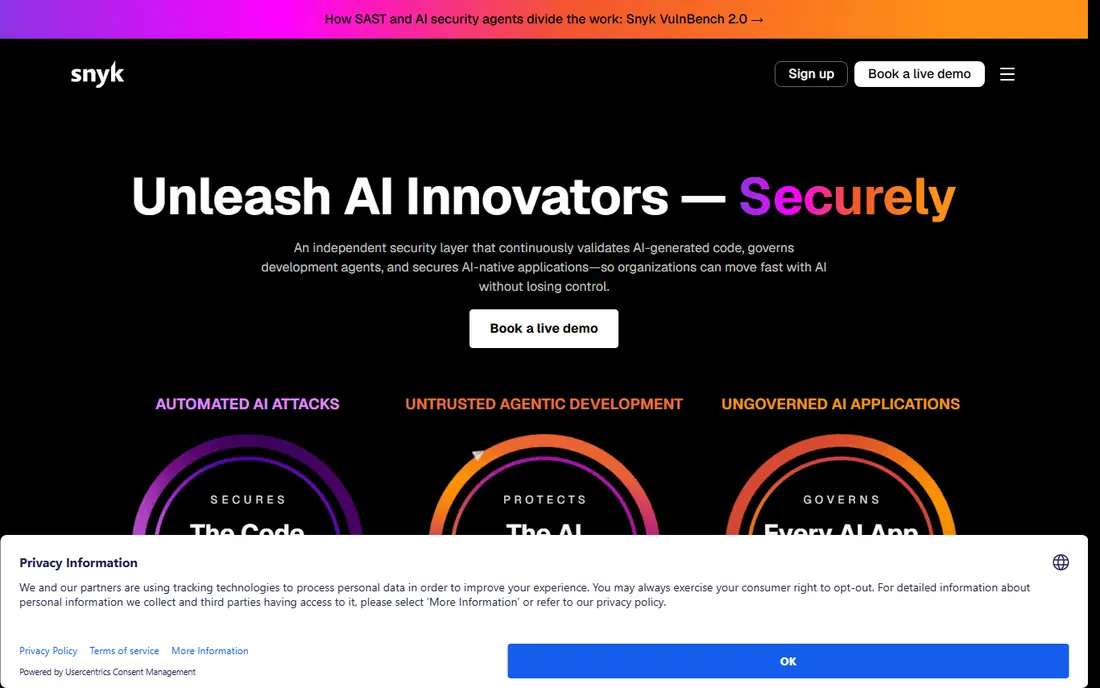
Snyk scans code, dependencies, containers, and infrastructure with a developer focused workflow. Findings appear in pull requests with fix suggestions, which helps teams act quickly. The free tier suits small projects.
Pricing scales with developer count, and enterprise features add cost. For developer friendly security, Snyk is our pick.
- Code and dependency scanning
- IDE and CI integration
- Fix guidance
- Pricing scales with developers
- Enterprise features cost more
SonarQube
Ideal for: Code quality plus security scanning
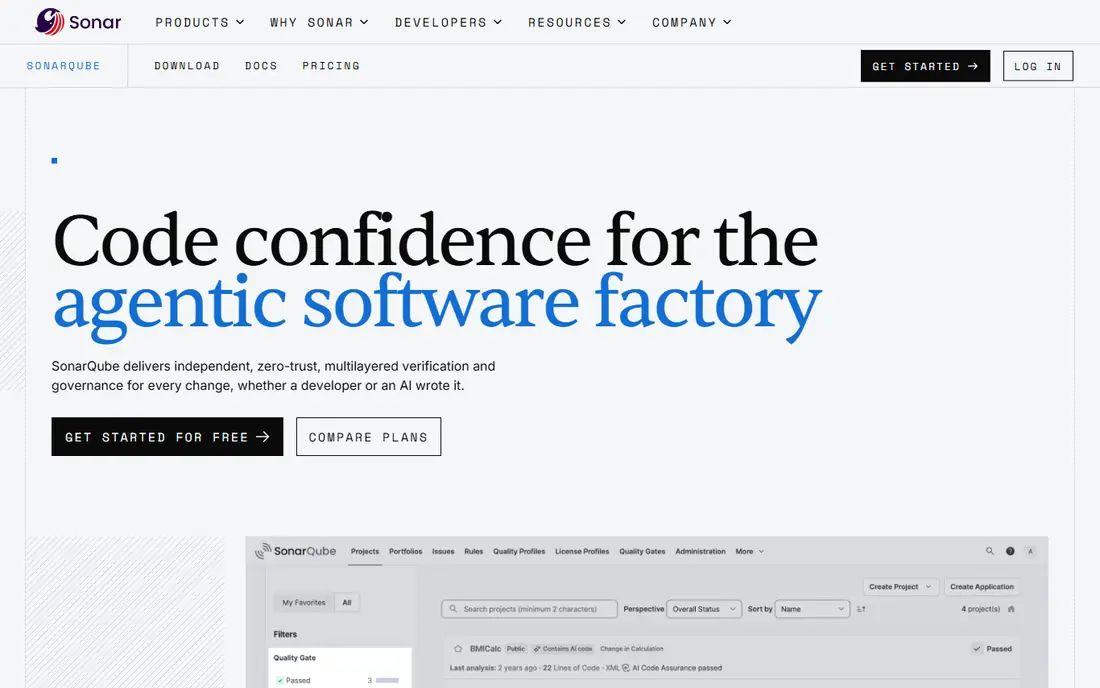
SonarQube combines code quality and security scanning, with a self hosted Community edition that is free. It suits teams that want one gate for quality and security in CI. Language support is broad.
Enterprise features such as branch analysis need paid tiers, and setup takes effort. For quality plus security, SonarQube is a strong choice.
- Code quality and security in one tool
- Self hosted option
- Wide language support
- Enterprise features need paid tiers
- Setup takes effort
Veracode
Ideal for: Enterprise application security with audit depth
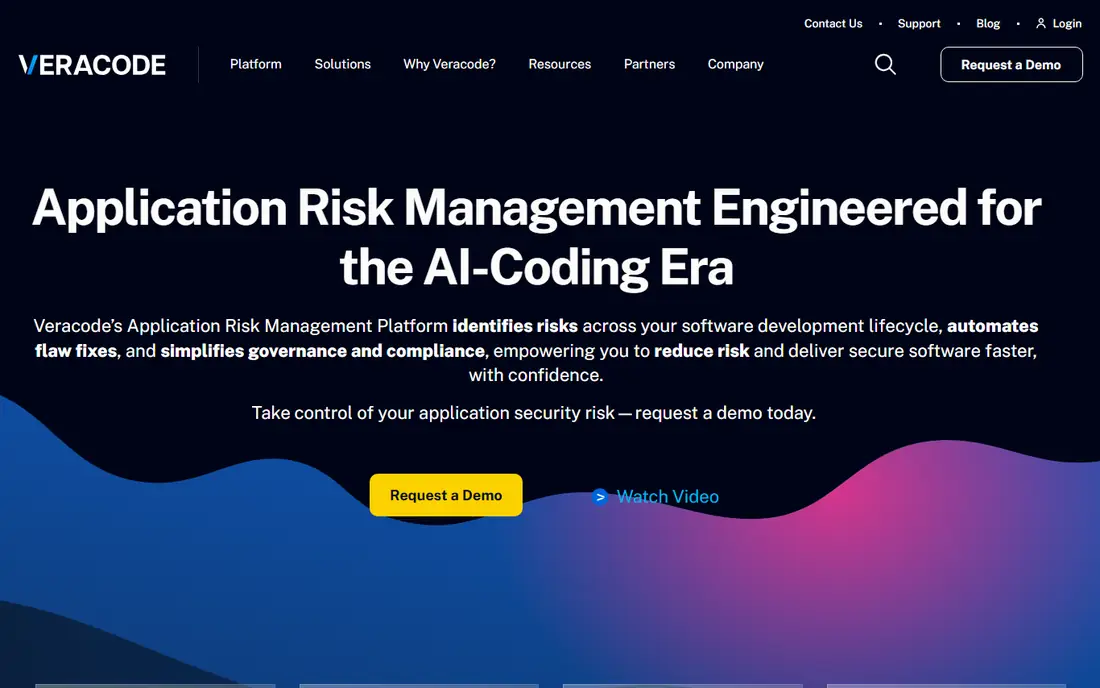
Veracode offers static, dynamic, and software composition testing with reporting suited to compliance and audits. Large enterprises value its depth and policy controls. It covers many languages and frameworks.
Pricing is enterprise level and the developer experience is heavier than Snyk. For audit driven enterprises, Veracode is a credible choice.
- Static and dynamic testing
- Compliance reporting
- Broad language support
- Enterprise pricing
- Developer experience is heavier
Fortify
Ideal for: Enterprise static analysis from OpenText
Fortify, from OpenText, provides deep static analysis for enterprises with complex codebases and strict security requirements. It integrates with development pipelines and produces detailed audit reports. Regulated industries often choose it.
Setup is complex and pricing is enterprise scale. For deep enterprise static analysis, Fortify remains a leader.
- Deep static analysis
- Enterprise integrations
- Audit reporting
- Complex setup
- Enterprise pricing
Semgrep
Ideal for: Fast code native security checks
Semgrep scans code quickly with custom rules that teams can write and share. Its open source core suits developers who want control, while the paid platform adds management and reporting. It fits CI pipelines well.
Rule tuning takes effort, and enterprise management features cost more. For fast custom scanning, Semgrep is a strong pick.
- Fast scanning
- Custom rules
- Open source core
- Enterprise platform features cost more
- Rule tuning needed
GitHub Advanced Security
Ideal for: Code scanning inside GitHub
GitHub Advanced Security adds code scanning, secret scanning, and dependency alerts inside GitHub, where many teams already work. Findings appear in pull requests, which keeps security close to development. Public repositories get code scanning free.
Private repositories need a paid Advanced Security license, and it centers on GitHub. For GitHub teams, it is a natural fit.
- Native GitHub integration
- Code scanning and secret scanning
- Dependabot
- Requires GitHub Advanced Security for private repos
- GitHub centered
Checkov
Ideal for: Infrastructure as code security scanning
Checkov scans infrastructure as code for misconfigurations, covering Terraform, CloudFormation, and Kubernetes. It suits teams that want infrastructure security alongside application scanning. The open source tool is free.
It focuses on infrastructure rather than application code, so pair it with a SAST tool. For IaC security, Checkov is a strong open choice.
- IaC scanning
- Policy as code
- Open source
- Focused on infrastructure, not app code
- Needs integration
Bearer
Ideal for: Code security with data flow focus
Bearer scans code with a focus on data flows and sensitive data, linking security findings to privacy risks. It suits teams that care about both security and data handling. CI integration keeps checks close to development.
It is a smaller vendor with less enterprise depth than leaders. For data aware code security, Bearer is worth a look.
- Data flow analysis
- Privacy and security rules
- CI integration
- Smaller vendor
- Enterprise depth is limited
How we picked these
We compared official feature pages, documentation, and pricing for each tool, checking language support, integration with code hosting and CI, and reporting. We favored tools that explain their detection approach and false positive handling. We did not claim hands-on testing; our comparison rests on published features and public documentation.
We also checked whether each option is still offered and supported, and we left out products with unclear pricing, broken pages, or a poor fit for the topic. Where a price or free tier could not be confirmed from the vendor site, we wrote See website rather than guessing. Readers should still check the vendor page before buying, since prices and plans change.
How to choose a Checkmarx alternative
Start with your languages and frameworks. A tool that covers your stack deeply beats one with a long but shallow list. Check support for your main languages, infrastructure as code, and containers if you use them. Ask for a trial on your own code.
Test false positive rates on real code. A scanner that flags everything gets ignored, while one that misses real issues gives false comfort. Run a pilot on a representative repository and count how many findings developers accept versus dismiss.
Check developer workflow fit. Security tools work when they fit pull requests and CI, with clear fix guidance. Tools that only produce long PDF reports slow teams down. Look for IDE plugins, pull request comments, and fix suggestions.
Compare total coverage. Some teams need static analysis only, while others need software composition, secrets scanning, and container checks in one platform. A broader platform may cost more but replaces several tools. Map your needs before comparing prices.
Before you pay, confirm the total cost for the first year, including any add ons, renewal prices, and fees that only appear at checkout. A low starting price can hide a higher renewal rate, and a free tier can limit the feature you need most. Write down the features you will use weekly, and pay only for those.
After you choose, give the option a fair trial with your real workload, not just a quick tour. Set a reminder to review it after two to four weeks, and note what worked, what annoyed you, and what you never used. That review tells you whether to keep, upgrade, or switch before a renewal locks you in.
If the option disappoints, switch sooner rather than later. Export your data first, check whether you can keep your account history or settings, and confirm any cancellation terms. A good provider makes leaving straightforward, and a difficult exit is itself useful information about the service.
Talk to people who already use the option before you commit, especially for a business purchase. A short conversation with a current user reveals support quality, setup effort, and daily friction that marketing pages omit. Ask what surprised them after the first month, since early impressions often differ from longer use.
Keep a simple record of why you chose the option, including the price you were quoted and the features that mattered. That note makes renewal talks easier and helps a colleague or future you understand the decision. If the price rises or a key feature changes, the note shows whether the original reasons still hold.
Finally, plan the first week of use before you pay. List the setup steps, the data you need to move, and the people who need access. A clear first week plan turns a promising choice into a working routine, and it exposes missing features while you can still change your mind.
Save the vendor support page and the cancellation instructions in the same place as your receipt. When something goes wrong, you will want support details at hand rather than searching for them under pressure. A tidy record saves time and keeps a small problem from becoming a long one.
Keep notes on the first month of use, including any issues and how support handled them. Those notes give you clear evidence if you need a refund, an upgrade, or a switch, and they help you advise a friend or colleague who asks about the same choice later.
Frequently asked questions
What is the best Checkmarx alternative?
Snyk is our pick for developer friendly security across code and dependencies, while SonarQube suits teams that want code quality plus security in one tool. Veracode fits enterprises with strict audit needs. Your stack and compliance rules decide the winner.
What does Checkmarx do?
Checkmarx provides static application security testing, scanning source code for vulnerabilities before release. Alternatives cover the same area plus software composition analysis, container scanning, and dynamic testing, depending on the tool.
Are there free alternatives to Checkmarx?
Yes, SonarQube Community and Semgrep offer free tiers or open source versions for static analysis, and GitHub code scanning is free for public repositories. Free tools may lack enterprise reporting and support, so check the limits.
How do I switch from Checkmarx to another tool?
Start with a pilot on one repository, compare findings, and tune rules before migrating all projects. Export your existing findings and suppression rules where possible. Plan training for developers on the new workflow and reporting.
What is the difference between SAST and SCA?
Static application security testing, or SAST, scans your own code for flaws. Software composition analysis, or SCA, checks third party libraries and dependencies for known vulnerabilities. Many teams need both, and some platforms bundle them.
How often should I review my choice?
Review it at least once a year, and sooner if your needs, budget, or team size change. Prices, features, and policies shift over time, and a better fit may appear. A short yearly check, comparing your current option with two alternatives, keeps you from paying for features you no longer use.